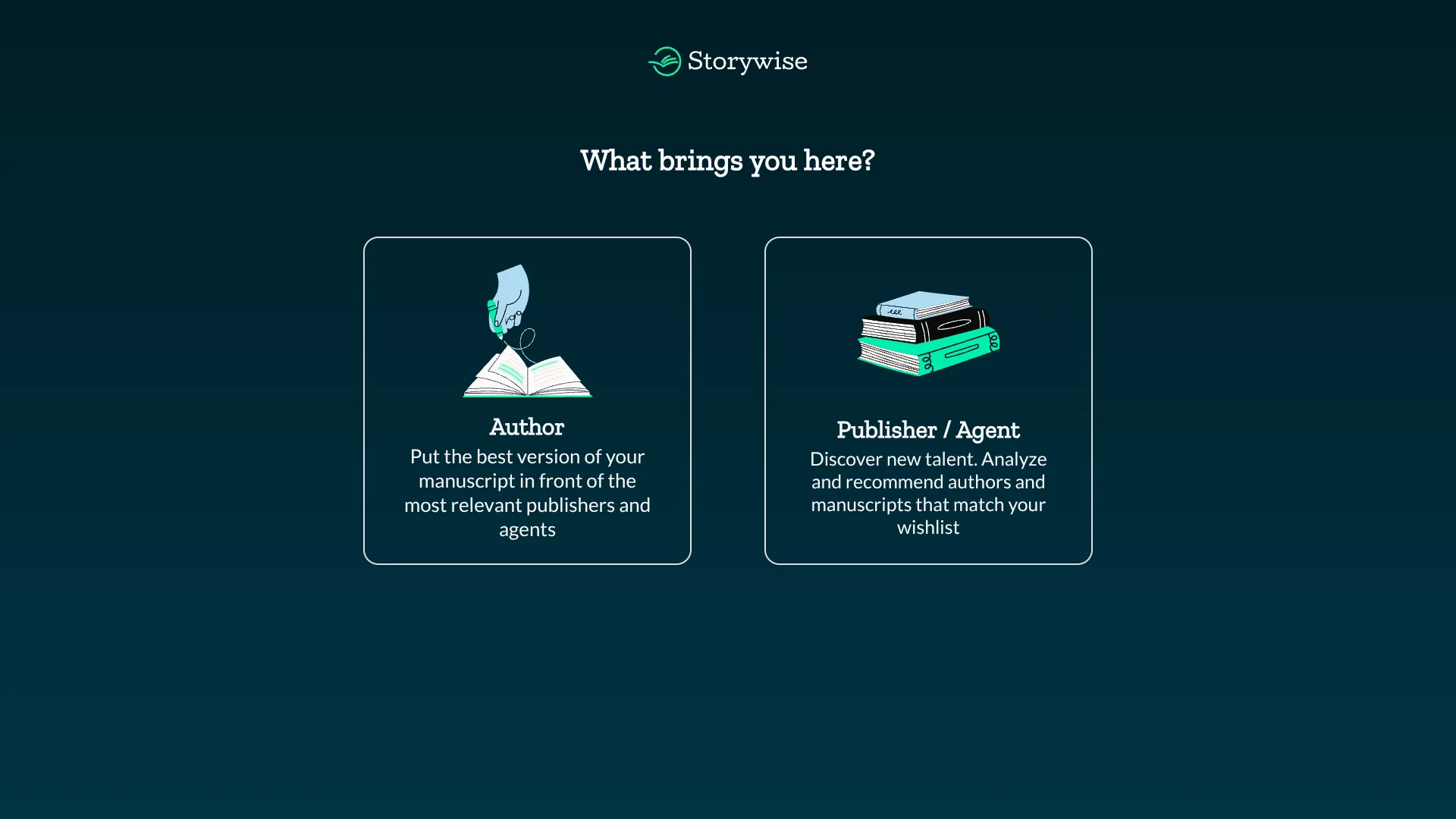
Storywise
Manuscript feedback paired with publisher and agent discovery for authors.
Key Takeaways
- What it is
- Manuscript feedback paired with publisher and agent discovery for authors.
- Pricing
- Freemium
- Best for
- AI Manuscript Critique
- AI Book Materials
- Storywise Discovery Network
- Rating
- 3.9/5
What is Storywise?
Storywise helps authors prepare manuscripts for publication by generating AI-assisted critiques and book materials, then connecting book listings with publishers and agents on its Discovery Network. Its tools can draft a logline, synopsis, keywords, and comparative titles, giving writers a starting point for improving a manuscript and presenting it to the publishing industry.
A book listing can be matched to publishers’ and agents’ stated interests, and authors can track views and requests through a Network Activity dashboard. That link between manuscript preparation and a publisher discovery network gives Storywise a concrete purpose beyond editing text.
Storywise is best suited to authors who want feedback and a route to publisher or agent discovery in the same publishing process. AI-generated material needs the author’s review, and Storywise does not guarantee that publishers will read or accept a manuscript, so treat its network as an introduction rather than a publishing deal.
Who is Using Storywise?
Fiction Authors
A manuscript critique and comparative titles can help writers assess how a story reads and how it may be presented.
Nonfiction Authors
Authors can prepare a synopsis, keywords, and a book listing for publisher discovery.
Literary Agents
Agent wish lists help surface book listings that match their interests.
Acquisitions Editors
Publisher-side users can review discoverable listings and request a full manuscript from an author.
Uncommon Use Cases
Independent authors can develop metadata and a book trailer for a self-publishing route; authors can use comparative titles to sharpen how they describe a manuscript.
Key Features
Rating Breakdown
Pricing Plans
Basic Plan
Free
- Listed as free on the official author page.
Author Plan
- The official page lists a special introductory offer, which is excluded from standard pricing.
Which Storywise plan should you pick?
Start with the free Basic Plan to explore author tools, and consider the Author Plan if you need its additional discovery and editing features.
Basic Plan
Good for aspiring authors starting their writing journey and exploring Storywise.
Author Plan
Good for dedicated authors seeking publisher or agent discovery and additional manuscript features.
Storywise Use Cases
Prepare a Manuscript for Submission
A critique and AI-generated submission materials give an author a first pass at strengthening and presenting a draft.
Outcome: A reviewed manuscript package with a synopsis, logline, and keywords.
Find Interested Publishers or Agents
A discoverable book listing can be matched to publisher and agent interests on the Storywise network.
Outcome: A place to share a listing and track views or requests.
Review Publisher Interest
The Network Activity dashboard shows interactions with a book listing and lets authors approve requests for the full manuscript.
Outcome: Authors can see activity and decide when to share a manuscript.
Build Book Metadata
AI-generated keywords, classifications, and descriptions give authors material to refine for book discovery.
Outcome: A more complete book listing.
Workflow Ideas with Storywise
Prepare a Book Listing
- 1Upload a manuscript in Word or PDF format.
- 2Generate and review the logline, synopsis, and keywords.
- 3Turn on Get Discovered to share the listing with the network.
Review Publisher Interest
- 1Check Network Activity for listing views and requests.
- 2Review the publisher or agent request.
- 3Approve the request if you want to share the full manuscript.
Refine a Draft
- 1Request a critique of the manuscript.
- 2Review the feedback on structure, pacing, characters, and other story elements.
- 3Revise the draft and review the generated materials before using them.
How Storywise fits into your stack
Manuscript Workspace
The web-based author dashboard is where you upload a manuscript, generate book materials, and request a critique.
Publishing Preparation
Storywise helps draft and organize submission materials, including synopses, loglines, and keywords.
Publisher Discovery
The Discovery Network lets authors share book listings and monitor publisher or agent activity.
Pros
- +Publishing focus: Combines manuscript feedback with tools for reaching publishers and agents.
- +Book-specific outputs: Creates materials such as a logline, synopsis, keywords, and comparative titles.
- +Author control: You approve a publisher’s request before sharing the full manuscript.
- +Free plan: The Basic Plan is listed as free.
Cons
- −AI drafts need editing: Storywise recommends reviewing generated material to fit your voice and story.
- −Discovery is not a deal: Publisher views and acceptance are not guaranteed.
- −Narrow purpose: The tools focus on manuscript preparation and publishing discovery, not general writing tasks.
Limitations & when to consider alternatives
Known limitations
- Generated material needs review. Storywise recommends editing AI outputs to match the author’s voice and story.
- Publisher interest is not assured. Storywise does not guarantee that publishers will view, interact with, or accept a manuscript.
- Some chapter tools are marked coming soon. The site labels chapter editing and editor recordings as coming soon.
Look elsewhere when
- You need a guaranteed publisher or agent response.
- You need a dedicated manuscript editor rather than AI-assisted feedback.
- You need writing tools for work outside book publishing.
How to Use Storywise
- 1
Create an Account
Sign up on Storywise to reach the author dashboard and manuscript tools.
- 2
Upload Your Manuscript
Choose a Word document or PDF; Storywise says you can update a manuscript later.
- 3
Generate and Review Materials
Create book details such as a logline, synopsis, keywords, and comparative titles, then edit them to fit your work.
- 4
Request a Critique
Use the critique tools to get feedback on story elements and decide what to revise.
- 5
Share Your Listing
Switch on Get Discovered to make the book listing available to the Storywise Network.
- 6
Manage Requests
Check Network Activity and approve a publisher or agent request before sharing the full manuscript.
Who is Storywise For?
Authors
Writers preparing fiction or nonfiction manuscripts can develop book materials and seek publisher or agent discovery.
Literary Agents
Agents can use the network to find manuscripts aligned with their stated interests.
Publishers
Publishers can discover book listings and request full manuscripts from authors.
Frequently Asked Questions
Does Storywise have a free plan?
Yes. Its author page lists a free Basic Plan.
What file types can I upload?
Storywise’s FAQ says it accepts Word documents in .doc or .docx format and PDF files.
Will Storywise use my manuscript to train AI models?
Storywise says it will not use manuscripts to train generative AI models or large language models.
Can publishers see my full manuscript automatically?
No. Authors can review and approve a publisher or agent request before sharing the full manuscript.
What does the Author Plan cost?
The official author page lists an introductory offer, but does not confirm a standard US price for the Author Plan.
Community reviews
Be the first to share your experience.
Sign in to leave a review for Storywise.
Storywise Alternatives
Looking for alternatives to Storywise? Here are similar tools in the same category: