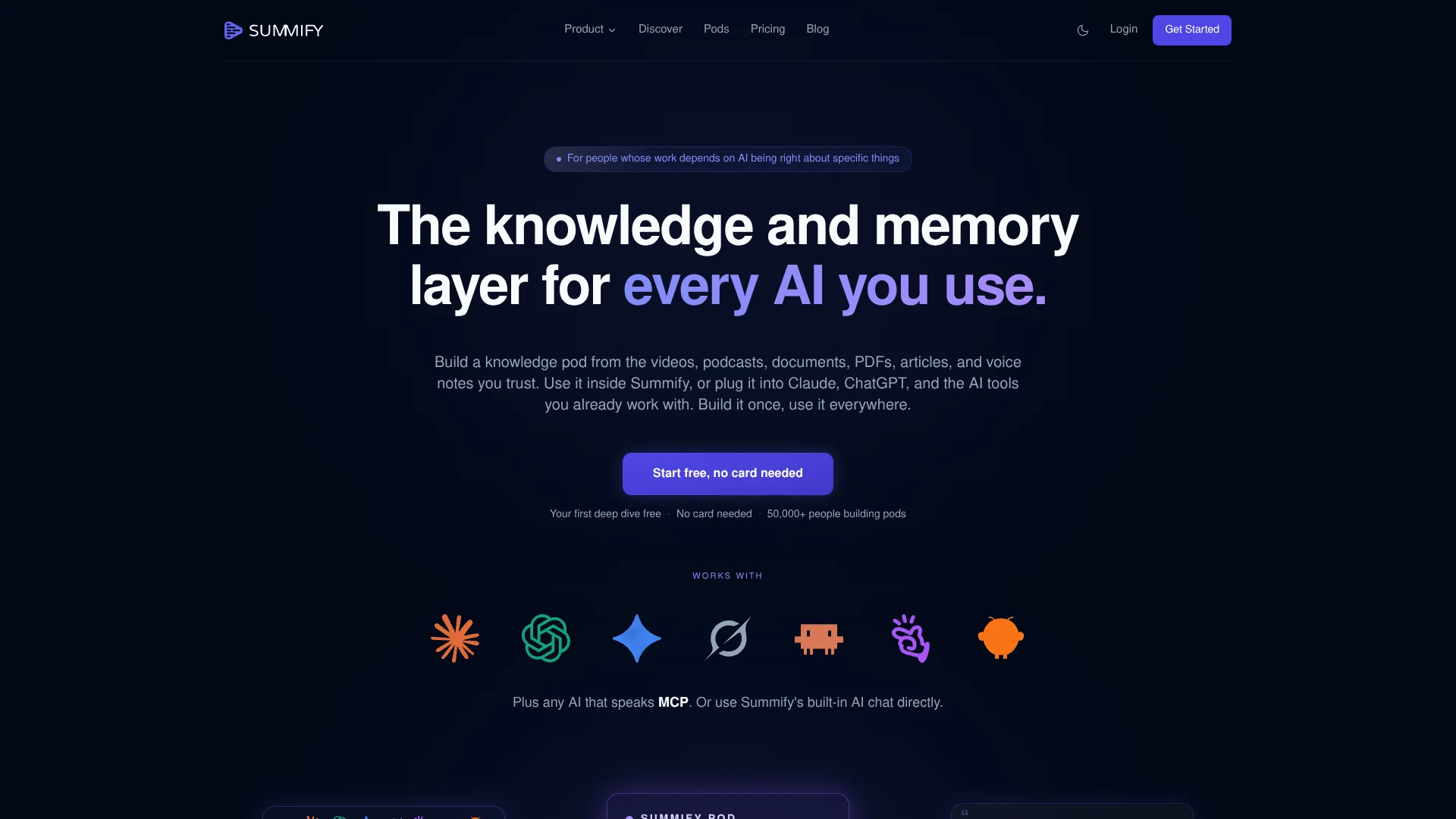
Summify
Turn long-form research into cited, searchable knowledge pods.
Key Takeaways
- What it is
- Turn long-form research into cited, searchable knowledge pods.
- Pricing
- $8 per month · $16 per month · $33 per month
- Best for
- Knowledge Pods
- AI Chat With Citations
- Deep Dive Pages
- Rating
- 4.2/5
What is Summify?
Summify turns YouTube videos, podcasts, PDFs, articles, Word documents, and voice notes into searchable knowledge pods. Its AI transcribes audio and video, creates structured summaries, and lets you ask questions across several sources with citations. It is built for people who need AI answers grounded in their own research, client material, courses, or internal documents.
A Summify pod can be connected to Claude, ChatGPT, Gemini, Grok, Manus, OpenClaw, Cursor, Windsurf, or another MCP-compatible AI, so the same source library follows you between tools and devices.
Summify fits researchers, consultants, founders, investors, sales teams, and people who regularly work with long-form content. It is less suited to image analysis, coding, or automated business processes because its focus is source-based reading, transcription, summarization, and retrieval.
Who is Using Summify?
Researcher
A researcher compares themes across papers, talks, and expert interviews while keeping citations tied to the original sources.
Consultant
A consultant builds a pod for each client so AI responses reflect the client's terminology, past work, and recorded conversations.
Founder or Investor
Pitch decks, founder interviews, and market research become a cited reference library for deal review.
Sales or Customer Success Lead
Customer interviews and product material reveal recurring themes across many conversations without rereading every transcript.
Content Strategist
Long videos, podcasts, and interviews become summaries, transcripts, blog drafts, LinkedIn posts, or action lists.
Uncommon Use Cases
Recorded methodology and playbooks can ground AI advice in a person's own approach; course and onboarding material can become a searchable internal knowledge pod.
Key Features
Rating Breakdown
Pricing Plans
Starter
$8 per month
- 800 transcription minutes per month
- 5 Knowledge Pods
- AI chat, 11 summary styles, file uploads, voice note transcription, exports, and 130+ languages
Pro
$16 per month
- $200 billed yearly
- 1,800 transcription minutes per month
- 20 Knowledge Pods
- Up to 100 connections per day to Claude, ChatGPT, and any MCP-compatible AI
Max
$33 per month
- $400 billed yearly
- 8,000 transcription minutes per month
- Unlimited Knowledge Pods
- Up to 300 connections per day to Claude, ChatGPT, and any MCP-compatible AI
Which Summify plan should you pick?
Start with Starter for occasional source processing, choose Pro when you need more pods and external AI connections, and move to Max for high-volume transcription.
Starter
Good for individuals who need 800 transcription minutes per month and up to 5 Knowledge Pods.
Pro
Good for regular research or client work with 1,800 transcription minutes, 20 Knowledge Pods, and up to 100 external AI connections per day.
Max
Good for heavy knowledge work with 8,000 transcription minutes, unlimited Knowledge Pods, and up to 300 external AI connections per day.
Summify Use Cases
Research synthesis
A pod combines papers, talks, podcasts, and interviews so one question can draw from the full research set.
Outcome: Cited answers that compare evidence across several sources.
Client knowledge base
Client briefs, brand voice examples, past work, and transcripts stay together for writing and strategy tasks.
Outcome: AI responses grounded in the client's actual material.
Video and podcast review
Long-form audio and video become searchable transcripts, summaries, timestamps, and key insights.
Outcome: Faster access to the moments and ideas that matter.
Deal and pitch analysis
Pitch decks, founder calls, market reports, and due-diligence documents can be queried from one scoped pod.
Outcome: A reusable research layer for deal conversations and review.
Course and training support
Course material and onboarding recordings become a knowledge library that people can browse or question.
Outcome: Faster recall of training content with answers tied to the source.
Workflow Ideas with Summify
Research pod to cited brief
- 1Add papers, talks, podcasts, and interviews to a research pod.
- 2Review the Deep Dive pages for key insights, entities, and tables.
- 3Ask cross-source questions and turn the cited answers into a brief.
Client pod to deliverable
- 1Create a pod for the client’s briefs, past work, transcripts, and brand material.
- 2Connect the pod to Claude or another MCP-compatible AI.
- 3Draft client-facing work using answers grounded in the pod.
Video library to content plan
- 1Add relevant YouTube videos, podcasts, or voice notes.
- 2Generate Blog, LinkedIn, Action List, or Thought Cleaner summaries.
- 3Use the transcript and timestamps to verify the content before publishing.
How Summify fits into your stack
Source capture
Summify sits before the writing or analysis stage, turning videos, podcasts, files, articles, and voice notes into structured source material.
Knowledge organization
Pods provide separate libraries for clients, research areas, deals, courses, or internal methods. This keeps unrelated source material apart.
AI chat
The built-in chat answers questions over saved sources and keeps conversation history attached to the source or pod.
External AI tools
MCP connections bring the same pod into Claude, ChatGPT, Gemini, Grok, Manus, OpenClaw, Cursor, Windsurf, and other compatible tools.
Exports and sharing
Paid plans include export to PDF, text, and Markdown, along with share and collaboration features listed on the pricing page.
Pros
- +Cross-tool knowledge: The same pod can inform multiple AI tools instead of staying inside one chat product.
- +Source citations: Answers link back to the relevant page or timestamp, which makes checking claims easier.
- +Long-form coverage: Videos, podcasts, PDFs, articles, Word documents, and voice notes can live in one pod.
- +Structured reading: Deep Dive pages surface entities, Q&A, tables, and key moments before you start chatting.
- +Language support: Summify supports more than 130 languages for summaries, transcription, and chat.
Cons
- −Narrow focus: The product is centered on knowledge capture and source-based AI work rather than image creation, coding, or task automation.
- −Usage limits: Paid plans cap transcription minutes and restrict the number of knowledge pods.
- −Browser extension status: The Chrome Extension is listed as coming soon rather than available now.
Limitations & when to consider alternatives
Known limitations
- AI output can contain errors. Summify states that summaries, transcripts, and chat responses are generated by AI and may contain inaccuracies.
- Plan-based transcription limits. The pricing page lists 800, 1,800, or 8,000 transcription minutes per month for Starter, Pro, and Max.
- Plan-based pod limits. Starter includes 5 Knowledge Pods, Pro includes 20, and Max includes unlimited pods.
- Chrome Extension is not available yet. The product page labels the Chrome Extension as coming soon.
Look elsewhere when
- You need image understanding or image generation.
- You need code generation inside the product.
- You need multi-step workflow automation.
- Your work depends on a native desktop application.
How to Use Summify
- 1
Start with a source
Add a YouTube video, podcast, PDF, article, Word document, or voice note so Summify can transcribe and structure it.
- 2
Choose a summary style
Pick a format such as General, Deep Dive, Q&A, Academic, Blog, LinkedIn, or Transcript based on the work you need to do.
- 3
Build a pod
Group related sources by client, deal, thesis, course, or topic so questions can use the right context.
- 4
Review the Deep Dive
Check key insights, timestamps, extracted entities, Q&A, and data tables before relying on the source.
- 5
Chat with the source set
Ask questions about one source or the full pod and follow the citations back to the original material.
- 6
Connect another AI
Link the pod to Claude, ChatGPT, or another MCP-compatible tool when you want the same knowledge in a different AI workspace.
Who is Summify For?
Researchers
Research pods bring papers, talks, podcasts, and interviews together for cited questions across multiple sources.
Founders and Investors
Pitch decks, founder calls, market research, and due-diligence material can support AI-assisted review.
Consultants
Client pods keep brand voice, briefs, past work, and transcripts available to the AI tools used for client delivery.
Sales and Success Teams
Customer interviews, product context, and competitive intelligence can be queried as a shared source base.
Engineering and Operating Teams
Internal documents, design decisions, runbooks, and recorded discussions can be organized into searchable pods.
Frequently Asked Questions
Does Summify have a free tier?
Yes. Summify lets you start free without a credit card, and the pricing page says the first deep dive is free.
What paid plans does Summify offer?
The pricing page lists Starter, Pro, and Max plans at $8, $16, and $33 per month when billed monthly.
Which AI tools work with Summify?
Summify documents connections for Claude and ChatGPT and supports Cursor plus any tool that supports REST APIs or MCP. Its MCP page names Claude, ChatGPT, Gemini, Grok, Manus, and OpenClaw.
Can Summify process files?
Yes. The product supports PDFs, Word documents, articles, voice notes, YouTube videos, and podcasts.
How many languages does Summify support?
Summify states that it supports more than 130 languages, with automatic detection and translation options.
Does Summify have a browser extension?
A Chrome Extension is shown on the product and pricing pages, but it is currently labeled as coming soon.
Community reviews
Be the first to share your experience.
Sign in to leave a review for Summify.
Summify Alternatives
Looking for alternatives to Summify? Here are similar tools in the same category: