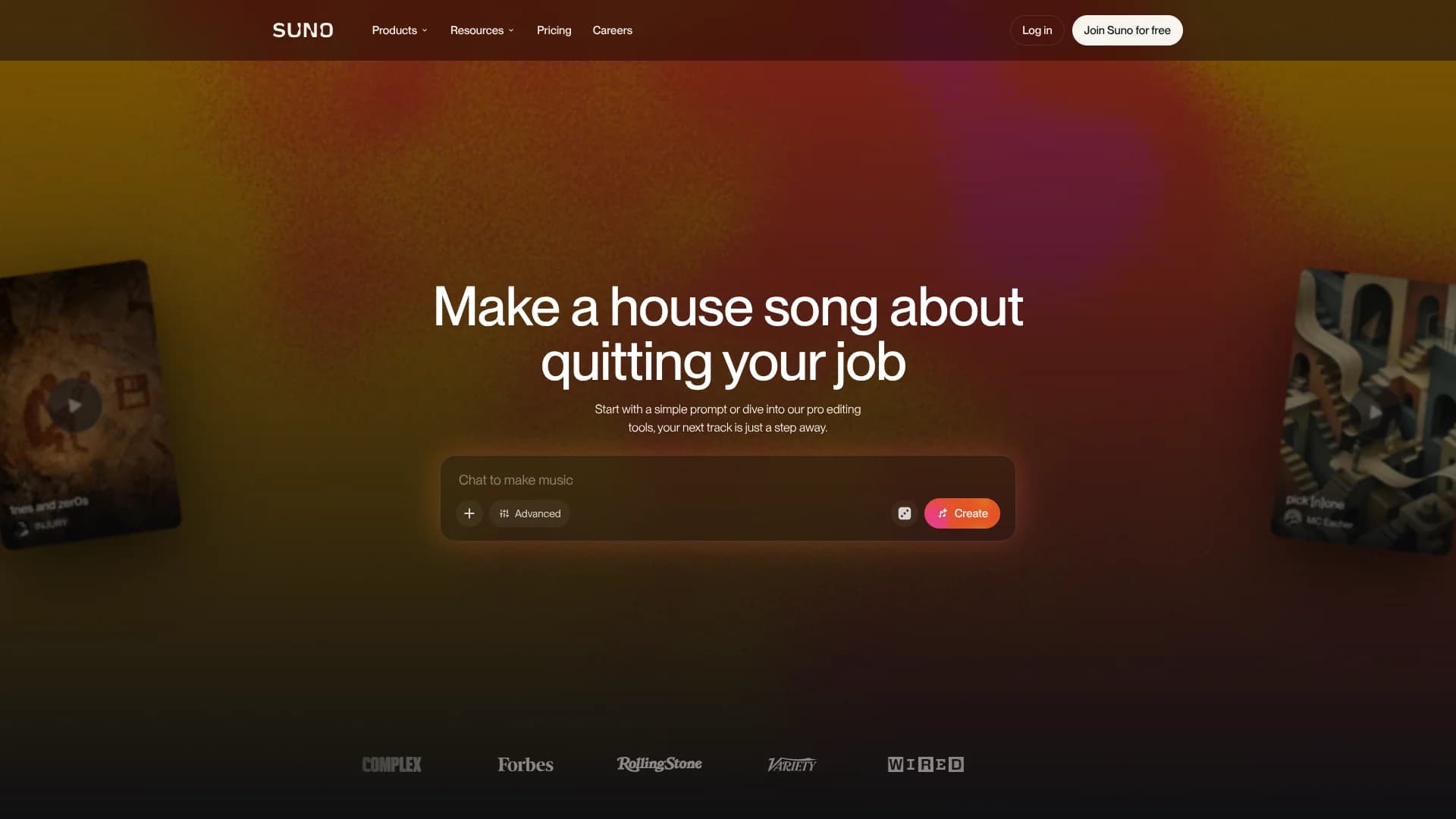
Suno
Turn plain-language ideas into complete songs with AI vocals.
Key Takeaways
- What it is
- Turn plain-language ideas into complete songs with AI vocals.
- Pricing
- Freemium · $8 per month · $24 per month
- Best for
- Text-to-Song Generation
- Suno Studio
- Custom Models
- Rating
- 4.4/5
What is Suno?
Suno turns a plain-language idea, written lyrics, or an uploaded recording into a complete song with vocals, instruments, and production. It suits first-time creators who want to hear an idea quickly, as well as songwriters and producers who need drafts, alternate versions, or finished tracks. The free plan gives you daily credits, while paid plans add stronger models, editing tools, and commercial use rights.
Suno Studio gives Premier subscribers a browser-based music workstation where AI-generated audio, MIDI, effects, automation, and custom plugins live on the same timeline. That means a producer can generate a part, edit its arrangement, extract stems, and shape the mix inside Suno Studio rather than treating generation as the end of the process.
Suno is best for creators who want speed and experimentation more than traditional recording workflows. It falls short when you need conventional VST or Audio Units plugins, direct synchronization with another digital audio workstation, or guaranteed copyright protection for generated music. Its strongest fit is turning rough musical ideas into usable songs and editable production material.
Who is Using Suno?
Songwriters
A lyric or rough idea becomes a demo with a melody, arrangement, and vocal direction to develop further.
Beatmakers
Uploaded loops and generated instrumentals provide starting points for tracks, remixes, and added vocals.
Vocalists
Voices lets singers create a verified voice profile and hear it perform new lyrics and styles.
Music Producers
Suno Studio provides a timeline for arranging clips, editing stems, drawing automation, and exporting multitracks.
Video and Podcast Creators
Commercial subscribers can download original tracks for use in monetized videos, podcasts, and other media.
Uncommon Use Cases
Generate a performance instrumental by separating a selected part from a mix; turn a melody recorded on a phone into a fuller arrangement.
Key Features
Rating Breakdown
Pricing Plans
Free
Free
- 50 credits per day
- Access to free models
- Audio uploads up to 8 minutes
- No commercial rights
- No monthly song downloads
- No stem separation
Pro
$8 per month
- 2,500 credits per month
- 20 song downloads per month
- Commercial use rights
- Access to advanced models
- Auto and Split from Mix stem separation
- Priority queue with up to 10 songs at once
- Voice recording, voice uploads, and Custom Models
- Annual billing saves 20%
Premier
$24 per month
- 10,000 credits per month
- 60 song downloads per month
- Suno Studio with MIDI, effects, automation, and custom plugins
- Commercial use rights
- Advanced stem separation
- Audio uploads up to 30 minutes
- Annual billing saves 20%
Which Suno plan should you pick?
Start with Free for personal experiments, choose Pro for regular creation and commercial downloads, and move to Premier when you need Suno Studio, maximum credits, or advanced stem editing.
Free
Good for learning Suno and making personal, non-commercial songs with daily credits.
Pro
Good for songwriters, content creators, and producers who need commercial rights, advanced models, 2,500 monthly credits, and stem tools.
Premier
Good for serious production work that needs Suno Studio, MIDI, effects, automation, custom plugins, and 10,000 monthly credits.
Suno Use Cases
Song Sketching
A lyric, mood, genre, or story becomes several complete song directions for comparison.
Outcome: Fast musical demos without recording every part manually.
Demo Development
An uploaded melody, loop, or rough recording becomes a longer arrangement with new sections and instrumentation.
Outcome: A more developed version of an unfinished idea.
Stem-Based Editing
A finished track is separated into vocals and instruments so selected parts can be changed or mixed independently.
Outcome: Editable material for production, performances, or alternate mixes.
Personalized Music
Your recordings provide the source material for a private custom model or verified voice profile.
Outcome: Songs shaped around your sound rather than a default vocal or style.
Commercial Background Music
Paid subscribers create and download tracks for videos, podcasts, games, albums, and other monetized projects.
Outcome: Music with Suno-granted commercial use rights, subject to the rights in your source material.
Workflow Ideas with Suno
From Idea to Song
- 1Describe the genre, mood, topic, and vocal direction in Create.
- 2Generate multiple versions and keep the strongest arrangement.
- 3Extend the song or replace a section with new lyrics and style details.
From Demo to Production
- 1Upload a melody, loop, or recording that you own.
- 2Generate an arrangement and extract stems from the result.
- 3Open the song in Suno Studio to edit, mix, and export the project.
Build a Personal Sound
- 1Upload at least six tracks whose rights you own.
- 2Create a private Custom Model on Pro or Premier.
- 3Generate new songs with the model and refine them through editing tools.
How Suno fits into your stack
Browser Creation
Suno runs in the browser for prompt-based song creation, remixing, uploading, and library management. Suno Studio works best in the latest Google Chrome on a desktop or laptop.
Mobile Music Making
The Suno app is available for iOS and Android, making it useful for capturing ideas, generating songs, and browsing music away from a computer.
Production and Editing
Suno Studio adds a timeline, effects, automation, MIDI, and stem tools for users who want to move from generation into detailed editing.
External DAW Workflow
Export full songs, selected ranges, multitracks, WAV clips, individual stems, and MIDI for continued work in another digital audio workstation.
Publishing and Media
Songs made while subscribed to Pro or Premier can be downloaded and distributed to services such as Spotify and Apple Music, or used in monetized video content.
Pros
- +Complete songs: Generates vocals, lyrics, instruments, and production from a short description.
- +Creative editing: Extend, cover, replace sections, add vocals, and extract stems from songs.
- +Personal sound: Pro and Premier plans support private custom models built from your own recordings.
- +Production workflow: Premier includes MIDI, effects, automation, and custom plugin creation in Suno Studio.
- +Mobile access: Native iOS and Android apps let you create and manage music away from a computer.
Cons
- −Commercial restrictions: Free-plan songs cannot be monetized, and commercial rights are not retroactive.
- −Plugin limits: Suno Studio does not support conventional VST or Audio Units plugins.
- −Credit system: Generations, stem extraction, MIDI export, and other actions can consume monthly credits.
Limitations & when to consider alternatives
Known limitations
- Studio Platform Support. Suno Studio requires a desktop, laptop, or tablet with at least a 768-pixel screen width; mobile devices are not supported.
- Plugin Compatibility. Suno Studio includes built-in effects and synths but does not support VST or Audio Units plugins.
- Commercial Rights. Free-plan songs are for personal, non-commercial use, and subscribing later does not add commercial rights retroactively.
- Remix Rights. Remixes of another creator's song are not eligible for commercial use, even when the remixing user has a paid plan.
- Custom Model Privacy. Custom Models are private and cannot be shared with other Suno users.
Look elsewhere when
- You need conventional VST or Audio Units plugins inside the same production workspace.
- You need direct synchronization with another digital audio workstation.
- Your project requires guaranteed copyright protection for AI-generated music.
- Your team needs shared editing with named members and workspace roles.
How to Use Suno
- 1
Start in Create
Describe the sound you want, add lyrics if you have them, and choose whether the result should include vocals or stay instrumental.
- 2
Shape the Result
Regenerate promising ideas, adjust the style, or use Extend, Cover, Reuse Prompt, and Replace Section to revise the song.
- 3
Bring in Your Audio
Upload or record audio that you own when you want Suno to build from a melody, loop, or rough performance.
- 4
Edit the Parts
Paid plans unlock stem separation, while Premier opens Suno Studio for timeline editing, effects, automation, and MIDI.
- 5
Download or Share
Download eligible songs, stems, WAV files, MP3 files, or Studio exports, then share them through Suno or use paid-plan songs commercially.
- 6
Check Your Rights
Keep commercial projects on songs made while subscribed and make sure you own the lyrics, recordings, and other source material.
Who is Suno For?
First-Time Music Creators
Plain-language prompts make it possible to turn an idea into a complete song without prior production experience.
Songwriters
Lyrics, melodies, and rough recordings can become structured demos with different styles and arrangements.
Content Creators
Paid subscribers can create downloadable music with commercial use rights for videos, podcasts, games, and other projects.
Music Producers
Suno Studio, stem separation, MIDI export, and custom models support more detailed production work.
Suno Community Creators
Public songs, remixes, covers, and shared links support discovery and collaborative musical experimentation.
Frequently Asked Questions
Is Suno free?
Yes. The Free plan includes 50 credits per day, access to free models, standard features, and audio uploads up to 8 minutes. Free-plan songs do not include commercial rights.
Which Suno plan includes commercial rights?
Pro and Premier songs made while subscribed include commercial use rights. These rights do not apply retroactively to songs made on the Free plan.
How many credits do Suno plans include?
The Free plan provides 50 credits per day, Pro provides 2,500 credits per month, and Premier provides 10,000 credits per month.
What is Suno Studio?
Suno Studio is a browser-based music workstation included with Premier. It includes a timeline plus MIDI, effects, automation, synths, and the ability to design custom plugins.
Can Suno use my voice?
Yes. Voices lets eligible users record or upload a voice sample, verify that it belongs to them, and use it in new songs. Voices is limited to users age 18 and older and may not be available in every location.
Can I export music from Suno?
Yes. Paid plans include monthly song downloads, and Suno Studio can export full songs, selected ranges, multitracks, WAV clips, stems, and MIDI files.
Community reviews
2 reviews from people who use Suno.
Sign in to leave a review for Suno.
Kinotto88
Ognjen Petrovic
Suno Alternatives
Looking for alternatives to Suno? Here are similar tools in the same category: