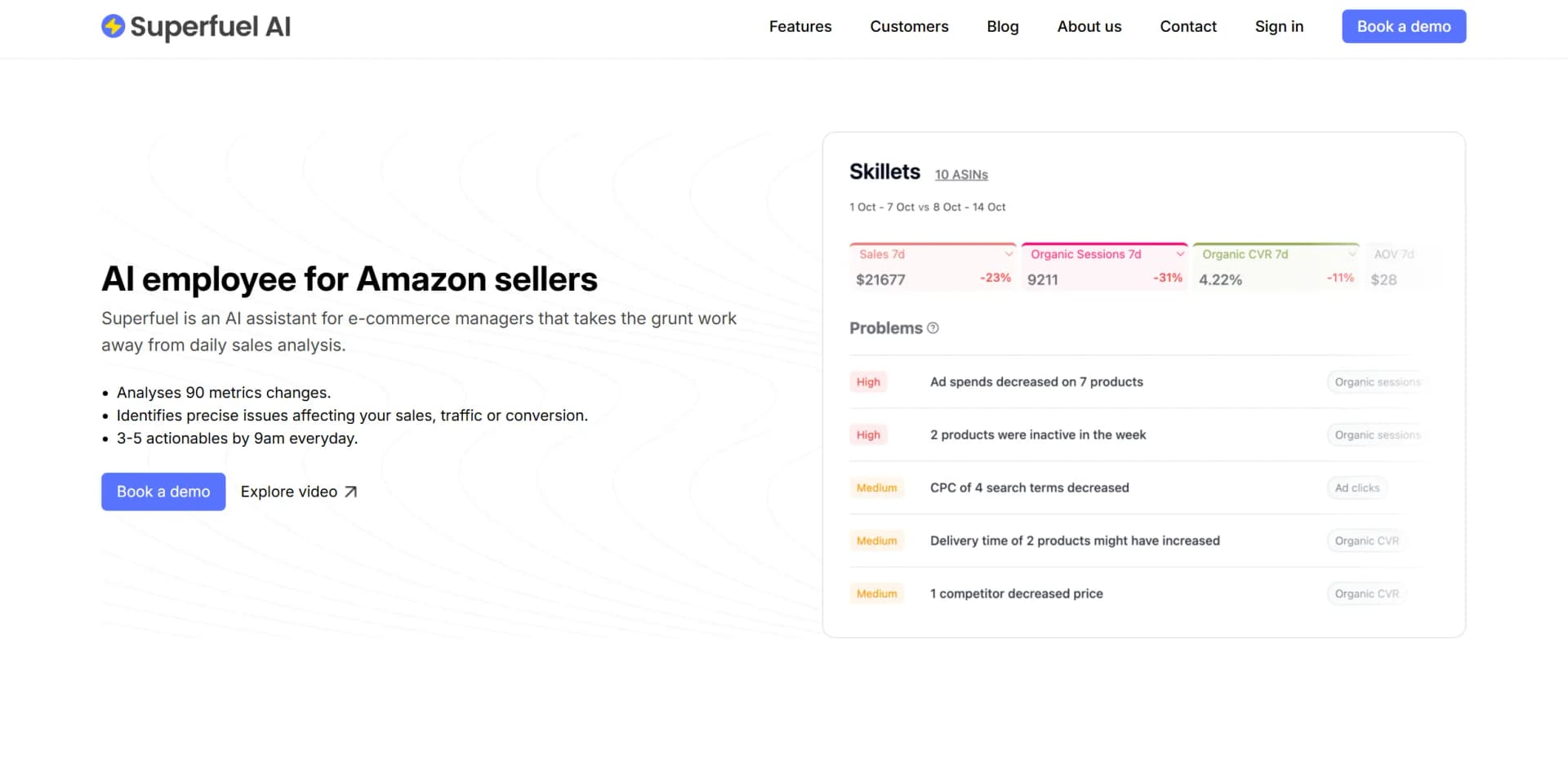
Superfuel
AI assistant for e-commerce sales analysis.
Key Takeaways
- What it is
- AI assistant for e-commerce sales analysis.
- Best for
- Comprehensive Metric Analysis
- Daily Insights
- Competitor and Keyword Identification
- Rating
- 4.4/5
What is Superfuel?
Superfuel AI revolutionizes e-commerce management by automating daily sales analysis and providing actionable insights. Designed for e-commerce managers, it simplifies identifying sales, traffic, and conversion issues.
Superfuel AI stands out with its ability to deliver daily actionable insights, a game-changer for e-commerce managers. Its precise issue identification and impact classification set it apart.
Superfuel AI excels in providing timely and actionable insights, making it an essential tool for e-commerce managers. Its daily analysis feature, in particular, offers an unmatched advantage in sales optimization.
Who is Using Superfuel?
Amazon Sellers
Streamlining sales analysis and boosting performance.
E-commerce Managers
Enhancing traffic and conversion metrics.
Digital Marketing Teams
Utilizing insights for strategic marketing decisions.
Sales Analysts
Leveraging data for improved sales strategies.
Uncommon Use Cases
Adopted by small retail businesses for competitive analysis; Used by market researchers for trend identification.
Key Features
Rating Breakdown
Pricing Plans
Free Trial
- Try Superfuel AI for 15 days without any commitment
Which Superfuel plan should you pick?
Start with Free for a small pilot, choose Starter or Growth for recurring ASIN work, and upgrade to Scale or Enterprise for larger catalogs.
Free
Good for sellers testing title and item-highlight optimization on approximately 5–10 ASINs with one-time credits.
Starter
Good for small catalogs needing recurring monthly optimization for approximately 5–10 ASINs.
Growth
Good for sellers managing approximately 15–50 ASINs with a larger monthly credit pool.
Scale
Good for larger catalogs covering approximately 45–130 ASINs and needing higher monthly capacity.
Enterprise
Good for organizations needing approximately 275 ASINs, custom capacity, or enterprise-level arrangements.
Superfuel Use Cases
Optimize listing titles and item highlights
Analyze competitor keywords, customer reviews, and product information, then update listing copy.
Outcome: Improved keyword relevance and conversion-focused listing content.
Manage Amazon PPC
Launch campaigns, adjust bids, add negative keywords, and optimize advertising based on performance.
Outcome: More systematic campaign management and reduced wasteful spend.
Recommend inventory dispatches
Combine Amazon inventory, sales velocity, lead times, and warehouse data to recommend dispatch quantities.
Outcome: Inventory recommendations designed to reduce stockout risk.
Reprice products based on inventory
Review inventory days and sales run rates, then apply conditional price changes.
Outcome: Pricing actions tied to current inventory levels.
Measure listing-change impact
Compare listing changes with sales performance while accounting for advertising, pricing, and seasonality.
Outcome: A clearer estimate of the change's contribution to sales or conversion.
Workflow Ideas with Superfuel
Negative-keyword cleanup
- 1Identify high-click search terms with zero sales
- 2Check relevance and product competitiveness
- 3Add qualifying terms as negative exact targets
Inventory dispatch planning
- 1Retrieve Amazon inventory and recent sales velocity
- 2Read warehouse inventory from Google Sheets
- 3Recommend the quantity to dispatch
Inventory-based repricing
- 1Calculate inventory days from stock and sales rate
- 2Reduce price when inventory exceeds the documented threshold
- 3Increase price when inventory falls below the documented threshold
How Superfuel fits into your stack
Amazon Integration
Seamlessly integrates with Amazon seller accounts.
API Access
Provides API for custom integrations and data access.
Third-Party Tools
Supports integration with various third-party e-commerce tools.
Dashboard Compatibility
Compatible with dashboards for visual data representation.
Pros
- +Time Efficiency: Saves 12 hours per week on data analysis.
- +Real-Time Insights: Identifies issues every morning for prompt action.
- +Comprehensive Data Analysis: Analyzes all sales data for thorough insights.
- +User-Friendly Reporting: Takes only 5 minutes to read daily reports.
Cons
- −Initial Setup Complexity: May require time to configure product groups.
- −Limited to E-commerce: Primarily beneficial for Amazon sellers.
Limitations & when to consider alternatives
Known limitations
- Optimization is cyclical. Superfuel says each ASIN typically takes about two to three months to move through rewriting, measurement, and further optimization.
- Paid credits do not roll over. Unused paid-plan credits expire when the monthly pool refills.
- Free credits are one-time. The free plan provides a one-time grant of 49,000 credits rather than recurring monthly credits.
- Usage varies by ASIN sales. Higher-selling ASINs consume more credits because they receive more frequent and deeper optimization.
- Current product focus is Amazon. The documented workflows and homepage focus on Amazon listings, advertising, pricing, inventory, and ASIN analysis.
Look elsewhere when
- You need a native mobile app
- You need a browser extension
- You need explicit SSO or SAML
How to Use Superfuel
- 1
Explore the comprehensive tutorial series on YouTube, covering from basic setup to advanced features of Superfuel AI.
Who is Superfuel For?
Amazon sellers
The product is positioned as an AI expert for Amazon listings, titles, item highlights, PPC, pricing, and inventory.
Amazon brand operators
Brand rules, product features, reviews, competitor keywords, and listing performance can guide optimization.
E-commerce teams
Teams can use workflows to analyze Amazon data, manage advertising, adjust pricing, and monitor inventory.
Frequently Asked Questions
How does the free plan work?
Sign up and connect an Amazon account to receive 49,000 one-time credits. The credits do not expire and there is no automatic charge.
How long does optimization take?
Superfuel says the agent usually spends about two to three months on each ASIN, learning from performance and optimizing again.
How is ASIN usage calculated?
Usage is based on trailing-30-day sales. Higher-selling ASINs receive more frequent optimization and deeper analysis.
Can unused credits roll over?
Paid-plan credits do not roll over. Free credits remain available until used.
What happens if credits run low?
Users can add usage credits, upgrade plans, or pause an ASIN before the agent starts work.
Can I cancel anytime?
Superfuel says there is no lock-in or contract, and plans can be upgraded, downgraded, or canceled.
Community reviews
Be the first to share your experience.
Sign in to leave a review for Superfuel.
Superfuel Alternatives
Looking for alternatives to Superfuel? Here are similar tools in the same category: