
Swell AI
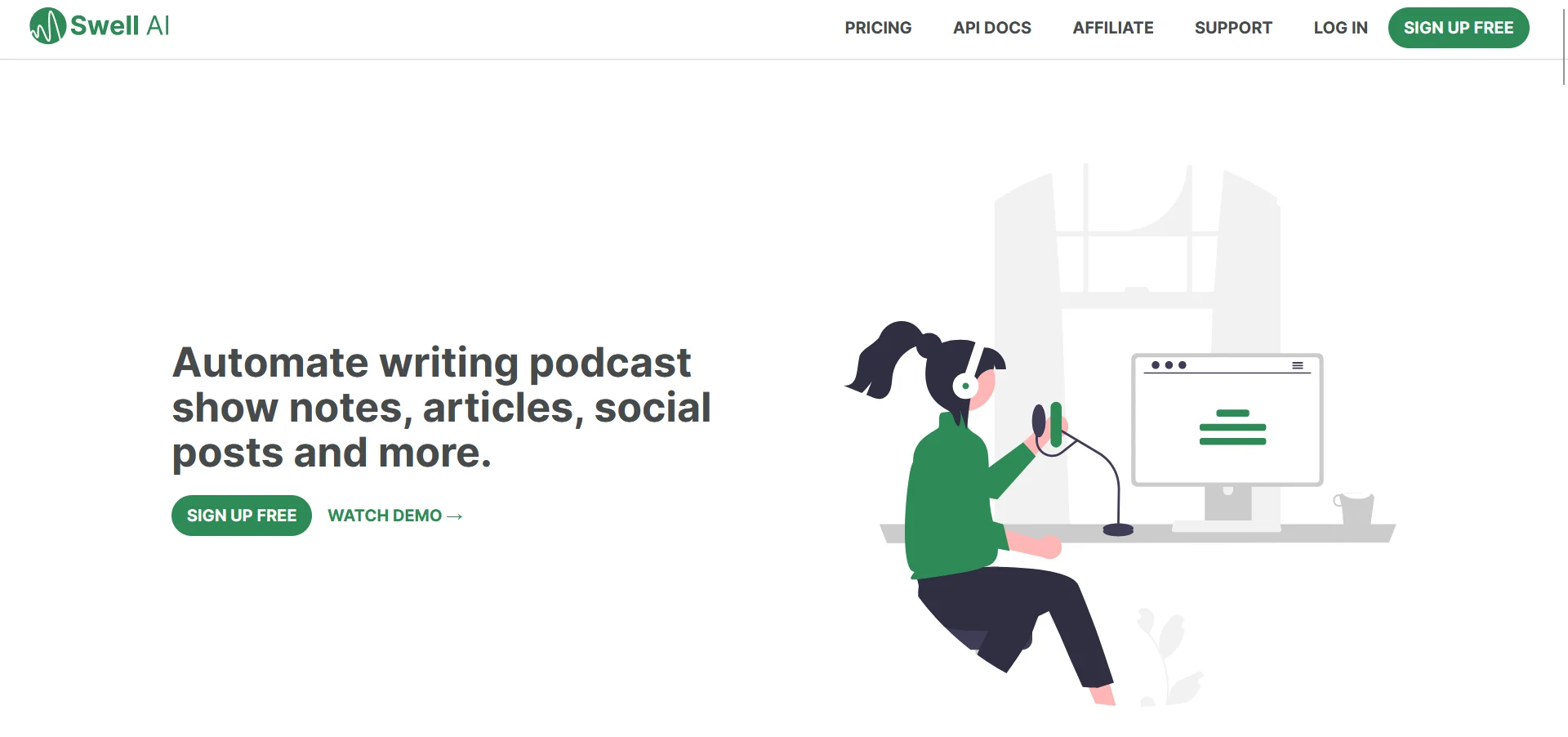
Maximize content reach: automate transcripts, clips, articles, social posts.
Key Takeaways
- What it is
- Maximize content reach: automate transcripts, clips, articles, social posts.
- Pricing
- $17/month. for three hours of content · $8.99. an hour
- Best for
- Transcript Editor
- AI Suggestions
- Speaker Labels
- Rating
- 4.4/5
What is Swell AI?
Swell AI is a cutting-edge platform designed to transform audio or video content into a plethora of marketing materials. This tool automates the creation of transcripts, clips, show notes, articles, summaries, titles, newsletters, social posts, and much more. Its target audience ranges from podcasters and video creators to marketing professionals looking to repurpose their content across multiple channels. With Swell AI, you can set a brand voice, create content templates, and manage multiple shows from a single dashboard.
Swell AI distinguishes itself with its comprehensive approach to content repurposing. It's not just a transcription service; it's a full-suite content creation platform that transforms spoken words into multiple content formats, all while maintaining a consistent brand voice and style.
Swell AI excels at transforming audio and video content into a wide array of marketing materials, making it an indispensable tool for creators and marketers alike. Its unique AI-driven approach to content repurposing saves time and maintains brand consistency across platforms. With its robust set of features and ease of integration, Swell AI stands as a powerful ally in the digital content creation landscape.
Who is Using Swell AI?
Podcasters
Utilizing Swell AI for podcast post-production and creating show notes and summaries.
Video Creators
Repurposing video content into articles, social media posts, and other formats.
Marketing Agencies
Leveraging Swell AI to automate content creation for clients across multiple channels.
Content Strategists
Using Swell AI to generate diverse content types from a single source for comprehensive campaigns.
Uncommon Use Cases
Educational institutions might use it for teaching media-related courses; Journalists could adopt it for quickly transcribing interviews.
Key Features
Rating Breakdown
Pricing Plans
Hobby Tier
- A free plan that includes one upload a month with a watermark on clips
Starter Tier
$17/month. for three hours of content
- This plan offers more features and premium customer support
Enterprise Tier
- API access
- Advanced security
- Dedicated account management
Pay As You Go
$8.99. an hour
- Allowing access to all features
Which Swell AI plan should you pick?
Start with Hobby to test the workflow at no cost; upgrade to Studio or Agency when monthly transcription volume exceeds the included allowance.
Hobby
Good for occasional users who need one upload per month and basic writing, clips, audiograms, chat, and templates.
Studio
Good for individual creators or smaller productions needing up to 300 transcription minutes monthly and premium support.
Agency
Good for higher-volume production teams needing up to 600 transcription minutes monthly and premium support.
Pay as you go
Good for users who want access to all features while paying $8.99 per 60 minutes.
Swell AI Use Cases
Podcast episode repurposing
Upload an episode and generate transcripts, show notes, articles, summaries, titles, and social posts.
Outcome: One episode becomes multiple publishable content formats.
Bulk podcast backfill
Connect an RSS feed or Apple Podcast catalog and select episodes for import.
Outcome: Existing podcast archives can be processed at scale.
Transcript clipping
Highlight sections in a transcript and create video clips or audiograms.
Outcome: Potentially engaging episode excerpts are prepared for distribution.
Episode chatbot creation
Use an uploaded episode to provide an audience-facing chatbot for questions about that episode.
Outcome: Listeners can interact with episode-specific information.
Custom content templates
Create reusable documents and templates or custom blocks for repeated content-generation tasks.
Outcome: Teams can standardize recurring content outputs.
Workflow Ideas with Swell AI
Podcast-to-content workflow
- 1Import an episode from RSS, YouTube, Apple Podcasts, or file upload
- 2Generate transcripts, summaries, articles, and social posts
- 3Export the finished content to storage or publishing destinations
Podcast archive backfill
- 1Connect an RSS feed or Apple Podcast catalog
- 2Select episodes for bulk import
- 3Export generated content files to Google Drive or Dropbox
Clip discovery workflow
- 1Open the transcript editor
- 2Review AI-suggested sections and highlight clips
- 3Share saved clips with the team
How Swell AI fits into your stack
Podcast and Video Platforms
Integrates with Apple Podcast, YouTube, and other media platforms.
Cloud Storage
Seamlessly connects with Dropbox, Google Drive, and One Drive for easy content management.
API Access
Offers a REST API for custom integrations, appealing to developers and larger enterprises.
Workflow Integration
Compatible with Zoom Cloud and other workflow tools for efficient content production.
Pros
- +Enhanced Productivity: By automating content repurposing, Swell AI significantly reduces the time and effort required to produce marketing materials.
- +Brand Consistency: Maintains a consistent brand voice across various content formats.
- +Scalability: The API and bulk import features allow for easy scaling of content production for businesses of all sizes.
- +Diverse Language Support: Over 100 languages are supported, catering to a global user base.
Cons
- −Learning Curve: New users may need time to fully understand and utilize all the tool's features.
- −Content Specificity: While AI-generated content is powerful, it may require manual adjustments to meet specific brand standards or nuances.
- −Integration Limits: Some users might find the integration capabilities with existing workflows limited, depending on their unique needs.
Limitations & when to consider alternatives
Known limitations
- Hobby upload limit. The Hobby plan includes one upload per month.
- Studio transcription limit. The Studio plan includes 300 minutes of transcription per month.
- Agency transcription limit. The Agency plan includes 600 minutes of transcription per month.
- Limited Hobby support. The Hobby plan lists no customer support.
- Enterprise API access. The API is described as an enterprise feature, with interested users directed to contact Swell AI.
How to Use Swell AI
- 1
Swell AI provides a simple and intuitive interface, but for those seeking guidance, there are resources available to learn how to maximize the tool's potential. These tutorials cover everything from basic setup to advanced content repurposing strategies.
Who is Swell AI For?
Podcasters
They can turn episodes into transcripts, show notes, articles, summaries, clips, and social content.
Podcast production teams
Teams can organize multiple shows, share transcripts, access clips, and export content for collaboration.
Media companies
Reusable templates, bulk imports, and the enterprise API support scalable content production.
Content marketers
They can generate LinkedIn posts, Twitter threads, Instagram captions, newsletters, blog posts, and SEO-oriented articles.
Frequently Asked Questions
What does Swell AI do?
Swell AI transforms audio or video into transcripts, clips, show notes, articles, summaries, titles, newsletters, and social posts.
What sources can Swell AI import?
Supported sources include YouTube, Apple Podcasts, RSS, Google Drive, Dropbox, Zoom Cloud Recordings, OneDrive, Omny Studio, and computer file uploads.
What destinations can Swell AI export to?
Destinations include Google Drive, Dropbox, OneDrive, webhook endpoints, WordPress, Omny Studio, and Ghost sites.
Does Swell AI provide an API?
Swell AI offers an enterprise REST API for creating, generating, and managing templated content.
Can Swell AI create episode chatbots?
Each uploaded episode can receive a trained chatbot that answers questions about that episode.
What plans does Swell AI offer?
The pricing page lists Hobby at $0 per month, Studio at $29 per month, Agency at $49 per month, and pay-as-you-go access at $8.99 per 60 minutes.
Community reviews
Be the first to share your experience.
Sign in to leave a review for Swell AI.
Swell AI Alternatives
Looking for alternatives to Swell AI? Here are similar tools in the same category:
Learn to Master Swell AI
With Skill Leap courses
Get in-depth training on Swell AI and 50+ other AI tools with our expert-led video courses.
Start 7-Day Free Trial