
Syllaby
AI tool automating educational content creation and collaboration.
Watch Syllaby in Action
Key Takeaways
- What it is
- AI tool automating educational content creation and collaboration.
- Pricing
- Freemium · $25 per month
- Best for
- AI-Driven Content Generation
- Customizable Templates
- Seamless Integration
- Rating
- 4.5/5
What is Syllaby?
Syllaby, found at syllaby.io, is an innovative AI tool designed to streamline content creation processes for businesses and individual professionals. By leveraging advanced AI-driven algorithms, Syllaby revolutionizes how users generate and organize educational content, making it particularly beneficial for educators, content creators, and digital marketers. Its core purpose is to simplify the development of structured syllabi and lesson plans, ensuring that users can focus more on delivering engaging and effective content rather than getting bogged down in administrative details.
Syllaby stands out with its AI-driven content structuring capabilities, a game-changer for educators and content creators. Its ability to automate the organization of educational materials not only enhances productivity but also ensures that the content is engaging and tailored to the audience's needs. This unique feature sets it apart from traditional content creation tools, making it a must-have for anyone looking to optimize their educational content delivery.
Syllaby offers remarkable value by transforming the way educators and content creators approach their work. Its AI-powered capabilities ensure efficient content generation, saving users precious time and resources. The tool's user-friendly design and robust integration options make it an excellent choice for anyone looking to enhance their content creation process. Whether you're an educator, a digital marketer, or a corporate trainer, Syllaby provides the tools needed to create impactful and engaging educational content efficiently.
Who is Using Syllaby?
Educators and Teachers
Utilizing Syllaby to create comprehensive lesson plans and syllabi.
Content Creators
Employing the tool for generating structured content for various platforms.
Digital Marketers
Leveraging the tool to create educational marketing materials.
Corporate Trainers
Using Syllaby to design training modules efficiently.
Uncommon Use Cases
Adopted by nonprofit organizations for educational outreach programs; used by language tutors to create curriculum content.
Key Features
Rating Breakdown
Pricing Plans
Free Tier
Free
- Offers a basic plan with limited features to get started
Pro Tier
$25 per month
- Providing access to advanced features and unlimited templates
Which Syllaby plan should you pick?
Start with Starter for light experimentation, choose Basic or Standard for regular publishing, and upgrade to Premium or Enterprise for high-volume production.
Starter
Good for trying Syllaby with 100 monthly credits and basic video creation needs.
Basic
Good for solopreneurs and beginners who need one voice clone, 5GB storage, and regular content creation.
Standard
Good for growing brands that need more credits, three voice clones, and higher publishing capacity.
Premium
Good for agencies and power users who need five voice clones, 20GB storage, and unlimited scheduled posts.
Enterprise
Good for high-volume teams needing customized credits, scheduling, storage, and voice-clone arrangements.
Syllaby Use Cases
Marketing explainers
Create AI-generated explanatory videos for marketing campaigns.
Outcome: Communicate products and ideas through scalable video content.
Sales pitches
Generate scripts, avatars, and videos for sales communication.
Outcome: Support client engagement and sales outreach.
Training modules
Create AI-generated training videos using scripts and avatars.
Outcome: Deliver repeatable instructional content.
Client engagement videos
Produce personalized videos for communicating with clients.
Outcome: Make client communication more dynamic and scalable.
Social media campaigns
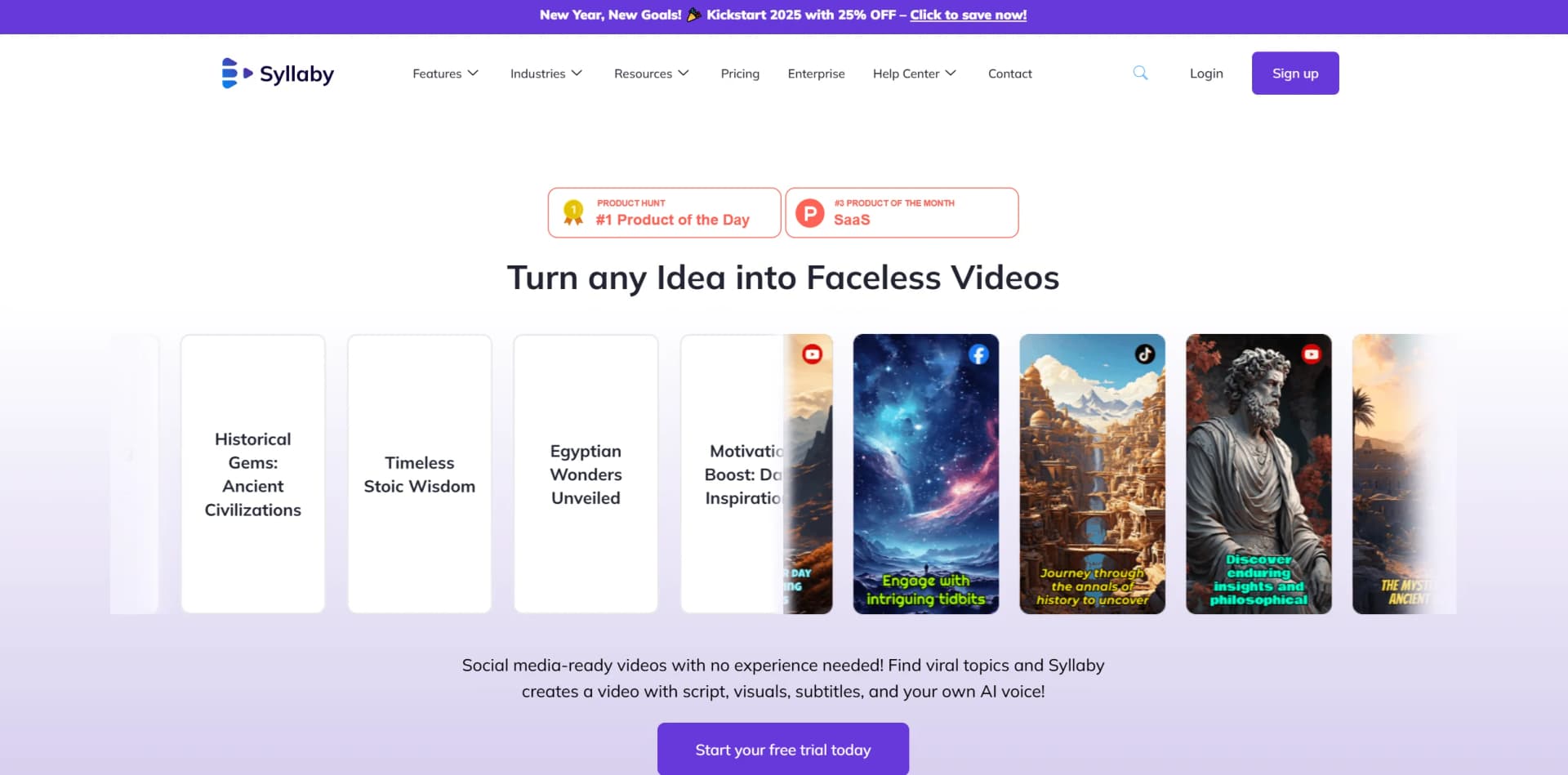
Find topics, generate scripts and videos, then schedule posts across social platforms.
Outcome: Maintain consistent publishing across multiple networks.
Workflow Ideas with Syllaby
From trending idea to scheduled post
- 1Discover trending ideas using Syllaby's search and idea tools.
- 2Generate or write a script and create a faceless or avatar video.
- 3Schedule the finished video in the Content Calendar for connected social accounts.
Create a branded faceless video
- 1Choose an AI model, visual style, duration, and aspect ratio.
- 2Enter a script and select the language, voice, subtitles, and visual options.
- 3Generate the video, add branding such as a watermark, and export it.
Build a storyboard video
- 1Enter a concept or add scenes manually in Storyboard.
- 2Choose a reference image, duration, AI model, aspect ratio, and resolution.
- 3Generate scenes, refine them in the Scene Editor, and render clips.
How Syllaby fits into your stack
Browser
Syllaby is primarily accessed through its web application at app.syllaby.io, where users create, edit, schedule, and publish videos.
Automation and APIs
Its REST API and hosted MCP server place Syllaby inside custom applications, internal dashboards, AI-agent workflows, and repeatable content pipelines.
Social publishing
Syllaby connects social accounts for scheduling, auto-publishing, and performance tracking across platforms such as YouTube, TikTok, and LinkedIn.
Mobile
Native iOS and Android apps let users generate scripts, create or review videos, manage calendars, and publish content away from the desktop.
Pros
- +Time Efficiency: Significantly reduces the time required to create and organize educational materials.
- +User-Friendly Interface: Designed with an intuitive interface that simplifies navigation and use.
- +Enhanced Collaboration: Supports real-time collaboration, making it ideal for team projects.
- +Versatile Applications: Suitable for a wide range of educational and content creation tasks.
Cons
- −Initial Learning Curve: New users might need some time to explore and understand all the features.
- −Limited Offline Functionality: The tool’s features are predominantly online, requiring a stable internet connection.
Limitations & when to consider alternatives
Known limitations
- Credits do not roll over. Unused credits expire at the end of each billing cycle.
- API access requires a paid subscription. Trial subscriptions are rejected by the public API until the subscription becomes paid.
- Social account requirements apply. Instagram must be a Professional or Business account linked to a Facebook Page for automatic posting.
- Video generation can take longer for complex projects. Long videos and multiple advanced options may require additional processing time.
- Credit charges are feature-specific. Idea discovery, avatar videos, faceless videos, scripts, thumbnails, and exports consume different credit amounts.
How to Use Syllaby
- 1
Create or access your account
Log in through the Syllaby website or use the official mobile app to reach the dashboard.
- 2
Discover a content idea
Use Syllaby's idea discovery and search tools to identify topics your audience is looking for.
- 3
Generate a script
Provide a topic or key points and create an AI script, or paste your own script into a video project.
- 4
Create the video
Choose faceless video, B-roll, avatar, AI visuals, or storyboard tools and configure the style, voice, language, and format.
- 5
Edit and brand the result
Use the video editor and advanced options to adjust captions, music, transitions, animation, watermarks, and uploaded assets.
- 6
Schedule and publish
Connect supported social accounts, customize captions for each network, and schedule posts through the Content Calendar.
Who is Syllaby For?
Marketing teams
They can scale social and campaign videos without increasing workload.
Agencies
They can produce videos for multiple clients more efficiently.
Educators and coaches
They can turn knowledge into engaging video content.
Enterprise brands
They can standardize and scale video production across teams.
Solopreneurs and beginners
The Basic plan is positioned for users starting out or managing a single small business.
Frequently Asked Questions
Who can use Syllaby?
Syllaby names businesses, marketers, sales agents, content creators, and professionals across various industries as users.
Is there a free trial?
Yes. Syllaby offers a free trial period, and users can cancel during the trial without obligation.
What integrations does Syllaby offer?
Syllaby lists YouTube, TikTok, Meta, and Google as current integrations.
Do credits roll over each month?
No. Unused credits do not roll over at the end of the billing cycle.
What languages does Syllaby support?
Syllaby supports content creation in multiple languages, including English, French, German, Italian, Spanish, Japanese, Korean, Hindi, and Chinese.
How are credits charged?
Credit costs vary by feature, including idea discovery, avatar videos, faceless videos, thumbnails, scripts, and video exports.
Community reviews
7 reviews from people who use Syllaby.
Sign in to leave a review for Syllaby.
Sheetansh Kapoor
Randy Pharr
Thibault BM
Jim Brillon
Dawn Pearl Rosales
Austin Armstrong
Dr. B Addiction Recovery
Syllaby Alternatives
Looking for alternatives to Syllaby? Here are similar tools in the same category:
Learn to Master Syllaby
With Skill Leap courses
Get in-depth training on Syllaby and 50+ other AI tools with our expert-led video courses.
Start 7-Day Free Trial