Taiga
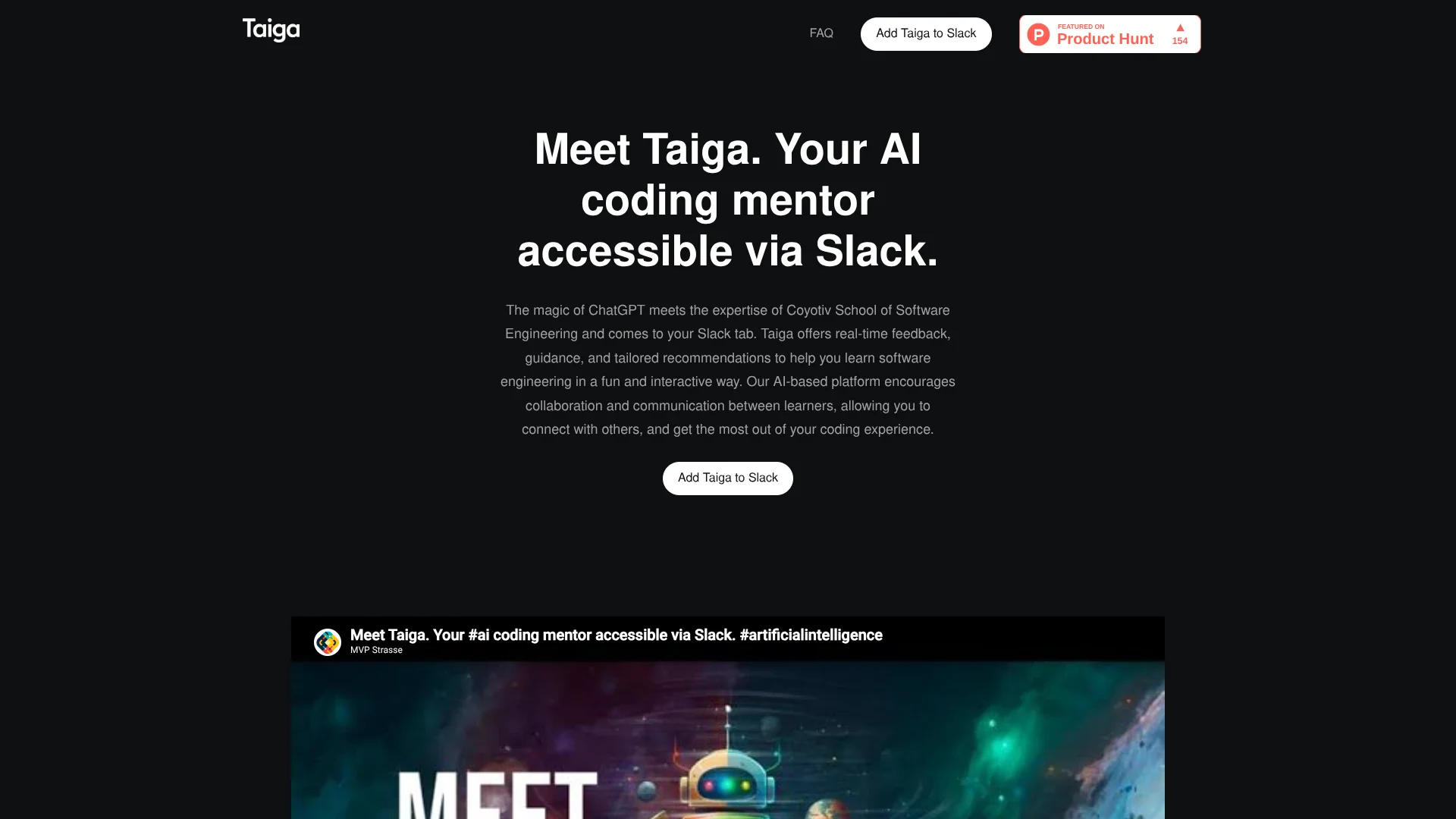
Software engineering learners get step-by-step coding guidance right inside Slack.
Key Takeaways
- What it is
- Software engineering learners get step-by-step coding guidance right inside Slack.
- Pricing
- Freemium
- Best for
- Step-by-step topic guidance
- Code review assistance
- Code examples and practice problems
- Rating
- 3.7/5
What is Taiga?
Taiga brings coding guidance into Slack, where learners can ask about software engineering topics in a direct message or channel. It responds with explanations, code examples, and practice problems, and can help review code or make sense of errors. The goal is to make programming questions easier to work through while keeping the discussion in the Slack workspace where classmates or teammates can follow along.
Taiga was created by Coyotiv, a software engineering school, for learning through guided discussion. Its focus is not only answering coding questions: it can break a topic into steps and offer examples and practice problems to help learners apply what they understand.
Taiga fits people learning software engineering, practicing for coding interviews, or looking for an explanation while programming. It only works through Slack, and its answers can be inaccurate or fail to capture context, so it is best treated as a learning aid rather than a final authority.
Who is Using Taiga?
Software engineering students
Topic guidance and practice problems help them work through programming concepts.
Junior developers
Code review assistance can help them spot areas to improve and understand errors.
Programming instructors
Slack discussions give learners a place to share questions and learning insights.
Coding interview candidates
Interview-style conversations provide a way to practice answering coding questions.
Uncommon Use Cases
Practice explaining a programming concept to a teammate in a Slack channel; use Taiga as a mock interviewer before a technical interview.
Key Features
Rating Breakdown
Pricing Plans
Free Tier
Free
- Taiga offers a free plan with access to core features
- Ideal for small teams or individuals
Taiga Use Cases
Learn a programming concept
A guided explanation with examples and practice problems can help a learner move from a definition to applying the idea.
Outcome: A clearer understanding with practice applying the concept.
Understand a coding error
When an error message is unclear, Taiga can help explain what may be wrong and where to look next.
Outcome: A plain-language explanation and possible areas to investigate.
Review code for improvements
Code review assistance gives programmers feedback on possible areas for improvement.
Outcome: Feedback on code and suggestions for improvement.
Practice a coding interview
Interview-style discussion gives candidates a place to rehearse coding questions.
Outcome: Practice responding to coding interview questions.
Workflow Ideas with Taiga
Work through an unfamiliar topic
- 1Message Taiga in a Slack direct message with the topic you are learning.
- 2Ask follow-up questions about any step or example that remains unclear.
- 3Try a practice problem and discuss your approach with Taiga.
Investigate a coding error
- 1Send Taiga the error message and relevant code in Slack.
- 2Ask what the error means and which part of the code may cause it.
- 3Check Taiga's explanation against your code and test a possible fix.
Prepare for a coding interview
- 1Start a private conversation with Taiga.
- 2Ask it to act as an interviewer for coding practice.
- 3Review the discussion and ask for guidance on areas to improve.
How Taiga fits into your stack
Slack conversations
Taiga runs as a Slack bot in channels and direct messages, so coding questions can stay alongside team or class discussions.
Programming practice
It supports learning with topic explanations, code examples, and practice problems.
Code troubleshooting
Code review assistance and error explanations can help learners investigate programming problems in a Slack conversation.
Pros
- +Learning-focused replies: Explanations can include examples and practice problems, not only short answers.
- +Works in Slack discussions: Learners can share questions and insights with teammates in a channel.
- +Interview practice: Taiga can act as an interviewer for coding interview preparation.
Cons
- −Slack is required: There is no separate Taiga app or other supported platform listed.
- −Conversation-based billing: The pay-as-you-go model charges by conversations, and the support page does not state a specific rate.
- −Answers need checking: Taiga may give inaccurate responses or misunderstand context.
Limitations & when to consider alternatives
Known limitations
- Slack-only availability. Taiga's support page says it is currently available only as a Slack bot.
- Answers may be inaccurate. Taiga's terms and website say it can provide inaccurate or offensive content and may miss context.
- Messages go to OpenAI. The Slack Marketplace listing says Taiga does not store conversations and that messages sent to the service are shared with OpenAI.
- No SAML sign-on. The Slack Marketplace security details say Taiga does not support SAML.
Look elsewhere when
- You need an AI coding tool that works outside Slack.
- You need answers that are guaranteed accurate or do not require independent checking.
- Your organization requires SAML single sign-on.
How to Use Taiga
- 1
Add Taiga to Slack
Authorize Taiga for your Slack workspace using the Add to Slack option on its website.
- 2
Choose where to talk
Invite Taiga to a channel, send it a direct message, or start a private conversation.
- 3
Describe the coding question
Share the software engineering topic, code question, or error you want help understanding.
- 4
Continue with follow-up questions
Ask for another explanation or example when a reply does not resolve the question.
- 5
Review the answer
Check Taiga's suggestions against your code or another reliable source, since its answers may be inaccurate.
Who is Taiga For?
Aspiring software engineers
Guided explanations and practice problems support learning software engineering topics.
Programming learners
Code examples and interactive follow-up questions can help make unfamiliar concepts easier to work through.
Experienced programmers
Code review assistance and help understanding errors are available in Slack.
Coding interview candidates
Taiga can act as an interviewer to help with interview preparation.
Frequently Asked Questions
How does Taiga charge for use?
Taiga's support page describes pay-as-you-go billing by conversation, with no per-seat plan. It does not state a specific conversation rate there.
Can I use Taiga outside Slack?
No other platform is listed. Taiga's support page says it is currently available only as a Slack bot.
Can Taiga help with coding assignments or interview preparation?
Yes. Its support page says it can help with coding assignments and act as an interviewer for practice.
Does Taiga store Slack conversations?
The Slack Marketplace listing says Taiga does not store conversations and that messages sent to the service are shared with OpenAI.
Community reviews
1 review from people who use Taiga.
Sign in to leave a review for Taiga.
Deniz Kaynak
Taiga Alternatives
Looking for alternatives to Taiga? Here are similar tools in the same category: