
Tangia
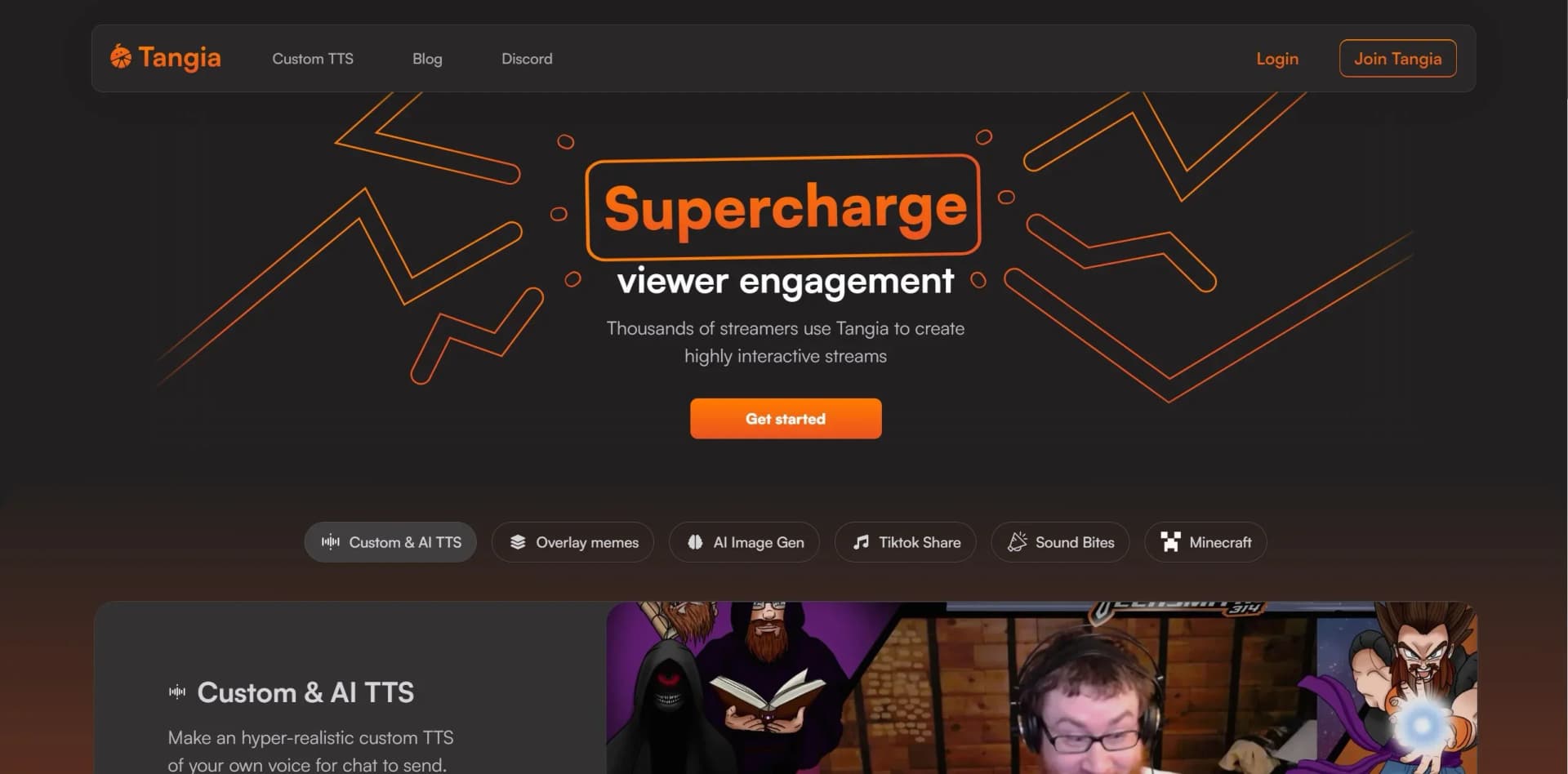
Tangia is a powerful tool that supercharges viewer engagement for streamers.
Key Takeaways
- What it is
- Tangia is a powerful tool that supercharges viewer engagement for streamers.
- Best for
- Custom & AI Text-to-Speech (TTS)
- Interactive Overlay Memes
- TikTok Sharing
- Rating
- 4.4/5
What is Tangia?
Tangia is a cutting-edge tool designed to elevate the streaming experience for both broadcasters and viewers. It specializes in creating highly interactive streams, utilizing a suite of innovative features that range from customized text-to-speech and AI image generation to interactive games and viewer-triggered events. This tool is crafted to engage audiences in new and exciting ways, ensuring that each stream is a unique and memorable experience. It's the perfect companion for streamers looking to supercharge viewer engagement and stand out in the bustling world of live streaming.
Tangia stands out with its extensive range of interactive features that can be seamlessly integrated into streams. Its unique selling point lies in the ability to customize and personalize interactions, making each stream feel unique and catered to the audience's preferences. This level of customization and interactivity is unparalleled, positioning Tangia as a tool that truly understands the needs of the modern streamer.
Tangia excels in providing a suite of interactive features that significantly enhance the live streaming experience. It is an essential tool for streamers of all sizes who wish to elevate their broadcasts and foster a more engaged and vibrant community. With its unique mix of customization and viewer interaction capabilities, Tangia offers an unmatched advantage in the world of streaming.
Who is Using Tangia?
Livestream Gamers
Enhancing gameplay with interactive features and viewer participation.
Content Creators
Utilizing AI-driven tools to create more engaging and unique content.
Event Streamers
Leveraging interactive elements to make live events more engaging.
Educational Streamers
Using interactive quizzes and TTS to make learning more dynamic.
Uncommon Use Cases
Podcasters incorporating live audience interactions; Musicians using TTS and memes to engage with their listening audience.
Key Features
Rating Breakdown
Pricing Plans
Free Features
- Access to basic interactive streaming features at no cost
Subscription Plan
- Additional features and customizations available through a paid subscription
Which Tangia plan should you pick?
Start with Tangia's standard experience to test stream interactions, then upgrade to Tangia+ when you need extra TTS capacity, subscriber discounts, or Twitch alert connections.
Tangia+
Good for streamers who need Twitch alert connections, subscriber discounts, three additional TTS slots, and higher channel-point TTS limits.
Tangia Use Cases
Custom voice interactions
Create a hyper-realistic TTS version of the streamer's voice for viewers to trigger.
Outcome: Viewers can send personalized voice interactions during the stream.
Viewer-submitted Soundbites
Let viewers trim Twitch clips and submit them for streamer or moderator approval.
Outcome: Approved clips become playable interactions.
AI image interactions
Allow viewers to submit image-generation prompts from the extension or viewer page.
Outcome: Generated images appear on stream with the prompt read by TTS.
Interactive alerts
Connect TTS, interactions, videos, or other Tangia features to stream alerts.
Outcome: Alerts become more interactive and customizable.
Media-share streams
Let viewers share YouTube, Twitch, or TikTok videos with queue controls and moderator access.
Outcome: The streamer can manage shared media during the broadcast.
Workflow Ideas with Tangia
Create and approve a Soundbite
- 1Viewer selects a Twitch clip in the extension or viewer page
- 2Viewer trims the clip and submits it
- 3Streamer or moderator approves it as an interaction
Set up a custom TTS voice
- 1Record a five-minute script
- 2Add effects and interaction settings
- 3Publish the resulting custom TTS interaction
Add Tangia to a stream
- 1Connect the streaming account
- 2Add the Tangia overlay as a browser source
- 3Start the stream and let viewers trigger interactions
How Tangia fits into your stack
Streaming Software Compatibility
Works with all major streaming software that supports browser sources.
Twitch and YouTube Integration
Easily connects with Twitch and YouTube accounts for streamlined use.
Twitch Extension
Enables viewers to interact without leaving the streaming page.
Customizable Interactions
Offers the ability to design unique interactions for viewers.
Pros
- +Enhanced Viewer Engagement: Provides tools that make streams more interactive and fun.
- +Customization: Offers a wide range of customizations to personalize the streaming experience.
- +Versatile Compatibility: Works with any streaming software supporting browser sources.
- +Community Building: Helps in creating a more interactive and loyal viewer base.
Cons
- −Learning Curve: New users may need time to fully utilize all interactive features.
- −Partner-Exclusive Features: Some features like AI Image Gen are only available to partners, which may limit full access for all users.
- −Overwhelming Options: The sheer number of interactions available might be overwhelming for some streamers to manage.
Limitations & when to consider alternatives
Known limitations
- Desktop overlay is Windows-only. The dedicated Tangia Monitor Overlay download is offered for Windows.
- Browser-source setup is required for streaming software. Tangia is designed to work with streaming software that supports browser sources.
- Custom TTS requires a voice recording. Creating a custom voice requires recording a five-minute script.
- Soundbites require approval. Viewer-submitted Soundbites must be approved by the streamer or a moderator before use.
- Media sharing is platform-specific. The documented Media Share feature supports YouTube, Twitch, and TikTok videos rather than arbitrary uploaded files.
Look elsewhere when
- You need a native mobile app
- You need documented developer API access
- You need document or spreadsheet uploads
How to Use Tangia
- 1
For new users, Tangia offers tutorials and guides that explain how to integrate and use the tool effectively. These resources are invaluable for streamers looking to get the most out of Tangia's features.
Who is Tangia For?
Live streamers
Tangia is designed for streamers who want interactive overlays, alerts, viewer-triggered media, and audience-controlled interactions.
Twitch creators
Twitch creators can use the Twitch extension, channel interactions, custom TTS, Soundbites, and alerts.
YouTube creators
YouTube creators can connect accounts and let viewers send interactions through Tangia.
TikTok creators
Tangia lists TikTok among its supported streaming platforms.
Kick creators
Kick creators can connect through a Google account and use Tangia interactions on stream.
Frequently Asked Questions
What is Tangia?
Tangia is an interactive streaming platform that lets viewers trigger TTS, memes, media, images, and other interactions during live streams.
Which streaming platforms does Tangia support?
Tangia lists Twitch, YouTube, TikTok, and Kick, and works with streaming software that supports browser sources.
How do viewers submit Soundbites?
Viewers select and trim a Twitch clip in the extension or viewer page; the streamer or a moderator approves it before it becomes an interaction.
How do I create a custom TTS voice?
Record a five-minute script, add final interaction settings, and Tangia creates a custom TTS interaction.
What does Tangia+ add?
Tangia+ adds Twitch alert connections, subscriber discounts, three additional TTS slots, and a larger channel-point TTS character limit.
Can viewers generate images?
Viewers can send an image-generation interaction; the generated image is played on stream and the prompt is read by TTS.
Community reviews
Be the first to share your experience.
Sign in to leave a review for Tangia.
Tangia Alternatives
Looking for alternatives to Tangia? Here are similar tools in the same category:
Learn to Master Tangia
With Skill Leap courses
Get in-depth training on Tangia and 50+ other AI tools with our expert-led video courses.
Start 7-Day Free Trial