
TaxGPT
Revolutionary AI-driven, error-reducing tax filing assistant.
Key Takeaways
- What it is
- Revolutionary AI-driven, error-reducing tax filing assistant.
- Pricing
- Freemium
- Best for
- AI-Driven Tax Assistance
- User-Friendly Interface
- Error Reduction
- Rating
- 4.6/5
What is TaxGPT?
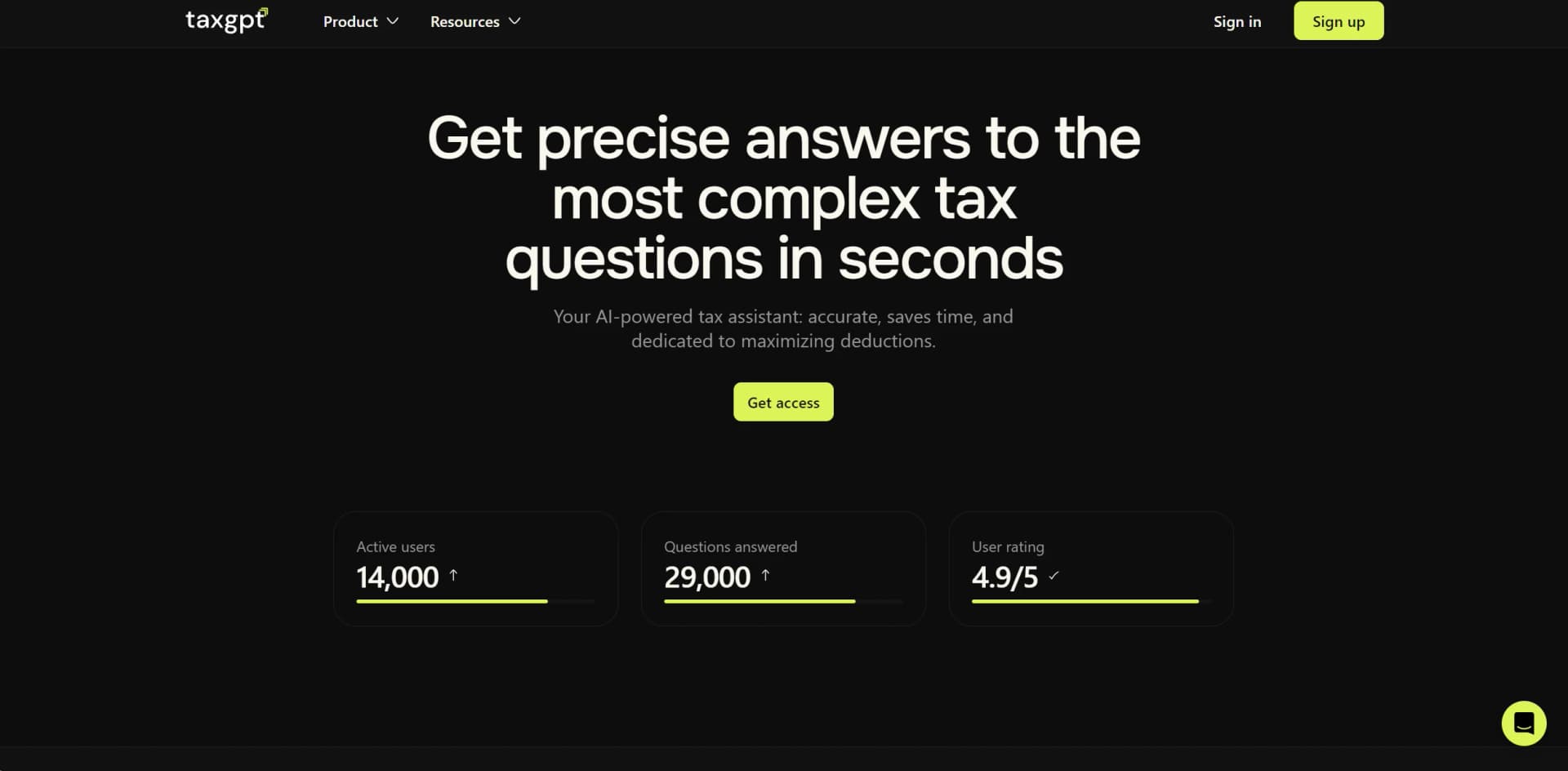
In the world of tax preparation, staying updated with the latest regulations and ensuring accuracy in filings is paramount. TaxGPT emerges as a revolutionary AI-powered tool designed to streamline the tax filing process for individuals, businesses, and tax professionals alike. With its advanced AI capabilities, TaxGPT offers real-time tax solutions, ensuring accuracy, maximizing deductions, and greatly simplifying the tax filing journey.
TaxGPT stands out due to its proprietary hallucination control algorithms, ensuring that the tax advice provided is reliable and based on the most accurate and current information. This unique feature makes it a trusted tool among tax professionals and individuals alike.
TaxGPT excels in providing a highly accurate, user-friendly, and efficient tax filing experience. Its cutting-edge AI technology and unique features like hallucination control algorithms make it an indispensable tool for anyone involved in tax preparation. Whether you are a tax professional looking to enhance service delivery or an individual seeking to simplify your tax filings, TaxGPT offers a robust solution that adapts to your needs.
Who is Using TaxGPT?
Tax Professionals
Enhance productivity and accuracy in client tax filings.
Business Owners
Streamline the entire tax process, ensuring compliance and efficiency.
Individuals
Simplify personal tax filings with guided support and automated tools.
Uncommon Use Cases
Utilized in academic settings for educational purposes; beneficial for freelancers needing organized tax solutions.
Key Features
Rating Breakdown
Pricing Plans
Free Tier
Free
Paid Plans
- Detailed pricing for comprehensive services available upon request
Which TaxGPT plan should you pick?
Start with Pro for solo practitioners or small teams; upgrade to Pro Plus for agentic workflows and AI tax preparation; choose Enterprise for larger firms needing custom security, deployment, and support.
Pro
Good for solo practitioners who need TaxGPT Research, Document Upload, Tax Writer, Matrix, Client Intelligence, and Agent Andrew review.
Pro Plus
Good for growing practices that need TaxGPT Cowork, AI tax preparation, bookkeeping workflows, white-glove onboarding, and priority support.
Enterprise
Good for larger firms that need unlimited client intelligence entities, in-person onboarding, priority feature access, and enterprise-grade security.
TaxGPT Use Cases
Tax research
Ask complex federal, state, local, provincial, territorial, and treaty tax questions in plain language.
Outcome: Receive structured answers backed by citations to authoritative tax sources.
Tax memo and notice drafting
Upload an IRS notice, tax return, or financial statement and request a client-ready response, summary, or analysis.
Outcome: Produce researched communications and advisory documents faster.
Tax return review
Upload prepared Forms 1040, 1065, 1120, or 1120-S for Agent Andrew review.
Outcome: Identify errors, audit risks, omissions, and missed tax-saving opportunities.
AI tax preparation
Assign a dedicated agent to prepare returns inside existing tax preparation software.
Outcome: Move returns from document intake to reviewer-ready preparation with documented actions.
Bookkeeping and advisory workflows
Run workflows for bookkeeping, tax planning, R&D credit analysis, K-1 production, payroll, and related services.
Outcome: Reduce manual coordination and produce client-ready deliverables.
Workflow Ideas with TaxGPT
Prepare and review a 1040
- 1Upload source documents or connect the client document storage
- 2Run the AI tax preparation workflow inside the existing tax software
- 3Review Agent Andrew’s red flags, green flags, and cleared items
Respond to an IRS notice
- 1Upload the IRS notice
- 2Ask TaxGPT to research the applicable authority and draft a response
- 3Review, edit, and export the client-ready communication
Analyze an R&D tax credit opportunity
- 1Provide the client’s relevant business and project information
- 2Run the R&D Tax Credit Analyzer workflow
- 3Review the federal and state credit report and next-step recommendations
How TaxGPT fits into your stack
API Access
Allows for integration into various business systems for seamless tax processing.
Secure Data Handling
Ensures that all user data is encrypted and handled with strict confidentiality.
Customization Options
Offers tailored functionalities to meet specific user needs.
Extension Support
Compatible with multiple digital platforms for enhanced accessibility.
Pros
- +Efficiency in Tax Filing: Reduces the time spent on tax preparation by automating complex processes.
- +Cost-Effective: Offers various pricing plans, including a free tier, making it accessible for different budgets.
- +High Accuracy Level: Ensures high precision in answers and tax filings, backed by a vast database and AI technology.
- +User Empowerment: Enables users to make informed tax decisions independently, enhancing their understanding of tax matters.
Cons
- −Learning Curve: New users may require some time to fully utilize all features effectively.
- −Limited Global Coverage: While it covers tax laws extensively for the USA and Canada, global coverage is still expanding.
- −Beta Phase Limitations: As the tool is in beta, occasional updates and adjustments may be expected.
Limitations & when to consider alternatives
Known limitations
- Cowork browser support is limited. TaxGPT Cowork officially supports Google Chrome only.
- Cowork file-size limits apply. Cowork limits individual files to 20 MB, images to 5 MB, and PDFs to 600 pages collectively.
- Cowork is currently limited to U.S. firms. The TaxGPT FAQ states that Cowork is currently available for U.S. firms.
- Human review remains required. TaxGPT states that the agent performs the heavy lifting while the firm’s team confirms the work and retains judgment responsibility.
- TaxGPT is not a substitute for professional judgment. The terms describe the tax information and Agent Andrew services as informational resources and disclaim responsibility for users’ tax positions.
Look elsewhere when
- You need a public developer API for programmatic access.
- You need customer-data fine-tuning or model training.
- You need multilingual human-language support beyond English.
How to Use TaxGPT
- 1
Explore a range of tutorials from basic setup to advanced features directly on TaxGPT's website or through their dedicated YouTube channel.
Who is TaxGPT For?
CPAs and tax professionals
TaxGPT provides citation-backed research, tax memo writing, return review, client intelligence, and workflow automation.
Enrolled agents and tax attorneys
The platform supports complex tax research, source-backed analysis, IRS responses, and client communications.
Accounting and tax firms
Firms can assign AI agents to tax preparation, bookkeeping, planning, R&D credit work, K-1 production, and other recurring workflows.
Corporate tax departments
Corporate departments can use TaxGPT for internal tax compliance, research automation, and documentation standardization.
Individual taxpayers and small business owners
Individuals and small businesses can use the free plan to research personal tax questions, track an entity, and request an Andrew review.
Frequently Asked Questions
How does TaxGPT pricing work?
Pricing depends on the plan, team size, client volume, and required capabilities. Firms are directed to book a demo for a tailored quote.
Is there a free plan?
Individuals and small business owners can sign up for free. The free plan includes 25 tax questions, one tracked entity, and one Andrew review upload.
What is TaxGPT Cowork?
Cowork is an agentic workspace where firms assign AI agents to complete workflows such as tax preparation, bookkeeping, planning, and credit analysis.
What software does TaxGPT work with?
Cowork works with tax platforms including Drake, ProConnect, UltraTax, CCH Axcess, and Lacerte, and connects to storage tools such as Google Drive, Dropbox, OneDrive, SharePoint, SafeSend, and SmartVault.
Can TaxGPT analyze uploaded documents?
Yes. TaxGPT uses OCR and document-context parsing to analyze tax returns, financial statements, notices, brokerage statements, and related documents.
Is TaxGPT secure?
TaxGPT states that it is SOC 2 Type II compliant, uses encryption and PII redaction, applies role-based access controls, and does not train models on client data.
Community reviews
Be the first to share your experience.
Sign in to leave a review for TaxGPT.
TaxGPT Alternatives
Looking for alternatives to TaxGPT? Here are similar tools in the same category:
Learn to Master TaxGPT
With Skill Leap courses
Get in-depth training on TaxGPT and 50+ other AI tools with our expert-led video courses.
Start 7-Day Free Trial