
Teal Resume Builder
Optimize resumes with AI, tailored to each job application.
Key Takeaways
- What it is
- Optimize resumes with AI, tailored to each job application.
- Pricing
- Freemium · $9 per week
- Best for
- AI-Powered Customization
- User-Friendly Interface
- Multiple Resume Versions
- Rating
- 4.6/5
What is Teal Resume Builder?
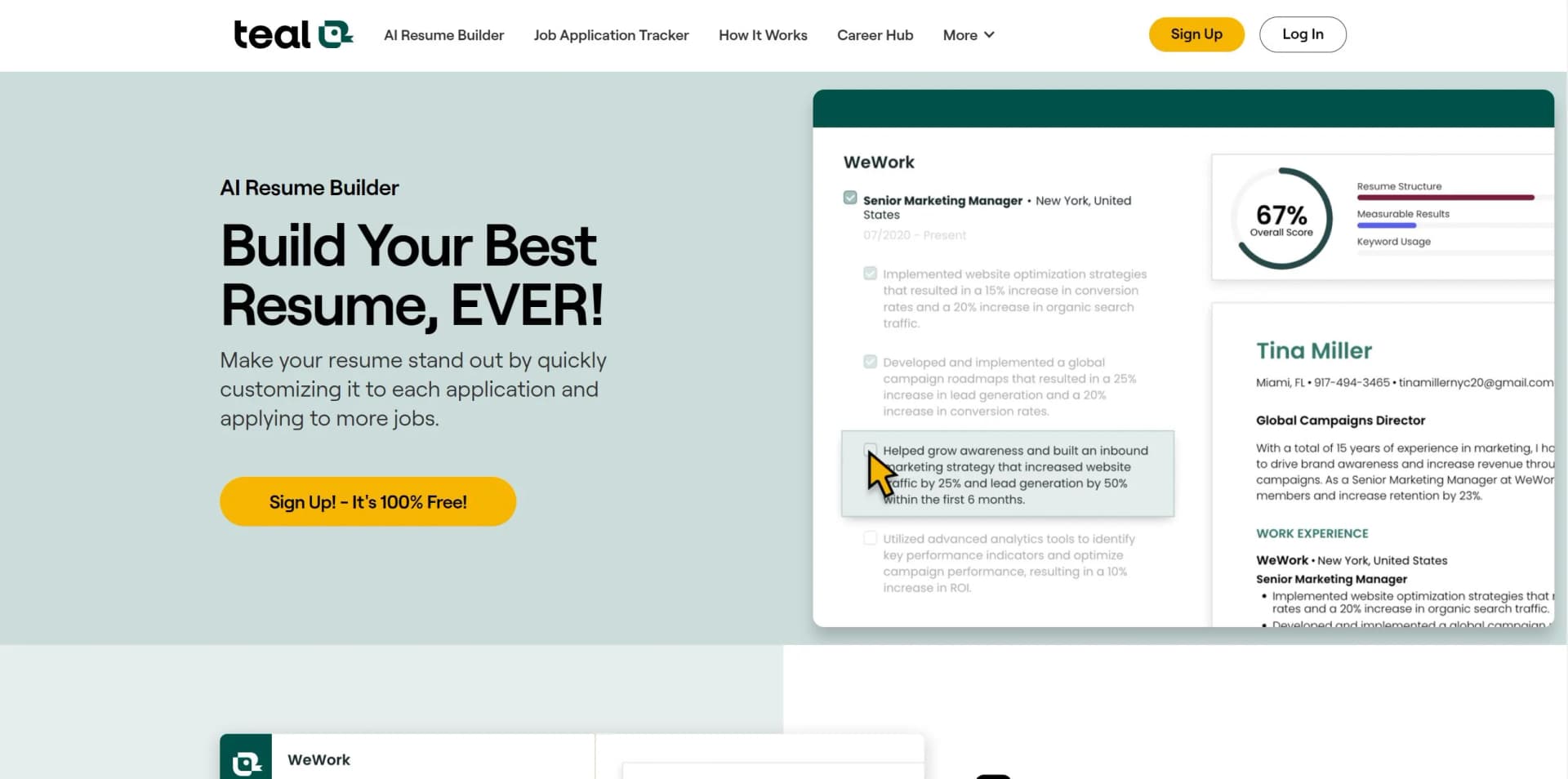
Teal Resume Builder is a cutting-edge tool revolutionizing resume creation with AI technology. It assists job seekers in crafting custom resumes tailored to stand out in competitive markets. Designed for diverse users, from fresh graduates to seasoned professionals, Teal simplifies the process, making it efficient and tailored for each job application.
Teal stands out with AI-driven content generation, enabling quick resume customization for specific job applications. Its focus on maximizing resume effectiveness by aligning with job descriptions sets it apart.
Teal Resume Builder is essential for enhancing job applications. With AI-powered features, user-friendly interface, and diverse templates, it empowers users to create professional, personalized resumes. Whether job seeker or professional, Teal could unlock your next career opportunity.
Who is Using Teal Resume Builder?
Job Seekers
Actively searching for employment opportunities.
Career Changers
Professionals pivoting into new industries or roles.
Recent Graduates
Making strong first impressions in the job market.
Freelancers
Updating resumes for new gigs.
Uncommon Use Cases
Non-profit volunteers transitioning to paid roles, artists formalizing experiences for grants.
Key Features
Rating Breakdown
Pricing Plans
Free Tier
Free
- Basic resume builder and job tracking features
Premium Tier
$9 per week
Which Teal Resume Builder plan should you pick?
Start with Free Forever for unlimited resume creation and basic tools; upgrade to Teal+ when you need unlimited AI, advanced analysis, premium templates, and advanced design controls.
Free Forever
Good for job seekers who need unlimited resumes, basic analysis, limited AI credits, and essential job tracking.
Teal+
Good for applicants who need unlimited AI generations, advanced resume analysis, unlimited keyword matching, premium templates, and advanced design settings.
Teal Resume Builder Use Cases
Build a resume from scratch
Enter experience, education, skills, and other sections using Teal's guided builder.
Outcome: A structured ATS-friendly resume.
Import and improve an existing resume
Upload a PDF or Word document so Teal can parse and organize the content.
Outcome: An editable resume foundation inside Teal.
Tailor a resume to a job
Save a job description, review the Match Score, toggle relevant experience, and address keyword gaps.
Outcome: A job-specific resume version.
Generate resume content
Use AI to draft or improve professional summaries and achievement-focused bullet points.
Outcome: Stronger, more targeted resume language.
Track applications
Save jobs, organize them by status, add notes, set follow-up dates, and associate resumes with applications.
Outcome: A centralized job-search pipeline.
Workflow Ideas with Teal Resume Builder
Create and tailor a resume
- 1Import a resume or LinkedIn profile
- 2Build a comprehensive master resume
- 3Save a job description and tailor a resume version using Match Score
Save and manage job opportunities
- 1Install the Teal Chrome Extension
- 2Bookmark jobs from supported job boards
- 3Track status, notes, contacts, and follow-up dates in the Job Tracker
Improve resume bullets
- 1Open a work-experience bullet
- 2Use Improve with AI or Bullet Coach
- 3Review, edit, and save the result to one or all resume versions
How Teal Resume Builder fits into your stack
LinkedIn Integration
Import profile to populate resume.
Job Application Tracker
Connect job search with resume updates.
Cover Letter Generator
Create matching cover letters using AI.
Real-Time Resume Scoring
Instant feedback on resume's match with job requirements.
Pros
- +Time-Saving: Quickly customize resumes for different applications.
- +Cost-Effective: Offers robust features for free, making it accessible.
- +User Empowerment: Analyze and improve resumes based on job descriptions.
- +Comprehensive Support: Includes tutorials, FAQs, and customer support.
Cons
- −Learning Curve: Requires time to fully utilize AI-powered features.
- −Template Limitations: Free version may offer fewer templates than premium.
- −Overwhelming Choices: Array of features and suggestions may overwhelm some users.
Limitations & when to consider alternatives
Known limitations
- Language settings are unavailable. Teal states that users cannot currently change language settings.
- PDF is the current export format. Teal's FAQ says DOCX and Google-file exports are not currently available.
- Native mobile experience is limited. Teal says the platform is best used on desktop and laptop browsers, especially for exporting.
- Free AI usage is limited. Free users receive limited AI credits, while Teal+ provides unlimited use for several AI tools.
- No dedicated References section. Teal says it does not currently offer a dedicated References section.
Look elsewhere when
- You need DOCX or Google-file export.
- You need multilingual language settings.
- You need a dedicated References section.
- You need a native mobile app.
How to Use Teal Resume Builder
- 1
Access tutorials and guides on Teal website for maximizing features.
Who is Teal Resume Builder For?
Job seekers
Teal is designed to help job seekers build resumes, tailor applications, track jobs, and prepare for interviews.
Professionals changing roles
The platform supports multiple tailored resume versions for different job types and applications.
High-volume applicants
Unlimited resume versions, job tracking, and browser-based job saving help users manage many applications.
Users with an existing resume
Users can import PDF or Word resumes and refine the extracted career history inside Teal.
Frequently Asked Questions
Is Teal's Resume Builder free?
Yes. Teal offers a free plan with unlimited resume creation and basic AI features; Teal+ adds premium limits and capabilities.
Can I import an existing resume?
Yes. Users can upload a PDF or Word document, import a LinkedIn profile URL, paste career history, or start from scratch.
Can I create multiple resumes?
Yes. Teal supports unlimited resume versions, allowing users to tailor resumes for different roles.
Can Teal tailor a resume to a specific job?
Yes. Teal compares a resume with a saved job description, provides a Match Score, highlights keywords, and helps users address gaps.
Can I export my resume as a Word document?
Teal's FAQ states that it currently exports resumes as PDF and plans to expand DOCX or Google-file support in the future.
Can I change the language settings?
No. Teal states that language-setting changes are not currently available.
Community reviews
3 reviews from people who use Teal Resume Builder.
Sign in to leave a review for Teal Resume Builder.
Brad Barron
Thibault BM
Lia Zneimer
Teal Resume Builder Alternatives
Looking for alternatives to Teal Resume Builder? Here are similar tools in the same category:
Learn to Master Teal Resume Builder
With Skill Leap courses
Get in-depth training on Teal Resume Builder and 50+ other AI tools with our expert-led video courses.
Start 7-Day Free Trial