TensorFlow
Harness AI and ML with Google's powerful, scalable TensorFlow.
Key Takeaways
- What it is
- Harness AI and ML with Google's powerful, scalable TensorFlow.
- Pricing
- Freemium
- Best for
- Versatile Framework
- Extensive API Support
- Robust ML Libraries and Tools
- Rating
- 4.5/5
What is TensorFlow?
Exploring the realms of artificial intelligence and machine learning can be daunting, but tools like TensorFlow make it significantly more accessible. Developed by the brainiacs at Google, TensorFlow is an open-source library designed to streamline the process of building and deploying machine learning models. Whether you're a seasoned data scientist or a budding AI enthusiast, TensorFlow offers a robust platform for creating sophisticated algorithms that can transform data into actionable insights.
TensorFlow sets itself apart with its comprehensive and scalable approach to machine learning. Its ability to be deployed on both servers and edge devices like smartphones and tablets allows for a wide range of applications, from server-based data analysis to real-time applications in mobile apps.
TensorFlow excels in providing a comprehensive, scalable platform for machine learning development, making it an essential tool for a wide array of users. Its robust feature set, coupled with strong community support and extensive resources, offers significant advantages for those looking to explore or advance in the field of AI. Whether you're developing complex systems or just starting out, TensorFlow provides the tools necessary to turn ideas into impactful solutions.
Who is Using TensorFlow?
Tech Companies
Employ TensorFlow for everything from enhancing search algorithms to real-time voice recognition functionalities.
Healthcare Sector
Utilized by medical researchers to analyze large datasets for disease prediction and diagnostics.
Finance Institutions
Leverage TensorFlow for risk management and fraud detection by analyzing transaction patterns.
Academics and Researchers
Use it to conduct complex computations and data analysis in scientific research.
Uncommon Use Cases
TensorFlow is also used in agricultural sectors for crop analysis and yield prediction; it's even utilized in the arts for creating AI-driven music and art installations.
Key Features
Rating Breakdown
Pricing Plans
Free Tier
Free
- TensorFlow is open-source
- Allowing users to access its full suite of tools without any cost
Enterprise Solutions
- While the core features are free
- Enterprise solutions may involve costs related to cloud computing services and additional integrations
TensorFlow Use Cases
Image classification
Load image datasets, train an image classifier, evaluate it, and convert it for on-device inference.
Outcome: A trained model that identifies image categories.
Transfer learning
Reuse a pretrained model and fine-tune it with task-specific data such as cats and dogs.
Outcome: A customized model with less training data and computation than training from scratch.
Neural machine translation
Train sequence-to-sequence models using paired text in different human languages.
Outcome: A model capable of translating text between languages.
Production ML pipelines
Use TFX components to ingest data, calculate statistics, validate datasets, train models, evaluate results, and deploy models.
Outcome: An orchestrated and repeatable machine-learning workflow.
Browser-based machine learning
Use TensorFlow.js to build or run models directly in browser environments.
Outcome: Client-side machine-learning applications that run through JavaScript.
Workflow Ideas with TensorFlow
Train and deploy an image classifier
- 1Load labeled images from directories
- 2Build and train a TensorFlow model
- 3Convert and deploy the model for browser or mobile inference
Create a production ML pipeline
- 1Ingest and validate training data with TFX components
- 2Train and evaluate the model
- 3Deploy the validated model through a production orchestrator
Fine-tune a pretrained model
- 1Load a pretrained feature extractor
- 2Add a task-specific classifier and train it on new data
- 3Evaluate and export the customized model
How TensorFlow fits into your stack
Multi-Platform Support
Runs on almost any device, from desktops with GPU acceleration to mobile devices.
Google Cloud Integration
Optimized for integration with Google Cloud Platform for seamless cloud execution.
Extensive Library Support
Includes support for many third-party libraries, enhancing its functionality.
TensorBoard Visualization
Comes with TensorBoard, a tool for visualizing model training and performance, which is crucial for debugging and optimization.
Pros
- +Scalability: Handles large-scale machine learning tasks, making it suitable for both startups and large enterprises.
- +Flexibility: Offers flexibility in model design thanks to its ability to create complex architectures.
- +Strong Integration: Seamlessly integrates with other Google services, enhancing its utility in applications that leverage other Google technologies.
- +Active Community: Benefits from a robust, active community that contributes to continuous improvement and extensive documentation.
Cons
- −Steep Learning Curve: New users may find TensorFlow challenging to learn due to its comprehensive and sophisticated nature.
- −Resource Intensive: Efficient utilization requires substantial computational resources, which might be a constraint for individual developers or small teams.
- −Limited Native Language Support: While Python support is excellent, support for other programming languages is less developed.
Limitations & when to consider alternatives
Known limitations
- Requires a development environment. TensorFlow is primarily installed and used through Python packages, Docker, notebooks, or JavaScript tooling rather than a turnkey application.
- Native Windows GPU limitations. TensorFlow 2.10 was the last release with native-Windows GPU support; newer GPU workflows require WSL2 or other alternatives.
- No official macOS GPU support. The pip installation documentation states that TensorFlow has no official GPU support on macOS.
- Local orchestration is not production-grade. The TFX documentation notes that LocalDagRunner runs on a single machine and may be unsuitable for production.
- Non-Python APIs have fewer stability guarantees. TensorFlow documents Python as the most complete API and warns that other language APIs are not covered by the same API stability promises.
Look elsewhere when
- You need a turnkey desktop application rather than a development framework.
- You need a dedicated native iOS or Android app.
How to Use TensorFlow
- 1
For those new to TensorFlow or seeking to sharpen their skills, the TensorFlow website offers an extensive range of tutorials. These cover everything from basic concepts to advanced applications, providing hands-on experience through well-documented examples.
Who is TensorFlow For?
Beginners
TensorFlow provides beginner-focused tutorials and high-level APIs such as Keras for learning machine learning.
Experts
Advanced users can use distributed training, lower-level APIs, custom components, and production deployment tools.
Web developers
TensorFlow.js lets web developers train and deploy machine-learning models with JavaScript in browsers and Node.js.
Mobile developers
TensorFlow Lite and related tooling support deployment of trained models to mobile and embedded devices.
ML engineers
TFX provides production pipelines for data processing, training, evaluation, serving, monitoring, and deployment.
Frequently Asked Questions
What is TensorFlow?
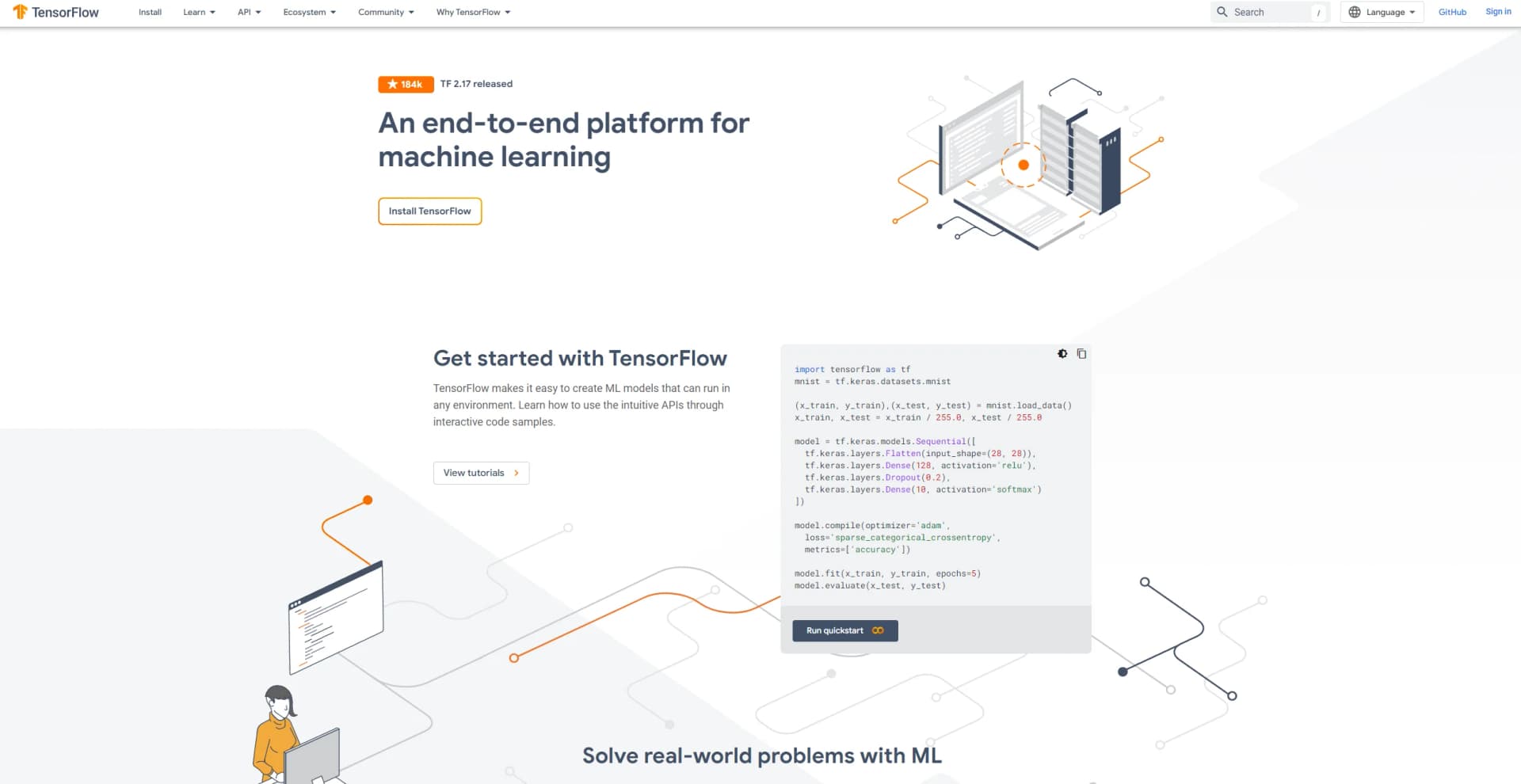
TensorFlow is an end-to-end open-source platform for building, training, and deploying machine-learning models.
How do you install TensorFlow?
The official installation uses Python package managers such as pip, with Docker images also available.
Can TensorFlow run in a browser?
TensorFlow.js enables model training and inference in browser environments using JavaScript.
Can TensorFlow run on mobile devices?
TensorFlow Lite, now presented within the LiteRT ecosystem, supports deploying models to Android, iOS, embedded devices, and edge hardware.
Can TensorFlow fine-tune existing models?
Transfer learning and fine-tuning let developers adapt pretrained models to new tasks and datasets.
What can TensorFlow be used for?
TensorFlow supports model construction, training, inference, deployment, data pipelines, computer vision, natural-language processing, and production ML workflows.
Community reviews
Be the first to share your experience.
Sign in to leave a review for TensorFlow.
TensorFlow Alternatives
Looking for alternatives to TensorFlow? Here are similar tools in the same category:
Learn to Master TensorFlow
With Skill Leap courses
Get in-depth training on TensorFlow and 50+ other AI tools with our expert-led video courses.
Start 7-Day Free Trial