TensorLeap
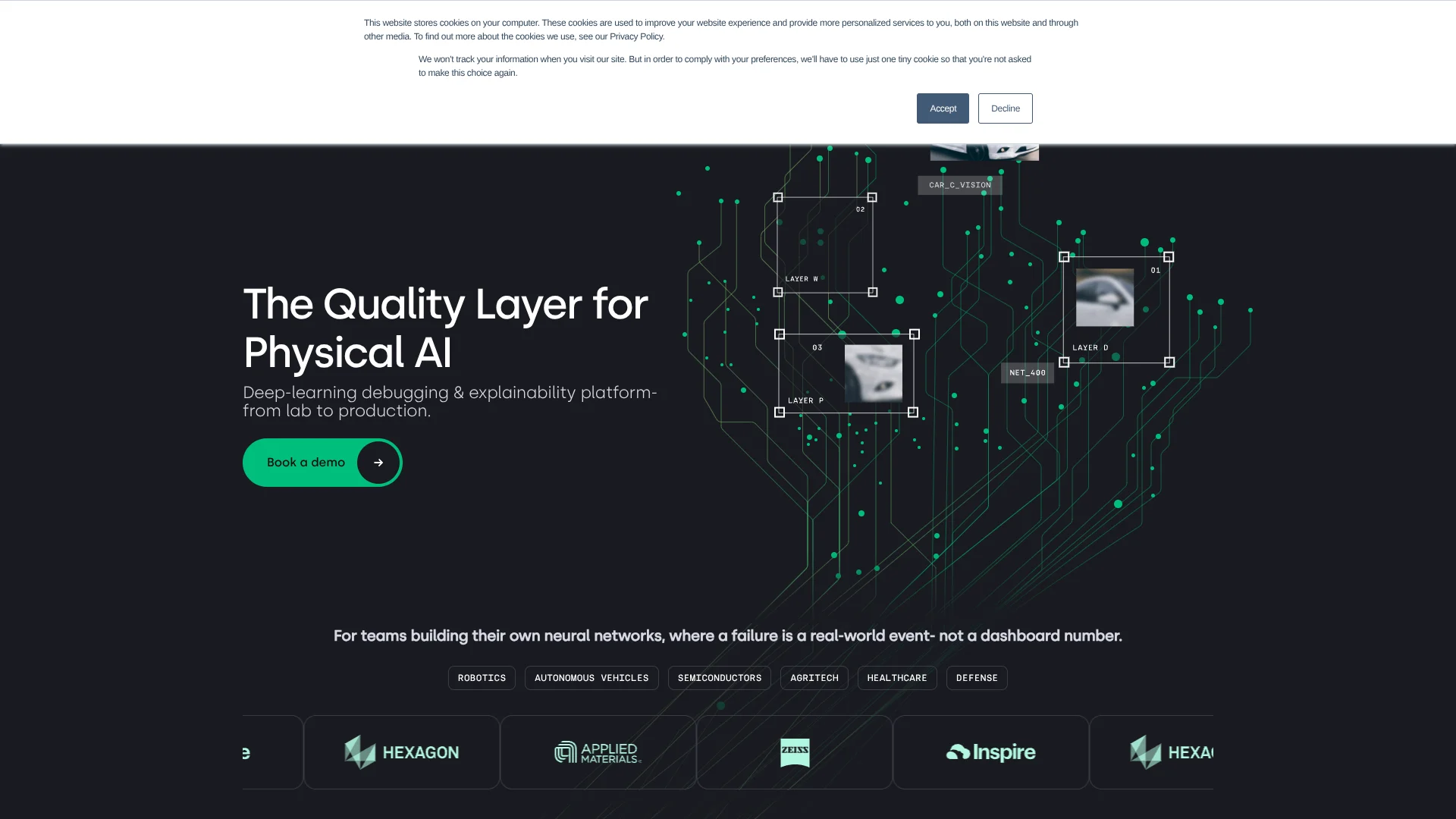
Finds failure patterns in neural networks built for robots and vehicles.
Key Takeaways
- What it is
- Finds failure patterns in neural networks built for robots and vehicles.
- Best for
- Aggressors Detection
- Domain Gap Analysis
- Production Monitoring
- Rating
- 4.0/5
What is TensorLeap?
When a robot or vehicle model fails on a particular kind of scene, Tensorleap helps AI teams find the pattern behind the error and decide what to fix. It analyzes model behavior across data, surfaces weak-performing groups, and connects those findings to data curation and model improvement. Teams can also monitor deployed models for drift and emerging failures.
A notable capability is monitoring live, unlabeled production data for drift and failure patterns, then carrying those findings into the debugging workflow with context about possible causes.
Tensorleap is best suited to teams building neural networks for physical AI, such as robotics and autonomous vehicles, where model mistakes can have real-world consequences. Getting useful analysis requires connecting a model and preparing integration code, so it is not a plug-and-play checker for a finished model.
Who is Using TensorLeap?
Perception Engineers
Model failure groups and visual heatmaps help them understand which scenes or features drive poor predictions.
Machine Learning Engineers
Integration scripts connect their datasets and models so they can evaluate behavior and compare model versions.
Data Scientists
Dataset analysis helps them find underrepresented cases and prioritize data for labeling.
MLOps Engineers
Production monitoring gives them alerts about drift and emerging failures in deployed models.
Uncommon Use Cases
Comparing synthetic and real-world data to find domain gaps; retrieving similar unlabeled samples for targeted labeling
Key Features
Rating Breakdown
Pricing Plans
Free Trial
- Start with a robust free trial to explore the functionalities without any initial investment
Subscription Plans
- Detailed pricing plans are available upon request through the official TensorLeap website
TensorLeap Use Cases
Find Model Failure Patterns
When a model performs poorly on a subset of data, ranked groups and representative examples help identify where to investigate.
Outcome: A clearer view of failure patterns and their possible causes.
Compare Domains
Teams can compare model behavior across environments, sensors, or synthetic and real-world datasets.
Outcome: Visibility into domain gaps that can limit generalization.
Prioritize Data Labeling
Model-driven insights highlight underrepresented or difficult cases that may be worth labeling.
Outcome: Labeling effort focused on cases the model struggles with.
Monitor Deployed Models
Live data checks can flag drift and emerging failure modes, even when production examples are unlabeled.
Outcome: Alerts with context to guide investigation.
Check for Regressions
Reusable tests let teams track known failure groups across model versions.
Outcome: A way to check whether a new version reintroduces known issues.
Workflow Ideas with TensorLeap
Investigate a Model Failure
- 1Connect the trained model and its integration code.
- 2Review ranked failure groups and representative samples.
- 3Use the findings to choose a data or model change and evaluate it.
Close a Domain Gap
- 1Prepare datasets from the domains you want to compare.
- 2Review differences in model behavior, activations, and metadata.
- 3Prioritize data collection or synthetic data guidance for the gap.
Track Production Drift
- 1Connect monitoring to the deployed model and its live data.
- 2Review alerts for drift or emerging failure patterns.
- 3Send relevant cases into the debugging workflow and verify a fix.
How TensorLeap fits into your stack
Model Development
Tensorleap connects to a trained model through integration code that describes how data is prepared and passed through it. The platform analyzes model behavior without requiring teams to change their training workflow.
Data and Storage
Teams can connect data sources such as S3, GCS, and Azure Blob through their integration workflow.
Experiment Tracking
Tensorleap lists Weights & Biases and MLflow among the tools it fits into, alongside PyTorch and TensorFlow model workflows.
Deployment and Access
The vendor describes deployment in a team's cloud or on-premise environment, with SSO, role-based access control, and audit logs.
Pros
- +Failure context: Heatmaps and representative samples help teams see what patterns are behind a model's weak performance.
- +Unlabeled monitoring: Production checks can surface emerging issues before labeled data is available.
- +Targeted data work: Analysis can guide labeling and data collection toward cases the model struggles with.
Cons
- −Setup work: Teams need to connect their model and write integration code before analysis can begin.
- −Specialized focus: The features are aimed at teams building and operating neural networks, especially for physical AI.
Limitations & when to consider alternatives
Known limitations
- Integration Code Is Required. Tensorleap's documentation requires integration code to load and prepare data and connect it to the model for analysis.
- Local Setup Has Hardware Requirements. The current Get Started page lists at least 4 CPU cores, 32 GB of memory, and 200 GB of free storage, along with Docker.
Look elsewhere when
- You need an AI tool that works without connecting a model and dataset.
- You need a browser-only service that does not require installing a server.
How to Use TensorLeap
- 1
Request a License
Submit the form on Tensorleap's Get Started page with a work email to receive a license key and installation instructions.
- 2
Check the Setup Requirements
The current setup page lists macOS or Linux WSL2 on Windows, Docker, at least 4 CPU cores, 32 GB of memory, and 200 GB of free storage.
- 3
Install the Server and CLI
Follow Tensorleap's installation guide to set up the server and Leap CLI in your environment.
- 4
Connect a Model and Dataset
Prepare integration code that tells Tensorleap how to load and process the dataset and pass data through the model.
- 5
Evaluate and Inspect
Run model evaluation, then review failure groups, samples, heatmaps, and domain comparisons.
- 6
Monitor or Compare Versions
Set up production monitoring or reuse tests to watch for drift and regressions across model versions.
Who is TensorLeap For?
Robotics Teams
Teams building neural networks for robots can investigate edge cases and track model behavior after deployment.
Autonomous Vehicle Teams
Vehicle AI teams can look for domain gaps and failure patterns across changing road and sensor conditions.
Semiconductor Teams
Teams working on semiconductor AI can inspect model behavior and identify data groups that need attention.
Agritech Teams
Agritech model builders can investigate performance differences across environments and data populations.
Healthcare and Defense AI Teams
Teams building neural networks for these fields can use failure analysis and monitoring to investigate model reliability.
Frequently Asked Questions
Does Tensorleap have a free option?
Tensorleap documentation describes a free trial. Its current Get Started page asks you to request a license key before installation.
How much does Tensorleap cost?
The official pages reviewed do not publish subscription plan prices. The Get Started page offers a license request and a separate option to book a demo.
What does Tensorleap analyze?
It analyzes neural-network behavior across data, including failure groups, domain gaps, and production drift.
Does Tensorleap work with unlabeled data?
Yes. Tensorleap says production monitoring works on unlabeled streams, and it can retrieve similar unlabeled samples for targeted labeling.
Which integrations does Tensorleap name?
The official site names Weights & Biases, MLflow, S3, GCS, Azure Blob, PyTorch, and TensorFlow.
Community reviews
Be the first to share your experience.
Sign in to leave a review for TensorLeap.
TensorLeap Alternatives
Looking for alternatives to TensorLeap? Here are similar tools in the same category: