Text2SQL
Turn plain-language data questions into SQL shaped around your database schema.
Key Takeaways
- What it is
- Turn plain-language data questions into SQL shaped around your database schema.
- Pricing
- $29 per seat per month
- Best for
- Schema-aware SQL generation
- Insights
- Query refinement and history
- Rating
- 4.2/5
What is Text2SQL?
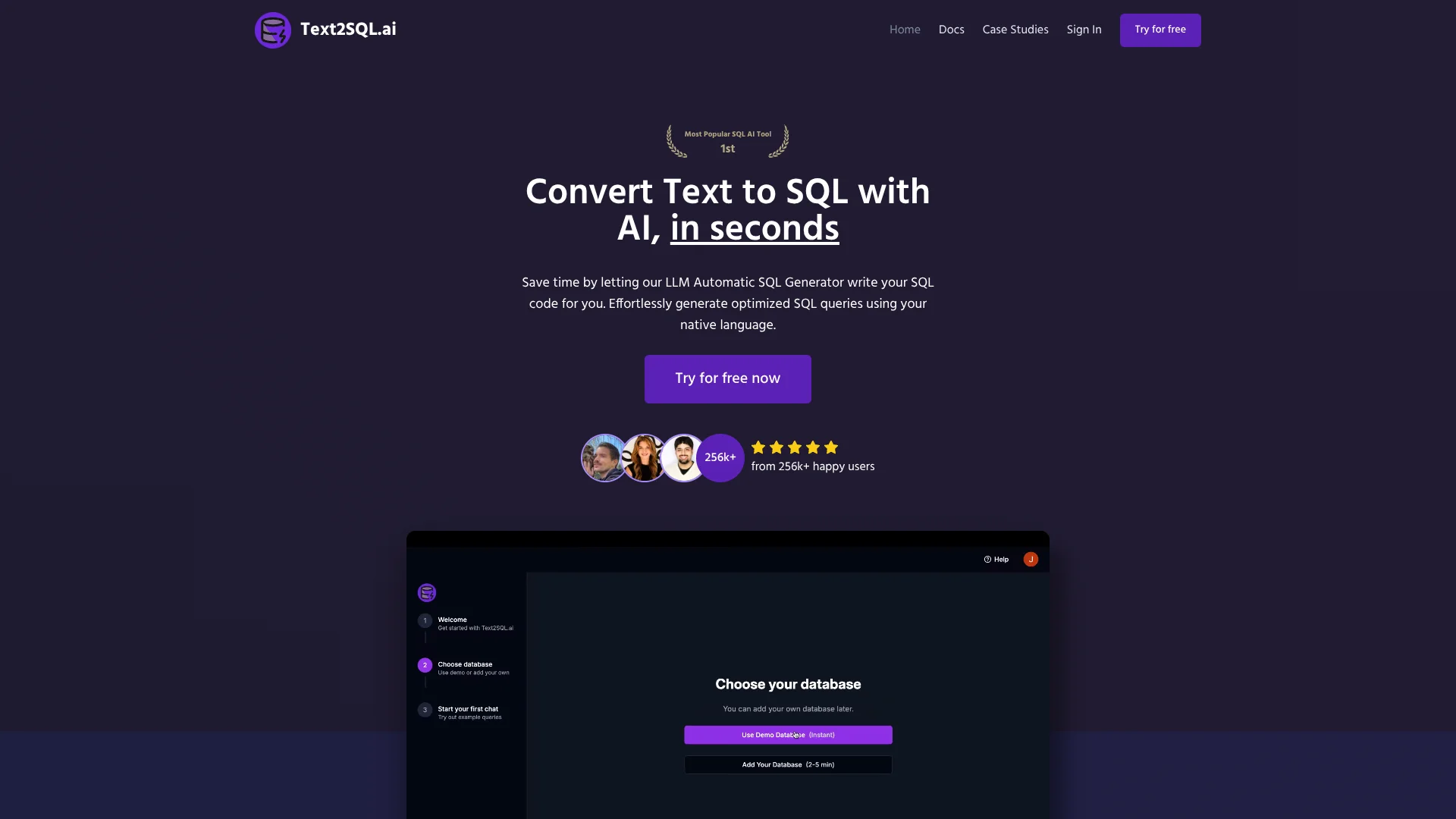
Text2SQL.ai turns plain-language questions into SQL, using your database schema to shape queries around your actual tables and columns. Data analysts and developers can also ask it to explain, fix, or optimize SQL they already have. When you connect a database, the tool can run a query and show its results, which helps bridge the gap between a data question and working SQL.
Its Insights view puts the generated SQL, query results, explanation, and chart together, and lets you revise the query or visualization with follow-up requests while keeping a version history.
Text2SQL.ai fits people who write or review database queries and want AI help grounded in their schema. It can also connect directly only to MySQL, PostgreSQL, and SQL Server; other listed databases rely on schema import or parsing rather than a direct connection. It is best viewed as a SQL workbench, not a general business-intelligence tool.
Who is Using Text2SQL?
Data analyst
Monthly sales or customer questions become schema-aware SQL with a table and chart to review.
Software developer
A broken query can be fixed or explained with database connection context.
Database administrator
Schema comments and sync help keep AI context aligned with changing tables and columns.
Product manager
A database question can be translated into SQL and reviewed alongside its results.
Uncommon Use Cases
Explain SQL for internal documentation; generate charts from query results through the API.
Key Features
Rating Breakdown
Pricing Plans
Pro
$29 per seat per month
- The team documentation also lists $239.00 per seat per year.
- Includes unlimited messages, API access, and the desktop app.
- Includes 100 API requests per month; additional API requests cost $0.05 each.
Which Text2SQL plan should you pick?
Start with the free trial to test your database workflow; choose Pro for ongoing use, API access, or the desktop app, and consider Enterprise for custom limits or private deployment.
Pro
For regular SQL work that needs unlimited messages, API access, team invites, or the desktop app.
Enterprise
For organizations that need custom limits, private deployment, SSO login, or dedicated support.
Text2SQL Use Cases
Turn a data question into SQL
A plain-language question becomes a query shaped by the selected database schema.
Outcome: A query using the database's table and column context.
Review trends in Insights
Monthly revenue or customer growth can appear as SQL, a results table, an explanation, and a chart.
Outcome: A query and visual summary together.
Fix or understand a query
An erroring or unfamiliar SQL statement can be repaired or explained in plain language.
Outcome: A revised query or a clearer understanding of the existing one.
Add SQL generation to an application
The public API lets developers send a natural-language prompt and receive generated SQL.
Outcome: SQL generation available inside a custom application.
Workflow Ideas with Text2SQL
Explore a database question
- 1Select or create a database connection with schema context.
- 2Ask a specific question that names the desired measure and time period.
- 3Review the SQL, results, explanation, and chart in Insights.
Improve an existing query
- 1Provide the query and, when available, its database connection.
- 2Request an explanation or describe the error to fix.
- 3Review the revised SQL before using it.
Build SQL help into an app
- 1Create an API key and identify the database connection.
- 2Send a natural-language prompt to the SQL generation endpoint.
- 3Use the returned SQL and explanation in your application.
How Text2SQL fits into your stack
Web app
The browser app is where you ask questions, manage database connections, and review generated SQL.
Database connections and schemas
Direct connections are documented for MySQL, PostgreSQL, and SQL Server. Other supported types can use schema scripts, pasted schema, or AI schema parsing.
Desktop app
The Windows, macOS, and Linux app supports local database access while keeping credentials and data on the device.
API
The public API can generate, fix, and explain SQL for custom applications; API access is included with Pro.
Pros
- +Schema context: Table, column, and relationship details can help the AI produce queries that fit your data.
- +Insight review: SQL, results, charts, and explanations appear together for easier checking.
- +Query version history: Earlier query versions remain available if a revision is not useful.
- +Local desktop connections: Database credentials and data stay on your machine in the desktop app.
Cons
- −Narrow scope: Its main strength is SQL work, so it is less useful for broader research or writing tasks.
- −Connection setup: Some databases require schema import or parsing instead of a direct connection.
- −Query review: Generated SQL still needs human checking before you rely on its results.
Limitations & when to consider alternatives
Known limitations
- Direct connections cover three database types. The connection guide lists direct connections for MySQL, PostgreSQL, and SQL Server; other listed types use schema scripts, pasted schema, or AI parsing.
- Cloud connections cannot reach localhost. The cloud service cannot directly connect to localhost or 127.0.0.1; the documentation suggests a public host or secure tunnel.
- Schema context affects query quality. The Insights guide says the AI needs schema context to generate accurate queries.
- API requests use plan credits. API calls consume credits from the plan quota, and the API guide lists 100 requests per month included with Pro.
Look elsewhere when
- You need direct connections to database types beyond MySQL, PostgreSQL, and SQL Server.
- You need a mobile app or browser extension for working with SQL.
- Your team needs a broad business-intelligence suite rather than SQL generation and query review.
How to Use Text2SQL
- 1
Start a trial
Create an account with email, Google, or LinkedIn to access the app.
- 2
Add database context
Connect MySQL, PostgreSQL, or SQL Server directly, or provide a schema through import or parsing.
- 3
Improve the schema context
Review tables and columns, select the relevant items, and add comments for business rules or unclear names.
- 4
Ask a specific question
Include the time period, filters, and grouping you need so the generated SQL has clear direction.
- 5
Check the result
Review the SQL and explanation, then use Insights to inspect query results and charts.
- 6
Refine with follow-ups
Request changes to the query or chart and use query history to return to an earlier version.
Who is Text2SQL For?
Data analysts
Schema-aware generation and Insights can speed up query writing and reviewing results.
Software developers
SQL generation, repair, and explanation can help when building or debugging database-backed products.
Database teams
Shared connections and team workspaces support collaboration around database queries.
SQL learners
Plain-language explanations can make unfamiliar queries easier to understand.
Frequently Asked Questions
Does Text2SQL.ai have a free plan?
The getting-started guide says sign-up begins with a free trial. It does not confirm a permanent free plan or state the trial duration.
Does Text2SQL.ai offer an API?
Yes. The public API supports SQL generation, query execution, chart generation, SQL fixing, and SQL explanations. The documentation says API access is available on Pro and above.
Can it connect directly to my database?
The connection guide lists direct connections for MySQL, PostgreSQL, and SQL Server. Other database types can use schema extraction scripts, pasted schema, or AI schema parsing.
Does it have a desktop app?
Yes. Text2SQL Desktop is available for Windows, macOS, and Linux and is included with Pro subscriptions.
Can a team share database connections?
Yes. The team documentation describes a private workspace where members share database connections and have Owner or Member roles.
Community reviews
Be the first to share your experience.
Sign in to leave a review for Text2SQL.
Text2SQL Alternatives
Looking for alternatives to Text2SQL? Here are similar tools in the same category: