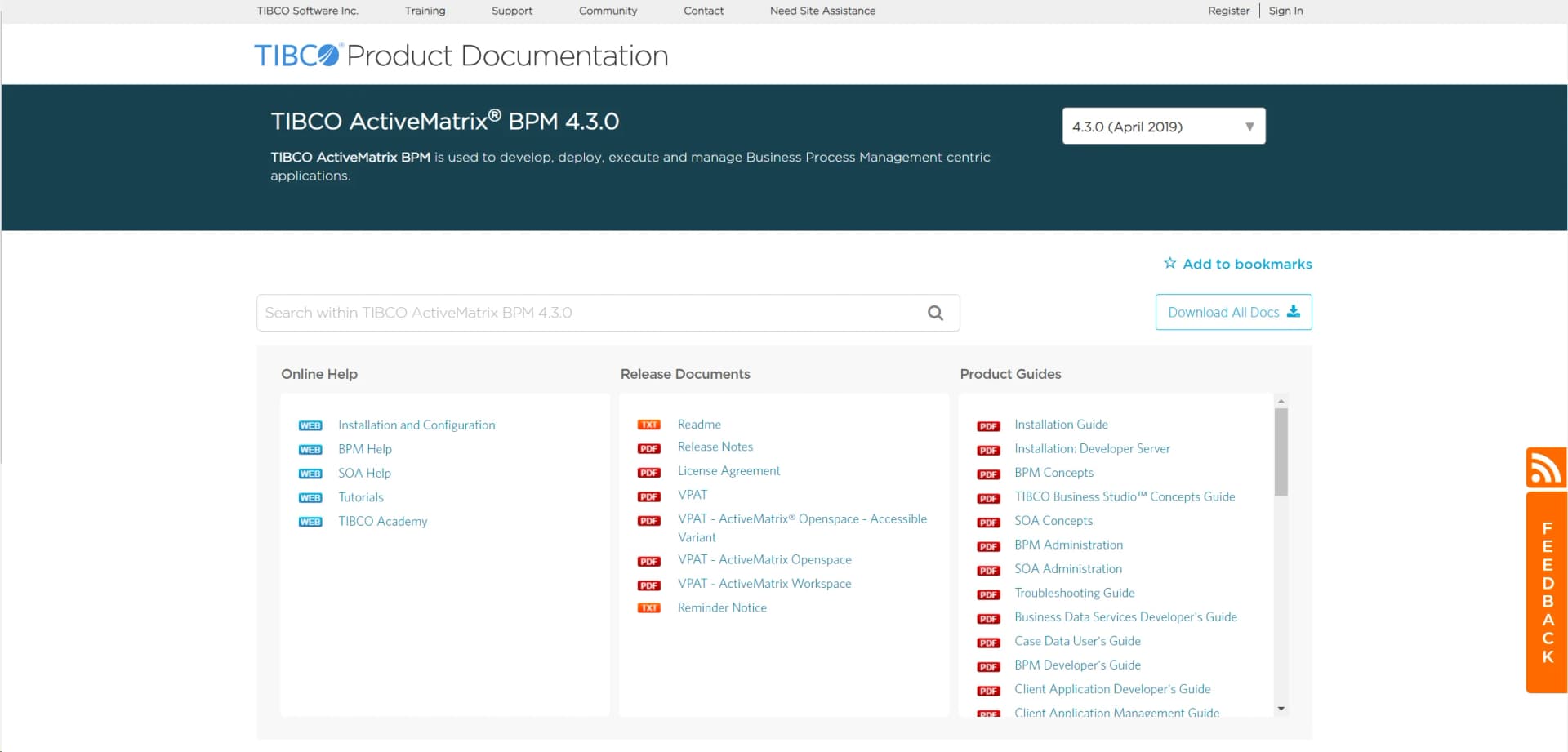
TIBCO ActiveMatrix BPM
Streamline complex operations with AI-driven process automation.
Key Takeaways
- What it is
- Streamline complex operations with AI-driven process automation.
- Best for
- AI-Driven Process Automation
- Real-Time Analytics
- Scalable Architecture
- Rating
- 4.2/5
What is TIBCO ActiveMatrix BPM?
TIBCO ActiveMatrix BPM is a dynamic business process management platform designed to streamline and optimize complex business operations. By integrating advanced AI capabilities, it offers businesses the tools needed to automate workflows, enhance decision-making, and improve overall operational efficiency. Tailored for enterprises seeking to simplify business processes, TIBCO ActiveMatrix BPM provides a robust solution for managing and orchestrating business activities seamlessly.
TIBCO ActiveMatrix BPM stands out with its AI-driven automation capabilities, which are a game-changer for businesses looking to optimize their operations. Its ability to provide real-time analytics and insights sets it apart, offering users a competitive edge in strategic decision-making and process management.
TIBCO ActiveMatrix BPM offers a powerful solution for businesses seeking to enhance their operational efficiency through AI-driven process management. Its advanced features, combined with real-time analytics, provide a robust platform for optimizing complex business processes. While there may be a learning curve and initial setup challenges, the long-term benefits of scalability, efficiency, and improved decision-making make it a valuable investment for enterprises.
Who is Using TIBCO ActiveMatrix BPM?
Large Enterprises
Utilizing the platform to manage and optimize complex business processes.
Financial Institutions
Employing the tool to streamline compliance and operational workflows.
Healthcare Providers
Leveraging BPM for efficient patient management and administrative processes.
Manufacturing Companies
Using the platform for supply chain optimization and production management.
Adopted by government agencies for regulatory compliance.
Utilized by educational institutions for administrative process management.
Key Features
Rating Breakdown
Pricing Plans
Standard Plan
- Offers a comprehensive suite of features tailored for medium to large enterprises. Pricing details are available upon request from TIBCO
Enterprise Plan
- Provides advanced features and customization options for large-scale operations. Pricing is customized based on specific business needs
Which TIBCO ActiveMatrix BPM plan should you pick?
Start with the BPM Developer Server for evaluation and development, then use a licensed BPM Enterprise deployment for production workloads.
BPM Developer Server
Good for developers who need to install, model, test, and deploy BPM applications in a development environment.
TIBCO BPM Enterprise
Good for organizations that need licensed production process automation, case management, integrations, and enterprise deployment.
TIBCO ActiveMatrix BPM Use Cases
Automate business processes
Model and deploy process applications, assign user tasks, and execute them at runtime.
Outcome: Automated and monitored business operations.
Manage work items
Users access inboxes, work lists, assignments, and offered work through BPM clients.
Outcome: Work is routed to the appropriate users and groups.
Build case-management applications
Deploy client applications and mobile applications for managing cases and process work.
Outcome: Users can manage cases through browser or mobile clients.
Integrate enterprise content
Connect BPM processes to CMIS-compliant content repositories such as Alfresco and SharePoint.
Outcome: Business processes can work with enterprise documents and content.
Expose processes as services
Publish process functionality as services that can consume or be consumed by other services.
Outcome: Processes participate in service-oriented application architectures.
Workflow Ideas with TIBCO ActiveMatrix BPM
Design and deploy a process
- 1Model the process and organization participants in TIBCO Business Studio
- 2Deploy the BPM application and organization model
- 3Assign work items to users or groups through BPM clients
Integrate a business service
- 1Define a business service and its process interaction
- 2Connect the service to an external or ActiveMatrix service
- 3Test the service through Workspace and verify the resulting work item
Enable mobile work management
- 1Publish business services with a mobile target
- 2Configure the application for Mobilespace
- 3Use the TIBCO ActiveMatrix BPM mobile app to access work items and cases
How TIBCO ActiveMatrix BPM fits into your stack
Browser
Openspace and Workspace are browser-based client applications for logging in, viewing work lists, opening work items, completing forms, and starting business services.
Automation and APIs
The platform sits in the process-automation layer, exposing REST, SOAP, and Java APIs for invoking BPM runtime services and integrating business applications.
Desktop / IDE
TIBCO Business Studio provides the design-time environment for modeling, developing, testing, and deploying BPM applications.
Knowledge and files
Application Development hosts uploaded application files and supports editing, testing, verification, and publication of customized client applications.
Pros
- +Enhanced Efficiency: Significantly reduces the time required to complete business processes through automation.
- +Improved Decision-Making: Real-time analytics offer actionable insights, enhancing strategic planning and execution.
- +Scalability: Easily adapts to growing business needs, ensuring long-term usability.
- +Robust Integration: Supports integration with various third-party applications, enhancing functionality and connectivity.
Cons
- −Initial Learning Curve: Users may require time to fully understand and utilize the platform's advanced features.
- −Complex Setup: Initial configuration can be complex, requiring technical expertise.
- −Cost Considerations: May involve higher upfront costs for implementation and customization.
Limitations & when to consider alternatives
Known limitations
- License activation is required. BPM Enterprise requires a license to start and stops when the entitlement expires.
- Browser-based client access. The documented BPM clients require a supported web browser rather than a dedicated desktop client.
- Mobile access depends on BPM configuration. Mobile users need mobile-targeted business services and work items configured for the runtime.
- CMIS integration has a defined scope. The documented ECM integration supports CMIS 1.0 and only the CMIS REST AtomPub binding.
- Enterprise deployment complexity. Installation requires platform software, configuration, supported infrastructure, authentication resources, and licensing.
Look elsewhere when
- You need a zero-cost self-service plan.
- You need a dedicated desktop client instead of browser-based BPM clients.
- You need built-in AI model training or fine-tuning.
- You need native image understanding or vision analysis.
How to Use TIBCO ActiveMatrix BPM
- 1
Install the developer or enterprise distribution
Download the appropriate BPM package, run the TIBCO installer, and configure the installation environment.
- 2
Activate the product
Provide a TIBCO license file or activation-service URL so the BPM runtime can start.
- 3
Configure authentication and organization resources
Set up LDAP, SAML, OpenID, Kerberos, or another supported authentication method and map users to groups or positions.
- 4
Model the process
Use TIBCO Business Studio to create process definitions, participants, forms, services, and organization models.
- 5
Deploy and test the application
Deploy the BPM application, use Workspace or other BPM clients, and test work-item and business-service behavior.
- 6
Expose integrations or mobile access
Use REST, SOAP, Java, CMIS, or mobile-targeted applications to connect BPM with other systems and devices.
Who is TIBCO ActiveMatrix BPM For?
Business analysts
They can model processes and organization structures for business applications.
Solution designers
They can design process applications, organization models, client applications, and integrations.
Developers
They can use REST, SOAP, Java, WSDL, and generated component implementations to extend BPM applications.
System administrators
They can configure authentication, SSL communication, LDAP resources, deployments, and licensing.
Process participants and business users
They can access assigned work items, business services, cases, and organizational work views.
Frequently Asked Questions
What is TIBCO ActiveMatrix BPM?
It is a runtime and development platform for deploying, executing, monitoring, and automating business process applications.
What is the current product name?
TIBCO ActiveMatrix BPM is now documented as TIBCO BPM Enterprise.
Does it provide APIs?
Yes. The platform provides REST, SOAP web service, and Java Service Connector APIs.
Does it support single sign-on?
Yes. Supported authentication options include SAML SSO, OpenID, Kerberos, SiteMinder, and LDAP configurations.
Can users access BPM on mobile devices?
Yes. TIBCO Mobilespace provides native iOS and Android access to BPM work items and business services.
How is BPM licensed?
BPM Enterprise requires license activation and shuts down when the entitlement period ends.
Community reviews
Be the first to share your experience.
Sign in to leave a review for TIBCO ActiveMatrix BPM.
TIBCO ActiveMatrix BPM Alternatives
Looking for alternatives to TIBCO ActiveMatrix BPM? Here are similar tools in the same category: