
timeOS
Streamline workflows with AI-driven meeting summaries and integrations.
Watch timeOS in Action
Key Takeaways
- What it is
- Streamline workflows with AI-driven meeting summaries and integrations.
- Pricing
- Freemium · $29 per month
- Best for
- AI-Powered Meeting Summaries
- Multilingual Support
- Seamless Integration
- Rating
- 4.6/5
What is timeOS?
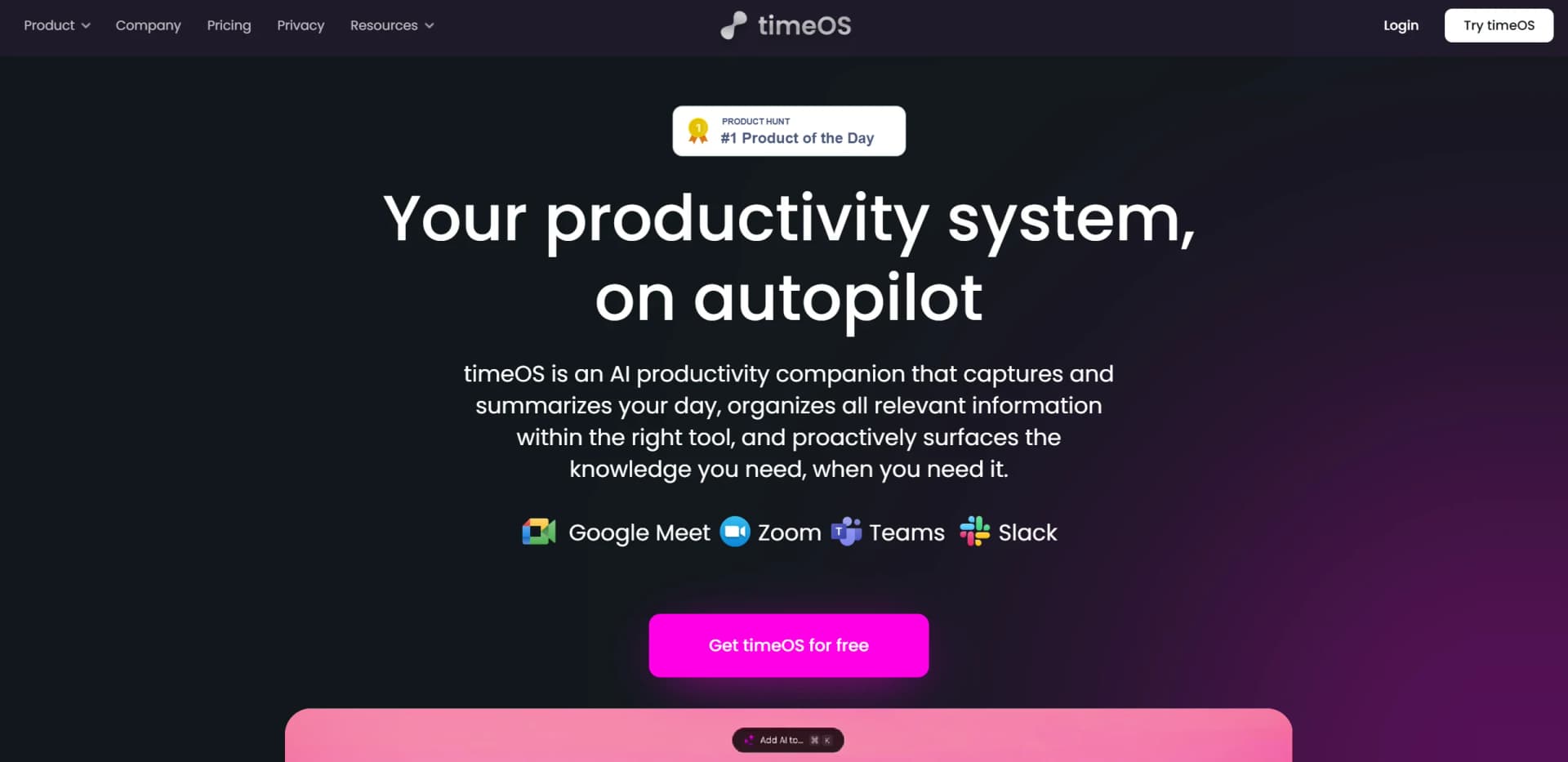
timeOS is an AI-powered productivity tool designed to optimize daily workflows by capturing, summarizing, and organizing information seamlessly. Acting as a personal productivity companion, timeOS automatically records and transcribes meetings and proactively surfaces important knowledge when needed. Whether you're in a corporate team, a freelancer, or part of an educational institution, timeOS helps keep you organized and informed, ensuring no crucial detail is missed during meetings or tasks.
timeOS' invisible AI functionality sets it apart by providing meeting insights without disrupting the flow of discussions. Its ability to seamlessly work across platforms and languages, coupled with robust security measures, makes it an ideal solution for individuals and teams who need a reliable, discreet productivity assistant.
timeOS offers a robust AI-driven solution that simplifies managing your professional life. By eliminating the need for manual note-taking and follow-up tasks, timeOS empowers individuals and teams to stay organized, informed, and productive. With its seamless integrations, customizable features, and strong security, timeOS is the perfect tool for anyone looking to enhance their work efficiency.
Who is Using timeOS?
Corporate Teams
Helping streamline meeting workflows and ensuring all team members are aligned and informed.
Freelancers
Managing multiple client meetings and projects while maintaining high organization levels.
Educational Institutions
Using automated meeting notes to enhance communication and collaboration between staff and students.
Remote Workers
Managing virtual meetings efficiently, ensuring no crucial details are overlooked.
Uncommon Use Cases
Employed by non-profits for transparent meeting documentation; legal professionals using it for accurate and secure meeting summaries.
Key Features
Rating Breakdown
Pricing Plans
Free Tier
Free
- Provides access to the core features
- Allowing users to explore the platform
Pro Tier
$29 per month
- Unlocking advanced features and integrations
Which timeOS plan should you pick?
Start with Free to test meeting capture and summaries; upgrade to Pro for unlimited individual use, Business for shared workspaces, or Enterprise for custom integrations and compliance needs.
Free
Good for individuals who need up to 10 AI meetings, multilingual notes, scheduling links, integrations, and templates.
Pro
Good for individuals who need unlimited AI meetings, unlimited briefs, customizable AI assistance, priority support, and unlimited storage.
Business
Good for teams who need unified billing, permissions, team workspaces, auto-sharing, and collaborative features.
Enterprise
Good for larger organizations that need custom integrations, centralized billing, custom compliance needs, and white-glove setup.
timeOS Use Cases
From lead to qualified
Summarize meetings, create a company dashboard, log information to a Notion database, and draft promised introduction emails.
Outcome: A structured qualification workflow with follow-up drafts.
From meeting to content plan
Generate a meeting recap, social posts, video ideas, a LinkedIn carousel, image prompts, and a client email draft.
Outcome: A ready-to-use content plan from one conversation.
Coaching follow-up
Analyze the transcript, identify client action items, define next-session goals, and draft a follow-up.
Outcome: More consistent coaching follow-through.
User call to priority board
Summarize user insights, categorize and prioritize feedback, extract problem statements, and prepare a stakeholder digest.
Outcome: Organized product feedback for prioritization.
Founder sync to dashboard
Summarize founder meetings, create a company dashboard, log details to Notion, and draft follow-up emails.
Outcome: A repeatable investor meeting workflow.
Workflow Ideas with timeOS
Meeting-to-follow-up workflow
- 1Capture or upload the meeting
- 2Apply a customized meeting template
- 3Generate action items and follow-up emails
Lead qualification workflow
- 1Capture the sales or founder conversation
- 2Create a meeting summary and company dashboard
- 3Log the result to Notion and draft promised emails
Feedback-to-priority workflow
- 1Capture the user call
- 2Extract and categorize insights and problem statements
- 3Produce a prioritized board and stakeholder digest
How timeOS fits into your stack
Browser
timeOS operates as a Chrome-based browser extension with calendar views, meeting capture, summaries, and follow-up actions.
Team chat and tickets
It captures meetings from Slack Huddles and can sync outputs and action items with Slack and task-management tools.
Knowledge and files
timeOS organizes meeting knowledge and syncs outputs with Notion, Google Drive, and other connected knowledge systems.
Docs and writing
Its workflow builder turns conversations into summaries, follow-up emails, structured tables, charts, clips, and other documents.
Pros
- +Enhanced Productivity: Automates note-taking and follow-up tasks, allowing users to focus on discussions without worrying about capturing every detail.
- +Customizable Summaries: Tailor summaries according to your preferences, organizing information to maximize clarity and utility.
- +Cost-Effective Solution: Saves time on manual tasks, helping businesses and teams optimize workflows efficiently without additional costs.
- +Security and Privacy: timeOS employs advanced security features like SOC II Type II compliance and AES-256 encryption, ensuring your data is protected and confidential.
Cons
- −Initial Learning Curve: Users may need some time to familiarize themselves with timeOS' full feature set and integrations.
- −Limited Free Usage: The free tier might not include all features, restricting initial exploration without a subscription.
Limitations & when to consider alternatives
Known limitations
- Free plan meeting limit. The Free plan includes up to 10 AI meetings, with each meeting limited to 90 minutes.
- API plan restriction. The public API is available on MAX and Business plans, not Free or Pro.
- Uploaded recording limits. Uploaded recordings must be at least one minute and no longer than two hours, and smaller than 2 GB.
- Mobile recording requires foreground use. During mobile recording, Timeless must remain open and in focus; switching apps or locking the screen stops recording.
- Mac desktop limitation. The downloadable desktop app is listed for macOS and is Apple Silicon only.
Look elsewhere when
- You need a native iOS or Android app.
- You need Windows or Linux desktop software.
- You need model fine-tuning on your own data.
How to Use timeOS
- 1
Create an account
Sign up for the Free plan to try the product without a credit card.
- 2
Install the browser extension or Mac app
Use the Chrome extension for browser-based meeting capture, or install the Apple Silicon macOS app for desktop capture.
- 3
Capture a meeting
Summarize supported online meetings, record an in-person conversation, or upload an audio/video recording.
- 4
Choose a template
Apply a ready-made or customized meeting template to shape notes and outputs for your workflow.
- 5
Review and act on outputs
Read summaries, transcripts, action items, briefs, charts, tables, clips, and drafted follow-up emails.
- 6
Sync and share
Send outputs to connected tools such as Notion, Google Drive, Slack, ClickUp, Asana, or Monday.com, or share them with teammates.
Who is timeOS For?
Agencies
Use meeting capture, templates, follow-ups, and automated outputs to manage client work.
Marketers
Turn conversations into summaries, content ideas, visual assets, and follow-up communications.
Founders
Capture meetings, prepare with contextual briefs, and automate next steps.
Coaches, mentors, and consultants
Create transcript analyses, action items, session goals, and follow-up drafts.
Investors, VCs, and advisors
Turn founder meetings into summaries, company dashboards, Notion records, and promised follow-ups.
Frequently Asked Questions
Does timeOS have a free plan?
Yes. The Free plan costs $0 forever, requires no credit card, and includes up to 10 AI meetings.
Does timeOS have an API?
Yes. Timeless provides a public REST API with webhooks for meetings, transcripts, recordings, documents, rooms, uploads, and processing notifications. API access is available on MAX and Business plans.
Can timeOS summarize uploaded recordings?
Yes. Users can upload audio or video recordings for summarization. Recordings must be between one minute and two hours and smaller than 2 GB.
Does timeOS support team workspaces?
Yes. Business users get a shared workspace for conversations, AI notes, permissions, and team collaboration.
Does timeOS have mobile apps?
Timeless provides a mobile web experience. Users open Timeless on their phone and can add it to the Home Screen, but the documentation describes it as a web experience rather than a native iOS or Android app.
What integrations does timeOS support?
The help center documents integrations with Slack, ClickUp, HubSpot, Asana, Notion, Monday.com, Trello, Todoist, Airtable, Gmail, Google Docs, Google Drive, Microsoft Teams, Coda, Jira, Linear, Salesforce, and Outlook.
Community reviews
14 reviews from people who use timeOS.
Sign in to leave a review for timeOS.
reut shechter
Nathalie von Huth
Idan Felz
Eilon Mor
Daniel Schneider
Milan Dholakiya
D Rycheck
Nitin Sarkar
Thibault BM
Tommy CEO
Od Startup Podcast
AI Utbildning
Om Raut
Yossi Jana
timeOS Alternatives
Looking for alternatives to timeOS? Here are similar tools in the same category:
Learn to Master timeOS
With Skill Leap courses
Get in-depth training on timeOS and 50+ other AI tools with our expert-led video courses.
Start 7-Day Free Trial