
Tonkean
Streamline operations with AI-driven automation and no-code customization.
Key Takeaways
- What it is
- Streamline operations with AI-driven automation and no-code customization.
- Best for
- AI Front Door™
- Guided Intake
- No-Code Process Builder
- Rating
- 4.6/5
What is Tonkean?
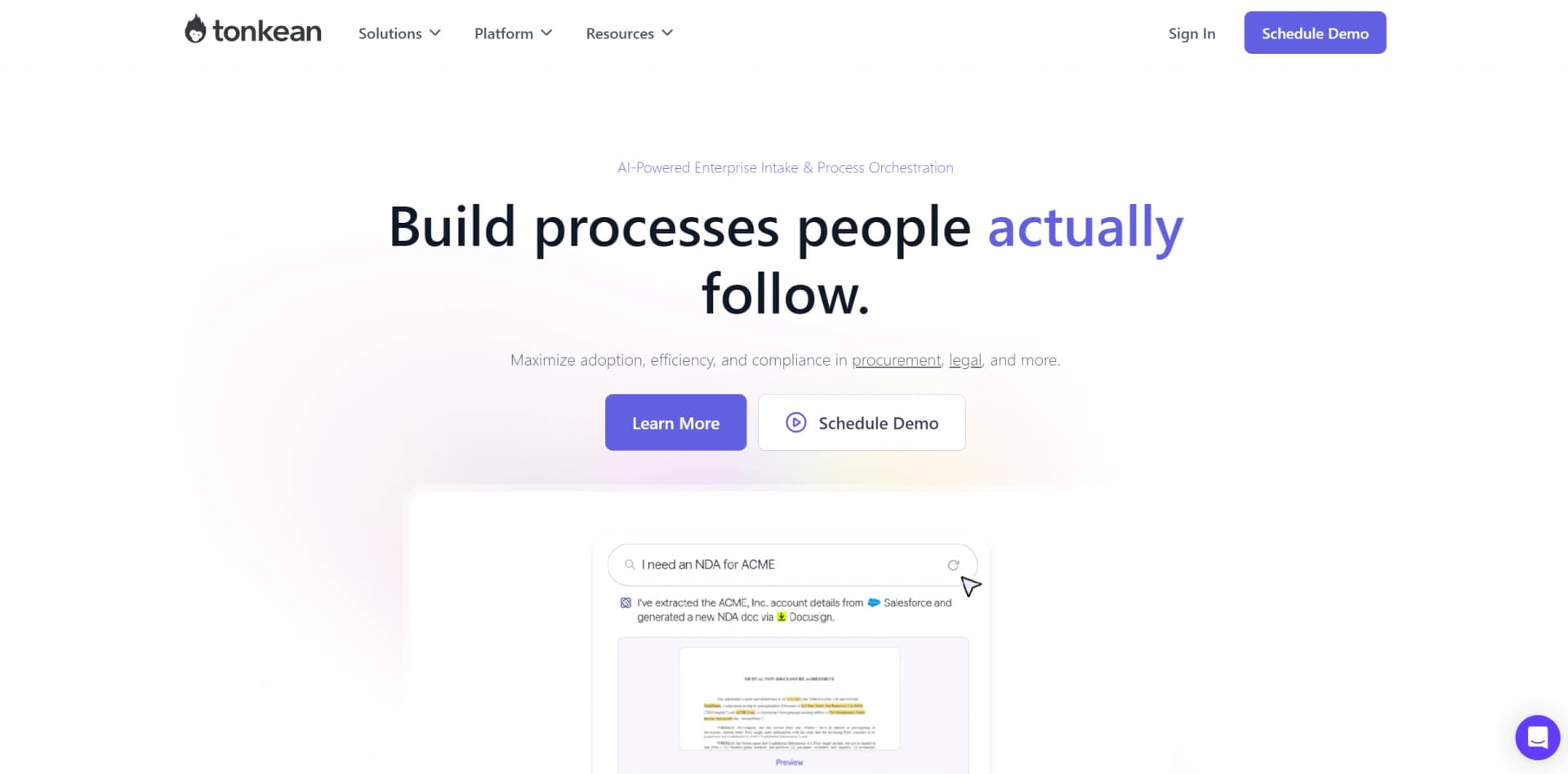
Tonkean is an innovative platform designed to streamline enterprise operations through advanced AI-driven intake orchestration. It specializes in automating end-to-end processes within procurement, legal, and other critical business functions. What sets Tonkean apart is its focus on maximizing adoption, efficiency, and compliance through tools like AI Front Door™ and Guided Intake, ensuring that processes are not only automated but also user-centric and highly adaptable to specific enterprise needs.
Tonkean stands out with its AI Front Door™ and Guided Intake features, which are game-changers for enterprise process automation. Its ability to provide a no-code, highly customizable platform ensures that any team can adapt and optimize their operations without extensive technical skills, setting it apart in the realm of process automation solutions.
Tonkean excels in transforming enterprise operations through its advanced AI-driven solutions. Its standout features, such as AI Front Door™ and the no-code process builder, provide unique advantages that enhance efficiency, compliance, and user adoption. Designed for complex and large-scale operations, Tonkean is an essential tool for businesses aiming to modernize and streamline their processes comprehensively.
Who is Using Tonkean?
Large Enterprises
Utilizing the platform for comprehensive process automation and efficiency.
Procurement Departments
Employing Tonkean for end-to-end procurement lifecycle orchestration.
Legal Departments
Leveraging the tool for matter lifecycle management and automated legal operations.
Operations Teams
Using the tool to create custom dashboards and automate manual tasks.
Uncommon Use Cases
Non-profits optimizing donor engagement processes; healthcare providers streamlining patient intake systems.
Key Features
Rating Breakdown
Pricing Plans
Custom Pricing
- Tonkean offers tailored pricing based on the specific needs and scale of the enterprise
Which Tonkean plan should you pick?
Start with Tonkean's standard custom-quote offering for enterprise workflows; upgrade deployment and support options when you need dedicated hosting, on-premises deployment, or premium support.
Enterprise
Good for organizations that need enterprise process orchestration, governance, SSO, and optional dedicated, customer-hosted, or on-premises deployment.
Tonkean Use Cases
Legal request intake
Collect legal requests, triage them, enrich information from connected systems, and route them to resolution.
Outcome: More consistent intake and less manual coordination.
Invoice processing
Use OCR and training sets to extract invoice fields and continue downstream workflow actions.
Outcome: Reduced manual document processing.
Purchase intake automation
Guide employees through purchasing requests and coordinate approvals, sourcing, and system updates.
Outcome: Greater process adoption and visibility.
Legal email triage
Monitor legal inboxes, classify incoming requests, and route or resolve them through configured workflows.
Outcome: Faster handling of recurring legal requests.
AI-powered request assistance
Let employees ask questions in plain language and initiate processes through the AI Front Door.
Outcome: Simpler access to internal services and policies.
Workflow Ideas with Tonkean
PDF invoice extraction
- 1Receive or upload a PDF invoice
- 2Run OCR to convert the document to text
- 3Use a training set to extract fields and continue the workflow
Legal request orchestration
- 1Collect a legal request through email, Slack, Teams, or a form
- 2Triage the request and enrich it with connected data
- 3Route approvals and resolution actions to the appropriate stakeholders
AI Front Door request handling
- 1A user submits a plain-language question or request
- 2Tonkean searches enabled forms, interfaces, and connected data sources
- 3The AI Front Door responds or starts the relevant process
How Tonkean fits into your stack
Slack and Microsoft Teams
Seamlessly integrates with popular communication tools for real-time operations.
Custom Portal Integration
Allows for the creation of customized intake and dashboard portals.
Extensive API Access
Facilitates integration with virtually any enterprise application or database system.
Data Source Integrations
Connects with a wide array of data sources for comprehensive automation capabilities.
Pros
- +Increased Efficiency: Automates routine tasks and coordinates complex workflows, reducing cycle times by up to 50%.
- +Enhanced Compliance and Control: Features like enterprise governance and control ensure compliance with internal and external regulations.
- +Customization and Adaptability: The no-code environment and drag-and-drop tools allow for high customization without needing technical skills.
- +Scalability: Designed to handle enterprise-level complexity, making it suitable for large organizations with extensive operational needs.
Cons
- −Initial Learning Curve: New users may require time to familiarize themselves with the platform’s extensive features.
- −Dependency on Tech Stack Integration: Maximum efficiency is achieved only when fully integrated with the organization’s tech stack, which can be a limitation for some.
- −Higher Cost for Full Features: While offering significant benefits, the full range of features might come at a premium price, making it less accessible for smaller businesses.
Limitations & when to consider alternatives
Known limitations
- Custom pricing. Tonkean does not publish standard self-serve prices; pricing is based on custom quotes and monthly tracked users.
- Upload size limit. Upload file forms support files up to 15MB, subject to additional storage-provider limitations.
- AI language variability. Major languages generally have higher-quality support, while less common languages and regional variants may require additional testing.
- No API rate-limit feature. Tonkean states that it does not track API calls to connected applications or provide a rate-limit feature.
- Conventional forms are being superseded. Tonkean recommends transitioning from conventional forms to interface forms and says it is forming plans to sunset conventional forms.
Look elsewhere when
- You need a native mobile app.
- You need a public developer API.
- You need code-generation features.
How to Use Tonkean
- 1
Explore the extensive library of tutorials and documentation available on Tonkean’s website to get started or advance your understanding of the platform.
Who is Tonkean For?
Legal teams
Tonkean supports legal intake, legal mailroom automation, contract review, and matter workflows.
Procurement teams
Procurement teams can automate purchase intake, sourcing, supplier processes, approvals, and invoice workflows.
HR teams
HR teams can create guided intake and automated employee-service processes.
IT and shared services teams
Internal service teams can coordinate requests, people, systems, approvals, and exception handling.
Business operations makers
Process owners can build and maintain no-code workflows without relying on developers.
Frequently Asked Questions
What is Tonkean?
Tonkean is an AI-powered process orchestration platform for creating and automating internal business processes.
What teams is Tonkean designed for?
Tonkean is designed for internal business teams such as legal, procurement, HR, IT, and shared services.
How does Tonkean use AI?
Its AI Front Door and AI Concierge answer questions, initiate processes, and use connected business data as context.
Does Tonkean train AI models on customer data?
No. Tonkean states that customer data is used as reference and context, not as training material.
How does Tonkean calculate pricing?
Pricing is based on monthly tracked users, measured by the number of people interacting with Tonkean each month.
What integrations does Tonkean support?
Tonkean supports hundreds of SaaS connections, including Salesforce, Jira, Google Drive, Slack, Microsoft Teams, Notion, and more.
Community reviews
Be the first to share your experience.
Sign in to leave a review for Tonkean.
Tonkean Alternatives
Looking for alternatives to Tonkean? Here are similar tools in the same category:
Learn to Master Tonkean
With Skill Leap courses
Get in-depth training on Tonkean and 50+ other AI tools with our expert-led video courses.
Start 7-Day Free Trial