
Topaz Video AI
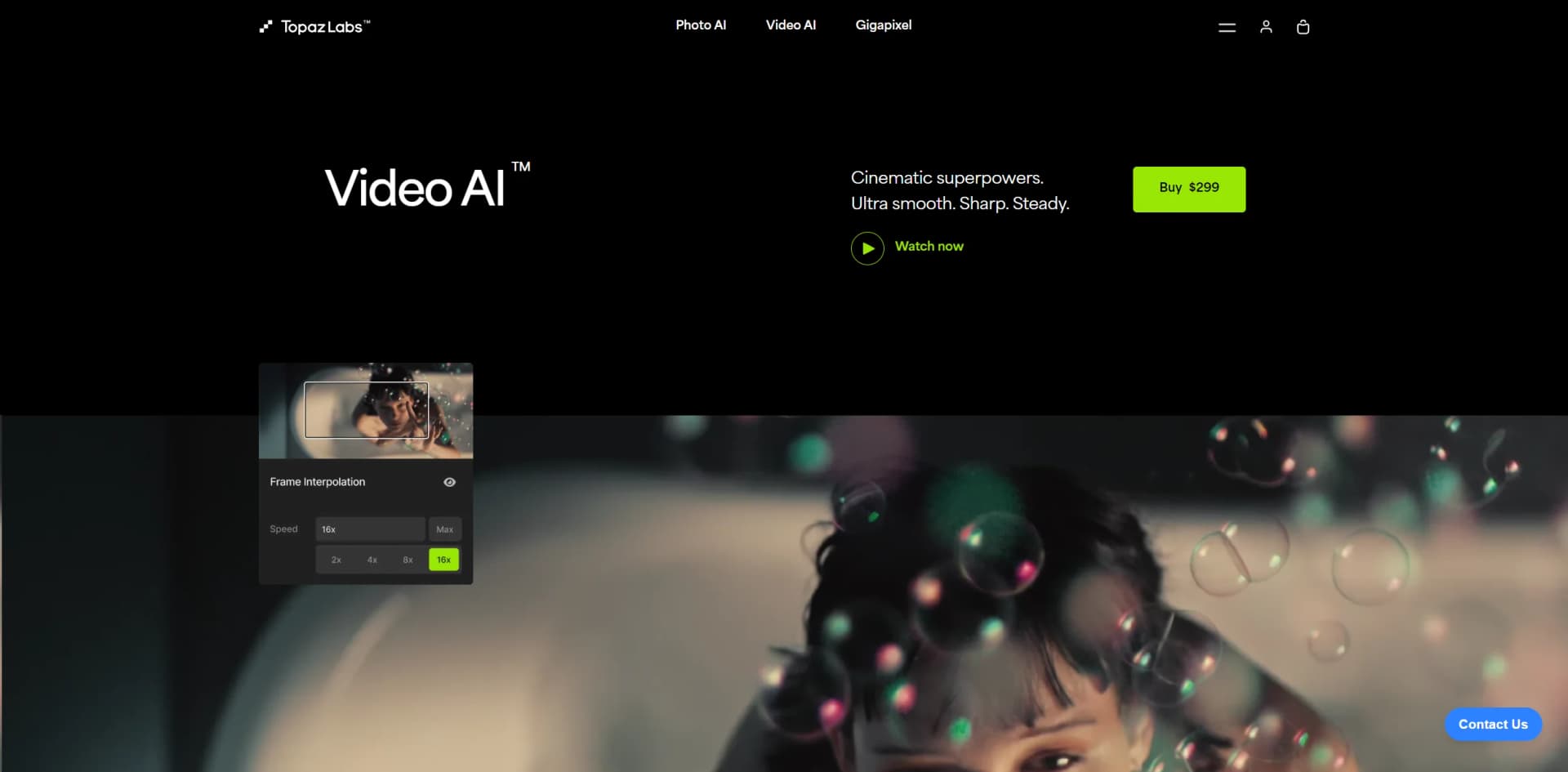
Transform videos into cinematic masterpieces with AI-driven enhancement.
Watch Topaz Video AI in Action
Key Takeaways
- What it is
- Transform videos into cinematic masterpieces with AI-driven enhancement.
- Pricing
- $299
- Best for
- Ultra High-Resolution Upscaling
- Frame Rate Conversion
- Advanced Noise Reduction
- Rating
- 4.6/5
What is Topaz Video AI?
In the world of video editing and enhancement, Topaz Video AI stands as a formidable tool, designed to unleash the full potential of your footage. This advanced AI-driven software promises to transform ordinary videos into cinematic masterpieces with features such as upscaling to 16K, noise reduction, and frame rate conversion. Aimed at both professional filmmakers and hobbyists, Topaz Video AI simplifies the complex process of video enhancement, making every shot not just better, but near perfect.
Topaz Video AI is unique due to its cutting-edge AI models that not only upscale video resolution but also intelligently enhance each frame for utmost clarity and detail. The ability to handle complex tasks like noise reduction and frame interpolation automatically sets it apart in the market.
Topaz Video AI excels in transforming everyday footage into high-quality cinematic content. Its robust features, such as upscaling to 16K and advanced noise reduction, make it an indispensable tool for anyone serious about video quality. The combination of ease of use, powerful AI capabilities, and comprehensive support ensures that users can focus on creativity without the technical barriers, making Topaz Video AI a top choice in video enhancement software.
Who is Using Topaz Video AI?
Film Studios
Employing the tool to enhance footage for high-resolution outputs.
Content Creators
Utilizing AI features for creating engaging content on platforms like YouTube and Vimeo.
Post-Production Professionals
Leveraging the tool to clean up and stabilize footage.
Photographers
Enhancing video segments of their photo shoots for higher quality presentations.
Uncommon Use Cases
Academic researchers analyzing video data; amateur astronomers enhancing celestial recordings.
Key Features
Rating Breakdown
Pricing Plans
Standard Purchase
$299
- A standalone license which includes 12 months of updates
Which Topaz Video AI plan should you pick?
Start with Personal for individual video enhancement and upgrade to Pro when you need full commercial use, additional models, or broader professional licensing.
Personal
Good for individual creators and smaller organizations needing local rendering, standard video models, and limited commercial use.
Pro
Good for studios and commercial teams needing full commercial use, additional Pro models, and professional production workflows.
Topaz Video AI Use Cases
Upscale low-resolution footage
Increase video resolution and recover detail using enhancement and generative upscaling models.
Outcome: Cleaner HD or 4K footage.
Restore archival video
Process older footage with denoising, artifact correction, detail enhancement, and restoration models.
Outcome: More usable archival content.
Create smooth slow motion
Use Apollo or Chronos frame interpolation to generate additional frames and adjust frame rate.
Outcome: Smoother motion and slow-motion footage.
Stabilize shaky footage
Apply stabilization models to correct camera movement after capture.
Outcome: Steadier video.
Enhance video inside editing software
Use Topaz Video plugins within After Effects, DaVinci Resolve Studio, Final Cut Pro, or Nuke.
Outcome: Video enhancement without leaving the editing workflow.
Workflow Ideas with Topaz Video AI
Desktop video enhancement
- 1Install Topaz Video and import a video or image sequence
- 2Choose an enhancement, denoise, stabilization, or interpolation model
- 3Preview and export using the selected encoder and container
API-based automated enhancement
- 1Create a video request with source, output, and filter settings
- 2Accept the request and upload the video using the supplied URLs
- 3Complete the upload, monitor status, and download the enhanced video
Editor-plugin workflow
- 1Install the Topaz Video plugin for the supported editing application
- 2Apply Topaz enhancement or frame-interpolation effects to footage
- 3Adjust model parameters and render within the host application
How Topaz Video AI fits into your stack
Standalone and Plugin Modes
Use it directly on your PC or integrate with tools like Lightroom and Photoshop.
Support for Major Operating Systems
Compatible with both Windows and macOS, including optimized versions for Apple Silicon.
High-Performance Hardware Partnerships
Enhanced performance through collaborations with Nvidia, AMD, and Intel.
Pros
- +Enhanced Video Quality: Dramatically improves resolution, sharpness, and noise levels.
- +Time-saving: Automates complex processes like upscaling and denoising, saving hours of manual adjustments.
- +User-Friendly Interface: Intuitive design that caters to both beginners and professionals.
- +High Performance: Optimized for use with leading hardware from Nvidia, AMD, and Intel.
Cons
- −High System Requirements: Requires a powerful computer system, particularly in terms of GPU capabilities.
- −Cost: With a price tag of $299, it might be considered steep for non-professional users.
- −Learning Curve: New users may need time to fully grasp all features and best practices.
Limitations & when to consider alternatives
Known limitations
- No Linux support. Topaz Video does not support Linux operating systems.
- Hardware requirements are substantial. The application requires 16 GB RAM, approximately 45 GB internal storage, and compatible GPU hardware on Windows.
- Cloud rendering has a 100 GB input limit. Cloud-rendered video inputs cannot exceed 100 GB.
- Image sequences require at least five frames. Imported image sequences must contain at least five consecutive frames in one folder.
- Some models require cloud rendering. Several Starlight models require cloud processing on Personal licenses, with local availability depending on the model, license, and hardware.
Look elsewhere when
- You need a Linux-compatible video enhancer
- You need browser-only video enhancement
- Your source video exceeds 100 GB for cloud processing
- You need a native mobile version of Topaz Video
How to Use Topaz Video AI
- 1
Explore a range of tutorials directly on the Topaz Labs website, covering everything from basic setup to advanced features, ensuring users can make the most out of the software.
Who is Topaz Video AI For?
Filmmakers
The Video AI API and desktop application support professional enhancement workflows for filmmaking.
Archival restoration professionals
Topaz documents restoration, denoising, artifact correction, and models intended for older or archival footage.
Major film studios
Topaz positions the product as trusted by major film studios and creative professionals.
Creative professionals
The product is designed for professional video enhancement, editing-plugin workflows, and high-quality output.
Brands and e-commerce teams
Topaz Enterprise describes image and video enhancement for customer-submitted and branded media at scale.
Frequently Asked Questions
What is Topaz Video?
Topaz Video is a professional desktop application for sharpening, denoising, restoring, stabilizing, and upscaling video.
What operating systems does Topaz Video support?
Topaz Video supports Windows and compatible Apple-silicon Macs. Linux, Intel-based Macs, virtual machines, and Snapdragon processors are not supported.
Can Topaz Video process image sequences?
Yes. Image sequences must contain at least five consecutive frames in the same folder.
Can Topaz Video be used inside editing applications?
Yes. Plugins are available for Adobe After Effects, DaVinci Resolve Studio, Final Cut Pro, and Nuke.
Does Topaz Video support cloud rendering?
Yes. Cloud rendering uses credits, while local rendering is available through the desktop application.
What is the maximum cloud input file size?
Cloud rendering currently supports input files up to 100 GB.
Community reviews
Be the first to share your experience.
Sign in to leave a review for Topaz Video AI.
Topaz Video AI Alternatives
Looking for alternatives to Topaz Video AI? Here are similar tools in the same category:
Learn to Master Topaz Video AI
With Skill Leap courses
Get in-depth training on Topaz Video AI and 50+ other AI tools with our expert-led video courses.
Start 7-Day Free Trial