
Toqan
Boost team productivity with AI-driven collaboration and insights.
Key Takeaways
- What it is
- Boost team productivity with AI-driven collaboration and insights.
- Best for
- Multiple AI Models
- Data Privacy and Security
- Seamless Integration
- Rating
- 4.6/5
What is Toqan?
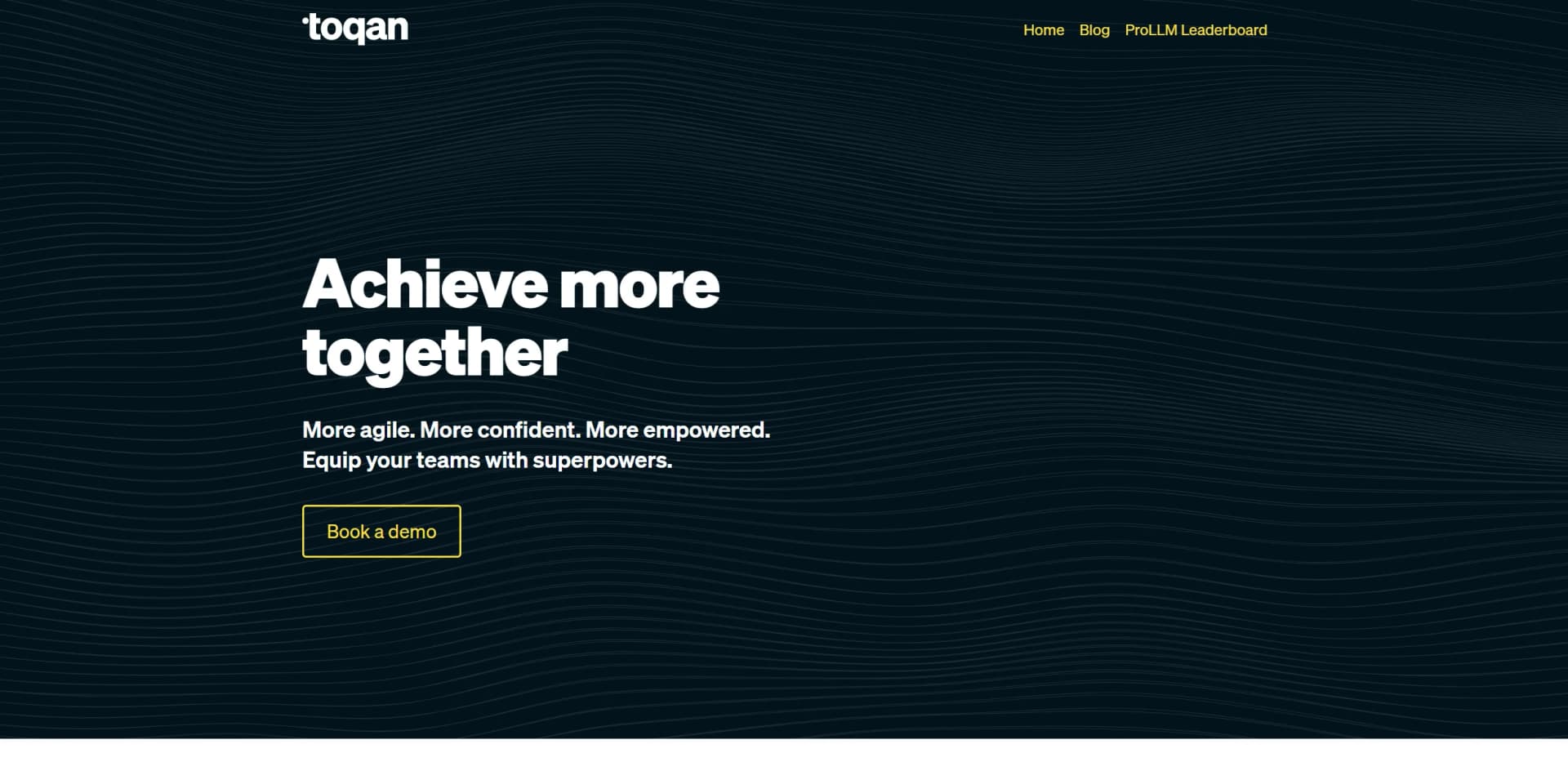
Toqan is a groundbreaking AI tool designed to streamline the workflow of product and development teams by integrating the latest Generative AI (GenAI) technologies, including prominent models like GPT-4, into everyday tasks. Crafted with collaboration and impact in mind, Toqan stands out as a vital resource for teams looking to enhance productivity and make more agile, confident, and empowered decisions. Its platform promises ease of integration into existing systems such as Slack and ensures that all interactions within its ecosystem prioritize security and data privacy.
Toqan distinguishes itself by providing a platform that not only facilitates access to powerful AI capabilities but also ensures that these capabilities are used in a secure and efficient manner. Its emphasis on data privacy, combined with robust integration options, makes it a preferred choice for companies serious about leveraging AI while maintaining strict compliance standards.
Toqan excels in delivering a robust, secure, and user-friendly AI platform that significantly enhances productivity and operational efficiency for diverse teams. Its unique blend of cutting-edge AI technology, stringent security measures, and extensive support and customization options make it an indispensable tool for modern organizations aiming to harness the power of AI responsibly and effectively.
Who is Using Toqan?
Product Development Teams
Leveraging AI for quicker iteration and innovation cycles.
Data Science Departments
Utilizing advanced models for data analysis and machine learning projects.
IT and Security Teams
Ensuring compliance and security across tech infrastructures.
Human Resources
Enhancing workforce management through analytics and AI-driven insights.
Uncommon Use Cases
Educational institutions use Toqan for teaching AI and technology courses; non-profit organizations apply it to optimize operational efficiencies.
Key Features
Rating Breakdown
Pricing Plans
Enterprise Custom Plans
- Toqan offers tailored pricing depending on the specific needs and scale of the organization
Toqan Use Cases
Internal apps and dashboards
Build and deploy internal tools from a single prompt.
Outcome: Internal tools without engineering.
Automated reports and KPI digests
Surface metrics and send recurring summaries automatically.
Outcome: Recurring KPI reporting.
Knowledge bases over documents
Search PDFs, Google Drive, and Sheets in plain language.
Outcome: Plain-language document and data retrieval.
Scheduled tasks and Slack alerts
Run morning digests, status updates, and anomaly alerts on a cadence.
Outcome: Regular updates and alerts without repeated prompting.
Restaurant back-office automation
Manage orders, schedule staff, handle reviews, and support marketing operations.
Outcome: Less manual restaurant administration.
Workflow Ideas with Toqan
Recurring KPI digest
- 1Connect relevant business data
- 2Build a recurring report
- 3Send the summary on a schedule
Document knowledge base
- 1Upload or connect documents
- 2Create a knowledge base
- 3Search the documents in plain language
Restaurant operations workflow
- 1Connect POS, supplier, scheduling, and delivery systems
- 2Analyze sales, staffing, and inventory patterns
- 3Prepare schedules and inventory orders for approval
How Toqan fits into your stack
Slack Integration
Enhances communication and workflow within teams.
Proprietary and Third-party Model Support
Offers flexibility in choosing AI models that best fit the team's needs.
SOC 2 and ISO 27001 Compliance
Meets high standards for data security and privacy.
Custom API Access
Allows for tailored integrations and automation within existing systems.
Pros
- +Enhanced Productivity: Teams report a productivity increase of over 15% by integrating Toqan into their workflows.
- +User-Friendly Interface: Designed to be accessible even to those with minimal AI expertise, facilitating broader adoption across various departments.
- +Robust Data Security: Ensures that data used within the platform is not stored or used for training third-party models, safeguarding sensitive information.
- +Support and Training: Offers comprehensive onboarding, social learning opportunities, and access to AI training resources to maximize user competency and tool utility.
Cons
- −Initial Learning Curve: New users may require some time to fully utilize all features and integrations offered by Toqan.
- −Dependency on Internet Connectivity: As a cloud-based platform, a stable internet connection is crucial for uninterrupted service.
- −Limited Language Support: While effective in English, support for other languages may not be as robust, which could be a barrier for global teams.
Limitations & when to consider alternatives
Known limitations
- Data retention. The privacy statement says data is generally retained for 18 months unless a longer period is agreed or legally required.
- Admin governance visibility. Toqan admins may see agent owner names, descriptions, and connected-system names for security and governance.
- Human approval remains required for restaurant actions. Toqan says it suggests actions while the user decides; changes are not made without approval.
- Restaurant availability is pilot-based. The restaurant product is offered as a free pilot, initially for the first 20 customers.
Look elsewhere when
- You need a documented developer API.
- Your team needs formal SSO or SAML controls.
- You need native mobile apps.
How to Use Toqan
- 1
Explore a variety of tutorials and resources available directly on Toqan’s platform or through associated learning platforms like Udemy, aimed at users ranging from beginners to advanced practitioners.
Who is Toqan For?
Restaurants
Toqan for Restaurants automates staff scheduling, stock ordering, financial administration, and marketing.
Hotels
Toqan identifies hotels as an upcoming industry solution focused on operations, guest experience, and revenue.
Customer support teams
Toqan documents support analytics and customer-facing assistants as use cases.
HR teams
Toqan documents CV review and HR automation as use cases.
Internal business teams
Teams can build internal apps, dashboards, reports, knowledge bases, and scheduled tasks without engineering.
Frequently Asked Questions
Do I need to be technical?
No. Toqan says users can chat with it like a colleague and describe what they want built.
Is my data safe?
Toqan says it uses enterprise-grade infrastructure and is designed in accordance with GDPR requirements.
What can I build?
Users can create apps, dashboards, automated reports, knowledge bases, and scheduled tasks without writing code.
Does it connect to the tools I use?
Toqan connects to Slack, Google Drive, Gmail, Notion, and user data through MCP and OAuth.
Is Toqan free?
The restaurant product is free, with setup, onboarding, and the AI covered by Toqan.
What does Toqan do for restaurants?
It can generate staff schedules, track and reorder stock, run marketing campaigns, summarize financial administration, and flag operational issues.
Community reviews
Be the first to share your experience.
Sign in to leave a review for Toqan.
Toqan Alternatives
Looking for alternatives to Toqan? Here are similar tools in the same category:
Learn to Master Toqan
With Skill Leap courses
Get in-depth training on Toqan and 50+ other AI tools with our expert-led video courses.
Start 7-Day Free Trial