
Tray
AI-driven integration platform for seamless automation and scalability.
Key Takeaways
- What it is
- AI-driven integration platform for seamless automation and scalability.
- Pricing
- Freemium
- Best for
- Merlin Agent Builder
- AI-Augmented Low-Code Builder
- Trusted AI Data Integration
- Rating
- 4.4/5
What is Tray?
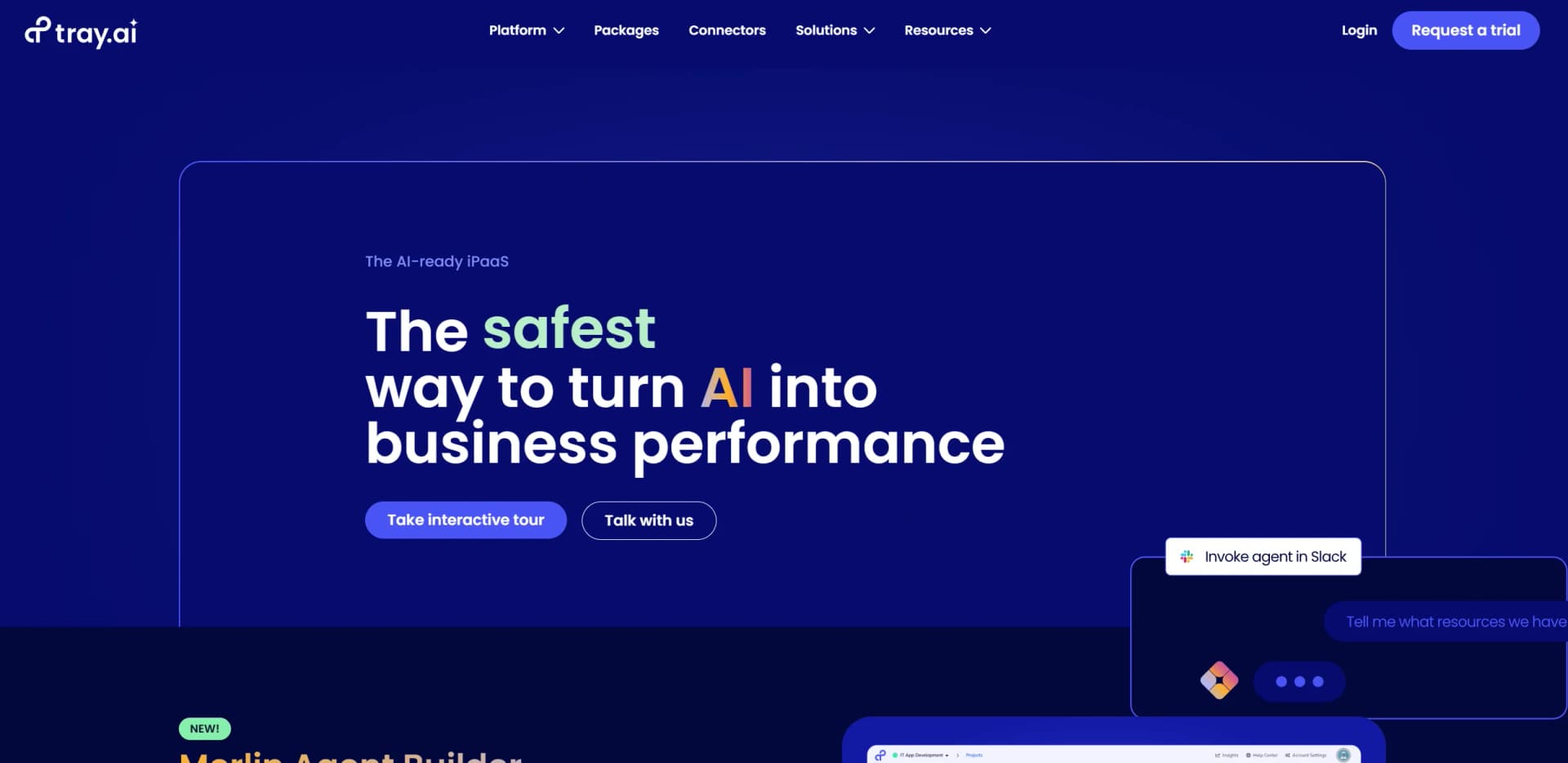
Tray.io revolutionizes the way businesses integrate and automate their workflows by offering an AI-ready Integration Platform as a Service (iPaaS). Designed for enterprises looking to harness the power of AI, Tray.io simplifies complex integrations and automations across various business processes. With its composable platform, it allows users to build intelligent AI agents and microservices, ensuring scalability and governance in a dynamic environment.
Tray.io stands out with its AI-ready iPaaS, a game-changer for businesses looking to integrate and automate processes with AI. Its ability to provide a composable platform for building intelligent agents and microservices sets it apart, offering unmatched speed and flexibility in adapting to new AI capabilities.
Tray.io offers a robust platform that transforms AI integration and automation into tangible business performance. By providing a flexible, scalable, and secure environment, it empowers enterprises to innovate and adapt quickly, driving efficiency and growth in a rapidly evolving technological landscape. Whether you're looking to streamline IT processes or enhance customer interactions, Tray.io delivers the tools and capabilities needed to stay ahead in the AI revolution.
Who is Using Tray?
Enterprise IT Teams
Streamlining IT onboarding and support processes with AI-driven automation.
Marketing Departments
Automating lead management, including predictive scoring and opportunity insights.
Sales Operations
Enhancing order-to-cash processes with AI for data extraction and payment risk assessment.
Customer Support Centers
Deploying autonomous support agents to handle IT tickets and boost productivity.
Educational institutions integrating AI for administrative efficiencies.
Healthcare providers using AI for patient data management.
Key Features
Rating Breakdown
Pricing Plans
Free Tier
Free
- Offers a trial to experience Tray.io's capabilities
Pro Tier
- Pricing details are customized based on business requirements
Which Tray plan should you pick?
Start with Pro for a specific use case, move to Team for departmental collaboration, and upgrade to Enterprise for multi-department deployments, SSO, regional hosting, or on-premise connectivity.
Pro
Good for specific use cases that need up to three workspaces, 700+ connectors, and seven-day insights and log retention.
Team
Good for departments running multiple use cases that need up to 20 workspaces, enhanced insights, log retention management, and add-ons.
Enterprise
Good for multiple departments and partner integrations that need unlimited workspaces, SSO, HIPAA, regional hosting, log streaming, or advanced on-premise connectivity.
Tray Use Cases
Invoice processing
Extract invoice fields and line items from documents, then send the structured data to NetSuite.
Outcome: Reduces manual data entry.
Contract analysis
Process contract documents, extract relevant terms, and update Salesforce opportunities.
Outcome: Routes contract information into business systems.
Employee onboarding
Orchestrate onboarding activities across HR, IT, and business applications.
Outcome: Connects onboarding steps across systems.
Lead routing
Automate lead enrichment, qualification, and assignment across revenue systems.
Outcome: Moves qualified leads to the appropriate teams.
IT service desk
Build agents and workflows that connect service-desk requests to enterprise tools.
Outcome: Automates repetitive service operations.
Workflow Ideas with Tray
Invoice-to-NetSuite workflow
- 1Receive an invoice from email, storage, or an API upload
- 2Use Tray IDP to extract invoice fields and line items
- 3Create the corresponding bill in NetSuite
Contract-analysis workflow
- 1Retrieve a contract document from a connected source
- 2Ask natural-language extraction questions about contract terms
- 3Update the related Salesforce opportunity
Multilingual catalog workflow
- 1Trigger on new or updated product descriptions
- 2Translate descriptions into target languages with an AI connector
- 3Transform the results and update the product catalog
How Tray fits into your stack
Browser
Tray is primarily a web-based workflow builder where teams create projects, workflows, data tables, and agent configurations.
Automation and APIs
Tray sits across the integration layer, connecting business systems through multi-step workflows, HTTP clients, connectors, triggers, and documented APIs.
Team chat and tickets
Tray AI agents can be deployed into Slack and Microsoft Teams, while workflows can automate support-ticket and IT-service processes.
Knowledge and files
Agent Builder ingests documents from Google Drive, Gmail, Confluence, and SharePoint into searchable knowledge bases, and workflows can process uploaded files.
Desktop / IDE
Tray Headless provides plugins and MCP capabilities for coding assistants such as Claude Code and Codex, connecting development workflows to Tray governance.
Pros
- +Time Efficiency: Delivers integrations and automations up to 10 times faster than traditional methods.
- +Flexibility: Easily infuse AI into business processes, offering quick prototyping and adaptation to evolving AI technologies.
- +Scalability: Supports enterprise-level scalability and governance, ensuring robust performance as business needs grow.
- +Data Security: Provides strong data protection protocols, safeguarding sensitive information throughout AI processes.
Cons
- −Initial Learning Curve: Requires some time for users to fully understand and utilize its advanced features effectively.
- −Complexity for Beginners: The platform's extensive capabilities might be overwhelming for users without prior experience in automation.
Limitations & when to consider alternatives
Known limitations
- Usage-based pricing. Tray does not publish fixed dollar prices on its pricing page; quotes depend on usage and selected features.
- Free trial requires sales contact. The trial is available by contacting Tray's sales team rather than through an openly listed self-service free plan.
- IDP document size limit. Tray IDP supports a maximum of 20 pages per document execution.
- IDP file access requirement. Tray IDP requires a file URL for the document being processed.
- File System is not supported in Embedded solutions. Tray's native File System cannot be used in Embedded solutions.
Look elsewhere when
- You need a native mobile app for Tray.ai.
- You need a permanent free plan rather than a sales-led trial.
- You need custom model fine-tuning or training jobs.
How to Use Tray
- 1
Choose a plan and workspace
Select Pro, Team, or Enterprise based on workspace count, governance, support, and deployment requirements.
- 2
Connect your systems
Use a pre-built connector, universal HTTP, or the Connector SDK to connect the applications and APIs involved in the process.
- 3
Build the workflow
Use Tray Build's low-code builder, triggers, connectors, data mapping, and optional JavaScript steps to assemble the automation.
- 4
Add AI capabilities
Use Agent Builder, IDP, AI tools, knowledge sources, or third-party model credentials for agent and document-processing workflows.
- 5
Configure access and governance
Invite users, assign workspace roles, configure SSO and API tokens, and apply access-control policies.
- 6
Monitor and deploy
Use logs, audit trails, usage dashboards, and environment promotion to test, operate, and scale workflows.
Who is Tray For?
Business teams
Business teams can build and share AI-powered apps and automations through low-code tools and governed workflows.
IT teams
IT teams can govern workspaces, APIs, credentials, access policies, audit trails, and deployments.
Security teams
Security teams get SSO, role-based permissions, encryption, monitoring, audit logs, and managed authentication.
Developers and integrators
Developers can use APIs, SDKs, custom connectors, HTTP clients, JavaScript, and headless workflows.
Enterprise departments and partners
Enterprise plans support multiple departments, partner integrations, unlimited workspaces, regional hosting, and on-premise connectivity.
Frequently Asked Questions
What is Tray.ai?
Tray.ai is an enterprise orchestration platform for agents, MCP, intelligent automation, and integrations.
How does Tray pricing work?
Pricing is based on usage and required features, with customized quotes from the sales team.
Is there a free trial?
Tray offers a free trial that prospects can request through the sales team.
What is Agent Builder?
Agent Builder is a no-code solution for creating conversational or autonomous agents with knowledge, tools, governance, and guardrails.
What support is included?
All plans include business-hours support, documentation, knowledge-base access, community forums, Academy access, and live workshops.
Can Tray connect to custom APIs?
Yes. Tray supports universal HTTP connections and custom connector development through its Connector SDK.
Community reviews
Be the first to share your experience.
Sign in to leave a review for Tray.
Tray Alternatives
Looking for alternatives to Tray? Here are similar tools in the same category:
Learn to Master Tray
With Skill Leap courses
Get in-depth training on Tray and 50+ other AI tools with our expert-led video courses.
Start 7-Day Free Trial