
Trendspider
AI Powered Trading Tool
Key Takeaways
- What it is
- AI Powered Trading Tool
- Pricing
- $33 per month · $57 per month
- Best for
- Automated Technical Analysis
- Dynamic Price Alerts
- Backtesting Suite
- Rating
- 4.6/5
What is Trendspider?
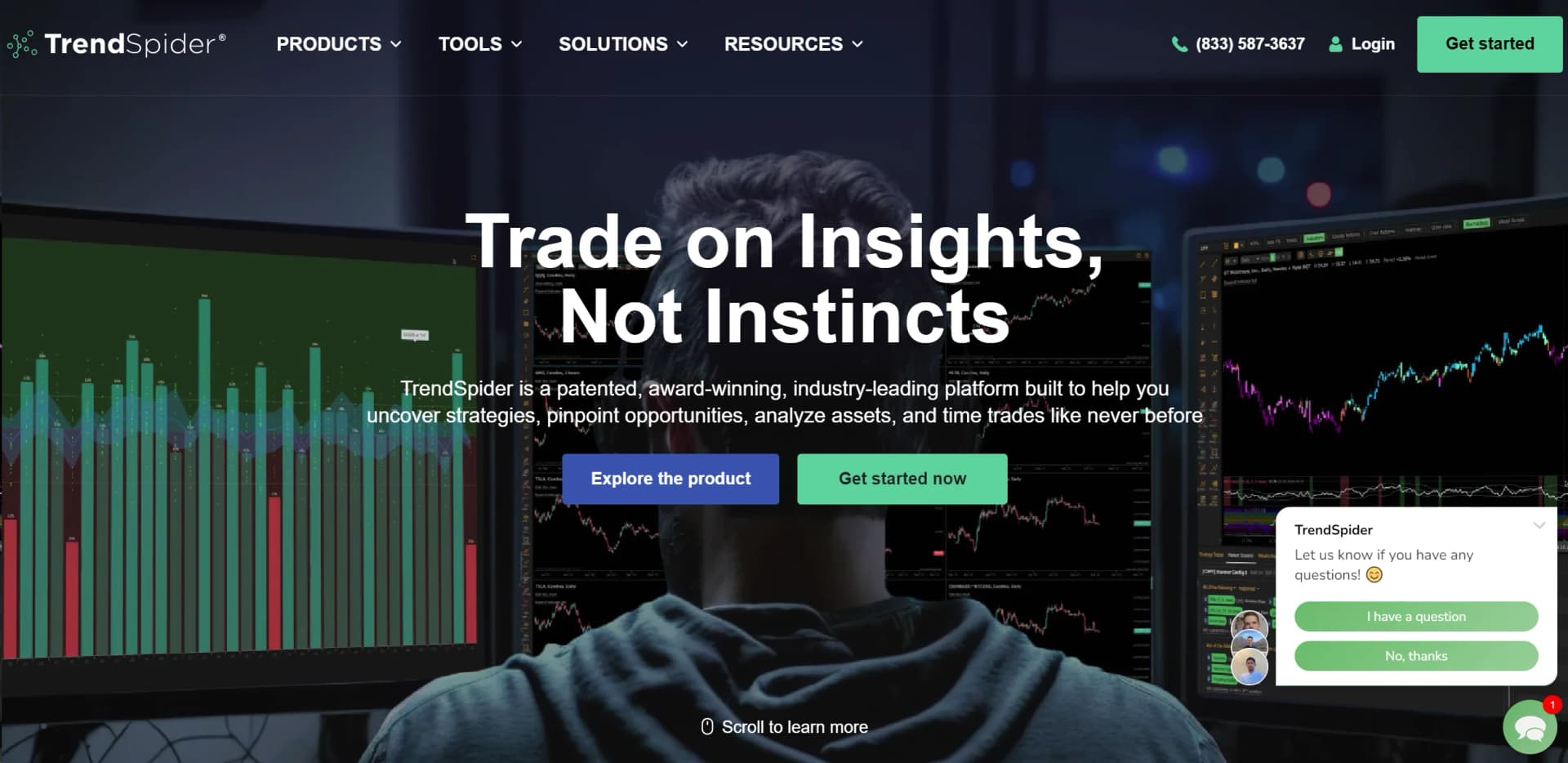
TrendSpider is a sophisticated all-in-one market research and trading software designed to enhance the trading strategies of investors and traders. From advanced charting and analysis to strategy development and trade execution, TrendSpider aims to streamline the entire trading process. This tool is built by traders, for traders, ensuring that every feature is tailored to meet the specific needs of the trading community, whether you are a seasoned investor or just starting out.
TrendSpider stands out with its high-level integration of automated technical analysis and real-time data across a vast array of assets. Its unique selling point is the automation of complex trading strategies and backtesting, which traditionally require extensive coding knowledge.
TrendSpider excels in providing cutting-edge, automated trading tools that empower traders to make more informed and timely decisions. Its robust functionality, combined with a user-friendly interface and extensive support resources, makes it an indispensable tool for serious traders looking to enhance their trading efficacy and profitability. Whether you're a novice looking to learn or a professional seeking to optimize your strategies, TrendSpider offers a comprehensive suite of tools that cater to a wide array of trading needs.
Who is Using Trendspider?
Retail Traders
Utilize the platform for day-to-day trading and portfolio management.
Professional Day Traders
Leverage real-time data and advanced charting tools for full-time trading.
Financial Advisors
Use the platform to track market trends and manage client investments more effectively.
Educational Institutions
Incorporate TrendSpider in teaching economics and finance, providing students with hands-on trading experience.
Uncommon Use Cases
Non-profit organizations use it for managing endowments; amateur astronomers use it to fundraise through trading.
Key Features
Rating Breakdown
Pricing Plans
Free Trial
- Get started with a 7-day free trial to explore all features
Basic Plan
$33 per month
- When billed annually
Premium Plan
$57 per month
- When billed annually
Which Trendspider plan should you pick?
Start with Standard for occasional or part-time trading; upgrade when you need higher workspace, alert, bot, scanning, or backtesting limits.
Standard
Good for analysts, hobbyists, and part-time traders who need the full platform with lower usage limits.
Premium
Good for active investors, swing traders, and intraday traders who need more alerts, bots, scanning, and backtesting capacity.
Enhanced
Good for professional technical traders, scalpers, and highly active market participants requiring increased capacity.
Advanced
Good for sophisticated systematic, quantitative, and algorithmic trading use cases with the highest listed capacity.
Trendspider Use Cases
Automated market scanning
Create technical, fundamental, multi-factor, and strategy-based scanners to search markets for qualifying symbols.
Outcome: Faster discovery of potential trading setups.
Strategy development and backtesting
Build strategies, test them across symbols and timeframes, and evaluate historical performance.
Outcome: A more systematic process for refining trading ideas.
Automated alerts and trading bots
Configure alerts or bots that monitor market conditions and send notifications or webhooks to external services.
Outcome: Automated monitoring and broker or execution workflows.
Custom indicator development
Write JavaScript indicators manually or describe desired logic to the AI Coding Assistant.
Outcome: Custom studies that can be used in charts, scans, alerts, strategies, and bots.
AI-assisted market research
Ask Sidekick to analyze charts, market data, watchlists, filings, earnings information, news, and portfolio information.
Outcome: Contextual research and trading analysis inside the platform.
Workflow Ideas with Trendspider
Discover and validate a setup
- 1Create a scanner using technical, fundamental, or alternative-data conditions
- 2Run the scan and review matching symbols on charts
- 3Backtest the strategy and refine the conditions
Automate alert-driven execution
- 1Create a multi-factor alert or strategy bot
- 2Configure email, SMS, or webhook notifications
- 3Send the webhook to Slack, Zapier, SignalStack, Discord, or another connected service
Build a custom indicator with AI
- 1Describe the indicator logic in natural language
- 2Review and refine the generated JavaScript
- 3Use the indicator in charts, scanners, strategies, alerts, or bots
How Trendspider fits into your stack
API Access
Allows for integration with custom trading bots and third-party applications.
Brokerage Integration
Directly connect with several popular brokerage platforms for seamless trading.
Cloud-Based Technology
Ensures that all your data and settings are accessible from any device, anywhere.
Continuous Updates
Regularly updated with the latest trading strategies and tools, keeping you at the forefront of trading technology.
Pros
- +Efficiency in Analysis: Speeds up the market analysis process with automated recognition of chart patterns and technical indicators.
- +Enhanced Decision Making: Provides comprehensive tools for both technical and fundamental analysis to support better trading decisions.
- +User-Friendly Interface: Features an intuitive interface that caters to both new and experienced traders.
- +Extensive Educational Resources: Offers a variety of learning tools and customer support to help users maximize their use of the platform.
Cons
- −Complexity for Beginners: The wealth of features and data can be overwhelming for new users.
- −Pricing: Might be considered expensive for hobbyist traders.
- −Mobile App Limitations: While functional, the mobile app might not offer all the features available on the desktop platform.
Limitations & when to consider alternatives
Known limitations
- The platform is browser-based. TrendSpider is cloud-based and accessed through a web browser rather than a dedicated Windows, Mac, or Linux desktop installer.
- Strategy bots have timeframe limits. Strategy bots operate on timeframes from 5 minutes through Daily.
- Custom data uploads are limited to 7 MB. Uploaded custom-data files must remain below the documented 7 MB body-size limit.
- Sidekick does not access the public internet. Sidekick uses TrendSpider's internal market data and connected platform content rather than unrestricted web access.
- Shared content is not jointly editable. Subscribers receive updates to shared items but cannot edit the owner's item; they must clone it to make changes.
Look elsewhere when
- You need a downloadable desktop application.
- You need a shared workspace where multiple users can edit the same content.
- You need unrestricted internet research inside the AI assistant.
- You need a free base TrendSpider subscription.
How to Use Trendspider
- 1
Explore the comprehensive tutorial series available on TrendSpider’s own platform and YouTube, covering everything from basic setup to advanced features.
Who is Trendspider For?
Analysts
The Standard plan is positioned as cost-effective access for analysts who need technical, fundamental, and alternative market analysis.
Hobbyists
Hobbyists can use automated charting, scanning, backtesting, and alerts without building a separate trading-data stack.
Part-time traders
Part-time traders get access to the platform's research, scanning, alerting, and strategy tools with lower usage limits.
Active investors
The Premium plan is designed for active investors who need broader capacity for workspaces, alerts, bots, scanning, and backtesting.
Developers and indicator creators
Developers can create JavaScript indicators, use external data, publish indicators to the TrendSpider Store, and monetize them.
Frequently Asked Questions
What subscription plans does TrendSpider offer?
TrendSpider offers Standard, Premium, Enhanced, and Advanced plans. Each provides access to the platform, with higher tiers increasing usage limits.
Does TrendSpider offer a trial?
TrendSpider offers a 14-day paid trial whose fee depends on the selected plan.
Is TrendSpider a web-based or downloadable application?
TrendSpider is a cloud-based platform accessed through a web browser.
Can I use TrendSpider on mobile?
TrendSpider provides native iPhone and Android companion applications that work with the web-based platform.
Can TrendSpider connect to external services?
Alerts and strategy bots can send HTTP webhooks to services such as Slack, Zapier, Discord, SignalStack, Make, Workato, and IFTTT.
What can Sidekick analyze?
Sidekick can analyze open charts, indicators, drawings, watchlists, backtests, market data, filings, earnings information, news, and other TrendSpider data.
Community reviews
Be the first to share your experience.
Sign in to leave a review for Trendspider.
Trendspider Alternatives
Looking for alternatives to Trendspider? Here are similar tools in the same category:
Learn to Master Trendspider
With Skill Leap courses
Get in-depth training on Trendspider and 50+ other AI tools with our expert-led video courses.
Start 7-Day Free Trial