
Trint
Transform audio/video to editable, searchable text; supports 40+ languages.
Watch Trint in Action
Key Takeaways
- What it is
- Transform audio/video to editable, searchable text; supports 40+ languages.
- Best for
- Multi-Language Transcription
- Real-Time Collaboration Tools
- Integration Capabilities
- Rating
- 4.5/5
What is Trint?
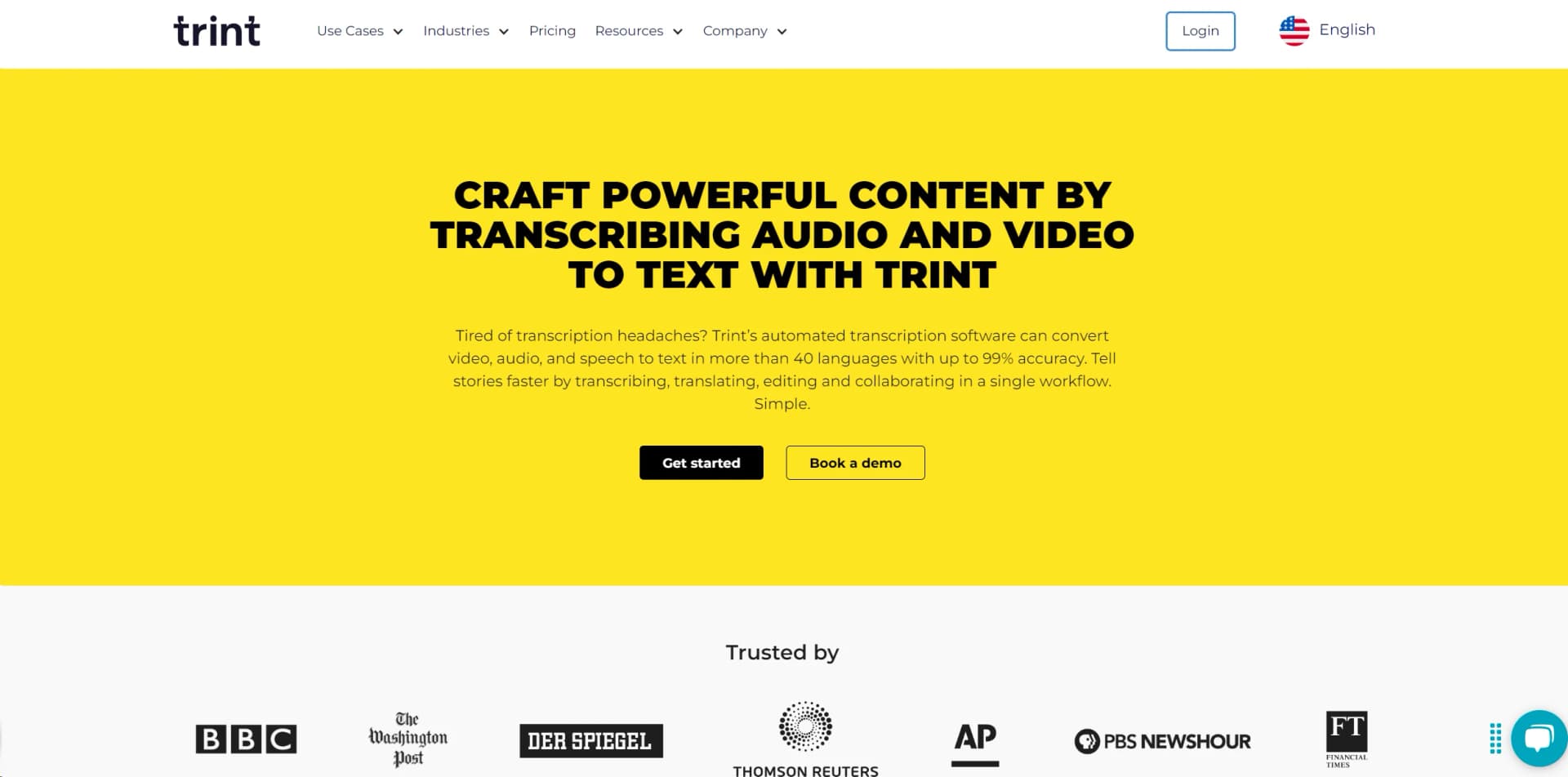
Trint is a cutting-edge AI tool designed to transform audio and video content into editable, searchable text. This platform is a boon for professionals across various industries, including journalism, law, education, and content creation. By leveraging AI technology, Trint simplifies the transcription process, offering features like multi-language support, real-time collaboration, and seamless integration with numerous platforms, thereby streamlining workflows and enhancing productivity.
Trint stands out due to its superior transcription accuracy and multi-language capabilities. Its integration of collaborative tools directly into the transcription process uniquely supports teamwork and productivity, setting it apart from other transcription services.
Trint excels in transforming the transcription landscape, offering robust, accurate, and secure transcription solutions that cater to a diverse range of industries. Its ability to support multiple languages and integrate with various platforms makes it an indispensable tool for professionals aiming to enhance their productivity and content quality.
Who is Using Trint?
Newsrooms
Utilized for quickly transcribing interviews and creating accurate news reports.
Law Firms
Employed to transcribe legal proceedings and client consultations efficiently.
Educators and Researchers
Helps in transcribing lectures and qualitative research interviews.
Podcasters and Content Creators
Used to transcribe audio content for easier editing and production.
Uncommon Use Cases
Trint is also used by government bodies like the Nebraska State Legislature to manage and transcribe legislative sessions.
Key Features
Rating Breakdown
Pricing Plans
Free Trial
- Experience Trint with a free trial to explore its features before committing to a subscription
Subscription Plans
- Offers various tiers
- Tailored to different user needs and organizational sizes
Which Trint plan should you pick?
Start with Starter for light transcription; choose Advanced for unlimited transcription and richer live features, or Enterprise for larger teams, SSO, and administration.
Starter
Good for individuals with lighter usage who need basic transcription and editing.
Advanced
Good for regular users who need unlimited transcription, live transcription, translation, summaries, and collaboration.
Enterprise
Good for organizations needing larger-scale collaboration, SAML SSO, administration, custom integrations, and enterprise controls.
Trint Use Cases
Live event transcription
Capture audio, video, broadcasts, or virtual meetings and transcribe them live.
Outcome: Teams can verify quotes and collaborate while the event is happening.
Audio and video transcription
Upload supported recordings from a computer or connected cloud account.
Outcome: Receive editable text with speaker detection, timecodes, and searchable content.
Content repurposing
Highlight quotes and combine transcript sections in Story Builder.
Outcome: Create articles, scripts, podcasts, rough cuts, and other content.
Caption and subtitle creation
Edit transcripts and export caption files in formats such as SRT, VTT, and STL.
Outcome: Produce captions for video publishing and post-production.
Translation and summarization
Translate transcripts and generate AI summaries from recorded content.
Outcome: Create multilingual outputs and quickly identify key information.
Workflow Ideas with Trint
Automated recording-to-notification workflow
- 1Upload a file to Google Drive
- 2Use Zapier to send the file to Trint
- 3Send a Slack notification when the transcription is ready
Live newsroom collaboration
- 1Start Trint Live from the desktop or mobile app
- 2Save the transcription in a Shared Drive
- 3Invite collaborators to edit, comment, and verify quotes in real time
Transcript-to-published-content workflow
- 1Upload and transcribe an audio or video file
- 2Review text, speakers, highlights, and comments in the Editor
- 3Build a Story and export it to DOCX, XML, EDL, captions, or other formats
How Trint fits into your stack
Content Management Systems
Easily integrates with various CMS to streamline publishing workflows.
Video Editing Software
Compatible with major video editing platforms, enhancing post-production processes.
API Access
Offers API for custom integrations, allowing businesses to tailor Trint to their specific needs.
Secure Cloud Storage
Integrates with secure cloud services to store and manage transcripts safely.
Pros
- +Enhanced Accessibility: Provides features like closed captioning and AI-powered translation into 50+ languages, making content accessible to a global audience.
- +Time-Saving: Significantly reduces the time required for transcription and content production.
- +User-Friendly Interface: Simplifies the transcription process with an intuitive interface that allows easy navigation and operation.
- +Versatile Application: Suitable for a wide range of professional uses, from newsrooms and podcast production to financial services and academic research.
Cons
- −Cost Concerns: While offering powerful features, the pricing might be a consideration for freelancers or smaller organizations.
- −Complex Features: Some users may experience a learning curve when first utilizing advanced features.
- −Internet Dependency: Requires a stable internet connection to access cloud-based features and collaborations.
Limitations & when to consider alternatives
Known limitations
- Upload size and duration limits. Files should be under three hours or three gigabytes; larger files may stall or fail.
- Free trial limits. The trial allows three files, and only the first five minutes of each file are transcribed.
- Summary restrictions. Transcripts must be at least five minutes long, and Trint currently allows only one AI summary per transcript.
- Mobile app requires connectivity. The mobile app requires an internet connection and is not available offline.
- Live transcription duration. Trint Live streams have a maximum duration of three hours.
Look elsewhere when
- You need image understanding or visual document analysis.
- You need programming-code generation or editing.
- You need a browser extension rather than a desktop or mobile app.
How to Use Trint
- 1
Explore a range of tutorials and resources on Trint's website, providing guidance from basic setup to advanced features.
Who is Trint For?
Newsrooms
Trint supports live transcription, quote discovery, collaboration, translation, and newsroom production workflows.
Sport media
Teams can transcribe, search, edit, translate, and repurpose sports-media recordings.
Production teams
Production users can create transcripts, rough cuts, captions, and exports for editing systems.
Podcasters
Podcasters can turn recordings into transcripts, quotes, summaries, translations, and publishable content.
Law firms
Legal teams can securely transcribe, review, collaborate on, and export recorded conversations.
Frequently Asked Questions
What does Trint transcribe?
Trint transcribes uploaded audio and video files, as well as live recordings, into editable text.
Which languages does Trint support?
Trint supports transcription in more than 40 languages and translation into many additional languages.
Does Trint offer a free plan?
Trint provides a 7-day free trial for new users, limited to three files and the first five minutes of each file.
Can teams collaborate in Trint?
Yes. Users can invite colleagues to view, comment on, or edit transcripts, and can use Shared Drives.
Can Trint generate summaries?
Trint can generate one AI summary per transcript, with summaries available in more than 20 languages.
Can Trint integrate with other tools?
Yes. Trint lists integrations including Zapier, Zoom, Dropbox, Google Drive, Box, OneDrive, Mimir, and AP ENPS.
Community reviews
Be the first to share your experience.
Sign in to leave a review for Trint.
Trint Alternatives
Looking for alternatives to Trint? Here are similar tools in the same category:
Learn to Master Trint
With Skill Leap courses
Get in-depth training on Trint and 50+ other AI tools with our expert-led video courses.
Start 7-Day Free Trial