
Truewind
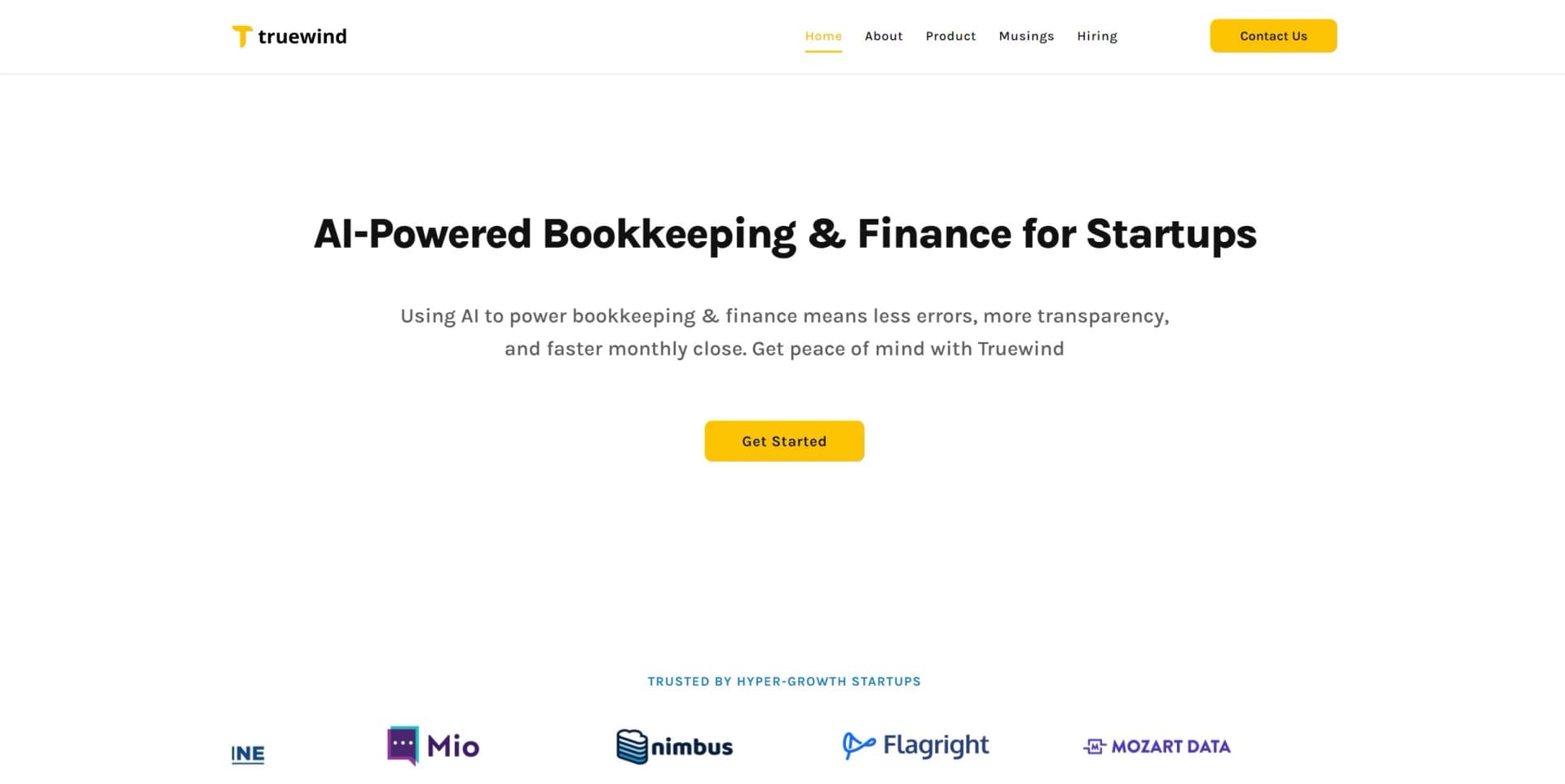
AI-powered Truewind automates accounting, enhancing accuracy and insights.
Key Takeaways
- What it is
- AI-powered Truewind automates accounting, enhancing accuracy and insights.
- Pricing
- Freemium
- Best for
- AI-Driven Automation
- Real-Time Financial Insights
- Error Reduction
- Rating
- 4.6/5
What is Truewind?
Truewind revolutionizes accounting with its next-generation AI-powered solutions. Designed to streamline financial operations, Truewind offers a suite of tools that automate complex accounting tasks, enhance accuracy, and provide real-time insights. Whether you're a small business owner, a financial analyst, or part of a large enterprise, Truewind simplifies your accounting processes, saving you time and reducing costs.
Truewind stands out with its AI-driven automation, a game-changer for accounting processes. Its ability to provide real-time financial insights and reduce errors sets it apart from traditional accounting tools. The user-friendly interface ensures that even those with minimal accounting experience can navigate and utilize the tool effectively.
Truewind excels in providing time-saving and cost-effective accounting solutions, making it an essential tool for businesses and financial professionals. Its AI-driven automation and real-time insights offer unmatched advantages in accuracy and efficiency. Whether you're a small business or a large enterprise, Truewind is designed to meet your accounting needs with precision and ease.
Who is Using Truewind?
Small Businesses
Leveraging the tool to streamline their accounting operations and reduce costs.
Accounting Firms
Using Truewind to enhance the accuracy and efficiency of their services.
Financial Analysts
Employing the tool for real-time financial insights and data-driven decision-making.
Large Enterprises
Adopting Truewind for scalable accounting solutions that grow with their business.
Utilized by non-profits for transparent financial reporting.
Adopted by educational institutions for teaching advanced accounting methods.
Key Features
Rating Breakdown
Pricing Plans
Free Tier
Free
- Experience Truewind with a 14-day free trial
Truewind Use Cases
Prepaid expense schedules
Create and manage amortization schedules from transactions, bills, or imported spreadsheets.
Outcome: Tracked schedules and journal-entry-ready amortization.
Fixed-asset tracking
Prepare depreciation and disposal workpapers for recurring close processes.
Outcome: Repeatable fixed-asset schedules and posting support.
Bank and brokerage reconciliation
Reconcile statements, payout data, brokerage activity, and ledger balances.
Outcome: Review-ready reconciliations and exception-focused workflows.
Donation and deposit processing
Extract information from donation documents and map it to Sage Intacct dimensions and journal entries.
Outcome: Drafted, reviewable journal entries with source-linked support.
Recurring close workpapers
Convert workbook templates and supporting files into reusable SOP-driven workpaper workflows.
Outcome: Repeatable close preparation instead of rebuilding spreadsheet logic each period.
Workflow Ideas with Truewind
Recurring reconciliation
- 1Upload the period's statements, spreadsheets, and supporting documents
- 2Run the reusable Workpaper Agent SOP
- 3Review exceptions and export or post the resulting journal entries
Scheduled monthly workpaper
- 1Create a monthly Workpaper Agent schedule
- 2Attach source files to the linked checklist task
- 3Review the generated workpaper and journal-entry output after the scheduled run
ERP-ready journal-entry workflow
- 1Prepare a workbook from PDFs, spreadsheets, or statements
- 2Draft journal entries and resolve uncertain ERP mappings
- 3Post all or selected approved entries to QuickBooks or Sage Intacct
How Truewind fits into your stack
Browser
Truewind is accessed through its desktop-oriented application for close workflows, reconciliations, review queues, and sign-offs.
Knowledge and files
Workpaper Agent accepts PDFs, spreadsheets, workbooks, and other financial files, with Google Drive and SharePoint storage workflows.
Team chat and tickets
Slack Threads, Teams attachments, and Email Threads add conversations and attachments as context inside Workpaper Agent.
Accounting systems
Approved workflows connect to QuickBooks and Sage Intacct for synchronized accounting data and journal-entry posting.
Pros
- +Automates bookkeeping, reconciliations, and workpaper preparation
- +Supports reviewer-owned close workflows with approval controls
- +Uploads and processes PDFs, spreadsheets, statements, and workbooks
- +Integrates with QuickBooks and Sage Intacct
- +Supports recurring workpaper tasks and reusable SOPs
Cons
- −Initial Learning Curve: Users may need some time to familiarize themselves with the advanced features.
- −Integration Limitations: Currently supports a limited number of third-party platforms.
Limitations & when to consider alternatives
Known limitations
- Scheduled runs must use a future date. Truewind will not save a scheduled workpaper whose first run date and time have already passed in the local timezone.
- Scheduled workpapers require a source. Start Fresh requires an SOP prompt, while Roll Forward Existing requires a seed workpaper.
- Attachment size limits vary by channel. Direct, connected-storage, Slack, and Teams files support up to 50 MB per file; email replies are limited to 25 MB per file and 25 MB total.
- Scheduled workpapers only pull task attachments at run time. Files uploaded after the scheduled run starts are not included in the initial attachment pull.
- Workflow coverage is still expanding. Truewind notes that some Workpaper Agent journeys may still require guidance, review, or follow-up support.
Look elsewhere when
- You need a native mobile app.
- You need published self-serve pricing.
- You need a documented developer API.
How to Use Truewind
- 1
Connect your accounting system
Connect QuickBooks or Sage Intacct so Truewind can read accounting data and prepare downstream workflows.
- 2
Start a Workpaper Agent workpaper
Choose Open File, Start from Scratch, or a workbook template depending on whether you are beginning with source files or an existing process.
- 3
Upload source documents
Add PDFs, spreadsheets, statements, invoices, vendor documents, or files from Google Drive or SharePoint.
- 4
Define or reuse the workflow
Use an SOP prompt or an existing workbook template to create repeatable instructions for the accounting process.
- 5
Review outputs and exceptions
Inspect the workbook, source support, reconciliation results, uncertain mappings, and draft journal entries before posting.
- 6
Schedule recurring work
Create a one-time, weekly, or monthly schedule and attach the expected support files to its linked checklist task.
Who is Truewind For?
Accounting firms
Truewind helps firms standardize client close workflows, assign users, and route work for review.
Finance teams
Finance teams can automate bookkeeping preparation, reconciliations, and journal-entry workflows while keeping reviewer control.
Controllers
Controllers can manage reconciliations, approvals, exception handling, and audit-ready month-end execution.
CFOs
CFOs can use Truewind for tighter close visibility, stronger review controls, and faster reporting.
Startups and small businesses
Truewind positions its close and bookkeeping workflows for startups, small businesses, and growing finance organizations.
Frequently Asked Questions
What does Truewind do?
Truewind is an AI-powered accounting platform for bookkeeping, reconciliations, workpaper preparation, and reviewer-owned close workflows.
What is Workpaper Agent?
Workpaper Agent turns PDFs, spreadsheets, statements, and other financial files into structured workpapers and GL-ready journal-entry outputs.
Which ERP systems does Truewind support?
The official site documents integrations with QuickBooks Online and Sage Intacct.
Can teams collaborate in Truewind?
Organizations can invite members, assign users to client accounts, and manage roles and permissions.
What file sizes are supported?
Direct uploads, Google Drive or SharePoint files, and Slack or Teams attachments can be up to 50 MB per file. Email attachments are limited to 25 MB per file and 25 MB total per reply.
Can recurring accounting workflows be scheduled?
Yes. Workpaper Agent supports one-time, weekly, and monthly schedules with linked checklist tasks.
Community reviews
1 review from people who use Truewind.
Sign in to leave a review for Truewind.
Thibault BM
Truewind Alternatives
Looking for alternatives to Truewind? Here are similar tools in the same category:
Learn to Master Truewind
With Skill Leap courses
Get in-depth training on Truewind and 50+ other AI tools with our expert-led video courses.
Start 7-Day Free Trial