
TurboScribe
Revolutionize transcription with unmatched accuracy, speed, and language support.
Watch TurboScribe in Action
Key Takeaways
- What it is
- Revolutionize transcription with unmatched accuracy, speed, and language support.
- Pricing
- $10 per month ($120 billed yearly)
- Best for
- 99.8% Accuracy
- Support for 98+ Languages
- Unlimited Transcriptions
- Rating
- 4.8/5
What is TurboScribe?
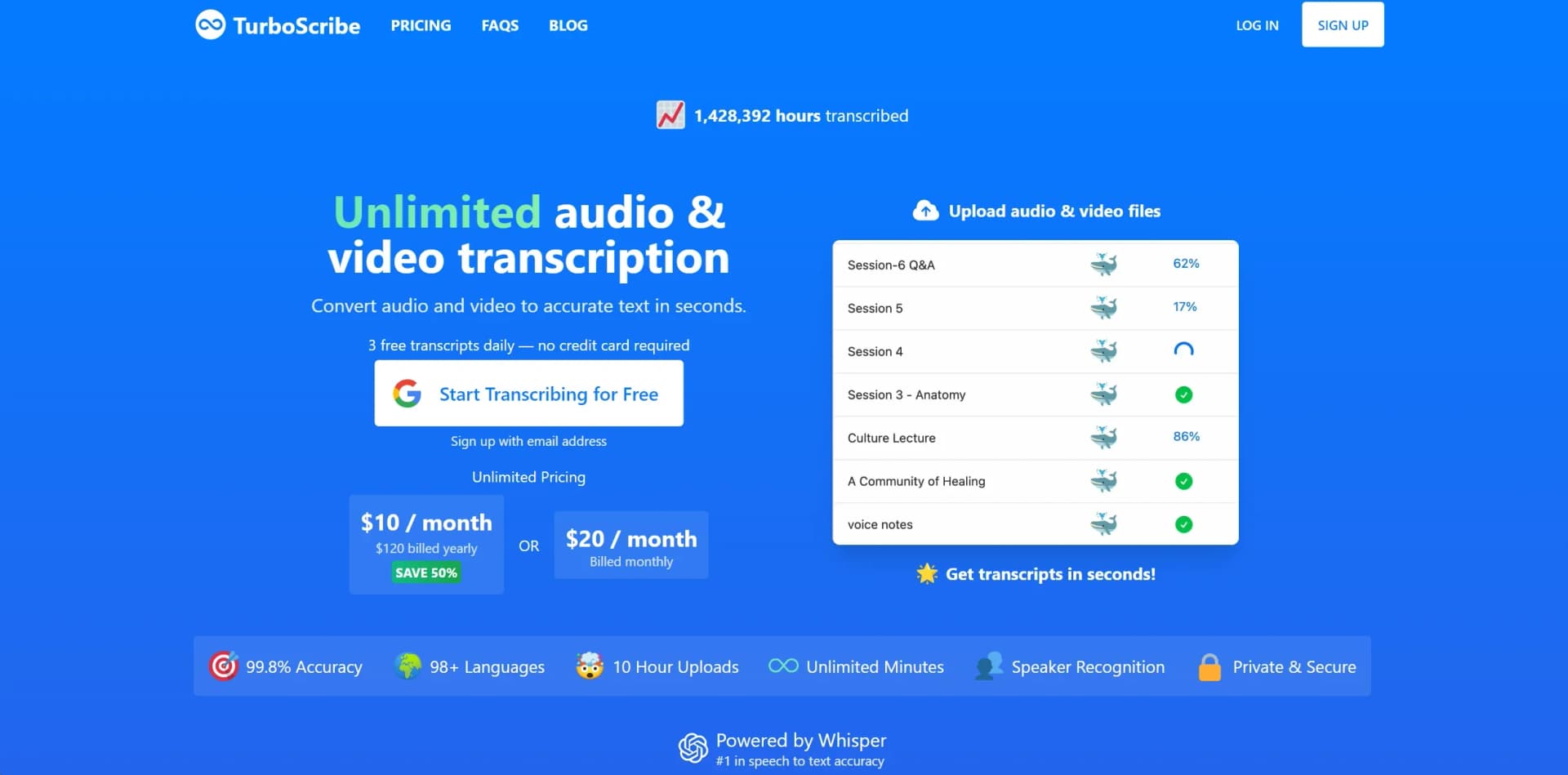
In the fast-paced digital era where content is king, TurboScribe emerges as a groundbreaking AI transcription tool that promises to revolutionize the way we convert audio and video to text. With its claim of 99.8% accuracy and support for 98+ languages, TurboScribe is not just another addition to the transcription service market; it's a game-changer. Designed for professionals across various sectors, including journalists, researchers, and content creators, TurboScribe simplifies the once tedious task of transcription, turning hours of audio and video into accurate text within seconds.
TurboScribe stands out with its unmatched accuracy and speed, powered by the latest in AI transcription technology, Whisper. Its generous offering of unlimited transcriptions, coupled with support for over 98 languages and built-in translation to 134+ languages, sets it apart in the crowded field of transcription services. The tool's emphasis on privacy and security further enhances its appeal to professionals handling sensitive data.
TurboScribe excels in transforming the transcription process into a quick, accurate, and hassle-free experience. Its exceptional accuracy, combined with the ability to handle a vast array of languages and its unlimited transcription service, makes it an essential tool for professionals across many fields. The emphasis on privacy and security further cements its place as a top choice for users. Whether you're looking to transcribe interviews, meetings, or content for multimedia projects, TurboScribe offers a powerful, efficient, and cost-effective solution.
Who is Using TurboScribe?
Educational Institutions
For transcribing lectures and research interviews.
Legal Professionals
Utilizing the tool for transcribing court proceedings and client meetings.
Media Personnel
Journalists and podcasters use it for interviews and content creation.
Medical Professionals
For transcribing patient records and medical research interviews.
Uncommon Use Cases
Language learners use it to transcribe and translate audio in foreign languages; historians use it for archiving oral histories in multiple languages.
Key Features
Rating Breakdown
Pricing Plans
TurboScribe Free
- 3 free transcripts daily with each file up to 30 minutes long
TurboScribe Unlimited
$10 per month ($120 billed yearly)
- Or $20 per month (billed monthly) for unlimited transcriptions
Which TurboScribe plan should you pick?
Start with TurboScribe Free for occasional transcription, upgrade to TurboScribe Unlimited for frequent or large files, and choose TurboScribe for Teams when managing multiple user licenses.
TurboScribe Free
Good for occasional users who need up to three transcripts daily and files up to 30 minutes.
TurboScribe Unlimited
Good for individuals who need unlimited transcription, files up to 10 hours or 5 GB, batch uploads, translations, and bulk exports.
TurboScribe for Teams
Good for organizations that need multiple Unlimited subscriptions under centralized billing and user management.
TurboScribe Use Cases
Meetings
Upload meeting audio or video and enable speaker recognition to label who said what.
Outcome: A searchable transcript with speaker labels.
Podcasts
Transcribe multi-host podcast recordings and export the result as documents or subtitles.
Outcome: Ready-to-edit transcripts and caption files.
Legal recordings
Upload courtroom audio, legal interviews, or depositions and generate timestamped transcripts.
Outcome: Clean legal transcripts for review and documentation.
Lectures and educational content
Transcribe lectures and translate transcripts or subtitles into other languages.
Outcome: Accessible, multilingual educational text.
Video subtitles
Transcribe video and export captions in SRT or VTT format.
Outcome: Subtitle files suitable for video players and editing software.
Workflow Ideas with TurboScribe
Transcribe and export a recording
- 1Upload an audio or video file
- 2Choose the audio language and transcription mode
- 3Download the transcript as DOCX, PDF, TXT, SRT, or VTT
Create a multilingual transcript
- 1Upload the recording and select its spoken language
- 2Transcribe the file
- 3Use the Translation Tool to translate the transcript or subtitles
Process a large batch of recordings
- 1Upload up to 50 files at once with an Unlimited plan
- 2Organize completed transcripts in folders
- 3Bulk-export transcripts or export an entire folder
How TurboScribe fits into your stack
TurboScribe's strength lies in its standalone capabilities rather than integrations with other tools. However, its wide support for various audio and video formats, including MP3, MP4, M4A, and more, ensures it can work seamlessly with files produced by other software and devices.
Pros
- +Time Efficiency: Transcribes audio and video to text in seconds, saving users countless hours.
- +Cost-Effective: With a pricing model that offers unlimited transcriptions at a fraction of the cost of traditional services, TurboScribe is highly affordable.
- +Highly Accurate: The use of Whisper technology ensures transcriptions are incredibly accurate, reducing the need for manual corrections.
- +Versatile Language Support: The ability to transcribe and translate in over 98 languages caters to a global audience.
Cons
- −Internet Dependency: Being an online tool, it requires a stable internet connection for uploads and downloads.
Limitations & when to consider alternatives
Known limitations
- No API or automated access. TurboScribe requires uploads through its web interface and does not provide an API.
- Free-plan limits. The Free plan allows three transcripts per day, files up to 30 minutes, and one file uploaded at a time.
- Maximum file size. The documented maximum file size is 5 GB.
- Transcription quality varies. Accuracy depends on audio quality and language. TurboScribe says difficult audio, background noise, distant microphones, and accents can affect results.
- Speaker detection can overestimate speakers. Automatic speaker detection may sometimes identify more speakers than are actually present.
Look elsewhere when
- You need programmatic API access.
- You need a native mobile app.
- You need an integrated meeting-workflow platform.
How to Use TurboScribe
- 1
The TurboScribe website offers comprehensive guides and tutorials, helping users get started and make the most out of all its features. From basic setup to advanced functions like speaker recognition and translation, these resources are invaluable for both new and experienced users.
Who is TurboScribe For?
Businesses
TurboScribe for Teams supports transcription for meetings, interviews, and documentation with centralized subscription management.
Government agencies
The company positions TurboScribe for legal, public-record, and internal-report transcription needs.
Media and journalists
Audio and video transcription, speaker labels, translations, and subtitle exports support podcasts, interviews, and video content.
Education
TurboScribe identifies accessibility, research, and lecture transcription as education use cases.
Legal professionals and healthcare workers
TurboScribe highlights privacy and confidentiality for legal, medical, and therapy-related work.
Frequently Asked Questions
How many free transcriptions can I get?
The TurboScribe Free plan provides three transcripts per day. Each free upload can be up to 30 minutes long, with one file uploaded at a time.
What file size and duration limits apply?
Unlimited users can upload files up to 10 hours long and 5 GB in size. Free uploads are limited to 30 minutes per file.
Which languages does TurboScribe support?
TurboScribe supports more than 98 spoken languages for transcription and translation into more than 134 languages.
Can TurboScribe identify different speakers?
Yes. Speaker Recognition labels transcript sections by speaker. Users can specify the number of speakers or let TurboScribe detect them automatically.
How can I export transcripts?
Transcripts can be exported in formats including TXT, DOCX, PDF, CSV, SRT, and VTT.
Does TurboScribe offer an API?
No. TurboScribe states that it does not offer an API or automated access; files are uploaded through the web interface.
Community reviews
Be the first to share your experience.
Sign in to leave a review for TurboScribe.
TurboScribe Alternatives
Looking for alternatives to TurboScribe? Here are similar tools in the same category:
Learn to Master TurboScribe
With Skill Leap courses
Get in-depth training on TurboScribe and 50+ other AI tools with our expert-led video courses.
Start 7-Day Free Trial