
Twistly
Create incredible PowerPoint presentations from any content.
Watch Twistly in Action
Key Takeaways
- What it is
- Create incredible PowerPoint presentations from any content.
- Pricing
- Freemium · $10 per month · $20 per month
- Best for
- AI-Powered Slide Generation
- AI Image Generation
- Speaker Notes Generator
- Rating
- 4.7/5
What is Twistly?
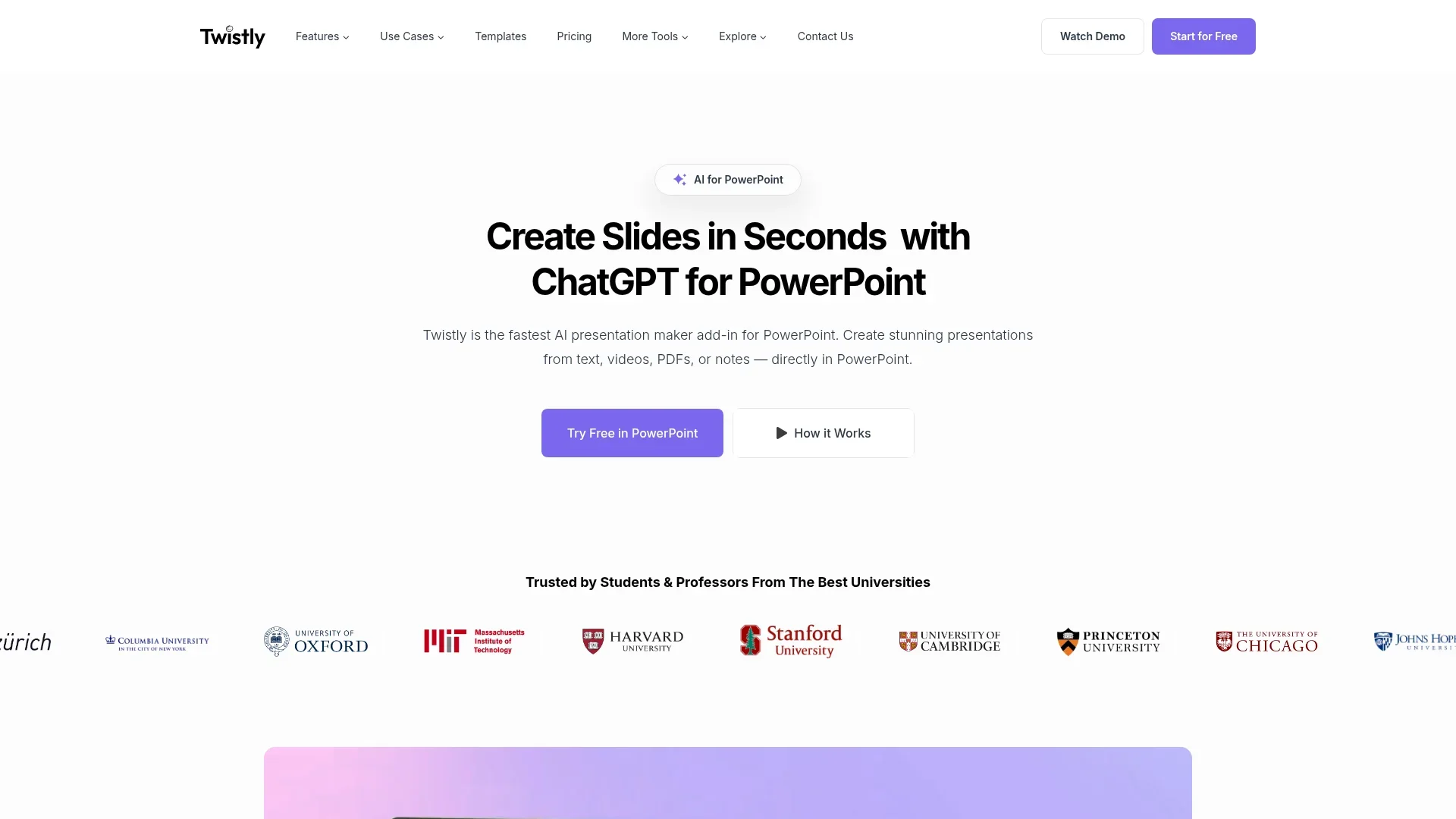
Twistly is your go-to AI-powered presentation maker that operates directly within Microsoft PowerPoint. By integrating ChatGPT, it transforms the way presentations are created, enabling users to generate full slide decks from text, videos, PDFs, or notes, all without leaving PowerPoint. Designed for students, educators, and professionals, Twistly simplifies the process of creating stunning presentations with just a few clicks.
Twistly stands out with its ability to integrate ChatGPT directly into PowerPoint, allowing for real-time slide creation without the need to export or switch applications. This unique feature not only enhances productivity but also ensures high-quality presentation output.
Twistly redefines the presentation-making process by bringing AI-powered tools into the heart of PowerPoint. Its seamless integration with ChatGPT allows users to create, edit, and enhance presentations without ever leaving the platform. Whether you're a student trying to finish a project or a professional needing to impress clients, Twistly offers a user-friendly solution that saves time and elevates the quality of your presentations.
Who is Using Twistly?
Students
Creating school projects and presentations efficiently.
Educators
Enhancing lesson plans and lecture presentations.
Marketing Professionals
Developing polished campaign presentations.
Sales Teams
Crafting compelling sales pitches and proposals.
Uncommon Use Cases
Used by HR teams for internal training sessions; adopted by freelance writers for visualizing content.
Key Features
Rating Breakdown
Pricing Plans
Free
Free
- Includes limited presentations, up to 7 slides per presentation, and a “Made by Twistly” watermark
Starter
$10 per month
- Includes unlimited presentations, up to 35 slides per presentation, AI images, the ability to add slides, higher token limits, and full presentation speaker notes
Pro
$20 per month
- Includes all Starter features plus advanced AI for enhanced presentation creation and customization
Which Twistly plan should you pick?
Start with Starter for basic AI presentation creation, upgrade to Pro for advanced features and longer decks, or choose Team for shared templates and centralized administration.
Starter
Good for users who need basic AI presentation creation, text rewriting, slide redesign, and up to 15 slides per presentation.
Pro
Good for users who need custom templates, AI-generated images, speaker notes, larger content size, and up to 50 slides per presentation.
Team
Good for teams who need unlimited team members, shared templates, central billing, administration, and priority support.
Twistly Use Cases
Lesson preparation
Turn teaching knowledge into structured, visually clear slides.
Outcome: Reduce preparation time and improve classroom engagement.
Academic assignments
Transform research and study notes into presentation decks.
Outcome: Produce professional-looking school or university presentations faster.
Marketing campaigns
Build pitch decks, campaign reports, and brand presentations from campaign ideas and analytics.
Outcome: Communicate campaign strategy through polished visual storytelling.
Sales proposals
Generate personalized presentations addressing individual prospect needs.
Outcome: Create persuasive pitches without spending as much time on design.
Corporate training
Create onboarding and internal-communications decks aligned with company branding.
Outcome: Keep employees informed with consistent training materials.
Workflow Ideas with Twistly
Create a deck from a document
- 1Open Twistly inside PowerPoint
- 2Upload a DOCX, PDF, or TXT file
- 3Choose language, slide count, image source, and template
- 4Review and edit the generated presentation
Create and refine a presentation
- 1Enter a topic or paste source text
- 2Preview and adjust the slide outline
- 3Generate the deck with a selected template
- 4Rewrite text, replace images, and add speaker notes
Generate presentations in Slack
- 1Mention @Twisly in a Slack channel
- 2Describe the presentation topic
- 3Review the generated slides returned in the thread
How Twistly fits into your stack
Browser
The web app generates presentations from topics, text, or files and exports them to PDF, PowerPoint, or Google Slides. https://twistly.ai/
Desktop / IDE
Twistly is primarily a PowerPoint add-in for Windows and Mac, with slide creation, editing, redesign, speaker notes, templates, and AI images inside the deck. https://docs.twistly.ai/
Team chat and tickets
The Slack app is triggered by mentioning @Twistly in a channel and replies in the same thread with generated presentation content. https://twistly.ai/twistly-bot-for-slack/
Pros
- +Time Efficiency: Generates presentations in under 30 seconds, saving users significant time.
- +Ease of Use: No design experience required, making it accessible for beginners.
- +Integration: Works directly within PowerPoint, avoiding the hassle of switching between tools.
- +Customizable Templates: Offers a variety of pre-designed templates optimized for AI-generated content.
Cons
- −Limited to PowerPoint Users: Requires Microsoft PowerPoint to utilize Twistly's full capabilities.
- −Initial Setup Required: Users need to install the add-in before getting started.
Limitations & when to consider alternatives
Known limitations
- Not available on mobile. The official site explicitly says Twistly is not available on mobile.
- Free access is limited. The documentation says new users can generate three presentations for free.
- Presentation length limits. The documentation describes presentations ranging from 3 to 35 slides, while current paid plans list per-presentation limits.
- Browser version has fewer features. Uploading custom templates, AI images, slide redesign, and full editing are limited to the PowerPoint add-in.
- Desktop use requires PowerPoint. The desktop experience is a PowerPoint add-in and requires Microsoft 365 or Office.
Look elsewhere when
- You need a native mobile app.
- You need a standalone desktop application.
- You need image analysis rather than image generation.
- You need custom model training.
How to Use Twistly
- 1
Install the add-in
Install Twistly from Microsoft AppSource and open it inside PowerPoint.
- 2
Choose a creation method
Start from a topic, pasted text, uploaded document, or YouTube link depending on your source material.
- 3
Configure generation
Select the presentation language, slide count, image source, content length, and template.
- 4
Review the outline
Reorder slides or change titles before continuing so the narrative fits your audience.
- 5
Generate and edit
Create the deck, then rewrite text, replace images, redesign slides, or edit directly in PowerPoint.
- 6
Add presentation support
Generate speaker notes and translate the completed presentation when preparing for delivery.
Who is Twistly For?
Teachers
Twistly helps teachers prepare lesson, lecture, and course-material presentations faster.
Students
Students can turn research and study notes into polished academic presentations.
Marketers
Marketers can create campaign reports, pitch decks, and brand presentations.
Sales teams
Sales professionals can generate tailored client pitches and persuasive proposal decks.
HR teams
HR teams can create onboarding and internal-communications presentations.
Frequently Asked Questions
What is Twistly?
Twistly is an AI add-in for PowerPoint that creates, edits, redesigns, and enhances presentations.
Where does Twistly work?
Twistly works in PowerPoint for Windows, PowerPoint for Mac, and PowerPoint for the web.
What can Twistly create presentations from?
It can create presentations from topics, pasted text, Word documents, PDFs, text files, and YouTube links.
Can Twistly translate presentations?
Yes. Twistly can translate an entire presentation into multiple languages.
Can Twistly generate images and speaker notes?
Yes. Paid features include AI-generated images and speaker notes for selected slides or full presentations.
Is Twistly available on mobile?
No. The official site states that Twistly is not available on mobile and directs users to desktop.
Community reviews
Be the first to share your experience.
Sign in to leave a review for Twistly.
Twistly Alternatives
Looking for alternatives to Twistly? Here are similar tools in the same category:
Learn to Master Twistly
With Skill Leap courses
Get in-depth training on Twistly and 50+ other AI tools with our expert-led video courses.
Start 7-Day Free Trial