Typeface
Enterprise marketers create campaigns grounded in their brand guidelines.
Key Takeaways
- What it is
- Enterprise marketers create campaigns grounded in their brand guidelines.
- Best for
- Arc Graph
- Arc Fabric and custom agents
- Typeface MCP
- Rating
- 4.2/5
What is Typeface?
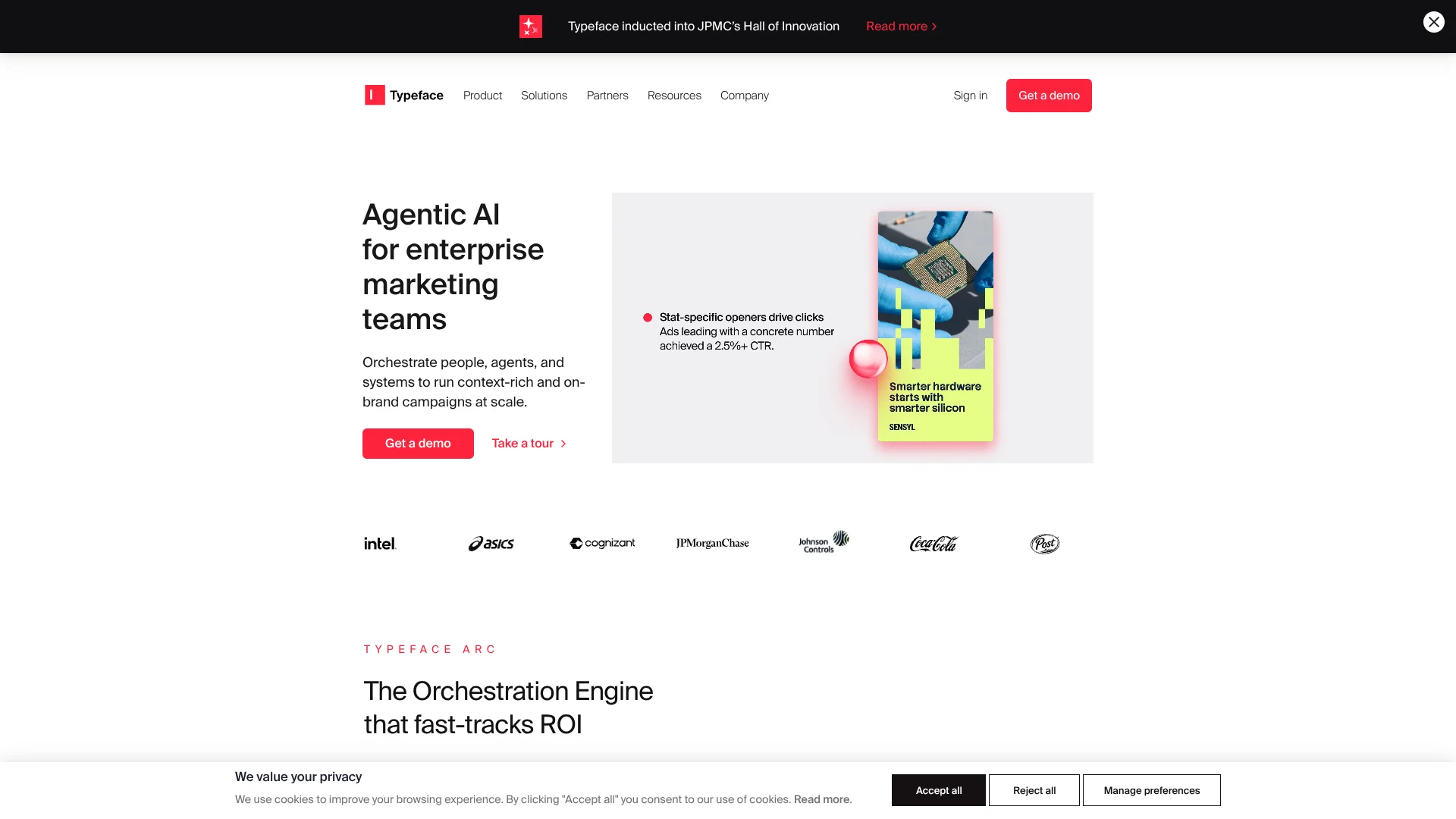
Typeface helps enterprise marketing and creative teams produce campaign content that follows their brand’s voice, visual rules, and audience needs. Its Arc Graph organizes brand guidelines, approved assets, and audience information so AI agents can use that context when creating text, images, and campaign variations. Teams can also connect the work to their existing marketing systems.
Typeface MCP brings approved brand kits, audiences, assets, and campaign context into compatible tools such as Claude Desktop and ChatGPT, so generated content can draw on Typeface information while teams work in those tools.
The platform is aimed at organizations coordinating content across brands, teams, and markets, not people looking for a low-cost personal writing app. Its enterprise focus means public plan prices are not available, so Typeface is most relevant when brand governance and connected marketing workflows matter more than quick self-serve access.
Who is Using Typeface?
Campaign marketers
Campaign briefs and brand context help them produce content for multiple channels and audiences.
Brand managers
Brand kits and review tools help them keep content aligned with voice and visual rules.
Marketing operations managers
Connectors and workflow automation help coordinate content creation, review, and publishing.
Creative directors
Image Agent helps them explore campaign visuals and adapt creative for different placements.
Uncommon Use Cases
HR teams can generate job descriptions and employee communications through an HR-system connector; regional teams can create localized campaign variations from shared brand context.
Key Features
Rating Breakdown
Pricing Plans
Enterprise
- Typeface directs prospective customers to contact sales.
- Some documented campaign and brand features require the Enterprise plan.
Which Typeface plan should you pick?
Start with the Enterprise plan if your organization needs Typeface's marketing workflows, brand governance, and integrations; contact sales to confirm access and pricing.
Enterprise
For organizations that need shared teams, campaign workflows, brand controls, and connections to enterprise marketing systems.
Typeface Use Cases
On-brand campaign production
Campaign teams work from a brief with approved brand and audience context informing the generated assets.
Outcome: Campaign content tailored to brand standards and audience needs.
Localized content
Regional marketers create language and market variations from existing campaign content.
Outcome: Content adapted for different languages and markets.
Product imagery
Creative teams turn product shots and scene descriptions into campaign-ready visuals.
Outcome: On-brand product images for marketing and ecommerce.
Campaign publishing
Marketing operations teams connect generated assets to publishing and marketing systems.
Outcome: Approved content sent to connected platforms.
Brand review
Brand teams check text and visual assets against brand rules during content work.
Outcome: Content reviewed for brand alignment.
Workflow Ideas with Typeface
Create a localized campaign
- 1Select the relevant brand kit and audience profile.
- 2Generate campaign copy and visuals for the target market.
- 3Review the variations against brand rules and send approved content to a connected platform.
Turn product shots into campaign visuals
- 1Add an approved product image to Typeface.
- 2Describe the scene and choose the campaign style.
- 3Review, edit, and export the generated variations.
Bring brand context into another AI tool
- 1Connect Typeface MCP to a compatible AI client using OAuth.
- 2Select the relevant team, brand, and project context.
- 3Generate content and continue editing it in the Typeface project.
How Typeface fits into your stack
Brand knowledge
Arc Graph organizes brand guidelines, audience information, approved assets, and campaign context for content creation.
Content creation
Templates and agents create or adapt campaign text and visuals. Image Agent also supports edits and variations from reference images.
Marketing systems
The connector library links Typeface with tools such as Google Ads, HubSpot, Salesforce Marketing Cloud, and Contentful.
Other AI tools
Typeface MCP provides brand context to compatible clients, including Claude Desktop and ChatGPT.
Team workflows
Arc Spaces gives teams a collaborative workspace for campaign work, while workflow tools coordinate review and publishing.
Pros
- +Brand context: Guidelines, audience profiles, and approved assets inform generated content.
- +Campaign variations: Teams can adapt content for different channels, audiences, and markets.
- +Existing systems: Connectors and APIs support data exchange and content publishing.
- +Review controls: Brand checks, permissions, and encryption support governed enterprise use.
Cons
- −Sales-led access: Prospective customers need to contact Typeface rather than choose from public subscription prices.
- −Enterprise focus: The product is built around organization-level marketing workflows, which may be more than a small team needs.
- −Setup effort: Brand kits, assets, audiences, and integrations need to be prepared to get the most from the platform.
Limitations & when to consider alternatives
Known limitations
- Asset file size. Typeface Academy documentation states that uploaded assets can be no larger than 50 MB.
- One voice at a time. Documentation says a generation can use only one individual trained voice at a time.
- Enterprise access for some features. Typeface Academy identifies features such as image-style training and certain campaign workflows as requiring the Enterprise plan.
Look elsewhere when
- You need a low-cost self-serve plan with publicly listed prices.
- You need a general-purpose AI tool rather than an enterprise marketing workflow platform.
How to Use Typeface
- 1
Set up your brand context
Add brand guidelines, approved assets, voice examples, and audience profiles so generations have useful reference material.
- 2
Choose a content route
Start with a relevant template, Image Agent, or custom agent based on the campaign task.
- 3
Set the audience and language
Choose the intended audience and output language before generating content.
- 4
Generate and refine
Review the text or visuals and use Typeface's editing tools to revise them against the brief.
- 5
Check brand fit
Review the output against brand rules and use brand evaluation tools where available.
- 6
Share or publish
Collaborate in Typeface Spaces or send approved content to a connected marketing platform.
Who is Typeface For?
Marketing teams
Campaign agents can produce brand-aware content and variations for different audiences and channels.
Creative teams
Image tools help adapt and produce campaign visuals while retaining brand styles.
IT teams
APIs, connectors, access controls, and security features help fit Typeface into enterprise systems.
Frequently Asked Questions
Does Typeface have a free plan?
The current official site does not list a free plan or public self-serve pricing.
How much does Typeface cost?
Typeface does not publish a US list price on its public product pages; contact its sales team for pricing.
Can Typeface connect to other tools?
Yes. It offers a connector library, APIs, and MCP support, with integrations that include Google Ads, Slack, HubSpot, and Salesforce Marketing Cloud.
Can teams use their own brand assets?
Yes. Teams can upload or connect assets and use brand kits, audience profiles, and voice guidance when generating content.
Does Typeface support multiple languages?
Yes. Typeface supports content generation and localization in multiple languages.
Community reviews
Be the first to share your experience.
Sign in to leave a review for Typeface.
Typeface Alternatives
Looking for alternatives to Typeface? Here are similar tools in the same category: