
Uberduck
Unleash AI-powered singing, rapping, and custom voice creation.
Watch Uberduck in Action
Key Takeaways
- What it is
- Unleash AI-powered singing, rapping, and custom voice creation.
- Best for
- AI-Generated Vocals
- Beat and Lyric Generation
- Custom Voice Cloning
- Rating
- 4.4/5
What is Uberduck?
Uberduck is an innovative AI tool that delves into the creative realm of digital audio, particularly focusing on synthesizing vocals for music and other audio projects. It offers a diverse range of features tailored to musicians, producers, and developers, aiming to streamline the process of integrating AI-generated vocals into various projects.
Uberduck's advanced voice cloning technology sets it apart, offering singing and rapping capabilities beyond typical text-to-speech applications.
Uberduck stands out as an indispensable tool for AI-generated vocal content, offering voice cloning capabilities that transform audio production. Its features cater to diverse user needs, revolutionizing the creative process for musicians, producers, and developers alike. Whether you're a seasoned professional or an aspiring artist, Uberduck opens up new possibilities in audio production with its innovative approach.
Who is Using Uberduck?
Music Producers
Crafting unique songs with AI-generated vocals.
Creative Agencies
Developing engaging audio content for campaigns and branding.
Independent Artists
Experimenting with new forms of musical expression.
Software Developers
Integrating AI vocals into apps and services for enhanced user interaction.
Uncommon Use Cases
Educational institutions for teaching audio engineering, podcasters for experimenting with character voices.
Key Features
Rating Breakdown
Pricing Plans
Free Trial
- Users can explore basic features with a free trial
Subscription Plans
- Various subscription options cater to different usage levels and functionality
Which Uberduck plan should you pick?
Start with the free experience or Starter for exploration, choose Creator for commercial work and API access, upgrade to Pro for higher volume, and contact Enterprise for custom tooling and managed services.
Starter
Good for quick tasks and exploration beyond the free tier with 1,000 monthly credits and private voice access.
Creator
Good for creators who need commercial licensing, API access, image generation, custom image clones, and 3,600 monthly credits.
Pro
Good for larger creators and growing businesses needing commercial licensing, API access, premium generation features, and 25,000 monthly credits.
Enterprise
Good for organizations needing 500k+ monthly credits, professional voice clones, custom application development, dedicated Slack support, or managed production services.
Uberduck Use Cases
Voiceovers
Paste in a script and generate a voiceover using a selected or cloned voice.
Outcome: A downloadable voiceover for video or other media.
Podcasts and ad reads
Generate podcast segments, ad reads, or audio content in a selected voice.
Outcome: Audio content without recording every line manually.
Audiobooks
Use voice cloning or synthetic voices to narrate book content.
Outcome: An AI-narrated audiobook.
AI music and jingles
Describe a song, brand jingle, podcast intro, or background track for generation.
Outcome: A generated song or musical track.
Audio conversion
Upload supported audio or video, trim it, extract audio, or convert formats.
Outcome: A converted downloadable media file.
Workflow Ideas with Uberduck
Create a cloned-voice voiceover
- 1Record or upload a short voice sample.
- 2Create the custom voice model.
- 3Paste the script and generate speech.
- 4Download the resulting audio.
Convert and clean up media
- 1Upload an audio or video file.
- 2Trim the desired start and end points.
- 3Select an output format or extract audio.
- 4Convert and download the file.
Create an AI music track
- 1Describe the song, jingle, or background-music idea.
- 2Generate the track with Uberduck’s music tool.
- 3Review the generated audio and download it for the project.
How Uberduck fits into your stack
Browser
Uberduck is primarily used as a web-based creative media workspace for text-to-speech, singing, rapping, voice cloning, music generation, and browser-based audio conversion.
Automation and APIs
Its documented API supports programmatic text-to-speech, voice selection, model selection, voice cloning, and music-generation integrations.
Team chat and tickets
Uberduck links to Discord for community updates and support, while its API can support externally built voice applications such as Discord bots.
Pros
- +Free access is available
- +Supports dozens of human languages
- +Documented API with authentication and endpoints
- +Voice cloning and speech-to-speech capabilities
- +Browser-based audio and video conversion tools
Cons
- −Quality Variance: Synthetic vocal quality may vary, requiring fine-tuning for professional use.
- −Specialized Use Case: Highly specialized nature may limit appeal to a broader audience.
- −Resource Intensity: High-quality audio generation could be resource-intensive, impacting performance for some users.
Limitations & when to consider alternatives
Known limitations
- Commercial licensing depends on the plan. Starter is non-commercial; commercial usage is listed for Creator, Pro, and Enterprise.
- Free and lower tiers have limited credits. Starter includes 1,000 monthly credits, Creator 3,600, and Pro 25,000; Enterprise lists 500k+.
- Some premium capabilities require an upgrade. Image generation, image cloning, video generation, commercial licensing, and API access are presented as paid-plan features.
- Character voices were removed. Uberduck removed many user-created character and individual voices in July 2023 because of ethical and legal concerns.
- Text input is limited in the web interface. The text-to-speech interface displays a 350-character input limit.
Look elsewhere when
- You need a native mobile app
- You need a desktop installer
- You need shared team workspaces or user roles
- You need image analysis or vision input
How to Use Uberduck
- 1
Choose a creation tool
Start with text-to-speech, music generation, voice cloning, speech-to-speech, or an audio-conversion tool based on the desired output.
- 2
Select a voice or model
Browse available voices and languages, or create a private custom voice clone when the project requires a specific voice.
- 3
Enter text or upload media
Paste a script or song idea, or upload supported audio/video for trimming and conversion.
- 4
Generate or transform the content
Run the selected generation, cloning, conversion, or speech-to-speech operation.
- 5
Review licensing and credits
Check the plan’s credit allowance and whether the output license is non-commercial or commercial.
- 6
Download or integrate the result
Download the generated media, or use Uberduck’s documented API for programmatic text-to-speech and voice workflows.
Who is Uberduck For?
Agencies
Create realistic synthetic vocals and voiceovers for client media projects.
Musicians
Generate AI vocals, singing, rapping, songs, and custom musical content.
Marketers
Produce ad reads, brand jingles, short-form promotional clips, and social content.
Creators
Make voiceovers, podcasts, audiobooks, videos, and other media without a voice actor.
Frequently Asked Questions
What is voice cloning?
Voice cloning creates a custom voice model from a recorded voice so it can generate speech, singing, or rapping.
How much does voice cloning cost?
Uberduck describes voice cloning as free to try; paid plans unlock additional voices, credits, and premium features.
What languages does Uberduck support?
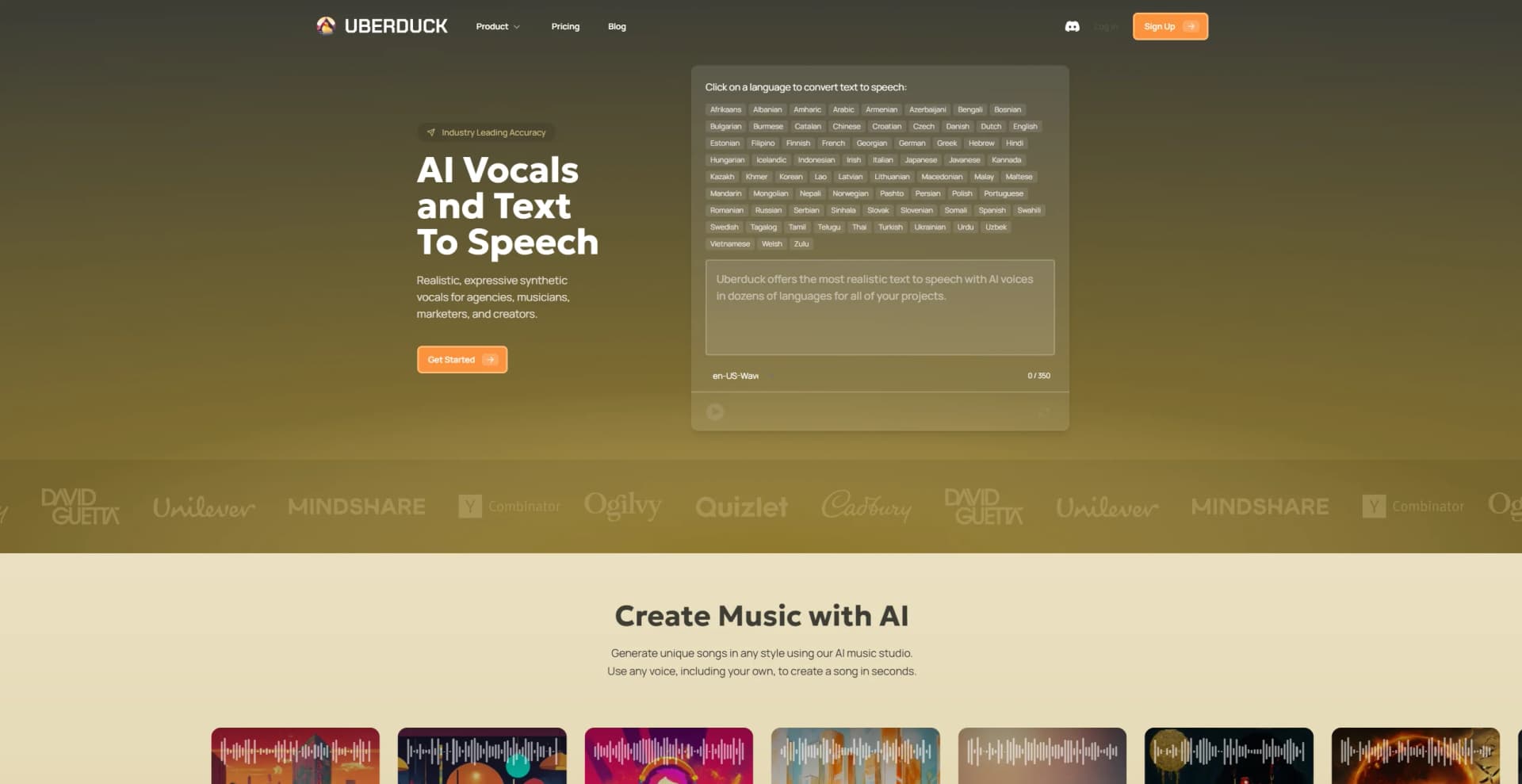
Uberduck lists support for 72 human languages, including English, Spanish, Arabic, Chinese, Hindi, Japanese, and Vietnamese.
Can I use Uberduck outputs commercially?
Commercial use is included on paid plans; the Starter plan has a non-commercial license.
What can I use Uberduck for?
The site highlights voiceovers, podcasts, audiobooks, dubbing, character voices, short-form marketing, songs, jingles, and game music.
Community reviews
Be the first to share your experience.
Sign in to leave a review for Uberduck.
Uberduck Alternatives
Looking for alternatives to Uberduck? Here are similar tools in the same category:
Learn to Master Uberduck
With Skill Leap courses
Get in-depth training on Uberduck and 50+ other AI tools with our expert-led video courses.
Start 7-Day Free Trial