
UiPath
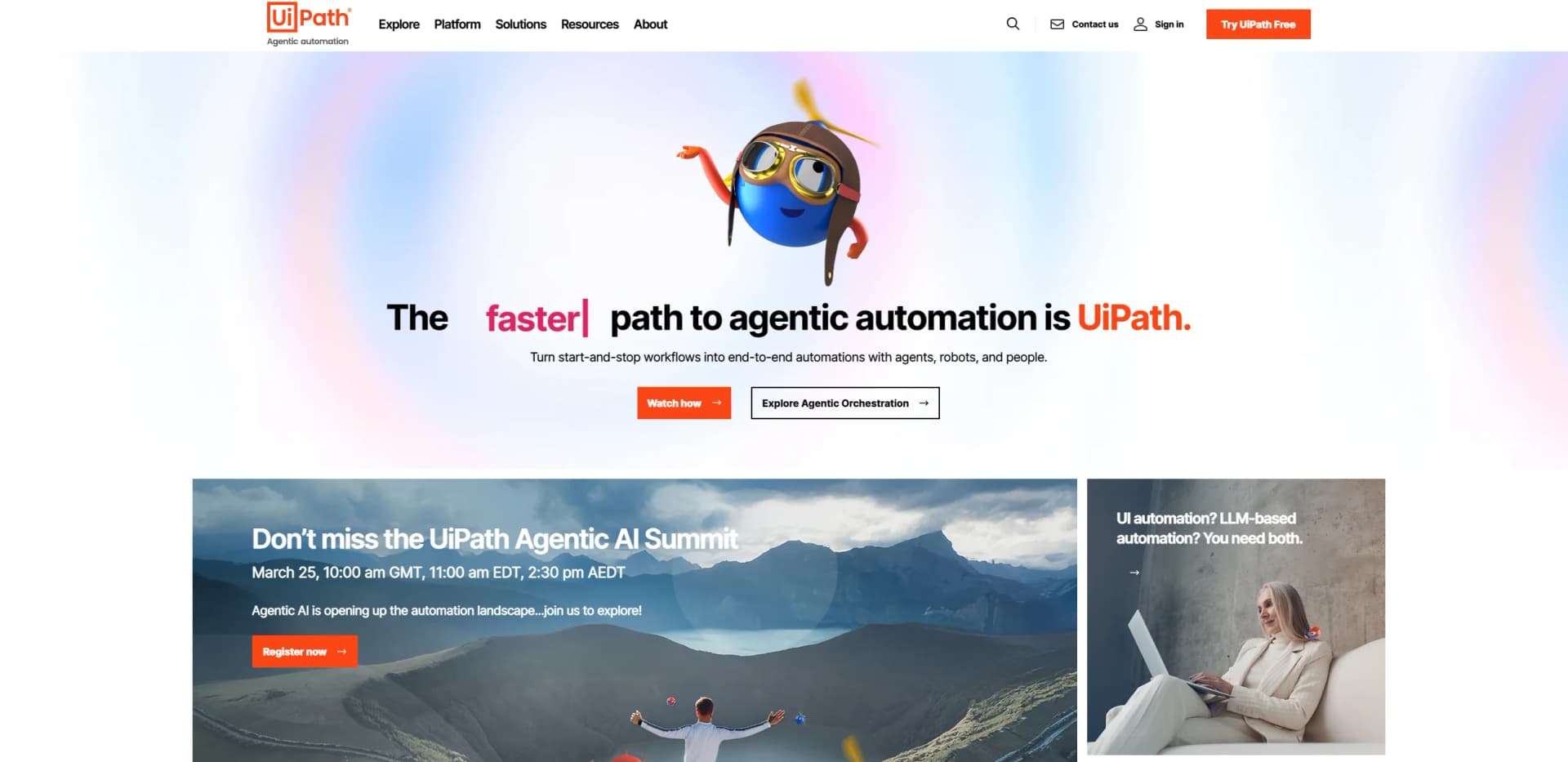
Streamline workflows with AI-driven automation and seamless integration.
Key Takeaways
- What it is
- Streamline workflows with AI-driven automation and seamless integration.
- Best for
- AI-Powered Automation
- Process Mining and Task Mining
- Low-Code Development
- Rating
- 4.5/5
What is UiPath?
UiPath is a comprehensive automation platform designed to revolutionize business processes through AI-powered solutions. By integrating advanced AI technologies with robotic process automation (RPA), UiPath offers a versatile platform that simplifies complex workflows and enhances operational efficiency. Ideal for enterprises seeking to optimize their work processes, UiPath is renowned for its ability to seamlessly integrate with existing systems and deliver robust automation solutions across various sectors.
UiPath stands out with its agentic automation framework, which seamlessly integrates AI and RPA to create a dynamic, responsive automation environment. This unique approach enables businesses to not only automate tasks but also dynamically adapt to changing demands and opportunities, setting UiPath apart as a leader in the intelligent automation space.
UiPath offers an unparalleled platform for businesses aiming to harness the power of AI and automation. By delivering innovative features and robust support, it empowers organizations to transform their operations and achieve significant efficiency gains. Whether you're a large enterprise or a small business, UiPath provides the tools necessary to drive meaningful change and stay ahead in a rapidly evolving digital landscape.
Who is Using UiPath?
Financial Institutions
Utilizing UiPath for automating back-office operations and compliance tasks.
Healthcare Providers
Employing the platform to streamline patient data management and billing processes.
Manufacturing Companies
Leveraging UiPath for supply chain automation and inventory management.
Telecommunications Firms
Using the tool to enhance customer service operations and reduce downtime.
Adopted by legal firms for contract management automation.
Used by educational institutions for administrative task automation.
Key Features
Rating Breakdown
Pricing Plans
Community Edition
- Offers free access to basic features for individual users and small teams
Enterprise Edition
- Pricing varies based on the scale and specific needs of the organization
Which UiPath plan should you pick?
Start with Basic for personal or small-team automation; upgrade to Standard for scalable business automation or Enterprise for advanced governance, self-healing, and deployment flexibility.
Basic
Good for individuals and small teams who need basic personal automations, with pricing starting at $25 per month.
Standard
Good for businesses that need shared enterprise automations, agents, document processing, orchestration, governance, and scale.
Enterprise
Good for organizations needing advanced security, self-healing automation, process optimization, customer-managed encryption keys, and flexible deployment.
UiPath Use Cases
Document processing
Upload, classify, extract, validate, and retrain models using business documents.
Outcome: Automated document understanding and downstream processing.
File and spreadsheet automation
Read, transform, and process files and spreadsheets with RPA workflows.
Outcome: Less repetitive manual data handling.
Cross-system data movement
Move data between business systems and update records through UI automation, APIs, and connectors.
Outcome: End-to-end business process automation.
Browser and desktop automation
Drive desktop, web, and virtual applications through their interfaces.
Outcome: Reliable automation for systems without usable APIs.
Code and workflow generation
Use Autopilot to create workflows, generate C# code, refactor code, and produce coded test cases.
Outcome: Faster automation development and maintenance.
Workflow Ideas with UiPath
Salesforce opportunity to invoice
- 1Detect when a Salesforce opportunity is closed and won
- 2Trigger an automation through a Slack action
- 3Create an invoice or sales order in QuickBooks or NetSuite
Document classification and extraction
- 1Upload sample documents to a Document Understanding project
- 2Classify and annotate documents
- 3Train and publish the resulting model for automation use
API workflow orchestration
- 1Design an API workflow in Studio Web
- 2Publish it to Orchestrator
- 3Run it from a time, event, or API trigger
How UiPath fits into your stack
Browser
Studio Web provides a browser-based workspace for designing automation projects, while UiPath browser extensions automate Chrome, Edge, Firefox, and Safari.
Desktop / IDE
UiPath Studio, StudioX, Robot, and Assistant are downloadable desktop clients for creating, running, and managing automations on Windows and macOS.
Automation and APIs
UiPath sits in the automation and integration layer through RPA workflows, API workflows, documented APIs, Integration Service connectors, and orchestration.
Knowledge and files
Autopilot can ingest uploaded documents and images for analysis, while Document Understanding processes business documents through OCR, classification, extraction, and custom-trained models.
Pros
- +Scalability: UiPath offers enterprise-grade scalability, allowing businesses to expand their automation efforts seamlessly.
- +Comprehensive Analytics: Real-time analytics provide insights into automation performance and ROI, facilitating data-driven decision-making.
- +Wide Integration Capabilities: UiPath supports integration with numerous third-party applications and platforms, enhancing flexibility.
- +User-Centric Design: The platform is designed with a user-friendly interface, making it accessible to both technical and non-technical users.
Cons
- −Initial Learning Curve: New users may require time to fully understand and leverage the platform's advanced features.
- −Resource Intensive: High-level automation projects may demand significant computational resources.
- −Pricing Complexity: The pricing structure can be complex, potentially requiring consultation for optimal package selection.
Limitations & when to consider alternatives
Known limitations
- Community plan quotas. The Community plan has fixed licenses, one tenant, one unattended robot, and a monthly Credits pool.
- Community document limits. Document Understanding on Community is limited to 50 documents per hour, with documents limited to two pages and 4 MB.
- Community data residency. Community plan data residency is limited to the European Union.
- Studio Desktop platform. Studio Desktop is Windows-only; macOS users use the browser-based Studio Web experience.
- Shared-project editing. Only one user can edit a shared Studio Web project at a time; other users receive view-only or locked access.
Look elsewhere when
- You need a current native mobile app for UiPath automation management.
- You need a macOS-native desktop IDE rather than a browser-based tool.
- You need unlimited free document-processing capacity.
How to Use UiPath
- 1
Choose a starting experience
Sign up for the Community plan, select Basic, or contact UiPath for Standard or Enterprise licensing.
- 2
Build an automation
Use Studio Desktop for Windows-based RPA or Studio Web for browser-based API workflows, agents, and apps.
- 3
Connect business systems
Open Integration Service, select a connector such as Slack or Salesforce, and authorize the connection.
- 4
Add documents or data
Upload documents to Document Understanding when the workflow needs classification, extraction, validation, or model training.
- 5
Test and publish
Run the workflow, review results, and publish it to Orchestrator for governed execution.
- 6
Automate execution
Configure time, event, or API triggers and use attended or unattended robots to run the process.
Who is UiPath For?
Individuals and small teams
The Basic tier is positioned for individuals and small teams beginning their automation journey.
Developers and automation builders
Community licensing is designed for individual developers, builders, and automation enthusiasts.
Businesses and enterprises
Standard and Enterprise provide governance, security, scaling, and enterprise automation capabilities.
RPA developers and citizen developers
Studio and Apps let RPA developers and citizen developers build workflows and custom applications.
Testing teams
Test Cloud provides App Tester, App Test Developer, and App Test Robot licensing for automation testing.
Frequently Asked Questions
Is UiPath free?
UiPath offers a free Community plan for eligible individuals and organizations, plus paid Basic, Standard, and Enterprise plans.
Does UiPath work on Mac?
Studio Web runs in a browser on macOS. Studio Desktop is Windows-only.
What can UiPath automate?
UiPath can automate repetitive work involving files, spreadsheets, APIs, desktop applications, web applications, virtual applications, documents, agents, robots, and people.
Does UiPath support APIs?
UiPath publishes external API documentation, Swagger endpoints, OAuth 2.0 authentication guidance, and SDK-based development options.
Can teams collaborate in UiPath?
Studio Web projects can be shared with users or groups using edit or view-only permissions.
Does UiPath support single sign-on?
The Enterprise licensing plan supports SAML 2.0 single sign-on and single logout.
Community reviews
Be the first to share your experience.
Sign in to leave a review for UiPath.
UiPath Alternatives
Looking for alternatives to UiPath? Here are similar tools in the same category:
Learn to Master UiPath
With Skill Leap courses
Get in-depth training on UiPath and 50+ other AI tools with our expert-led video courses.
Start 7-Day Free Trial