
Vance Video AI
Enhance video quality with AI upscaling, denoising, stabilization.
Key Takeaways
- What it is
- Enhance video quality with AI upscaling, denoising, stabilization.
- Pricing
- Freemium
- Best for
- AI Video Upscaler
- AI Denoiser
- AI Deinterlace
- Rating
- 4.6/5
What is Vance Video AI?
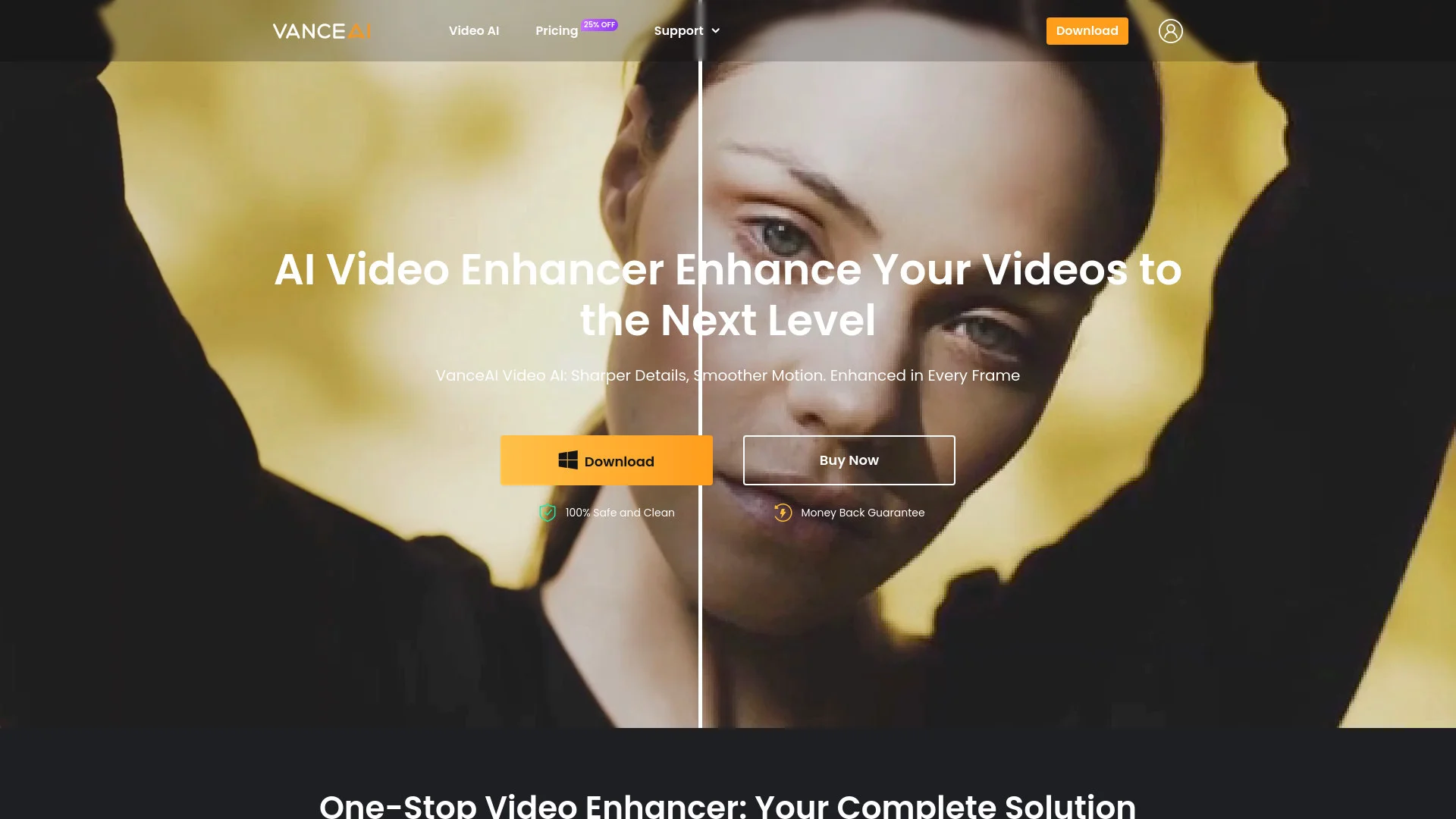
Vance Video AI, available at Vance AI's Website, revolutionizes video enhancement, offering a comprehensive suite of AI-driven tools designed to elevate video quality. Whether you're a professional filmmaker, a content creator, or a hobbyist, Vance Video AI simplifies the complex task of video enhancement, providing features like upscaling, denoising, deinterlacing, and stabilization. This tool is a one-stop solution for anyone looking to transform their video content into high-quality masterpieces.
Vance Video AI stands out with its ultra-high-definition upscaling capability, a game-changer for transforming low-resolution footage into lifelike 4K and 8K visuals. Its ability to seamlessly integrate advanced AI algorithms for tasks like denoising and deinterlacing sets it apart, making it an indispensable tool for content creators seeking top-tier video quality.
Vance Video AI is an exceptional tool for anyone serious about video quality enhancement. Its robust suite of AI-powered features provides users with the tools needed to produce professional-grade videos effortlessly. Whether you're upscaling, denoising, or stabilizing your footage, Vance Video AI offers a reliable, efficient, and high-quality solution that meets the demands of both professionals and enthusiasts alike.
Who is Using Vance Video AI?
Professional Filmmakers
Enhancing cinematic quality and detail in films.
YouTubers and Content Creators
Improving video quality for online platforms.
Video Editors
Utilizing advanced tools for efficient editing workflows.
Amateur Videographers
Elevating home videos to a professional standard.
Used by sports analysts for clearer action replays.
Employed by historians for restoring archival footage.
Key Features
Rating Breakdown
Pricing Plans
Free Tier
Free
- Try Vance Video AI with three free trials within one month
Which Vance Video AI plan should you pick?
Start with the free VanceAI Cloud client for evaluation; choose 1 year or Lifetime for regular desktop use, and Enterprise for high-volume integrations.
1 year
Good for users who need unlimited local processing, all features, and a one-PC license.
Lifetime
Good for users who want unlimited local processing and a permanent desktop license.
Enterprise
Good for businesses needing custom integration, automated batch processing, engineering support, and volume pricing.
Vance Video AI Use Cases
Upscale low-resolution footage
Increase video resolution and recover visual detail for larger displays.
Outcome: Sharper HD, 4K, or higher-resolution video.
Convert SDR to HDR
Transform standard-dynamic-range video into HDR10 or Dolby Vision output.
Outcome: Higher dynamic range with improved color, contrast, and brightness.
Denoise old or low-light videos
Remove grain, pixel noise, flicker, and other visual imperfections.
Outcome: Cleaner footage while preserving important detail.
Stabilize shaky footage
Analyze and correct unwanted camera movement in handheld, GoPro, drone, or smartphone footage.
Outcome: Smoother and more watchable video.
Restore interlaced video
Convert interlaced footage to progressive video and reduce jagged lines and artifacts.
Outcome: Clearer footage suitable for modern HD screens.
Workflow Ideas with Vance Video AI
API video-enhancement pipeline
- 1Request a presigned upload URL
- 2Upload the video and submit a video-upscale job
- 3Poll the job status and download the result
Automated enterprise processing
- 1Connect VanceAI to an existing business workflow
- 2Automatically batch-process incoming videos
- 3Download or route completed results to downstream systems
Desktop enhancement workflow
- 1Download and install VanceAI Cloud
- 2Choose a video enhancement tool
- 3Process and export the enhanced video
How Vance Video AI fits into your stack
Browser
VanceAI provides cloud-based video services accessible from supported browsers, including Chrome, Firefox, and Safari.
Desktop / IDE
VanceAI Cloud is a lightweight desktop application for video upscaling, SDR-to-HDR conversion, colorization, and denoising on Windows and macOS.
Automation and APIs
Its REST API supports uploads, asynchronous processing jobs, status polling, result downloads, API keys, and automated batch workflows.
Pros
- +Time Efficiency: Significantly reduces the time required for video enhancement with automated processes.
- +User-Friendly Interface: Offers an intuitive design that simplifies the video editing workflow.
- +High-Quality Output: Delivers exceptional video quality, making it suitable for professional use.
- +Versatile Tools: Provides a wide range of features to cater to various video editing needs.
Cons
- −Initial Learning Curve: May require some time to fully explore and utilize all advanced features.
- −Limited Free Trials: Offers only three free trials per month before requiring a subscription.
Limitations & when to consider alternatives
Known limitations
- No webhooks in API v1. API clients must poll the job-status endpoint; webhook callbacks are planned for a later version.
- Video uploads use a two-step process. Videos require a presigned upload followed by job creation; direct multipart video upload is not supported.
- Upload-size limits apply. A single video upload is limited to approximately 4.9 GB.
- Presigned upload URLs expire. Unused video upload IDs expire after 24 hours.
- Cloud processing requires internet. VanceAI Cloud requires an internet connection while uploading and processing videos.
Look elsewhere when
- You need a native iOS or Android app.
- You need a browser extension.
- You need API webhooks in the current version.
How to Use Vance Video AI
- 1
Choose the client
Download VanceAI Cloud for video enhancement on Windows x64 or macOS Apple silicon.
- 2
Select an enhancement tool
Choose video upscaling, SDR-to-HDR conversion, denoising, smoothing, colorization, or another available tool.
- 3
Upload your footage
Add a supported video file; cloud processing requires an internet connection.
- 4
Adjust processing settings
Configure the available enhancement and export parameters for the selected tool.
- 5
Process and export
Run the enhancement, then download or export the completed video.
- 6
Automate with the API
For programmatic workflows, create an API key, upload or reference the video, submit a job, poll its status, and download the result.
Who is Vance Video AI For?
Professional filmmakers
Video AI provides enhancement tools for preparing footage for professional production and distribution.
Hobbyists
One-click enhancement tools make it easier to improve personal video footage.
Content creators
Creators can improve video quality for online platforms, presentations, and social content.
Businesses with high-volume media
Enterprise integrations support automated processing of large volumes of videos and images.
Frequently Asked Questions
What is VanceAI Video AI?
It is a video-enhancement solution for upscaling, SDR-to-HDR conversion, smoothing, denoising, deinterlacing, and stabilization.
Can VanceAI process videos in batches?
Yes. The product supports batch video processing and enhancement.
Which operating systems are supported?
VanceAI Cloud supports Windows x64 and macOS on Apple silicon.
Is an internet connection required?
VanceAI Cloud requires internet access while uploading and processing video tasks.
What happens to uploaded files?
Uploads are encrypted in transit and permanently deleted within 24 hours.
Does the API support video?
Yes. The API supports video uploads and video-upscale jobs through REST endpoints.
Community reviews
Be the first to share your experience.
Sign in to leave a review for Vance Video AI.
Vance Video AI Alternatives
Looking for alternatives to Vance Video AI? Here are similar tools in the same category:
Learn to Master Vance Video AI
With Skill Leap courses
Get in-depth training on Vance Video AI and 50+ other AI tools with our expert-led video courses.
Start 7-Day Free Trial