
Vic.ai
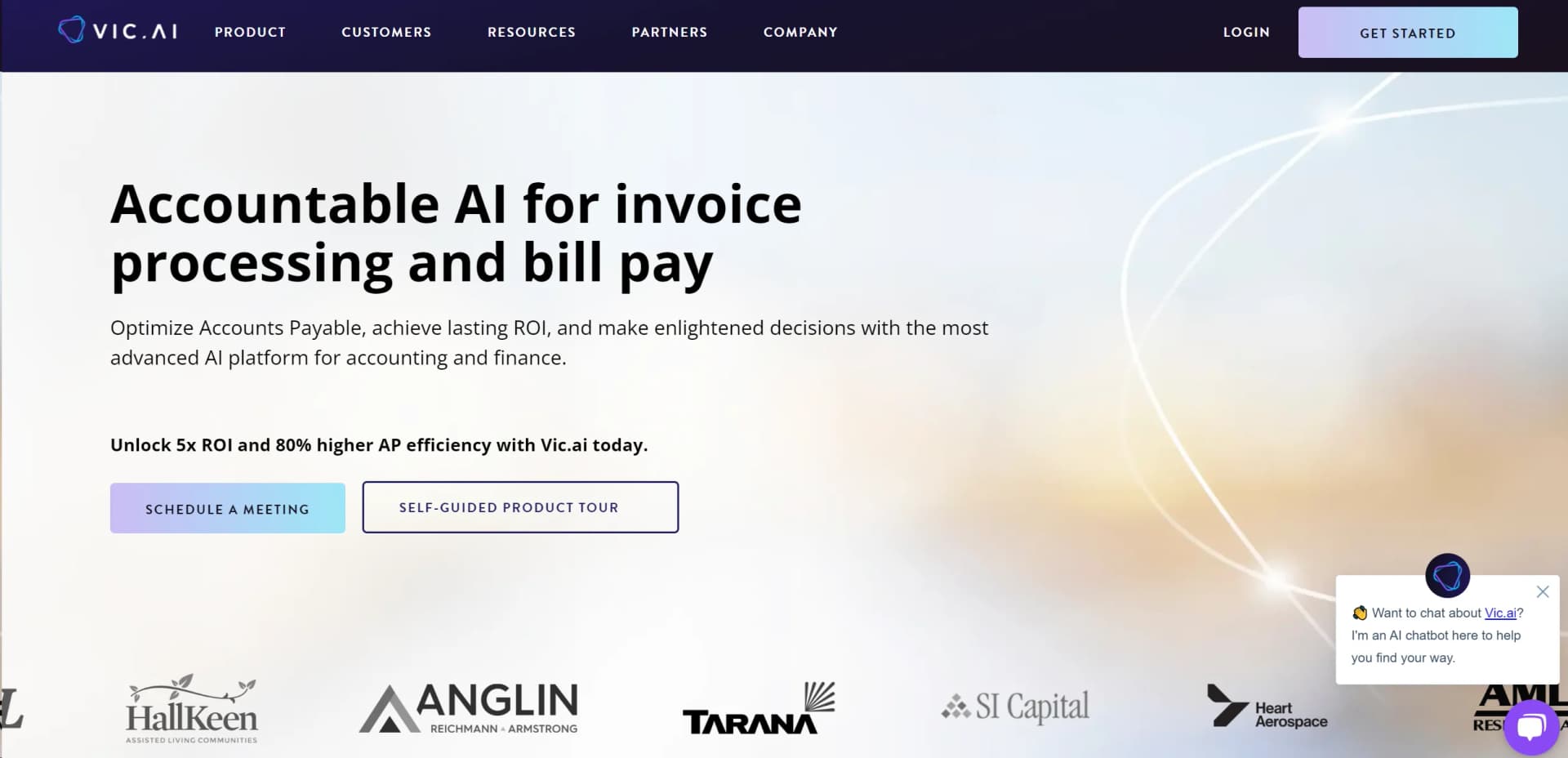
Revolutionize accounting with AI-driven invoice automation and insights.
Key Takeaways
- What it is
- Revolutionize accounting with AI-driven invoice automation and insights.
- Best for
- Autonomous Invoice Processing
- PO Matching
- Approval Flows
- Rating
- 4.6/5
What is Vic.ai?
In today's fast-paced world, efficient and autonomous financial platforms are crucial. Meet Vic.ai, an advanced AI-driven tool revolutionizing the accounting landscape. Vic.ai specializes in autonomous invoice processing, PO matching, approval flows, and payments, aiming to enhance the accuracy and efficiency of financial operations. Tailored for finance teams and accounting firms, Vic.ai leverages cutting-edge technology for smarter, faster decision-making and operational excellence.
Vic.ai stands out with its autonomous capabilities, offering end-to-end AI-driven processing for accounts payable. Seamless integration with any ERP system enhances adaptability, making it versatile for various businesses.
Vic.ai transforms accounting processes with AI, offering unmatched efficiency and accuracy in financial operations. Its autonomous invoice processing streamlines workflows and ensures reliability, providing significant strategic advantages for businesses of all sizes.
Who is Using Vic.ai?
Large Enterprises
Streamlining financial processes across departments.
Accounting Firms
Enhancing services with improved accuracy and efficiency.
Tech Companies
Leveraging AI for financial operations alongside core tech development.
Manufacturing Firms
Managing complex invoicing and payments with precision.
Uncommon Use Cases
Non-profits optimizing donation processing; Educational institutions managing grants and funding.
Key Features
Rating Breakdown
Pricing Plans
Free Trial
- Explore Vic.ai's capabilities with a comprehensive free trial
Custom Pricing
- Tailored solutions based on business scope and needs
Which Vic.ai plan should you pick?
Start with Standard Analytics for core AP visibility, upgrade to Advanced Analytics for team, approval, and audit reporting, and choose Premium Analytics for custom reports and raw-data exports.
Standard Analytics
Good for AP teams who need core visibility into invoice volume, accuracy, no-touch rates, and automation rates.
Advanced Analytics
Good for AP managers and controllers who need team dashboards, approval monitoring, vendor trends, ROI tracking, audit reports, and performance reporting.
Premium Analytics
Good for organizations that need custom reports, raw-data exports, executive dashboards, and deeper business metrics.
Vic.ai Use Cases
Autonomous invoice processing
Users ingest invoices from email, EDI, direct upload, mobile upload, or connected systems; Vic.ai extracts and codes the data.
Outcome: Less manual data entry and faster invoice processing.
Purchase-order matching
Vic.ai matches invoice line items with purchase orders and identifies quantity, price, and description discrepancies.
Outcome: Fewer matching errors and faster exception handling.
Approval automation
Finance teams configure approval flows that route invoices based on thresholds, roles, and business rules.
Outcome: Reduced approval bottlenecks and more touchless processing.
Vendor payments
Approved invoices can be posted to connected ERPs or paid through VicPay, with vendor onboarding and payment-status visibility.
Outcome: More streamlined payment processing and improved payment control.
AP analytics
Teams analyze invoice volume, accuracy, processing time, automation rates, vendor performance, approvals, and accruals.
Outcome: Better visibility into bottlenecks, productivity, and cash-flow opportunities.
Workflow Ideas with Vic.ai
Process an invoice from intake to payment
- 1Ingest the invoice through email, EDI, API, mobile upload, or direct file upload
- 2Review AI-extracted coding, PO matching, and exception details
- 3Route for approval, post to the ERP, or pay through VicPay
Train invoice coding for a company
- 1Upload historical invoices and associated coding data
- 2Correct GL accounts and dimensions during invoice review
- 3Let Vic.ai use repeated coding feedback to improve future predictions
Investigate AP bottlenecks
- 1Open analytics for invoice, approval, vendor, and user-performance metrics
- 2Identify delayed invoices, manual interventions, or low-accuracy vendors
- 3Export reports or configure dashboards for follow-up actions
How Vic.ai fits into your stack
ERP Systems
Compatible with leading ERP systems for seamless integration.
API Flexibility
Offers a robust open API adaptable to any environment or use case.
Custom Integrations
Tailorable to specific business needs through advanced integration capabilities.
Pros
- +Efficiency Boost: Users report up to 5x faster invoice processing times.
- +Accuracy Improvement: Reduces errors with AI-driven systems that learn and adapt.
- +Cost Savings: Potential to significantly cut operational costs by automating manual tasks.
- +Scalability: Easily scales to meet growing business needs without additional manpower.
Cons
- −Initial Setup Complexity: Integration with existing systems can be complex.
- −Learning Curve: Users may require time to fully utilize all features effectively.
- −Dependency on Digital Infrastructure: Relies on the digital readiness of user systems.
Limitations & when to consider alternatives
Known limitations
- Email attachment size limit. Emails with more than 35 MB of attachments are not processed.
- Unsupported file formats. CSV, password-protected files, links to files, RTF, text-only TXT files, and other unsupported formats are not processed.
- Large or dense documents may fail. Very large files, high-resolution photos, and data-dense documents can upload slowly, fail processing, or produce incomplete predictions.
- Image orientation matters. Documents rotated 90 or 180 degrees may not be understood by the AI.
- Spreadsheet formatting affects predictions. Large spreadsheets or print areas that do not fit a single page may produce missing or incomplete AI predictions.
Look elsewhere when
- You need a native desktop installer for Windows, macOS, or Linux.
- You need a Chrome browser extension for the core product.
- Your workflow requires broad multilingual output.
How to Use Vic.ai
- 1
Access a range of tutorials from basic setup to advanced features on Vic.ai's resource hub, including e-guides and instructional videos.
Who is Vic.ai For?
CFOs
Vic.ai helps CFOs gain financial visibility, control non-payroll expenses, optimize cash flow, and scale without adding headcount.
Controllers
Controllers can automate AP operations, improve balance-sheet accuracy, monitor workflows, and access real-time insights.
Accounts payable managers
AP managers can automate invoice processing, approvals, PO matching, payments, and team-performance monitoring.
High-volume AP teams
Vic.ai is designed for organizations processing high invoice volumes with complex PO matching, multiple entities, locations, or ERP environments.
Accounting firms
Accounting firms can use Vic.ai to delegate manual invoice data entry to AI and process client invoices more efficiently.
Frequently Asked Questions
What is Vic.ai?
Vic.ai is an AI-powered autonomous accounting platform that automates accounts payable from invoice ingestion through posting.
Which ERP systems does Vic.ai integrate with?
Vic.ai integrates with major ERP and accounting systems, including Oracle, Microsoft Dynamics, NetSuite, Sage, Workday, SAP, and others.
What file types can Vic.ai process?
Supported formats include PDF, PNG, JPEG, JPG, GIF, TIFF, DOC, DOCX, XLS, XLSX, and XLSM.
Can Vic.ai match invoices to purchase orders?
Yes. Vic.ai matches invoices against purchase orders and evaluates quantities, pricing, and descriptions, including discrepancies.
Does Vic.ai offer analytics?
Vic.ai offers Standard, Advanced, and Premium Analytics with metrics covering invoice volume, accuracy, automation, approvals, team performance, audit reports, custom reports, and raw-data exports.
Does Vic.ai have a mobile app?
Yes. The iOS and Android apps allow users to review and approve invoices and receive approval notifications.
Community reviews
Be the first to share your experience.
Sign in to leave a review for Vic.ai.
Vic.ai Alternatives
Looking for alternatives to Vic.ai? Here are similar tools in the same category:
Learn to Master Vic.ai
With Skill Leap courses
Get in-depth training on Vic.ai and 50+ other AI tools with our expert-led video courses.
Start 7-Day Free Trial