
VideoGen
Transform video creation: AI-powered, multi-language, one-click efficiency.
Key Takeaways
- What it is
- Transform video creation: AI-powered, multi-language, one-click efficiency.
- Pricing
- Freemium
- Best for
- One-Click Video Creation
- Extensive Stock Library
- Advanced Text-to-Speech Engine
- Rating
- 4.7/5
What is VideoGen?
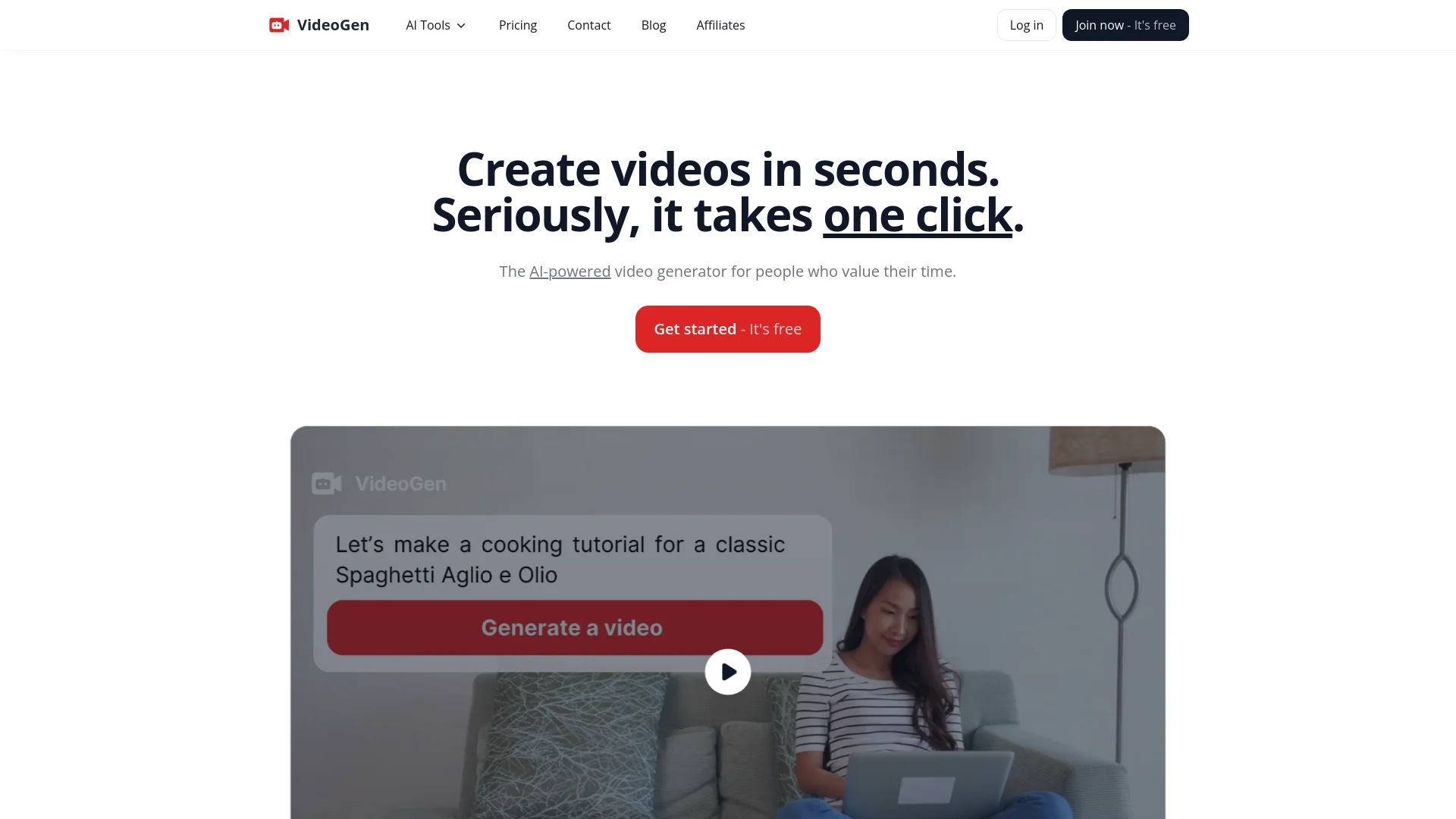
VideoGen is a cutting-edge AI video generator that transforms the way individuals and businesses create videos. Designed for marketers, creators, professionals, and businesses who value efficiency, VideoGen simplifies the video production process, allowing users to generate videos in mere seconds. With its AI-powered capabilities, VideoGen offers a seamless experience from brainstorming and scripting to narration and editing, all within a user-friendly platform.
VideoGen stands out due to its one-click video creation feature, which is a game-changer for rapid content production. Its ability to integrate advanced text-to-speech technology sets it apart, allowing for realistic and engaging narration that enhances viewer engagement.
VideoGen excels in delivering rapid, high-quality video production capabilities, making it an indispensable tool for a wide range of users. Its standout feature of one-click video creation, coupled with robust text-to-speech technology, offers an unmatched advantage in creating engaging, professional-grade videos efficiently. Whether for business marketing, content creation, or educational purposes, VideoGen is a top-tier choice that promises to enhance productivity and creativity.
Who is Using VideoGen?
Marketing Professionals
Employing the tool to rapidly produce and test different marketing video creatives.
Content Creators
Generating regular content for platforms like TikTok and YouTube with minimal effort.
Corporate Trainers
Creating training videos quickly for employee education and development.
Small Business Owners
Producing promotional videos to engage with customers without needing extensive resources.
Uncommon Use Cases
Utilized by educators for creating interactive learning materials; used by real estate agents to create dynamic property tours.
Key Features
Rating Breakdown
Pricing Plans
Free Tier
Free
- Get started with VideoGen with no initial cost
Pro Tier
- Advanced features and unlimited video creation starting at a competitive monthly rate
Which VideoGen plan should you pick?
Start with Pro for standard video creation and collaboration; upgrade to Advanced or Ultra when you need more credits, storage, or maximum quality.
Pro
Good for creators, marketers, and small teams who need core video workflows, uploads, exports, API access, and 6,000 monthly credits per user.
Advanced
Good for heavier production workloads that need 18,000 monthly credits, 100 GB per user, and maximum quality.
Ultra
Good for high-volume teams that need 60,000 monthly credits and 2 TB of storage per user.
VideoGen Use Cases
Script to narrated video
Provide a script and choose a visual style; VideoGen adds visuals, narration, and captions.
Outcome: A finished narrated video project.
Slideshow walkthrough
Upload a PDF or PowerPoint and generate narration, transitions, and captions for each slide.
Outcome: A narrated presentation video.
Voiceover-driven video
Upload an audio voiceover and match visuals and captions to the narration.
Outcome: A video built around existing audio.
Upload and edit media
Upload video, audio, or images, then trim, caption, translate, enhance, and combine them in the editor.
Outcome: An edited project using existing media.
AI social content generation
Use the API or agent tools to generate images, clips, voiceovers, music, and avatars for social content.
Outcome: Automated social-media video assets and projects.
Workflow Ideas with VideoGen
Script-to-video production
- 1Write or provide a script
- 2Run the script-to-video workflow
- 3Apply captions, music, or logo remix actions and export the MP4
Automated slideshow publishing
- 1Upload a PDF or slideshow
- 2Run the slideshow-to-video workflow
- 3Poll the workflow or receive a webhook, then export the project
API-powered social content pipeline
- 1Call VideoGen tools to generate images, clips, voiceovers, and music
- 2Assemble the assets into a project or workflow
- 3Use webhooks to trigger downstream processing after generation completes
How VideoGen fits into your stack
Browser Compatibility
Fully functional on major web browsers for seamless creation.
Stock Footage Integration
Integrates with a vast library of stock footage, providing a wealth of video resources.
Language Support
Offers extensive language options for global user accessibility.
Third-Party Integration
Compatible with various platforms for easy content distribution.
Pros
- +Efficiency: Reduces video production time dramatically, from days to minutes.
- +Cost-Effective: Offers significant cost savings compared to traditional video production methods.
- +High-Quality Output: Produces high-quality videos that can compete with professional standards.
- +Ease of Use: User-friendly interface that caters to both beginners and experienced users.
Cons
- −Internet Dependency: Requires a stable internet connection to utilize all features.
- −Learning Curve: New users may need some time to fully grasp all functionalities.
- −Subscription Model: While cost-effective, the ongoing cost may be a consideration for some users.
Limitations & when to consider alternatives
Known limitations
- Standalone clips are limited to 30 seconds. The generate-video-clip tool supports clips from 1 to 30 seconds; longer narrated productions require a workflow.
- Lower plans include VideoGen branding. Exports below Pro include a VideoGen watermark and end screen; removing both requires Pro.
- Some generation features require Pro. Video-clip and avatar generation require Pro at every quality tier, and maximum image or assistant quality also requires Pro.
- Translation requires Pro through the API. The TRANSLATE_PROJECT remix action is documented as requiring a Pro subscription.
- Processing is asynchronous. Workflows, exports, tools, and remix actions return IDs and require polling or webhook handling before results are available.
Look elsewhere when
- You need a native iOS or Android application.
- You need an installed Windows, macOS, or Linux desktop application.
- You need a browser extension to use the editor.
- You need built-in programming-code generation.
How to Use VideoGen
- 1
Explore a range of tutorials from basic setup to advanced features directly on VideoGen’s website or through their YouTube channel, empowering users to maximize the tool's potential.
Who is VideoGen For?
Creators
VideoGen helps creators produce social videos, reels, visual stories, and other short-form content.
Marketers
Marketers can create promotional, advertising, product, and social-media videos from prompts or scripts.
Educators
Educators can turn scripts, slides, and narrated material into instructional videos.
Teams
Teams get shared workspaces, member roles, invitations, centralized billing, and collaborative project editing.
Developers
Developers can automate media generation through REST APIs, SDKs, webhooks, MCP, and agent-framework packages.
Frequently Asked Questions
How do I create a video?
Create a project, choose a workflow, provide the requested script, slides, voiceover, prompt, or recording, then generate and review the result.
What workflows are available?
VideoGen documents script-to-video, voiceover-to-video, slideshow-to-video, prompt-to-video clip, and upload-based editing workflows.
Can I translate an existing project?
Yes. Translate Project creates a new version while preserving the original structure, visuals, and timing, with optional voice and image-text translation.
Can I collaborate with teammates?
Yes. Teams provide shared workspaces, member roles, invitations, and shared projects that collaborators can view and edit.
What file types can I upload?
Video, audio, and image uploads are supported in the editor; the API also supports PDF and slideshow file types.
Can I export without VideoGen branding?
Yes, Pro users can remove the VideoGen watermark and end screen. Lower plans retain VideoGen branding.
Community reviews
Be the first to share your experience.
Sign in to leave a review for VideoGen.
VideoGen Alternatives
Looking for alternatives to VideoGen? Here are similar tools in the same category:
Learn to Master VideoGen
With Skill Leap courses
Get in-depth training on VideoGen and 50+ other AI tools with our expert-led video courses.
Start 7-Day Free Trial