
Video to Blog
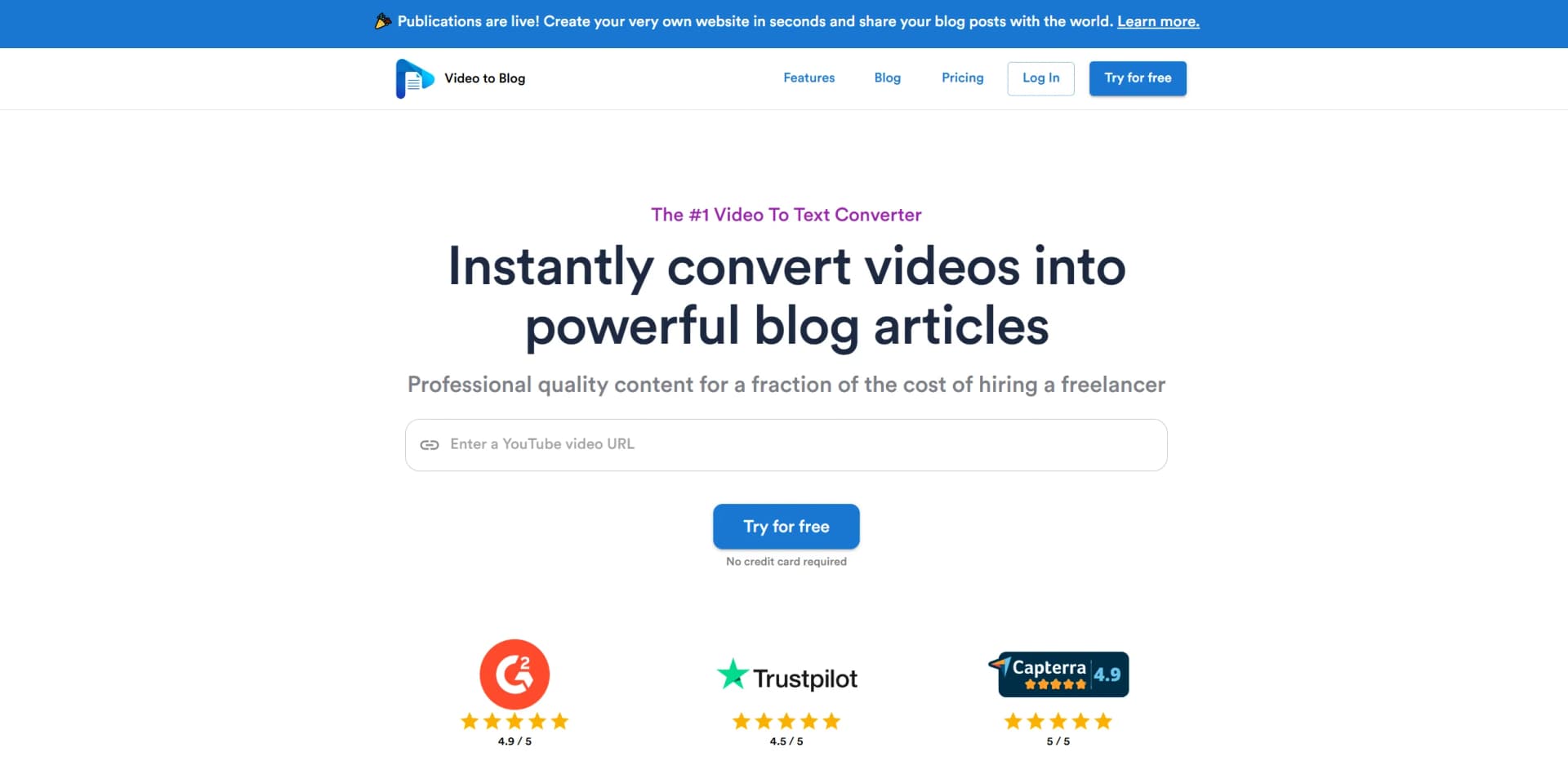
Convert videos into multilingual, SEO-optimized blog articles instantly.
Key Takeaways
- What it is
- Convert videos into multilingual, SEO-optimized blog articles instantly.
- Pricing
- Freemium · $14 per month
- Best for
- Instant Video Conversion
- Multilingual Support
- AI-Powered Customization
- Rating
- 4.7/5
What is Video to Blog?
Video-to-Blog, available at videotoblog.ai, is a revolutionary AI tool designed to convert videos into well-crafted blog articles instantly. Tailored for content creators, marketers, and businesses, it simplifies the process of repurposing video content into written form, making it a breeze to maintain a consistent online presence. With its ability to handle videos in over 30 languages and produce SEO-optimized articles, Video-to-Blog is an essential tool for anyone looking to enhance their content strategy without the hefty costs associated with hiring freelance writers.
Video-to-Blog stands out with its seamless integration of AI technology that not only converts videos into text but also optimizes them for SEO, ensuring higher visibility online. Its unique ability to generate content in multiple languages and customize articles to match specific tones and styles sets it apart in the content creation landscape.
Video-to-Blog is a powerful AI tool that offers a seamless and cost-effective solution for converting video content into high-quality blog articles. Its intuitive interface and robust features make it an ideal choice for content creators and marketers looking to expand their reach and enhance their content strategies. The tool's ability to handle multiple languages and incorporate SEO-friendly practices ensures that your content stands out in the digital space. Whether you're a seasoned blogger or a business looking to streamline your content creation process, Video-to-Blog is an invaluable asset in your toolkit.
Who is Using Video to Blog?
Content Creators
Transform YouTube videos into engaging blog posts effortlessly.
Digital Marketers
Utilize the tool for quick content repurposing, enhancing marketing strategies.
Educational Institutions
Convert lecture videos into written content for educational blogs.
Podcasters
Turn podcast episodes into blog articles, reaching wider audiences.
Key Features
Rating Breakdown
Pricing Plans
Free Tier
Free
- Experience Video-to-Blog with a limited free trial
Pro Tier
$14 per month
- Additional features and higher usage limits
Which Video to Blog plan should you pick?
Start with Free to test one monthly post; upgrade to Starter for regular personal use, Pro for higher volume and collaboration, or Business for agencies and larger teams.
Free
Good for testing the workflow with one monthly post and no credit card.
Starter
Good for individual creators who need five monthly uploads, one publication, and one website integration.
Pro
Good for creators or small teams needing 15 monthly uploads, three team members, three publications, and three integrations.
Business
Good for agencies or higher-volume operations needing 50 monthly uploads, ten team members, ten publications, and ten integrations.
Video to Blog Use Cases
Used by multilingual businesses to create content in multiple languages; Employed by non-profit organizations for creating awareness articles from documentary videos.
Workflow Ideas with Video to Blog
Automated YouTube channel to website publishing
- 1Create an automation and add a YouTube channel URL
- 2Choose article options, output format, and website destination
- 3Let Video To Blog generate and publish posts when new videos appear
Podcast or audio file to SEO article
- 1Upload an audio file or record audio
- 2Choose article type, writing preferences, links, screenshots, and SEO options
- 3Review the generated article and export it to a website or download it
Video to client-ready agency content
- 1Invite team members and connect each client website
- 2Generate posts from client videos using templates and custom instructions
- 3Edit, analyze, and publish posts to the appropriate destination
How Video to Blog fits into your stack
Browser
Video To Blog is used as a browser-based workspace where users import YouTube links, upload media, generate posts, edit content, and publish or export results.
Knowledge and files
Teams can upload video, audio, and transcript files, record audio, or import media from Google Drive before generating blog content.
Automation and APIs
Automations monitor YouTube channels and route generated posts to websites or inboxes. Make integration supports webhook-based export workflows, while a standalone developer API is not documented.
Docs and writing
The editor supports AI rewriting, custom prompts, writing samples, tone controls, SEO analysis, screenshots, links, CTAs, and exports such as DOCX, PDF, HTML, and Markdown.
Pros
- +Time Efficiency: Quickly transforms videos into blog content, significantly reducing content creation time.
- +Cost-Effective: Offers professional quality content creation at a fraction of the cost of hiring freelancers.
- +Ease of Use: Simple interface requiring just a video link or upload to get started.
- +Versatile Content: Supports adding images, including screenshots, stock images, and AI-generated visuals, enhancing the article's appeal.
Cons
- −Initial Learning Curve: Some users may need time to master the customization features fully.
- −Video Length Limitation: Currently supports videos up to 3 hours long, which might not suit all content needs.
- −Limited to Videos with Spoken Audio: Videos without spoken audio or only music cannot be converted.
Limitations & when to consider alternatives
Known limitations
- Source videos must contain spoken audio. Music videos and video-game streams without spoken audio will not work.
- YouTube access has restrictions. YouTube videos must be public or unlisted, viewable in the United States, not age-restricted or censored, and cannot be currently live.
- Video length depends on plan. The Free plan supports up to 30 minutes, Starter 45 minutes, Pro 1.5 hours, and Business 3 hours.
- Uploaded media is deleted after three months. Uploaded video and audio files are removed after three months, so embedded videos should use external storage.
- Internal website scanning is capped. Each internal website scan supports a maximum of 500 webpages, including previously deleted pages.
Look elsewhere when
- You need a native mobile app.
- You need enterprise SSO.
- You need documented encryption commitments.
How to Use Video to Blog
- 1
Choose a source
Paste a YouTube video or channel URL, upload video/audio, record audio, connect Google Drive, or upload a transcript.
- 2
Configure generation
Select companion or original article mode, then set custom instructions, writing style, language, links, screenshots, images, and SEO options.
- 3
Generate and review
Create the post, inspect the transcript and draft, then use the text editor, AI editor, image editor, analyzers, or humanizer.
- 4
Connect a destination
Connect a supported website or service such as WordPress, Ghost, Shopify, Webflow, Zapier, Make, or Notion.
- 5
Export or publish
Publish directly, send through an automation, share a link, host it in a publication, or download HTML, Markdown, PDF, or Word.
Who is Video to Blog For?
YouTube creators
Convert YouTube videos and channel uploads into SEO-optimized blog posts with screenshots, links, and publishing automation.
Podcasters
Turn podcast episodes or other audio recordings into structured written articles.
Agencies
Repurpose client videos at scale using automations, team members, multiple publications, and integrations.
Realtors
Convert real-estate videos into local SEO blog content.
Churches
Turn sermons into searchable blog posts and publish them through a hosted publication or website integration.
Frequently Asked Questions
Does Video To Blog have a free version?
Yes. The Free plan costs $0 and allows one blog post each month without a credit card.
What can I import into Video To Blog?
You can import YouTube links or channels, upload video/audio files, record audio, use Google Drive files, or upload transcripts.
What counts as a video?
A video is a source item uploaded or imported to create a blog post, including video, audio, or a supported import workflow.
Can I cancel my subscription?
Yes. Subscriptions can be canceled through Stripe billing.
Can I upgrade later?
Yes. You can move to a higher plan for more volume, team seats, or publishing capacity.
Where can I publish generated posts?
You can publish to supported platforms such as WordPress, WordPress.com, Ghost, Shopify, Wix, Webflow, Blogger, Medium, and GoHighLevel, or export HTML, Markdown, PDF, or Word.
Community reviews
39 reviews from people who use Video to Blog.
Sign in to leave a review for Video to Blog.
peer shaikh
hi hi
Niels Ouwens
yacin tibari
Michele Rizzato
Tom Tom
Sonja
Adam Johnson
Adithya Wijaya
Online courses
Sancho Tsang
富士山カートサーキットwithクレイジーカート
Lee Morrick
Alick Mouriesse
Ilari Heldán
Francisco Morales
Lorenz Ramseyer
Renaat S
Andrew Petrovics
Juan Jesús
maik müller
Gustavo De los santos
Customer service
Curated Pak
Mr Genius
Misel
Marcelo Bacchi
あん
Big Tree Ohana LLC
Emily Boudwin
Sukham Enterprises
Robert Gatchel
AB International SIA
Aaron TALKS
Propsbit
Martin Bialas
Egnahems Vägen
Seth H
E P
Video to Blog Alternatives
Looking for alternatives to Video to Blog? Here are similar tools in the same category:
Learn to Master Video to Blog
With Skill Leap courses
Get in-depth training on Video to Blog and 50+ other AI tools with our expert-led video courses.
Start 7-Day Free Trial