
Vidiofy
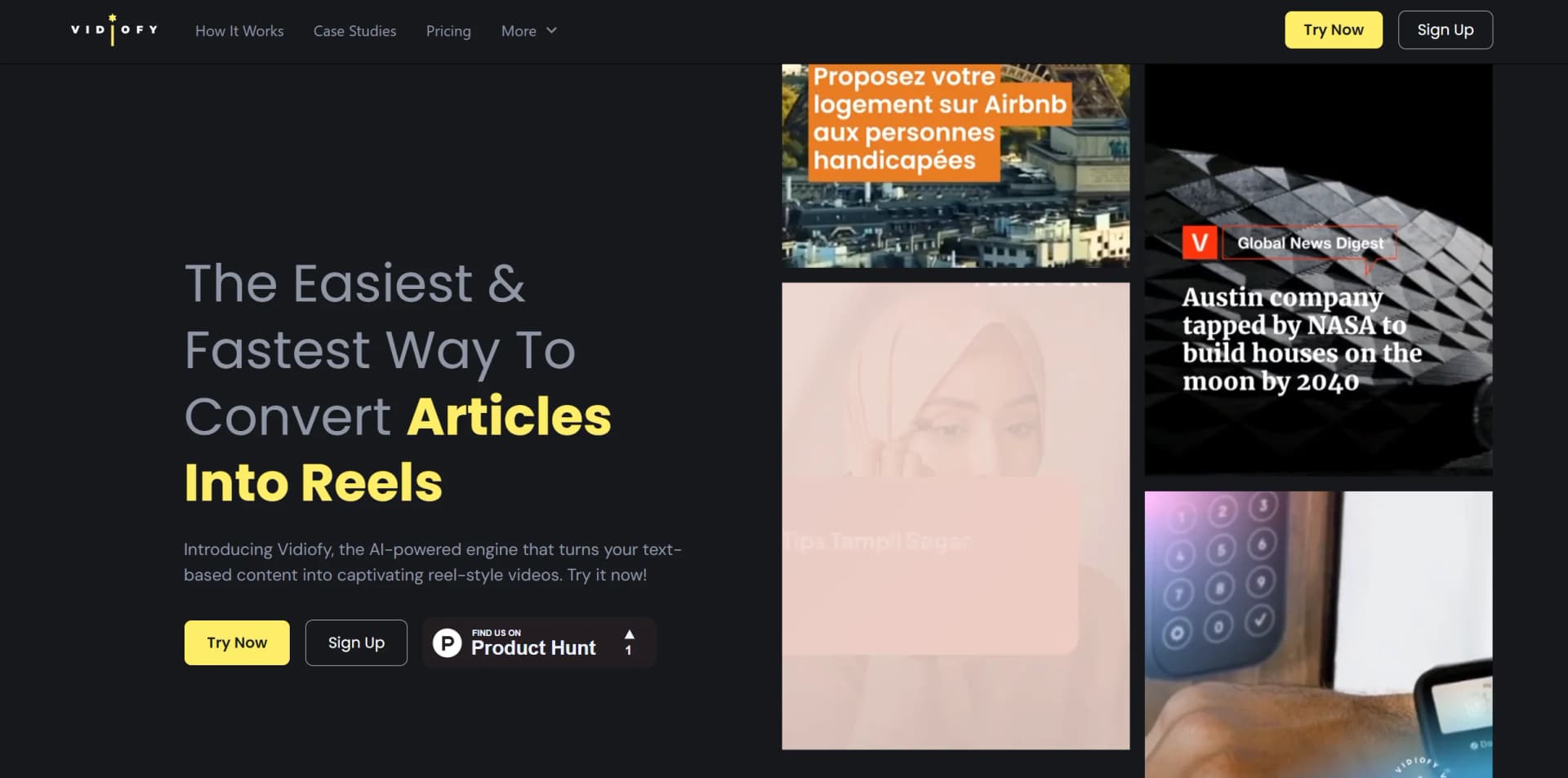
Transform text into captivating reel-style videos effortlessly with AI.
Watch Vidiofy in Action
Key Takeaways
- What it is
- Transform text into captivating reel-style videos effortlessly with AI.
- Pricing
- $99/month. offering 60 videos
- Best for
- AI-Powered Text to Video Engine
- Customizable Templates
- Multi-Language Support
- Rating
- 4.6/5
What is Vidiofy?
Vidiofy is an AI-powered platform designed to transform text-based content into engaging, reel-style videos, catering to the needs of content creators in today's digital landscape. It offers a streamlined solution for publishers, brands, and individuals seeking to repurpose written material into visually captivating content for social media platforms.
Vidiofy stands out for democratizing video creation with its AI-driven engine. By simplifying the process of converting text into video, it enables anyone to produce high-quality content without extensive technical skills or video editing experience. This democratization is particularly valuable in a digital era where video content is paramount for marketing and audience engagement.
Vidiofy is an essential tool for leveraging the power of video content without the complexities of traditional production. Its AI-powered engine, coupled with intuitive customization options and robust support resources, empowers users to create compelling content for today's digital audience. Whether you're a marketer, influencer, or business seeking to expand online presence, Vidiofy offers a streamlined path to achieving video content goals.
Who is Using Vidiofy?
Content Marketers
Complementing written articles with video content.
Social Media Influencers
Quickly converting blog posts into social media-ready videos.
Digital Agencies
Assisting clients in expanding their online reach through video content.
Educators
Creating engaging educational content from existing resources.
Uncommon Use Cases
Journalists adding visual elements to stories; Nonprofits transforming impact reports into compelling videos.
Key Features
Rating Breakdown
Pricing Plans
Free Trial
- Begin with 3 free videos without providing credit card details
Pro Plan
- 15 videos
- Suitable for individual creators and marketers
Business Plan
$99/month. offering 60 videos
- Designed for businesses with a content strategy
Enterprise Plan
- Custom pricing options available for larger or specialized needs
Which Vidiofy plan should you pick?
Start with the Lite Plan for lower-volume monthly creation, choose Professional for regular creators, and upgrade to Ultra for higher credit needs.
Lite Plan
Good for individuals who need a fixed 800 credits per month and the core multi-model studio.
Professional Plan
Good for regular creators who need more monthly credits, faster generation, private visibility, and no-watermark outputs.
Ultra Plan
Good for high-volume users who need 10K, 20K, or 40K credits per month and the highest included capacity.
Vidiofy Use Cases
Text-to-video creation
Describe a scene, style, camera movement, or concept in natural language and generate a video.
Outcome: A shareable AI-generated video clip.
Image animation
Upload a still image and use image-to-video tools to add motion, camera movement, and depth.
Outcome: An animated version of the original image.
Article-to-reel repurposing
Extract key points from an article, turn them into short scripts, and generate multiple vertical clips.
Outcome: A reel-style sequence suitable for social platforms.
Product marketing
Generate product demonstrations, lifestyle visuals, and contextual product scenes.
Outcome: Marketing-ready product video content.
Multilingual voice production
Upload a voice sample, enter text, select a supported language, and generate cloned speech.
Outcome: Multilingual voiceover audio in the cloned voice.
Workflow Ideas with Vidiofy
Create a text-to-video clip
- 1Describe the scene and desired visual style
- 2Choose a model, aspect ratio, and duration
- 3Generate, review, and download the video
Turn an article into a reel
- 1Extract the headline and key points
- 2Write three to six short mini-scripts
- 3Generate vertical clips and stitch them into a reel
Create multilingual cloned speech
- 1Upload a 10–30 second voice sample
- 2Enter text and select a language
- 3Generate, preview, and download the audio
How Vidiofy fits into your stack
Social Media Platform Compatibility
Optimized for platforms like TikTok, Instagram, and YouTube Shorts.
Stock Media Integration
Direct access to licensed stock footage and images.
Language Flexibility
Supports content creation in over 30 languages.
Custom Branding
Enables creation of videos aligned with brand visual identity.
Pros
- +Efficiency in Video Creation: Rapidly generates videos, saving time for creators.
- +Ease of Use: Intuitive interface makes video creation accessible to users of all skill levels.
- +Engagement Boost: Produces thumb-stopping content for social media, fostering follower growth.
- +Content Repurposing: Revitalizes existing content, maximizing the utility of written material.
Cons
- −Video Credit Limitation: Some plans may limit the number of videos exportable.
- −Learning Curve for Advanced Features: Users may require time to fully utilize all available features.
- −Platform Dependency: Focus on social media content may not meet all content creation needs.
Limitations & when to consider alternatives
Known limitations
- No URL-to-video import. Vidofy currently focuses on text-to-video. Article content must be copied into a short script rather than imported from a URL.
- Short standard video durations. Standard generations typically range from 5 to 8 seconds; longer pieces require multiple generations.
- Resolution depends on subscription. Outputs can reach up to 1080p depending on the subscription tier.
- Subscription credits expire. Unused subscription credits do not roll over to the next billing cycle.
- AI-generated content is not necessarily exclusive. Similar prompts may produce similar results for different users.
Look elsewhere when
- You need URL-to-video import.
- You need a desktop installer.
- You need developer API access.
- You need shared team workspaces or user roles.
How to Use Vidiofy
- 1
Vidiofy provides resources and tutorials to facilitate user learning and maximize platform utilization, ensuring a smooth experience for all users.
Who is Vidiofy For?
Filmmakers and content creators
Create concept visualizations, storyboard animations, B-roll, and establishing shots without expensive production equipment.
Social media managers
Produce vertical, square, or landscape videos for Instagram, TikTok, YouTube, and Facebook.
E-commerce and product marketers
Create product demonstrations, lifestyle scenes, rotations, and contextual product placements.
Educators and trainers
Turn educational content into video lessons, animated explanations, and instructional material.
Publishers, bloggers, and content teams
Repurpose articles, newsletters, and long-form content into short-form videos.
Frequently Asked Questions
What is Vidofy?
Vidofy is an all-in-one AI studio for creating videos, images, and audio with multiple models and effects.
How do I start using Vidofy?
Sign up for free, choose a model, type or upload an input, select a style, and generate.
Can Vidofy generate audio?
Yes. Vidofy provides text-to-speech in more than 30 languages and supports audio-to-video.
Can I use AI-generated videos commercially?
Vidofy states that generated videos may be used for personal and commercial purposes, including marketing, advertisements, client projects, and product demonstrations.
Does Vidofy support URL-to-video generation?
No. Vidofy currently focuses on text-to-video; users should copy key article content into a short script.
What video quality and length are available?
Videos can reach up to 1080p, with standard generations typically lasting 5–8 seconds and multiple aspect ratios supported.
Community reviews
8 reviews from people who use Vidiofy.
Sign in to leave a review for Vidiofy.
limmy design
Ramanarayana Sharma
Sunitha Sampathi
Rohit Yadav
Siva Narayana V
Vinay h.k
Ravi Kumar
Md Emdadul Hoque
Vidiofy Alternatives
Looking for alternatives to Vidiofy? Here are similar tools in the same category:
Learn to Master Vidiofy
With Skill Leap courses
Get in-depth training on Vidiofy and 50+ other AI tools with our expert-led video courses.
Start 7-Day Free Trial