
VidMage
Short-form creators compare multiple AI video models in one place.
Key Takeaways
- What it is
- Short-form creators compare multiple AI video models in one place.
- Pricing
- Freemium · $14.99 per month · $8.33 per month
- Best for
- Text-to-Video
- Image-to-Video
- Motion Control
- Rating
- 4.1/5
What is VidMage?
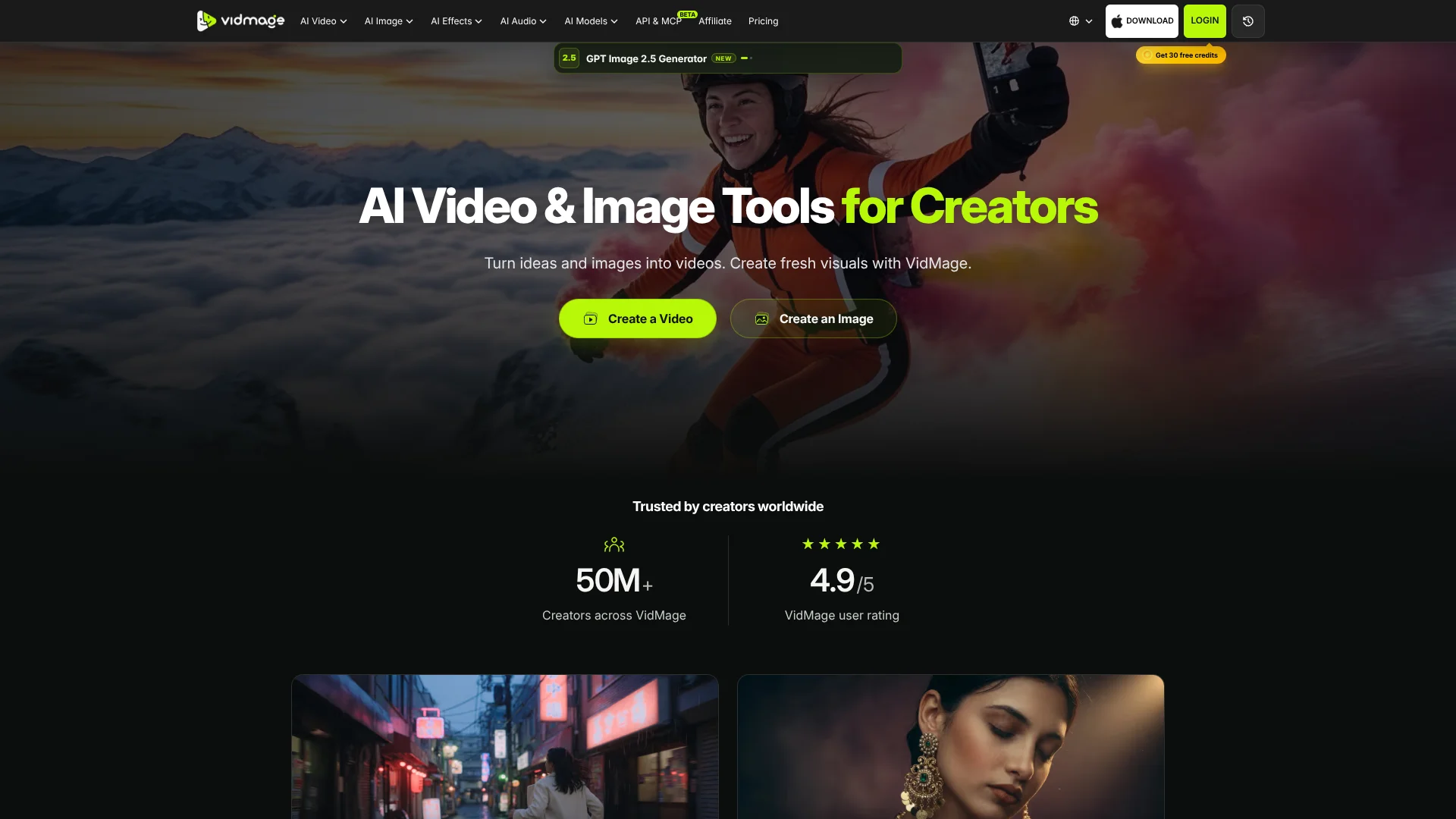
VidMage gives creators a browser-based workspace for turning prompts, photos, and existing clips into short videos and images. Its tools cover text-to-video, image-to-video, video restyling, motion control, face swaps, image editing, and AI audio. You can also compare models such as Kling, Seedance, Veo, Runway, Sora, and GPT Image from one account.
Its Mac app processes supported face swaps locally on the computer, including live face swapping and selected facial features such as eyes, lips, or the nose. That gives Mac users an offline option where their face-swap media does not need to leave the device.
VidMage fits short-form creators, social media managers, studios, and small creative teams producing clips or visual assets. The range of tools can feel broad, while generation still depends on credits, model availability, and settings that vary by tool. It is strongest when you need to explore several visual directions quickly, then take the exported result into your regular editor.
Who is Using VidMage?
Video creators
Scene prompts and image animation help them build short clips for openings, Reels, Shorts, and supporting footage.
Social media managers
Campaign visuals can be adapted into different formats, styles, and cover images for social channels.
Editors
Video-to-video restyling, enhancement, upscaling, and watermark removal provide material for a later edit.
Creative directors
Multiple models and aspect-ratio controls make it easier to test visual treatments against a brief.
Developers
The REST API and MCP tools add VidMage generation and editing capabilities to software or AI clients.
Uncommon Use Cases
Reference-video motion tests for choreography or product movement; local Mac face swaps for private offline experiments
Key Features
Rating Breakdown
Pricing Plans
Free
Free
- 15 web image face swaps per day
- 20 seconds of web video face swapping per day
- 2 web GIF face swaps per day
- Mac facial feature swap with watermarked live swap limited to 5 minutes per day
Monthly Plan
$14.99 per month
- 400 credits per month
- All free daily web quotas included
- Unlimited live face swap on Mac
- Unlimited preview time on Mac
- Discounted additional credit purchases
Yearly Plan
$8.33 per month
- Billed annually at $99.99
- 400 credits per month
- All free daily web quotas included
- Unlimited live face swap and preview time on Mac
- Discounted additional credit purchases
Which VidMage plan should you pick?
Start with Free for occasional face swaps, choose Monthly Plan for regular generation, and choose Yearly Plan when you expect to use 400 credits each month for a full year.
Free
Good for testing browser face swaps within daily image, video, and GIF quotas.
Monthly Plan
Good for creators who need 400 credits each month without an annual commitment.
Yearly Plan
Good for regular users who want the lower monthly rate with annual billing.
VidMage Use Cases
Social video concepts
A scene prompt becomes a short opening shot, cutaway, or visual idea for a social post.
Outcome: A downloadable clip to refine in a video editor.
Animated still images
Portraits, travel photos, and artwork gain camera movement or subject motion through Image-to-Video.
Outcome: A short moving version of an existing image.
Reference-led movement
Motion Control transfers the movement of a reference clip to a character image or photo.
Outcome: A pose, dance, or gesture that is easier to direct than with text alone.
Visual restyling
Existing video or imagery can take on a different palette, mood, texture, or artistic direction.
Outcome: A fresh visual version of source material.
Covers and post graphics
Image generation, object removal, and upscaling support thumbnails, covers, campaign visuals, and social posts.
Outcome: Cleaner, larger, platform-ready visual assets.
Workflow Ideas with VidMage
Build a short social clip
- 1Generate a first frame with AI Image Generator.
- 2Animate it with Image-to-Video and choose a social-friendly aspect ratio.
- 3Download the clip and finish it in your usual video editor.
Restyle existing footage
- 1Upload a source clip to Video-to-Video.
- 2Describe the new visual direction and select the available settings.
- 3Review the generated version and export the result.
Create a private Mac face swap
- 1Open the VidMage Mac app and import the source media.
- 2Add a reference face or choose the facial feature to replace.
- 3Preview the swap locally and export the finished file.
How VidMage fits into your stack
Browser creation
The web app is the main workspace for prompt-based video, image, effects, audio, and face-swap tools. It also works from a mobile browser without a separate phone app.
Visual development
VidMage sits before editing software in a creative workflow, producing shots, cover images, restyled clips, and animated stills that you can download for finishing.
Model experimentation
The model catalog lets you test different video and image engines for the same type of creative brief, with available settings shown on each tool page.
Mac privacy workflow
The Mac app fits projects where local face-swap processing matters. Supported face swaps run on the device and can work without sending the media to cloud processing.
Developer workflows
The REST API and MCP support place VidMage inside software or AI-client workflows, using the same subscription credit balance as website tasks.
Pros
- +Model choice: Kling, Seedance, Veo, Runway, Sora, GPT Image, and other models are available from the VidMage catalog.
- +Local Mac processing: Supported face-swap work can run on the device instead of uploading media to the cloud.
- +Free browser access: The free tier includes daily image, video, and GIF face-swap quotas without requiring a paid plan.
- +Creative range: The same account covers video generation, image creation, motion effects, editing tools, and AI audio.
- +Developer access: The API exposes video, image, audio, and 3D capabilities through REST and MCP.
Cons
- −Credit-based usage: Generation costs vary by model, duration, resolution, references, and other settings.
- −Mac limitation: The dedicated desktop app is available for macOS, not Windows.
- −API maturity: The developer API is labeled beta and may change.
Limitations & when to consider alternatives
Known limitations
- Model-specific limits. Available inputs, durations, aspect ratios, resolutions, and credit costs depend on the selected tool or model.
- Video-to-video duration. The documented Video-to-Video workflow limits the uploaded source clip to 20 seconds.
- Mac-only desktop app. The dedicated local face-swap application supports macOS and does not support Windows.
- API beta status. VidMage says its developer APIs may change and are better suited to testing and experimentation than production use.
Look elsewhere when
- You need a native Windows desktop app for local face swapping.
- Your workflow requires a mature production API with stable long-term contracts.
- You need built-in timeline editing for trimming, captions, music, and final assembly.
How to Use VidMage
- 1
Choose the starting material
Pick a prompt, image, video, or reference clip based on whether you want to generate, animate, restyle, or edit.
- 2
Select a tool or model
Open the relevant VidMage tool and compare the models, inputs, ratios, durations, and resolutions it supports.
- 3
Write a focused prompt
Describe the subject, action, setting, lighting, and camera movement, then keep the main action easy to interpret.
- 4
Check the credit cost
Review the estimate before generating because cost changes with model, duration, resolution, audio, and reference settings.
- 5
Generate and review
Run the task, inspect the result, and refine the prompt or settings when the motion, style, or composition misses the target.
- 6
Export for finishing
Download the clip or image and use your regular editor for trimming, captions, music, sequencing, or final delivery.
Who is VidMage For?
Short-form creators
Opening shots, animated photos, visual cutaways, and social clips can start from a prompt or an image.
Social media managers
Campaign teams can produce post variations, cover images, mood boards, and short videos from a brief.
Studios
Creative teams can test several video and image models before choosing a direction for a project.
Mac face-swap users
Mac users who need local processing, live swapping, or facial-feature controls get a dedicated desktop workflow.
Frequently Asked Questions
Does VidMage have a free plan?
Yes. The free plan includes 15 image face swaps, 20 seconds of video face swapping, and 2 GIF face swaps per day on the web.
Does VidMage have a mobile app?
VidMage supports mobile-browser use without a separate phone app. The dedicated desktop application is for Mac.
Does VidMage offer an API?
Yes. Developer access includes REST and MCP capabilities for video, image, audio, and 3D tasks. An active subscription is required.
How are VidMage credits charged?
Credit use depends on the tool and settings. For face swaps, photo face swap costs 1 credit per picture, while video and GIF face swaps cost 1 credit per second.
Does VidMage use uploaded media to train AI models?
VidMage says uploaded files, prompts, and generated media are not used for AI model training. Web files are automatically deleted after processing, while supported Mac face-swap files remain on the device.
Community reviews
Be the first to share your experience.
Sign in to leave a review for VidMage.
VidMage Alternatives
Looking for alternatives to VidMage? Here are similar tools in the same category:
Learn to Master VidMage
With Skill Leap courses
Get in-depth training on VidMage and 50+ other AI tools with our expert-led video courses.
Start 7-Day Free Trial