
Vidu AI
Transform text and images into stunning videos.
Key Takeaways
- What it is
- Transform text and images into stunning videos.
- Pricing
- Freemium · $10 per month · $35 per month · $99 per month
- Best for
- AI Video Generator
- Reference to Video
- Image to Video
- Rating
- 4.3/5
What is Vidu AI?
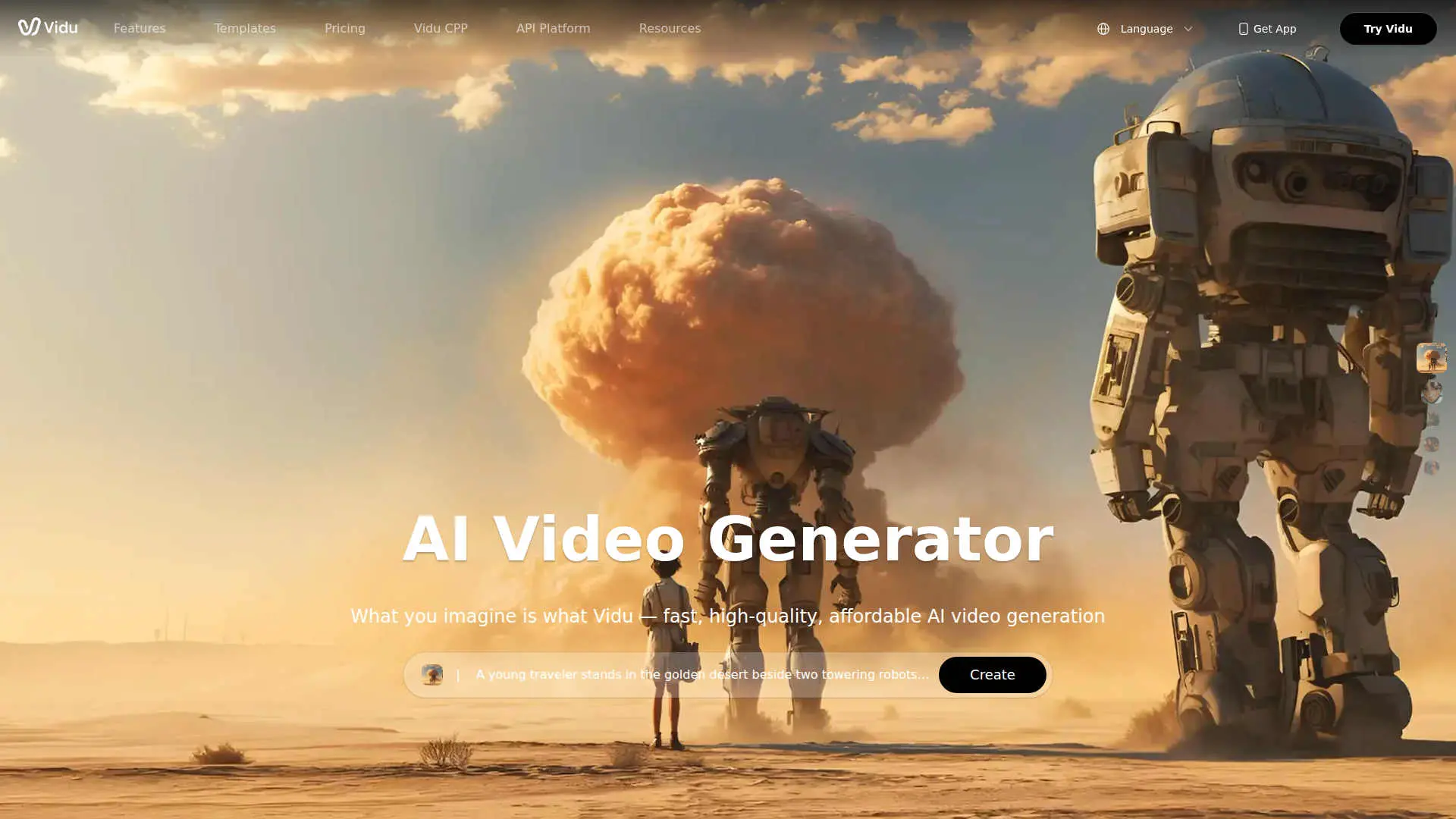
Vidu AI is reshaping the way videos are created by transforming text and images into high-quality videos in a flash. Targeted at independent creators and teams, it simplifies the production of impressive videos, 2D animations, and unique artistic styles. This tool is perfect for anyone looking to bring creative visions to life without the hassle of traditional video production.
Vidu AI's ability to create videos using a combination of text and images with incredible speed and quality is a standout feature. Its Reference to Video model allows for perfect character consistency, setting it apart in the world of AI filmmaking.
Vidu AI is a remarkable tool for anyone looking to create high-quality videos without the typical hurdles of video production. Its ability to transform ideas into reality at lightning speed, combined with its ease of use and powerful features, makes it an invaluable asset for creators and businesses alike. Whether you're a social media influencer or a film studio, Vidu AI offers the tools you need to elevate your video content to new heights.
Who is Using Vidu AI?
Social Media Influencers
Crafting engaging and shareable content quickly.
Marketing Teams
Enhancing video advertisements with dynamic animations.
Film Studios
Creating studio-level 2D animations and cinematic content.
Content Creators
Producing viral videos with unique styles and effects.
Uncommon Use Cases
Educational institutions using it for teaching video production; Nonprofits creating awareness campaigns with animated storytelling.
Key Features
Rating Breakdown
Pricing Plans
Free
Free
- 10 references per month
Standard
$10 per month
- 800 credits (up to 200 videos), 50 references, high-resolution video generation, commercial use, watermark-free downloads, Prompt Editing Pro Mode, and 300 free Q2 image generations monthly
Premium
$35 per month
- 4,000 credits (up to 1,000 videos), 100 references, high-speed generation, commercial use, watermark-free downloads, Prompt Editing Pro Mode, early feature access, and 300 free Q2 image generations monthly
Ultimate
$99 per month
- 8,000 credits, 300 references, ultra-fast generation, free off-peak submissions, commercial use, watermark-free downloads, Prompt Editing Pro Mode, early access, and unlimited Q2 image generation
Enterprise
- 399
- All Ultimate benefits plus 80–8,000 credits monthly, up to 20% volume discounts, enterprise accounts, invoicing support, training, dedicated support manager, and custom enterprise solutions
Vidu AI Use Cases
Product reveal clips
Create short videos showing a product entering frame, changing context, or catching light.
Outcome: More dynamic launch, teaser, or landing-page visuals.
Story trailer beats
Turn written scenes into compact cinematic moments with mood, conflict, and setting.
Outcome: A quick visual preview of a larger story idea.
Character motion tests
Explore how a character walks, reacts, gestures, or expresses emotion.
Outcome: A way to compare visual identity before larger production commitments.
Social ad variations
Generate multiple visual angles for the same campaign message.
Outcome: Campaign teams can compare hooks, pacing, and emotional tone.
Product video concepts
Use a product photo, prompt, or existing footage to create a short demo or promotional draft.
Outcome: A reviewable concept for messaging, framing, and next edits.
Workflow Ideas with Vidu AI
Text-to-video concept validation
- 1Open Explore or Templates for prompt ideas
- 2Enter a prompt describing the subject, style, camera, and motion
- 3Set style, video count, and aspect ratio, then generate and review the draft
Reference-to-video character consistency
- 1Choose Reference to Video and upload one to seven reference images
- 2Describe the character or object action and set resolution and aspect ratio
- 3Generate, preview, and download the consistent multi-scene video
Video remake with a reference image
- 1Upload the source video
- 2Add a reference image and optional transformation prompt
- 3Generate and check that the original motion remains readable with the new visual direction
How Vidu AI fits into your stack
Browser
Vidu is used through its web app for text-to-video, image-to-video, reference-to-video, and related creative tools.
Automation and APIs
The Vidu API provides API keys, HTTP endpoints, task polling, callbacks, and image/video generation. Vidu MCP also connects the models with Claude and Cursor.
Pros
- +Fast Video Creation: Generate videos in just 10 seconds, which is perfect for quick project turnarounds.
- +High-Quality Output: From low resolution to stunning 1080p, Vidu AI provides flexibility in video quality.
- +User-Friendly Templates: Offers a variety of templates for creating viral content easily.
- +Multi-Entity Consistency: Ensures characters and objects remain consistent across videos, enhancing storytelling.
Cons
- −Initial Learning Curve: Users may need some time to fully understand the advanced features.
- −Limited Integration: Currently, there are limited third-party platform integrations.
Limitations & when to consider alternatives
Known limitations
- Prompt length. The Vidu API supports prompts up to approximately 1,500 characters.
- Image upload size. Uploaded API images must be smaller than 10 MB.
- Image aspect ratio. API image inputs must have an aspect ratio within the stated limits: less than 1:4 or 4:1.
- Supported image formats. The API lists PNG, WebP, JPEG, and JPG as supported image formats.
- Short default video durations. The main AI video generator documents four-second and eight-second generation options.
Look elsewhere when
- You need a native desktop installer.
- You need SSO or SAML.
- You need named third-party integrations.
How to Use Vidu AI
- 1
Create an account
Open Vidu, click Sign In, and register with email, Google, or Apple login.
- 2
Choose a creation mode
Select Text to Video, Image to Video, or Reference to Video depending on whether you are starting from a prompt, image, or consistency reference.
- 3
Add prompts or references
Describe the subject, motion, camera, and style, or upload the relevant image or video inputs.
- 4
Set generation options
Adjust duration, resolution, aspect ratio, movement amplitude, and available model settings.
- 5
Generate and review
Click Create, preview the result, and check motion, framing, consistency, and prompt adherence.
- 6
Download or integrate
Download the finished video from the web app, or use the API platform to submit tasks and retrieve generated video URLs programmatically.
Who is Vidu AI For?
Content creators
Vidu helps creators turn prompts, images, characters, and clips into video drafts and social content.
Marketers
Marketers can test product visuals, campaign ideas, social ads, and promotional video concepts.
Agencies
Vidu identifies agencies as users of text-to-video and reference-to-video workflows for creative production.
Product advertisers
Product advertisers can create product reveal clips, product videos, and e-commerce advertising scenes.
Filmmakers
Vidu's API platform is positioned for developers and enterprises creating video-generation products and workflows.
Frequently Asked Questions
Is Vidu's AI Video Creator free to use?
Yes. Vidu states that users receive 40 free credits per month.
How does Vidu AI Video Generator work?
Vidu accepts text prompts or images, supports text-to-video, image-to-video, and reference-to-video workflows, and generates downloadable videos.
What languages are supported for prompts?
The Vidu API help center says prompts can be entered in more than 200 languages.
What image formats are supported?
The API supports JPG, JPEG, PNG, and WebP image inputs.
What is the maximum prompt length?
The API help center lists an approximate maximum prompt length of 1,500 characters.
How do I get started with the API?
Create an account, generate an API key, add credits, submit a request, and poll for the result.
Community reviews
Be the first to share your experience.
Sign in to leave a review for Vidu AI.
Vidu AI Alternatives
Looking for alternatives to Vidu AI? Here are similar tools in the same category:
Learn to Master Vidu AI
With Skill Leap courses
Get in-depth training on Vidu AI and 50+ other AI tools with our expert-led video courses.
Start 7-Day Free Trial