
Vmake
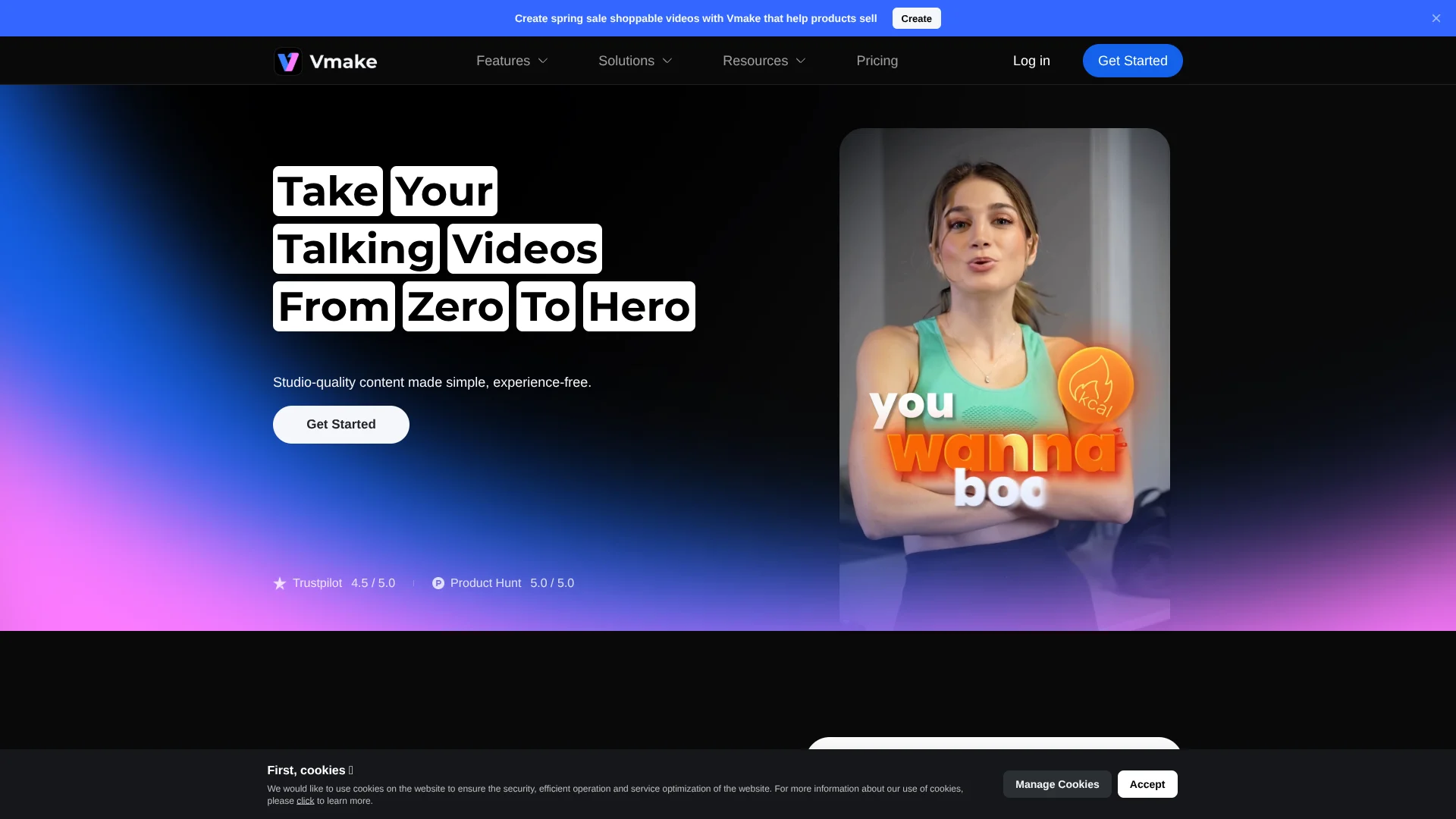
Record, polish, caption, and reuse talking clips.
Key Takeaways
- What it is
- Record, polish, caption, and reuse talking clips.
- Pricing
- Freemium · $9.99 per month · $29.99 per month
- Best for
- AI talking video studio
- AI enhancement suite
- Auto captions and transcription
- Rating
- 4.2/5
What is Vmake?
Vmake focuses on AI-first talking video creation, giving creators studio-style tools for recording, enhancing, captioning, and cleaning social-ready clips without traditional editing experience. It combines AI video enhancement, auto subtitles, watermark and text removal, background removal, image tools, and an app-only AI teleprompter in a single workflow targeted at short, talking-head and product videos.
Vmake stands out by tightly aligning its AI toolkit with the realities of creator workflows: talking-head clips, UGC ads, and social-first product videos. The combination of AI video enhancement, watermark and text removal, auto captions, and AI Teleprompter covers the full journey from idea and script to polished, platform-ready post. Few tools also highlight model-specific watermark removers alongside classic TikTok and logo cleaning, which signals a close eye on the new generation of AI-generated footage creators are remixing.
Vmake offers a focused set of AI tools that make short-form talking videos and social ads far more achievable for solo creators, small teams, and marketers who lack traditional editing expertise. Its strengths lie in speeding up boring but necessary steps: improving quality, cleaning footage, adding captions, and stripping watermarks so clips can live on multiple platforms. For users who want a creator-centric AI video assistant rather than a full-blown editing suite, Vmake presents a compelling, budget-friendly option, especially when starting on the free tier and scaling into Pro as content volume grows.
Who is Using Vmake?
Short-form creators and influencers
Producing TikTok, Reels, and Shorts content with talking-head hooks, captions, and quick clean-up tools.
E-commerce brands and DTC marketers
Creating AI-enhanced product explainers, demo videos, and polished thumbnails that can lift click-through and conversions.
Agencies and social media teams
Scaling batches of client clips, removing watermarks, standardizing captions, and outputting platform-specific versions at speed.
Fitness, health, and real estate professionals
Recording expert tips, listing tours, and social proof videos without hiring a dedicated editor.
Uncommon Use Cases
Used by SaaS startups to turn webinars into bite-sized talking clips for onboarding; adopted by HR and internal comms teams to standardize executive update videos.
Key Features
Rating Breakdown
Pricing Plans
Free
Free
- Includes 50 credits on first login, 20 credits daily, limited feature access, and limited AI models with watermark included
Plus
$9.99 per month
- Includes 1,000 credits per month, core tools up to 10 times daily, video and image enhancement tools, video and image generation, access to Sora 2, Veo 3.1, Seedream 4.0, and GPT Image 1, exports up to 1080p, and commercial use
Pro
$29.99 per month
- Includes 4,500 credits per month, core tools up to 50 times daily, everything in Plus, additional model access including Seedance 1.0 Pro / Lite, Wan 2.2, Kling O1, Kling 2.6, Nano Banana2, Nano Banana Pro, and Nano Banana, exports up to 2K and 4K, and commercial use
Which Vmake plan should you pick?
Start with Free to test core tools; choose Plus for regular creation and commercial 1080p work, or Pro for higher usage and 2K/4K exports.
Free
Good for exploring Vmake with introductory and daily credits, limited models, limited features, and watermarked output.
Plus
Good for daily creators who need 1,000 monthly credits, core tools, commercial use, and 1080p exports.
Pro
Good for heavier production workloads requiring 4,500 monthly credits, broader model access, commercial use, and higher-resolution exports.
Vmake Use Cases
Product advertising
Upload product images, choose an ad workflow, select an avatar or voiceover, and generate promotional video content.
Outcome: Ready-to-use advertising creative for social platforms, ecommerce, and campaigns.
UGC-style product videos
Use product images with UGC formats such as unboxing, product-in-hand, try-on, and before-and-after videos.
Outcome: More relatable social-first product content.
Video translation
Upload a video, select a target language, and enable subtitle removal, audio translation, voice output, or lip sync.
Outcome: Localized video versions for international audiences.
Video enhancement
Upload compressed or low-resolution footage and apply enhancement, denoising, restoration, or upscaling.
Outcome: Sharper video at resolutions up to 2K, 4K, or higher depending on the tool.
Short-form content generation
Enter a prompt or provide image or video references, select an AI model, and generate clips for TikTok, Instagram, YouTube, or ecommerce.
Outcome: Fast variations for social media and creative testing.
Workflow Ideas with Vmake
Create a product advertisement
- 1Choose Recreate Video, AI Avatar Video, or Product Showcase.
- 2Upload product images or a reference video and provide creative direction.
- 3Select the avatar, voiceover, and AI model, then generate and download the advertisement.
Localize an existing video
- 1Upload the source video and choose the target language.
- 2Enable subtitle removal, translated subtitles, audio translation, voice output, or lip sync.
- 3Preview and export the localized video.
Generate an AI video clip
- 1Choose text-to-video, image-to-video, or video-to-video.
- 2Enter a prompt or upload reference images or video.
- 3Select the model and settings, generate the clip, and download the result.
How Vmake fits into your stack
Browser
Vmake is primarily a browser-based workspace for uploading, enhancing, translating, editing, and generating images and videos. It supports direct browser workflows without desktop installation.
Automation and APIs
Vmake provides an API for image and video operations, including watermark removal and enhancement. The official site describes automated workflows, batch processing, and multi-version distribution.
Mobile
Vmake Labs also operates as a native mobile video app for iPhone, iPad, and Android, with product-video creation, enhancement, thumbnails, captions, lip sync, and teleprompter features.
Pros
- +Built around talking videos: Every major feature is oriented toward face-to-camera, short-form and product explainers, so creators are not wading through irrelevant pro-editing tools.
- +Strong quality boost for everyday footage: The enhancer, denoiser and upscaler can rescue noisy phone clips and improve clarity for platforms that punish low-quality uploads.
- +Fast repurposing workflow: Watermark and text removal, captioning, and transcription make it practical to recycle old assets or cross-post clips between platforms.
- +Cross-device availability: A browser-based editor, mobile apps, and a Chrome extension give creators flexibility in how and where they work.
- +Social proof and creator focus: Ratings surfaced from Trustpilot and Product Hunt plus industry-specific pages for agencies, e-commerce, fitness and real estate indicate a creator-centric roadmap.
Cons
- −Not a full nonlinear editor: Compared with traditional NLEs, timeline-level control, multi-layer compositing, and detailed audio mixing appear limited.
- −Cloud dependency: Processing higher resolutions or longer clips will depend on queue times and network speed, which some users may find slow compared with local tools.
- −Mixed third-party anecdotes on billing/support: A few external user reports mention subscription and support frustrations, so cautious users may prefer starting on the free tier before upgrading.
Limitations & when to consider alternatives
Known limitations
- Free-plan restrictions. The Free plan has limited feature and model access and includes watermarked output.
- Generation-history retention. The AI video generator states that generation history is retained for only 30 days, with permanent preservation available to Pro users.
- Input limits vary by tool. Some generation workflows restrict image count, image size, video duration, or supported formats.
- Higher-resolution exports require paid plans. Paid tiers provide higher export resolutions, while free usage is limited and may include watermarks.
- No custom model training. Vmake Labs does not provide custom model training or user-trained LoRA-style models.
Look elsewhere when
- You need a downloadable desktop application.
- You need custom model training.
- You need native cross-tool workflow automation.
How to Use Vmake
- 1
Open a Vmake workflow
Choose a tool such as AI Video Generator, AI Creative Ads, Video Translator, Video Enhancer, or AI Thumbnail.
- 2
Add your source material
Upload product images, reference images, videos, audio, or other supported files depending on the workflow.
- 3
Describe the desired result
Enter a prompt, script, product selling points, translation language, or creative direction.
- 4
Choose models and settings
Select an available AI model and configure duration, aspect ratio, quality, audio, voice, or other workflow options.
- 5
Generate and review
Run the workflow, preview the output, and adjust the direction or settings if needed.
- 6
Export the result
Download the finished video, image, transcript, translated asset, or enhanced file.
Who is Vmake For?
Small businesses
Vmake helps small businesses produce marketing videos and product content without traditional filming or large production teams.
Content creators
Creators can generate short-form videos, thumbnails, captions, enhancements, and social-ready creative assets.
Ecommerce sellers
Sellers can turn product images into product showcases, UGC-style videos, advertisements, and listing content.
Marketing teams
Marketing teams can test multiple hooks, formats, product presentations, and advertising concepts.
Video studios and localization teams
Video teams can translate, dub, subtitle, lip-sync, and enhance existing video content for multiple markets.
Frequently Asked Questions
Does Vmake have a free plan?
Yes. The Free plan costs $0 and includes initial credits, daily credits, limited features, limited models, and watermarked output.
What types of video generation does Vmake support?
Vmake supports text-to-video, image-to-video, and video-to-video generation.
What file formats can Vmake process?
Supported video formats include MP4, MOV, M4V, 3GP, and AVI. Image tools support formats such as JPG, PNG, and WEBP.
Can Vmake translate videos?
Yes. Vmake can translate subtitles and audio, generate translated voice output, synchronize lip movements, and enhance translated videos.
Can Vmake create product advertisements?
Yes. Users can upload product images or reference videos and create product showcases, AI-avatar videos, and recreated advertisements.
Does Vmake provide an API?
Yes. Vmake publishes API authentication documentation based on API keys sent through the X-Api-Key header.
Community reviews
Be the first to share your experience.
Sign in to leave a review for Vmake.
Vmake Alternatives
Looking for alternatives to Vmake? Here are similar tools in the same category:
Learn to Master Vmake
With Skill Leap courses
Get in-depth training on Vmake and 50+ other AI tools with our expert-led video courses.
Start 7-Day Free Trial