
VMEG
Localizes videos with AI translation and dubbing.
Watch VMEG in Action
Key Takeaways
- What it is
- Localizes videos with AI translation and dubbing.
- Pricing
- Freemium · $20 per month (600 credits)
- Best for
- AI Video Translator
- AI Subtitle Generator and Translator
- Realistic AI Voice Cloning Technology
- Rating
- 4.7/5
What is VMEG?
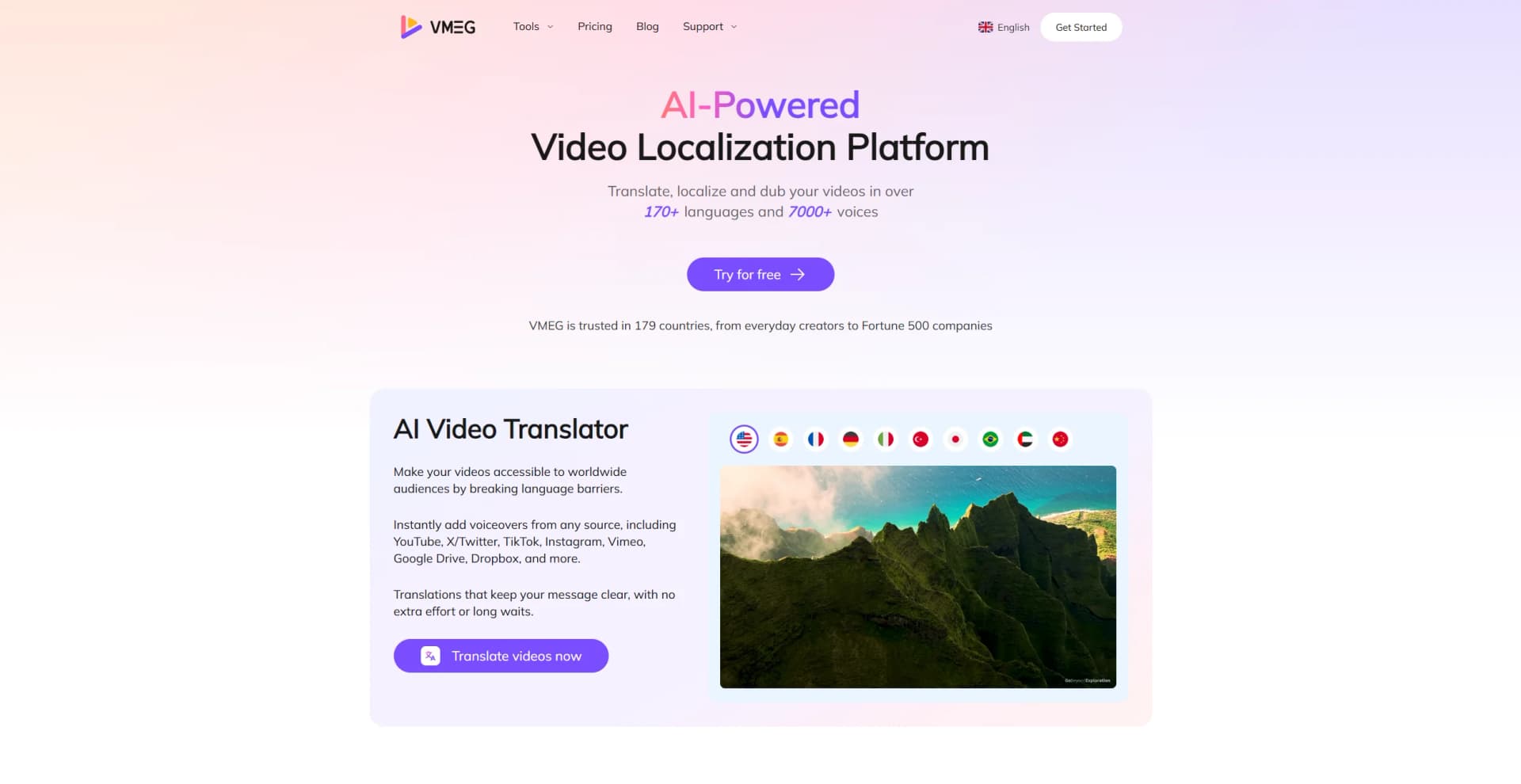
VMEG is an AI-powered video localization platform that transforms how we communicate across languages. Designed to break down language barriers, VMEG offers a suite of tools for video translation, dubbing, and voice cloning, making content accessible to a global audience. Whether you’re a content creator or a multinational corporation, VMEG simplifies the complex task of video localization with ease and precision.
VMEG stands out with its advanced voice cloning technology, which is a breakthrough for creating authentic and natural voiceovers across languages. Its ability to deliver high-quality translations and voiceovers in a fraction of the time sets it apart in the video localization industry.
VMEG is a powerful ally for anyone looking to expand their reach across language barriers. With its impressive suite of AI-driven tools, it not only simplifies the process of video localization but also elevates the quality of multilingual communication. Whether you're a small business owner or part of a large enterprise, VMEG offers a reliable and efficient solution for translating and localizing video content.
Who is Using VMEG?
E-commerce Businesses
Enhance product videos for international markets.
Digital Marketing Agencies
Create multilingual marketing content.
Social Media Managers
Produce engaging, localized content for global audiences.
Educational Institutions
Translate educational videos for diverse student populations.
Uncommon Use Cases
Used by freelance photographers to translate instructional videos; Adopted by tourism operators to create multilingual promotional content.
Key Features
Rating Breakdown
Pricing Plans
Free
Free
- Includes 60 credits for video translation up to 1 minute, 16+ voices, 500MB storage, 100MB upload limit, 1080P resolution, multispeaker support, and standard AI editing tools
Studio
$20 per month (600 credits)
- Includes up to 10-minute translations, unlimited voice cloning and redubbing, 7500+ emotional voices, 4K resolution, 1GB uploads, 500GB storage, SRT support, custom dictionary, and no watermarks. Cancel anytime
Enterprise
- Tailored for high-volume or advanced needs with access to all features
- Custom limits
- Priority support
Which VMEG plan should you pick?
Start with Pay as You Need for occasional projects, choose Monthly Subscription or Annual Subscription for recurring volume, and upgrade to Enterprise for team governance, collaboration, SSO, and custom support.
Pay as You Need
Good for freelancers and businesses with irregular workloads who want credits without recurring billing.
Monthly Subscription
Good for creators and marketing teams with steady monthly localization needs.
Annual Subscription
Good for high-volume users and companies planning consistent usage over a full year.
Enterprise
Good for large teams needing collaboration features, administrative controls, centralized billing, SSO, integrations, and API access.
VMEG Use Cases
Multilingual marketing campaigns
Upload high-performing advertisements or promotional videos, translate them, clone the speaker’s voice, and apply lip sync.
Outcome: Produce localized campaigns for multiple markets without reshooting.
Corporate and e-learning localization
Transcribe, translate, dub, subtitle, and edit training courses, lectures, tutorials, and compliance videos.
Outcome: Make educational and corporate content accessible to international audiences.
Podcast and audio translation
Translate podcasts, audiobooks, interviews, and radio content while preserving speaker identity and tone.
Outcome: Expand audio programming to new language audiences.
Social media content expansion
Localize YouTube, TikTok, Instagram, gaming, and vlog videos with voice cloning and neural lip sync.
Outcome: Publish multilingual content faster and reach global viewers.
E-commerce video localization
Batch-process product videos, preserve brand terminology with glossaries, and export localized versions.
Outcome: Launch product campaigns across international marketplaces.
Workflow Ideas with VMEG
Professional dubbing workflow
- 1Create a project and upload video files or paste links.
- 2Review transcription and translation, then refine terminology and scripts.
- 3Generate dubbing, complete quality assurance, and export localized videos.
Multilingual marketing campaign
- 1Upload a campaign video or product asset.
- 2Select target languages and choose a voice or create a voice clone.
- 3Edit subtitles, apply lip sync, and download localized versions.
Image translation workflow
- 1Upload a PNG, JPG, or WebP image.
- 2Choose the source and target languages and run OCR translation.
- 3Review the translated overlay and download the PNG.
How VMEG fits into your stack
Browser
VMEG is primarily a browser-based localization workspace for uploading media, translating or dubbing it, editing scripts and timing, and exporting localized files.
Automation and APIs
Batch Automation supports multi-video and multi-language localization workflows. VMEG also documents API/MCP connections for tools such as ChatGPT and Gemini.
Knowledge and files
Users upload video, audio, subtitle, transcript, and related media files into VMEG for transcription, translation, voice generation, editing, and export.
Pros
- +Time Efficiency: Delivers results 17.5 times faster than traditional methods, drastically reducing wait times.
- +Cost-Effective: Automates 94.3% of manual efforts, allowing users to focus on more strategic tasks.
- +Wide Language Support: Supports over 170 languages and 7000+ voices, catering to a diverse global audience.
- +User-Friendly Interface: Easy to navigate, making it accessible for users of all technical levels.
Cons
- −Initial Learning Curve: Some users may find it takes time to fully utilize advanced features.
- −Limited Integration: Currently, integration with third-party platforms is limited.
Limitations & when to consider alternatives
Known limitations
- Trial access uses complimentary credits. The free entry option is described as trial credits rather than an unlimited or permanent free plan.
- Credit-based billing. Video and audio services consume credits, generally by minute; content shorter than one minute is charged as one minute.
- API availability is not generally documented. VMEG’s FAQ says API access is planned for the future and currently directs users to an API waitlist.
- Image translation has a 10 MB upload limit. The image translator supports PNG, JPG, and WebP files up to 10 MB per upload.
- Image OCR works best with clear printed text. Handwriting, stylized lettering, blurry images, and low-contrast text may produce unreliable OCR results.
Look elsewhere when
- You need a documented public developer API today.
- You need a native mobile or desktop application.
- You need user-controlled model fine-tuning.
How to Use VMEG
- 1
Create an account
Sign up with Google, Discord, or email to access VMEG’s online tools.
- 2
Choose a localization tool
Select video translation, audio translation, subtitles, transcription, text-to-speech, voice cloning, lip sync, or image translation.
- 3
Upload content or paste a link
Add a local video, audio, or image file, or use a supported media link where available.
- 4
Configure languages and voices
Choose the source and target languages, enable automatic language detection when needed, and select a stock voice or voice clone.
- 5
Review and refine
Edit transcripts, translations, subtitles, timing, terminology, speed, volume, or tone before generating the final output.
- 6
Export the result
Download the translated video, audio, subtitles, transcript, or image in the available output format.
Who is VMEG For?
Marketing teams and global brands
Localize advertising, product launches, social ads, and brand videos across international markets.
Entertainment studios and creators
Translate movies, podcasts, anime, and other entertainment content while preserving voices, emotion, and timing.
Corporate training teams and educators
Localize healthcare, technical, compliance, course, and educational videos without extensive re-recording.
Social media creators and influencers
Create multilingual versions of YouTube, TikTok, Reels, Shorts, gaming, and vlog content.
E-commerce and retail brands
Localize product demonstrations, influencer reviews, listings, and shoppable ads for markets such as TikTok, Amazon, and Shopify.
Frequently Asked Questions
What is VMEG AI?
VMEG is an AI video localization platform for translating, dubbing, captioning, and lip-syncing content in more than 170 languages.
Can I use VMEG video translator for free?
VMEG provides free trial credits. Trial exports currently do not include a watermark.
How does VMEG pricing work?
VMEG uses credit-based pricing. Standard video translation costs approximately 60 credits per minute, with additional charges for features such as lip sync.
How do I translate a video with VMEG?
Upload a video file or paste a link, select the target language and voice, review the result, and export the localized video.
Does VMEG support enterprise teams?
Enterprise plans include team collaboration, administrative controls, dedicated support, SAML single sign-on, and customized security protocols.
How does VMEG protect uploaded content?
VMEG states that data is encrypted in transit and at rest and that client content is not used to train general AI models.
Community reviews
1 review from people who use VMEG.
Sign in to leave a review for VMEG.
Biao Xu
VMEG Alternatives
Looking for alternatives to VMEG? Here are similar tools in the same category:
Learn to Master VMEG
With Skill Leap courses
Get in-depth training on VMEG and 50+ other AI tools with our expert-led video courses.
Start 7-Day Free Trial