VXT
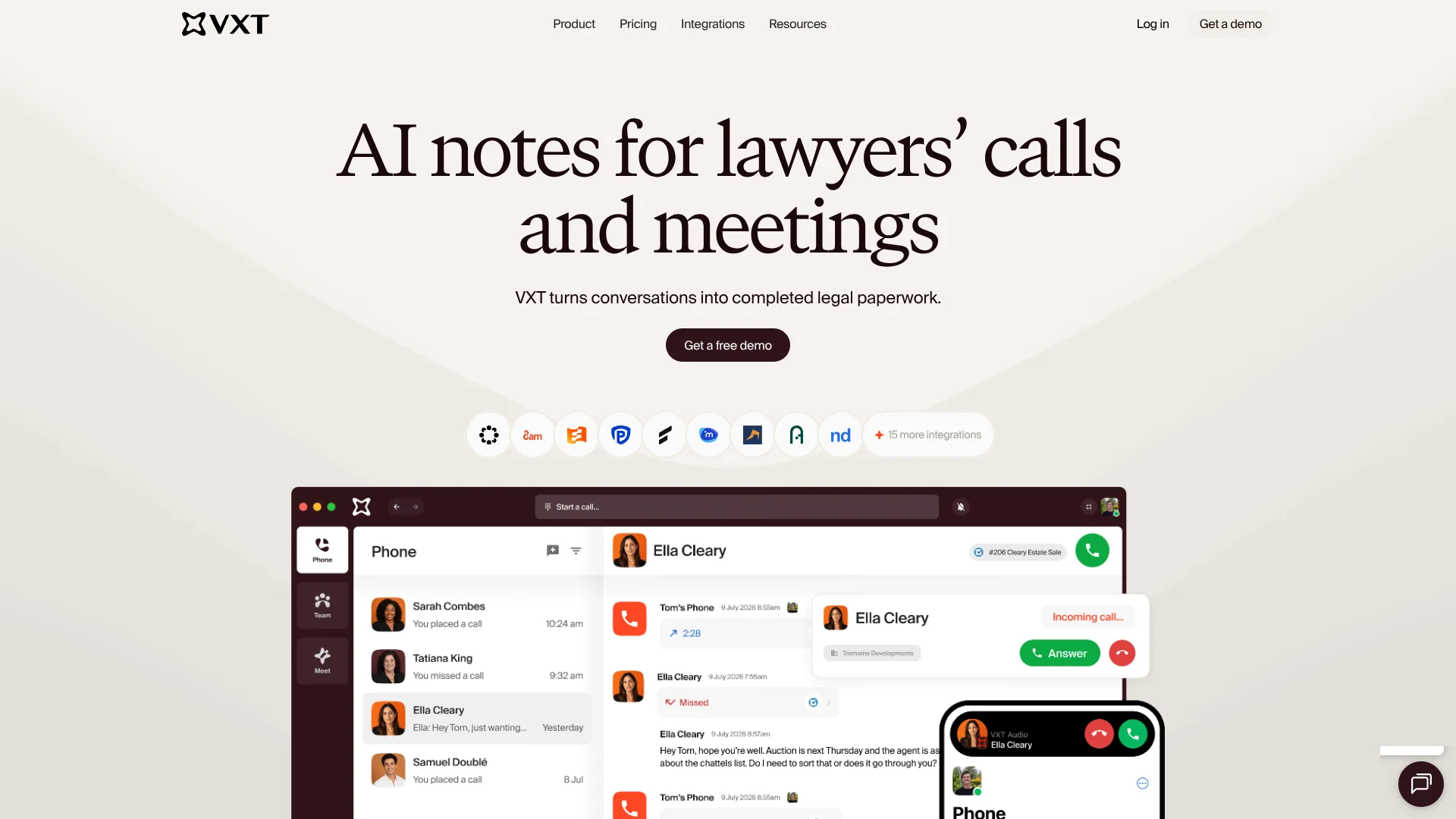
Client calls flow directly into the legal software law firms already use.
Key Takeaways
- What it is
- Client calls flow directly into the legal software law firms already use.
- Pricing
- $60 per user per month
- Best for
- AI call transcripts and summaries
- Legal software integrations
- Automatic time entries
- Rating
- 4.2/5
What is VXT?
VXT connects a law firm’s phone system with its legal software, so calls can leave behind more than a call log. It records and transcribes conversations, creates AI summaries, and can save details such as billable time to the right matter. Lawyers and their teams use it to keep client communications documented and reduce the follow-up paperwork after each call.
A call can produce a transcript, summary, time entry, and follow-up email draft tied to a matter in connected legal software. That makes VXT’s AI notes part of the firm’s existing legal record, rather than a separate summary to copy over later.
VXT is best suited to law firms that want their phone calls to feed directly into legal work and client records. Its legal focus is a drawback for organizations seeking a general-purpose business phone system, so it fits best where legal software integrations matter.
Who is Using VXT?
Attorneys
Call transcripts, summaries, and time entries help attorneys document client conversations.
Legal receptionists
The call flow builder helps direct incoming calls to the right person or team.
Practice managers
Team analytics show call volumes, missed calls, and wait times.
Legal assistants
Follow-up email drafts and matter-linked call notes help with post-call administration.
Uncommon Use Cases
Reviewing call records when a client disputes what was discussed; using AI notes to prepare follow-up work after a meeting
Key Features
Rating Breakdown
Pricing Plans
Phone
$60 per user per month
- Billed monthly.
- No minimum user count.
- Phone numbers cost $5 per month each.
- Domestic calling is unlimited; SMS and international calls are charged separately.
- Unlimited AI transcripts and summaries are included.
Meet
$60 per user per month
- Billed monthly.
- Unlimited recordings, meeting duration, AI meeting notes, and storage.
- Participant limit: 15.
Which VXT plan should you pick?
Start with Phone for a firm that needs calling and legal matter records, or choose Meet for AI notes from meetings.
Phone
Good for law firms that need a work phone system with AI call notes and connections to legal software.
Meet
Good for legal teams that want AI notes from in-person and video meetings.
VXT Use Cases
Document client calls
A transcript and AI summary give the firm a record of what was said during a call.
Outcome: Call details can be saved to the relevant legal matter.
Capture billable call time
Call time can be recorded to connected legal software instead of relying on a later manual entry.
Outcome: Billable time is logged against a matter.
Route incoming calls
Custom call flows direct incoming calls to the right person or place.
Outcome: Calls reach the intended recipient or team.
Prepare call follow-ups
A draft email based on the conversation gives staff a starting point for client follow-up.
Outcome: A follow-up draft is ready for review and sending.
Keep meeting notes with legal records
VXT Meet creates notes, transcripts, and summaries for in-person and video meetings.
Outcome: Meeting details can be saved to connected legal software.
Workflow Ideas with VXT
Client call to matter record
- 1Handle the client call through VXT Phone.
- 2Review the AI transcript and summary.
- 3Save the call details and time entry to the connected matter.
Incoming call routing
- 1Set up call flows for the firm’s incoming calls.
- 2Route calls to the appropriate person or place.
- 3Review call analytics to spot missed calls and wait times.
Meeting to follow-up
- 1Record an in-person or video meeting with VXT Meet.
- 2Review the meeting notes, transcript, and summary.
- 3Save the meeting record to connected legal software.
How VXT fits into your stack
Phone and messaging
VXT Phone handles work calls and SMS across its desktop, mobile, and web apps.
Legal practice software
Integrations connect VXT with legal tools such as Clio, LEAP, and Actionstep to sync contacts and save call details.
AI call records
Transcripts and summaries turn phone conversations into records the team can review and save to a matter.
Meetings
VXT Meet creates notes, transcripts, and summaries for in-person and video meetings.
Call operations
Call flows, queues, and analytics help teams direct calls and review activity.
Pros
- +Matter-linked call records: Call notes and time entries can be saved to connected legal software.
- +AI summaries included: Unlimited AI call transcripts and summaries are included with VXT Phone subscriptions.
- +Legal software connections: Integrations include Clio, Actionstep, LEAP, and Smokeball.
- +Multiple devices: The phone system works on desktop, mobile, and web apps.
Cons
- −Legal-focused setup: Its features and integrations are aimed mainly at law firms.
- −Extra usage charges: SMS and international calls are billed separately from the subscription.
Limitations & when to consider alternatives
Known limitations
- SMS and international calls cost extra. These usage charges are separate from the main subscription.
- Meetings have a participant cap. VXT Meet supports up to 15 participants.
- Cancellation affects calling. After cancellation, the workspace is saved for 90 days; users cannot make calls or send messages during that period, though they can view and export existing records.
Look elsewhere when
- You need a general-purpose phone system rather than one built around legal workflows.
- You need meeting calls with more than 15 participants.
- Your team needs SMS and international calling included in the subscription price.
How to Use VXT
- 1
Choose Phone or Meet
Select VXT Phone for calls and SMS, or VXT Meet for notes from in-person and video meetings.
- 2
Connect legal software
Link a supported practice management tool so call or meeting details can be saved with legal records.
- 3
Set up the phone workflow
Configure call flows to direct incoming calls to the right person or place.
- 4
Review AI notes
Check the transcript, summary, and any follow-up draft before using them in client work.
- 5
Save the record
Attach the relevant details and time entry to the matter in connected legal software.
Who is VXT For?
Law firms
Firms can connect client calls with the legal software they use to manage matters.
Legal professionals
Lawyers can capture call details and billable time while keeping their attention on the client.
Legal reception teams
Custom call flows help route incoming client calls to the right person or place.
Firms using legal practice software
Teams using tools such as Clio, LEAP, or Actionstep can link conversations with their existing records.
Frequently Asked Questions
Does VXT include AI call transcripts and summaries?
VXT Phone subscriptions include unlimited AI transcripts and summaries.
Which legal software does VXT integrate with?
VXT lists integrations including Clio, Actionstep, LEAP, Smokeball, Filevine, and MyCase.
What does VXT Phone cost?
The pricing page lists VXT Phone at $80 per user per month, billed monthly. Phone numbers, SMS, and international calls may have separate charges.
Which devices can run VXT?
VXT supports Mac and Windows computers, Android and iOS smartphones, and major web browsers.
Can I cancel VXT?
The subscription can be canceled in the app. The workspace is saved for 90 days, during which users can view and export existing records.
Community reviews
Be the first to share your experience.
Sign in to leave a review for VXT.
VXT Alternatives
Looking for alternatives to VXT? Here are similar tools in the same category: