
Wan
Create stunning videos and images.
Key Takeaways
- What it is
- Create stunning videos and images.
- Pricing
- Freemium
- Best for
- AI Video Creation
- AI Image Generation
- User-Friendly Interface
- Rating
- 4.3/5
What is Wan?
Wan offers a powerful platform for creating videos and images using artificial intelligence. It's designed to cater to both individuals and professionals who seek to streamline their creative processes. Whether you're crafting a marketing video or generating captivating images, Wan simplifies these tasks, making it an essential tool for content creators.
Wan distinguishes itself with its ability to create high-quality videos and images using AI, setting it apart in the creative industry. The platform's large model capabilities and customizable templates provide users with a unique edge in producing diverse and engaging content.
Wan stands out as a valuable tool for anyone looking to enhance their creative projects with AI-driven video and image creation. Its ease of use, combined with powerful features, makes it a top choice for marketers, educators, and content creators alike. While there are some limitations in integration and subscription costs, the overall benefits make Wan a worthwhile investment for those seeking to elevate their creative output.
Who is Using Wan?
Marketing Agencies
Utilizing Wan for creating compelling video advertisements.
Content Creators
Employing the tool to produce high-quality YouTube and social media content.
Educators
Leveraging Wan to develop engaging educational videos and materials.
Small Businesses
Using the platform to enhance their digital marketing efforts.
Uncommon Use Cases
Employed by artists for creating digital art pieces; Adopted by event planners for crafting promotional materials.
Key Features
Rating Breakdown
Pricing Plans
Free Tier
Free
- Offers a trial period to experience Wan's capabilities
Pro Tier
- Pricing details are not explicitly provided. For the most accurate and current pricing
- Please visit the official Wan website
Wan Use Cases
Advertisements
Create cinematic, multi-scene promotional videos with controlled shots and audiovisual synchronization.
Outcome: More polished advertising content.
Drama clips
Generate narrative scenes with consistent characters, shot scheduling, and multi-lens control.
Outcome: Short-form dramatic storytelling.
Product showcases
Turn product concepts, reference images, or prompts into visual showcase videos.
Outcome: Engaging product demonstrations.
Short-form creative content
Use text-to-video, image-to-video, and reference-to-video workflows for quick creative production.
Outcome: Repeatable social and creative video output.
Video editing and character replacement
Edit videos with instructions or replace characters using reference images and source footage.
Outcome: Modified footage with preserved scenes or character consistency.
Workflow Ideas with Wan
Text-to-video concept
- 1Write a detailed cinematic prompt
- 2Submit the prompt to a Wan text-to-video model
- 3Poll the generation task and retrieve the completed video
Image-to-video animation
- 1Provide a first-frame image and motion description
- 2Select duration and resolution
- 3Generate and download the resulting video
Reference-to-video character scene
- 1Upload a reference video containing the character
- 2Describe the new action or scene
- 3Generate a video retaining the character’s appearance and performance
How Wan fits into your stack
Browser
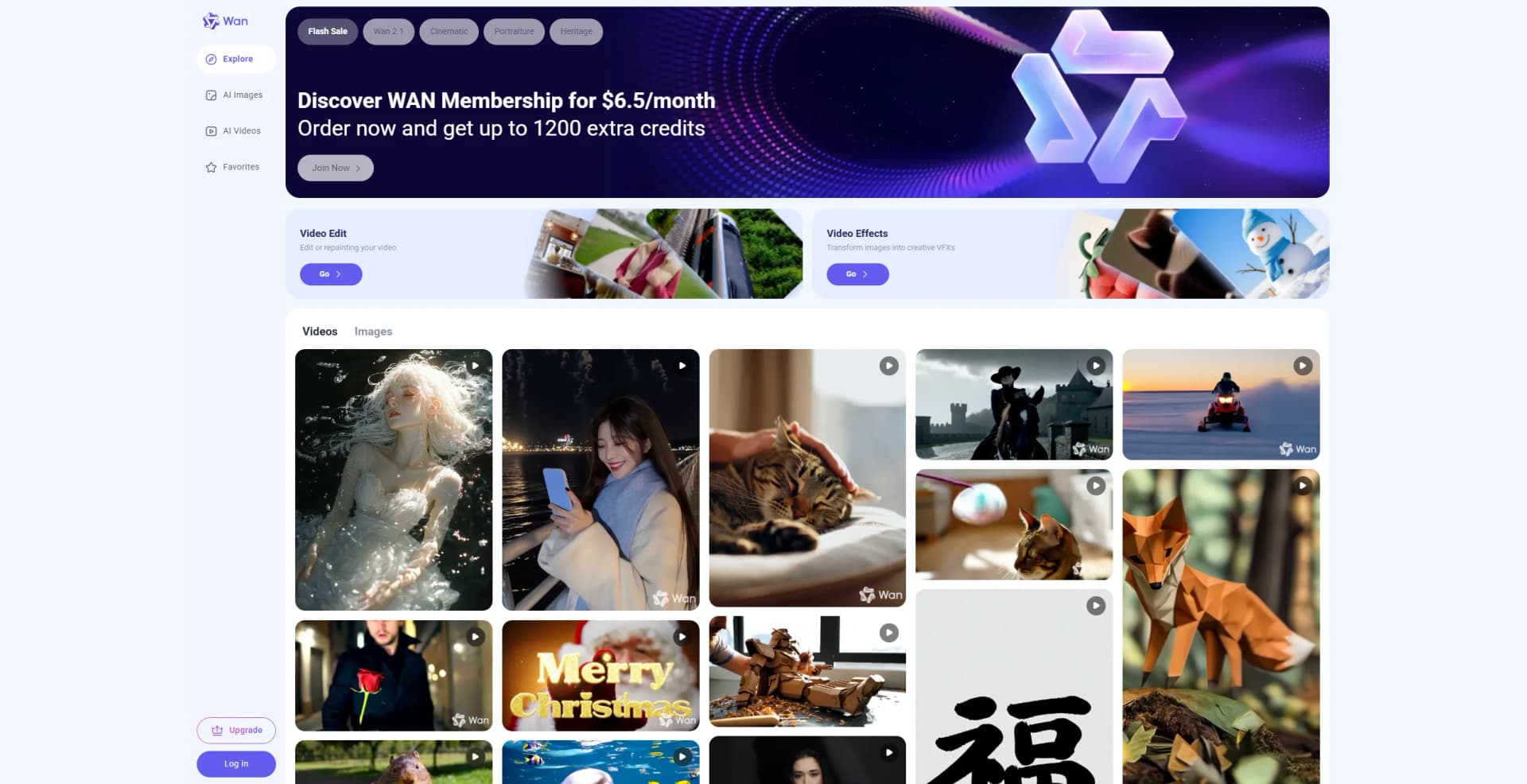
Wan sits in the browser as a web-based visual generation workspace for creating and reviewing images and videos.
Mobile creation
The official iOS and Android apps provide on-device access to Wan’s image and video generation workflows.
Automation and APIs
Developers can place Wan in backend media pipelines through Alibaba Cloud Model Studio APIs, regional endpoints, API keys, and task polling.
Creative production
Wan supports prompt-based storyboarding, product showcases, advertising visuals, character scenes, and instruction-based video editing.
Pros
- +Efficiency Boost: Significantly reduces the time needed to create videos and images.
- +Cost-Effective Solution: Eliminates the need for expensive video and image production services.
- +High-Quality Output: Produces professional-grade results that enhance the quality of content.
- +Versatile Applications: Suitable for a wide range of creative projects, from marketing to education.
Cons
- −Initial Learning Curve: May require some time to fully grasp the advanced features for new users.
- −Limited Integration: Currently, the platform supports a limited range of third-party applications.
- −Subscription Costs: Can be costly for users who require access to all features.
Limitations & when to consider alternatives
Known limitations
- Model-specific input and duration limits. Supported inputs and durations vary by model; documented examples range from 2–15 seconds or 5–30 seconds.
- Regional API matching is required. The model, endpoint URL, and API key must belong to the same region.
- Console-generated videos may contain watermarks. Alibaba Cloud documentation states that videos generated in the Model Studio online experience carry an AI-generated watermark.
- API result URLs are temporary. Generated video URLs must be downloaded and moved to permanent storage when long-term access is needed.
- Native app language availability is limited. The iOS listing identifies Simplified Chinese and English as supported app languages.
Look elsewhere when
- You need a documented shared team workspace with roles and invitations.
- You need a browser extension for in-page creation.
- You need code generation alongside visual generation.
How to Use Wan
- 1
Open Wan
Use wan.video or the official iOS or Android application to access Wan’s visual creation tools.
- 2
Choose a generation mode
Select text-to-video, image-to-video, reference-to-video, image editing, or another supported visual workflow.
- 3
Add prompts and references
Enter instructions and upload supported images, videos, audio, documents, or webpages when the selected workflow allows them.
- 4
Configure output
Choose the available resolution and duration for the selected model.
- 5
Generate and refine
Submit the request, review the result, and use instruction-based editing or another generation pass if needed.
- 6
Use the API when automating access
Create a regional Alibaba Cloud API key, call the matching Wan endpoint, poll task status, and save the returned media.
Frequently Asked Questions
What can Wan generate?
Wan supports text-to-video, image-to-video, reference-to-video, text-to-image, image editing, video editing, and sequential image generation.
Can Wan use reference media?
Yes. Wan can use images, videos, audio, documents, and webpages as reference material, depending on the model or workflow.
Can Wan generate audio with video?
Supported Wan models provide video with audio and audiovisual synchronization, including dialogue and lip-sync scenarios.
What video resolutions does Wan support?
Alibaba Cloud documentation lists 480P, 720P, and 1080P options depending on the model and deployment.
How is Wan accessed programmatically?
Developers use Alibaba Cloud Model Studio APIs with a regional endpoint, matching API key, and supported Wan model.
Community reviews
Be the first to share your experience.
Sign in to leave a review for Wan.
Wan Alternatives
Looking for alternatives to Wan? Here are similar tools in the same category:
Learn to Master Wan
With Skill Leap courses
Get in-depth training on Wan and 50+ other AI tools with our expert-led video courses.
Start 7-Day Free Trial