
Watermarkly
Safeguard digital privacy with AI-powered, customizable image blurring.
Key Takeaways
- What it is
- Safeguard digital privacy with AI-powered, customizable image blurring.
- Best for
- Batch Face Blurring
- AI Detection
- Selective Face Blurring
- Rating
- 4.6/5
What is Watermarkly?
In the digital age, privacy is paramount, and Watermarkly serves as a guardian of that privacy. This innovative tool specializes in the crucial task of blurring faces and license plates in images, ensuring sensitive information stays confidential. Whether you're a professional photographer, a business handling customer data, or simply an individual concerned about personal privacy, Watermarkly offers a streamlined solution to protect identities with ease and precision.
Watermarkly distinguishes itself with a seamless blend of AI-powered automation and user-directed customization. The tool's ability to rapidly process batches of images while giving users the option to adjust blur intensity and select which faces to anonymize makes it a standout choice for privacy-focused image editing.
Watermarkly emerges as an essential tool for those prioritizing privacy in their digital content. Its AI-driven face detection and blurring capabilities, combined with the option for manual adjustments, provide a robust solution for protecting personal information in images. Despite the presence of a logo in its free version, the tool's efficiency and user-friendly interface make it a valuable asset for a wide range of users, from professionals to casual social media posters. With Watermarkly, safeguarding privacy becomes a simple, yet powerful process.
Who is Using Watermarkly?
Journalists
Protecting the identity of sources and subjects in sensitive news stories.
Social Media Influencers
Ensuring privacy when sharing content that includes crowds or public spaces.
Human Rights Activists
Safeguarding the identities of individuals in regions where privacy is a concern.
Event Organizers
Blurring faces in promotional materials for events where not all attendees have given consent.
Uncommon Use Cases
Utilized by researchers to anonymize subjects in study-related imagery; Adopted by meme creators for humorously altering content while respecting privacy.
Key Features
Rating Breakdown
Pricing Plans
Free Version
- Offers the full functionality of Watermarkly with the inclusion of a brand logo on processed images
Paid Upgrade
- Removes Watermarkly branding and provides additional features
Which Watermarkly plan should you pick?
Start with the free tools for occasional browser-based editing; choose 1-Year Access for annual full access or Permanent Access for lifetime use.
1-Year Access
Good for users who need full access to all tools for one year across up to 10 devices.
Permanent Access
Good for users who want lifetime access to all tools without a recurring subscription.
Watermarkly Use Cases
Protect photos with watermarks
Upload a batch of images and apply text, logos, tiled marks, or copyright symbols.
Outcome: Creates consistently branded or copyright-protected image copies.
Watermark PDFs
Upload one or several PDF files and add text, logos, or images as watermarks.
Outcome: Produces watermarked PDF documents while preserving the originals.
Watermark videos
Upload one or multiple videos, configure a text or logo watermark, preview the result, and export.
Outcome: Adds consistent ownership or branding marks to video batches.
Blur faces and license plates
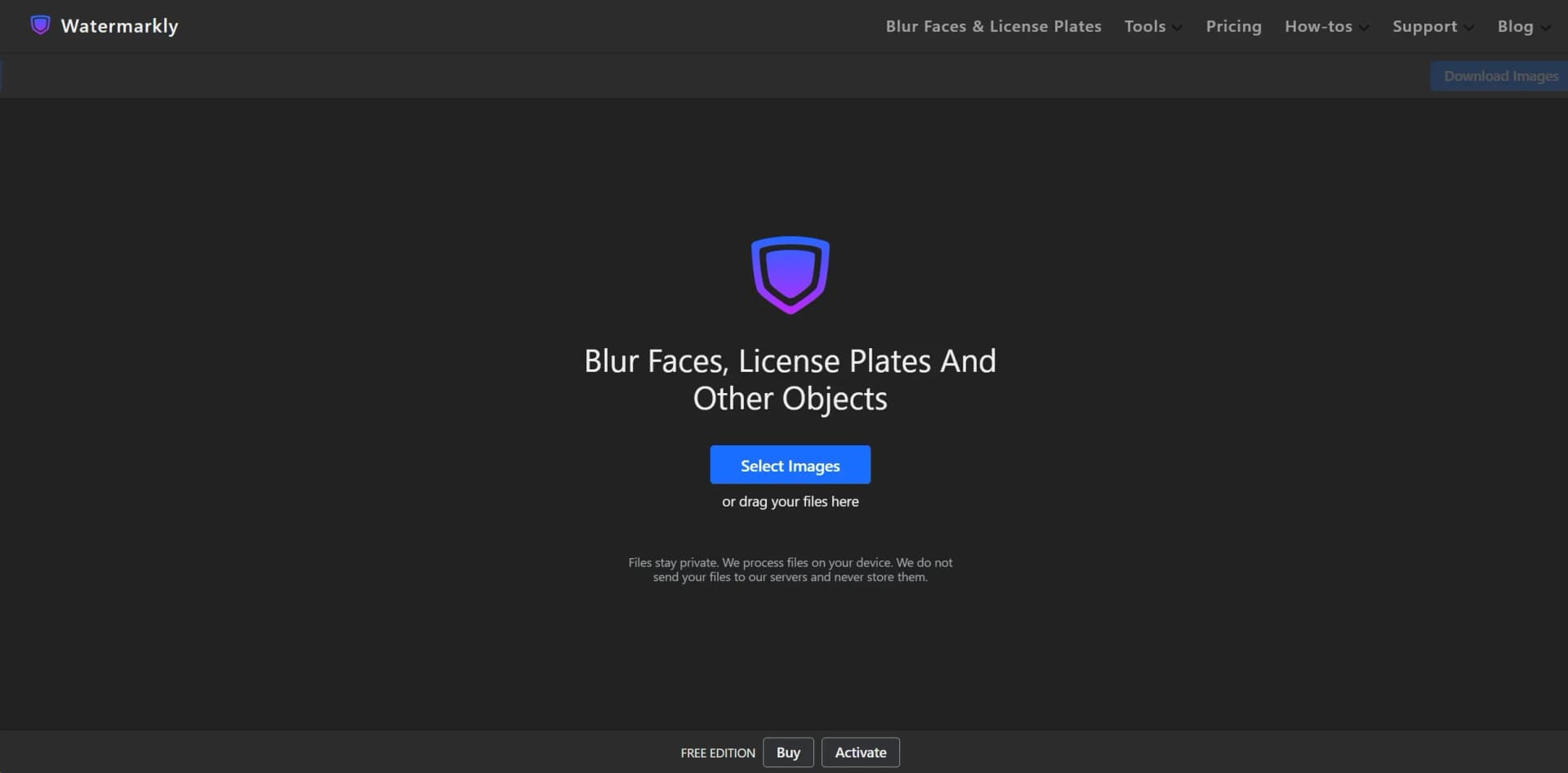
Upload images and let AI detect faces and license plates, then adjust or selectively remove blur areas.
Outcome: Protects identities and sensitive vehicle information.
Upscale images
Upload images, choose a target size or scale factor, and export enlarged versions.
Outcome: Creates larger, sharper images for social media, websites, e-commerce, or printing.
Workflow Ideas with Watermarkly
Batch watermark a photo collection
- 1Upload multiple images in the browser
- 2Choose or create a text-and-logo watermark
- 3Preview, adjust placement, and export the batch
Anonymize a photo batch
- 1Upload one or more images to the Blur Face tool
- 2Review automatically detected faces and license plates
- 3Adjust blur intensity or add manual blur areas, then download copies
Process images through the Blur API
- 1Obtain a Watermarkly API key
- 2Send an image through the GET or POST blur endpoint
- 3Receive the processed JPEG, PNG, or WEBP image
How Watermarkly fits into your stack
Browser-Based Functionality
Works across popular browsers, ensuring wide accessibility.
Cross-Platform Use
Compatible with various operating systems including Windows, macOS, and Linux.
Cloud Storage Access
Import images directly from cloud storage solutions for editing.
Mobile Responsiveness
Though browser-based, the tool is usable on mobile devices for on-the-go privacy management.
Pros
- +User Convenience: Intuitive design makes it easy for users of all skill levels to navigate and utilize the tool effectively.
- +Efficiency in Processing: The ability to handle multiple images at once significantly reduces the time spent on editing.
- +No Registration Required: Access the tool's features without the need for creating an account, offering immediate privacy solutions.
- +Device Compatibility: As a browser-based tool, Watermarkly can be used across various devices, enhancing its accessibility.
Cons
- −Watermarkly Branding: The free version adds a Watermarkly logo to processed images, which may not be ideal for all users.
- −Internet Dependency: Being an online tool, a reliable internet connection is necessary for uninterrupted use.
- −Limited Editing Features: While focused on privacy protection, users looking for a broader range of photo editing capabilities might find the features somewhat restricted.
Limitations & when to consider alternatives
Known limitations
- Free face blurring adds branding. The free face-blurring tool adds the Watermarkly logo to processed images; an upgrade is required to remove it.
- Free text-to-photo usage limits. The free text tool processes one photo at a time, allows up to five photos per day, and provides 12 recommended fonts.
- Free image upscaling limit. The free image upscaler allows up to 10 images per day.
- Blur API input and rate limits. The API supports images up to 6,000 × 6,000 pixels, with GET inputs up to 20 MB and POST inputs up to 6 MB; documented limits include 500 requests per second and 100,000 requests per day.
- Desktop processing is a separate product. Watermarkly’s browser tools do not require installation, while the separate Visual Watermark desktop app handles large batches on Windows and Mac.
Look elsewhere when
- You need a dedicated Watermarkly desktop application rather than a browser tool.
- Your workflow requires SSO, shared workspaces, or enterprise collaboration features.
How to Use Watermarkly
- 1
Watermarkly provides a straightforward user experience that typically requires no tutorials. However, for those seeking guidance, the website offers clear instructions and FAQs to help users get the most out of the tool's features.
Who is Watermarkly For?
Professional photographers
Watermarkly helps photographers add names, logos, copyright symbols, and tiled watermarks to protect visual work.
Brand owners
Brands can add logos, website addresses, and contact information to promote their identity across images and videos.
Designers and content creators
Creators can watermark previews, drafts, social content, videos, and other visual assets before sharing them publicly.
People protecting privacy
The blur tools help obscure faces, license plates, and other sensitive areas in photos.
Frequently Asked Questions
Is Watermarkly free?
Yes. Watermarkly offers free browser-based tools, although some free tools add a Watermarkly logo or impose usage limits.
Are uploaded files stored on Watermarkly’s servers?
For browser tools such as watermarking, blurring, and video watermarking, files are processed on the device or in the browser and are not stored on Watermarkly’s servers.
What platforms does Watermarkly support?
Watermarkly offers browser tools, dedicated iOS and Android apps for watermarking, and a separate Visual Watermark desktop app for Windows and Mac.
Can Watermarkly blur faces and license plates automatically?
Yes. Its blur tool uses AI detection to identify faces and license plates, with options for selective blurring and manual adjustments.
Does Watermarkly offer an API?
Yes. The Watermarkly Blur API provides authenticated GET and POST endpoints for detecting and blurring faces and license plates.
What paid plans are available?
The pricing page lists 1-Year Access and Permanent Access plans. Both include full access to the tools and use on up to 10 devices.
Community reviews
Be the first to share your experience.
Sign in to leave a review for Watermarkly.
Watermarkly Alternatives
Looking for alternatives to Watermarkly? Here are similar tools in the same category:
Learn to Master Watermarkly
With Skill Leap courses
Get in-depth training on Watermarkly and 50+ other AI tools with our expert-led video courses.
Start 7-Day Free Trial