
Webbotify
Revolutionize support with AI chatbots and seamless automation.
Watch Webbotify in Action
Key Takeaways
- What it is
- Revolutionize support with AI chatbots and seamless automation.
- Pricing
- $19 per month
- Best for
- AI-Powered Chatbots
- Seamless Integration
- Automated Workflow Management
- Rating
- 4.5/5
What is Webbotify?
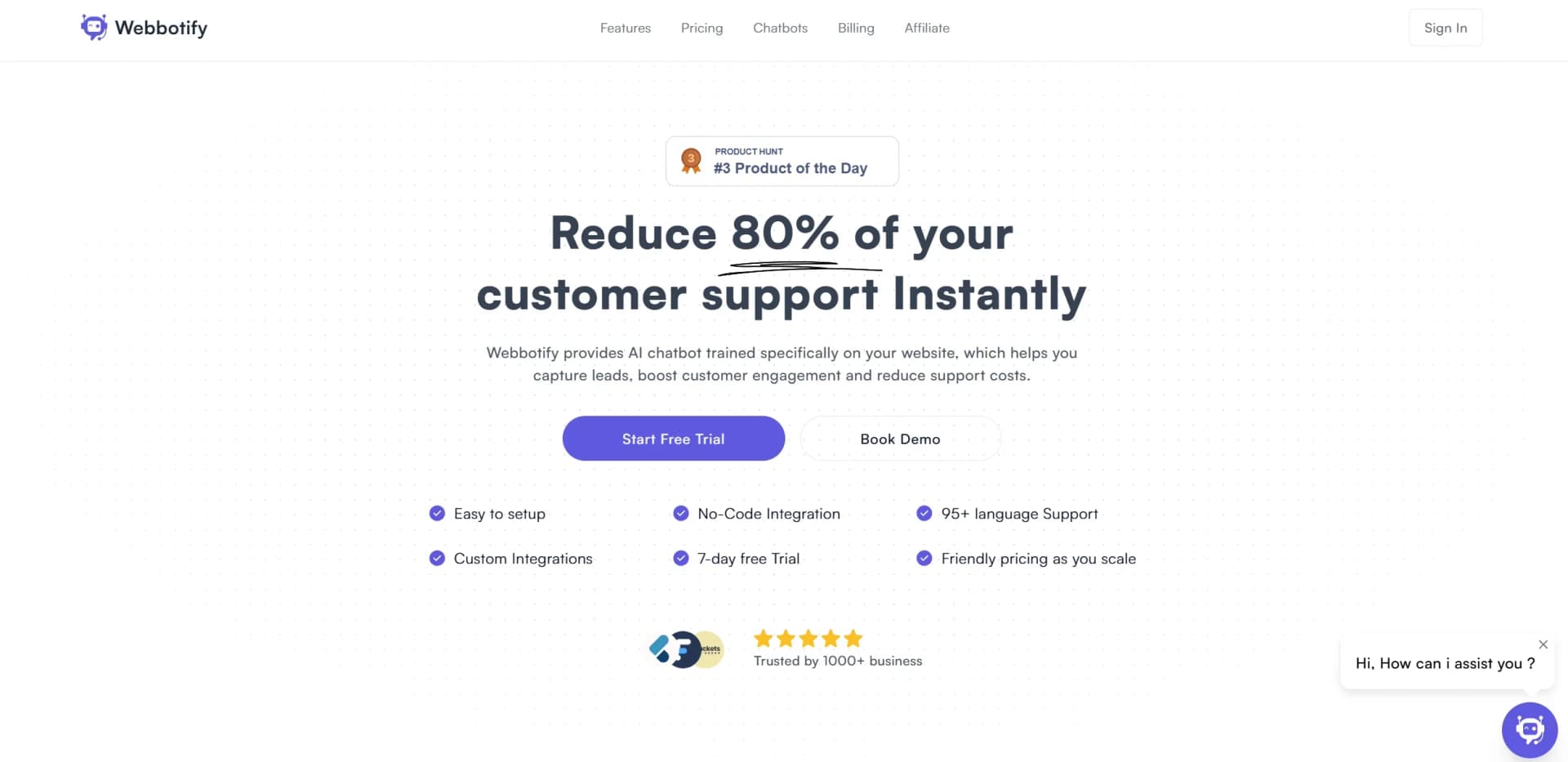
Webbotify is an innovative AI tool designed to revolutionize customer support processes, offering advanced automation features that significantly reduce the workload for support teams. By leveraging state-of-the-art artificial intelligence, Webbotify can handle up to 80% of customer inquiries instantly, making it an essential tool for businesses aiming to enhance their customer service efficiency. This tool is particularly beneficial for customer support teams looking to streamline their operations and improve response times.
Webbotify stands out with its ability to drastically reduce customer support workloads through intelligent automation. Its unique selling point is the capability to instantly handle up to 80% of customer inquiries, setting it apart as a leader in customer service automation. This efficiency not only boosts operational productivity but also enhances customer satisfaction by providing quick and accurate responses.
Webbotify offers a robust solution for businesses looking to enhance their customer support operations through AI-driven automation. Its ability to manage a substantial portion of customer inquiries effortlessly positions it as an invaluable tool for companies aiming to improve efficiency and customer satisfaction. With a focus on reducing operational costs and increasing response speed, Webbotify is a strategic asset for any business looking to excel in customer service.
Who is Using Webbotify?
E-commerce Businesses
Utilizing Webbotify to manage high volumes of customer inquiries and order-related questions.
Tech Startups
Employing the tool to provide efficient and responsive customer support without a large team.
Telecommunications Companies
Leveraging Webbotify to handle common customer service issues, reducing wait times significantly.
Financial Institutions
Using the tool to address routine banking inquiries, enhancing customer experience.
Adopted by healthcare providers for managing patient queries.
Utilized by educational institutions for handling student inquiries.
Key Features
Rating Breakdown
Pricing Plans
Basic Plan
$19 per month
- Offering essential features for small businesses
Pro Plan
- Includes advanced features and integrations for medium to large enterprises
Enterprise Plan
- Custom pricing available for large organizations with specific needs
Which Webbotify plan should you pick?
Start with the Free plan to evaluate the chatbot; upgrade when you need more messages, pages, uploads, chatbots, or members.
Free
Good for evaluating Webbotify with limited chatbot, message, page, upload, and member capacity.
Basic
Good for smaller websites that need more chatbot capacity, messages, pages, uploads, and members.
Professional
Good for growing teams that need substantially higher usage and content limits.
Ultimate
Good for larger organizations that need the highest documented capacity and more members.
Webbotify Use Cases
Automated customer support
Deploy an AI chatbot on a website to answer common visitor questions.
Outcome: Reduced repetitive support workload.
Website visitor engagement
Use an AI-powered chatbot to interact with visitors on a website.
Outcome: More immediate visitor assistance.
Multilingual support
Let the chatbot respond to customers in more than 95 languages.
Outcome: Support for a broader international audience.
Workflow Ideas with Webbotify
Launch a website chatbot
- 1Choose a Webbotify plan
- 2Create and configure the chatbot
- 3Embed the chatbot on the website
Improve automated support
- 1Review visitor questions and chatbot interactions
- 2Update the chatbot’s source content
- 3Continue answering repetitive customer questions automatically
How Webbotify fits into your stack
Browser
Webbotify sits on a company website as an embedded customer-support chatbot, answering visitor questions and capturing leads.
Knowledge and files
The chatbot can be trained from website content and uploaded files such as PDFs, documents, and text.
Automation and APIs
Webbotify connects chatbot operations with Shopify and Zapier to support customer-service and lead-management workflows.
Pros
- +Time Efficiency: Significantly reduces the time spent on handling routine customer inquiries, allowing support teams to focus on more critical tasks.
- +Cost-Effective: By automating a large portion of customer support operations, businesses can reduce labor costs and allocate resources more efficiently.
- +Improved Customer Satisfaction: Faster response times and accurate resolutions lead to higher customer satisfaction and loyalty.
- +Scalability: As businesses grow, Webbotify can easily scale to handle increased customer support demands without additional staffing.
Cons
- −Initial Setup Complexity: Setting up the AI system might require technical expertise, which could be a hurdle for smaller businesses without dedicated IT staff.
- −Dependence on AI Accuracy: While generally reliable, the effectiveness of the AI depends on the accuracy of its algorithms, which may occasionally require manual oversight.
- −Limited Customization Options: Some users might find the customization options for the chatbots to be limited compared to other tools.
Limitations & when to consider alternatives
Known limitations
- Usage limits vary by plan. Plans impose limits on chatbots, monthly messages, web pages, file uploads, and members.
- No refunds. Webbotify states that it does not currently offer partial or full refunds.
- Subscription required for continued access. Webbotify charges monthly or yearly subscription fees for product access.
Look elsewhere when
- You need a native mobile app
- You need a desktop installer
- You need SSO
- You need model fine-tuning
How to Use Webbotify
- 1
Select a plan
Choose the Free, Basic, Professional, or Ultimate plan based on required chatbot and usage limits.
- 2
Prepare website content
Provide the website pages and supported file content that the chatbot should use for answers.
- 3
Configure the chatbot
Set up the chatbot for your website and tailor its customer-support experience.
- 4
Embed it on your website
Add the chatbot to your site so visitors can interact with it.
- 5
Monitor usage
Track message, page, upload, chatbot, and member limits against the selected plan.
Who is Webbotify For?
Website owners
Webbotify adds an AI chatbot to a website to answer visitor questions and reduce support volume.
Customer-support teams
The chatbot handles repetitive customer questions and provides automated support.
Businesses serving international visitors
Webbotify supports chatbot responses in more than 95 languages.
Frequently Asked Questions
How is Webbotify billed?
Webbotify offers monthly and yearly plans. Subscriptions can be canceled at any time, and canceled subscriptions are no longer charged.
Does Webbotify offer refunds?
Webbotify currently does not offer partial or full refunds.
Community reviews
2 reviews from people who use Webbotify.
Sign in to leave a review for Webbotify.
Dan G
David Thompson
Webbotify Alternatives
Looking for alternatives to Webbotify? Here are similar tools in the same category:
Learn to Master Webbotify
With Skill Leap courses
Get in-depth training on Webbotify and 50+ other AI tools with our expert-led video courses.
Start 7-Day Free Trial