
Wellpin
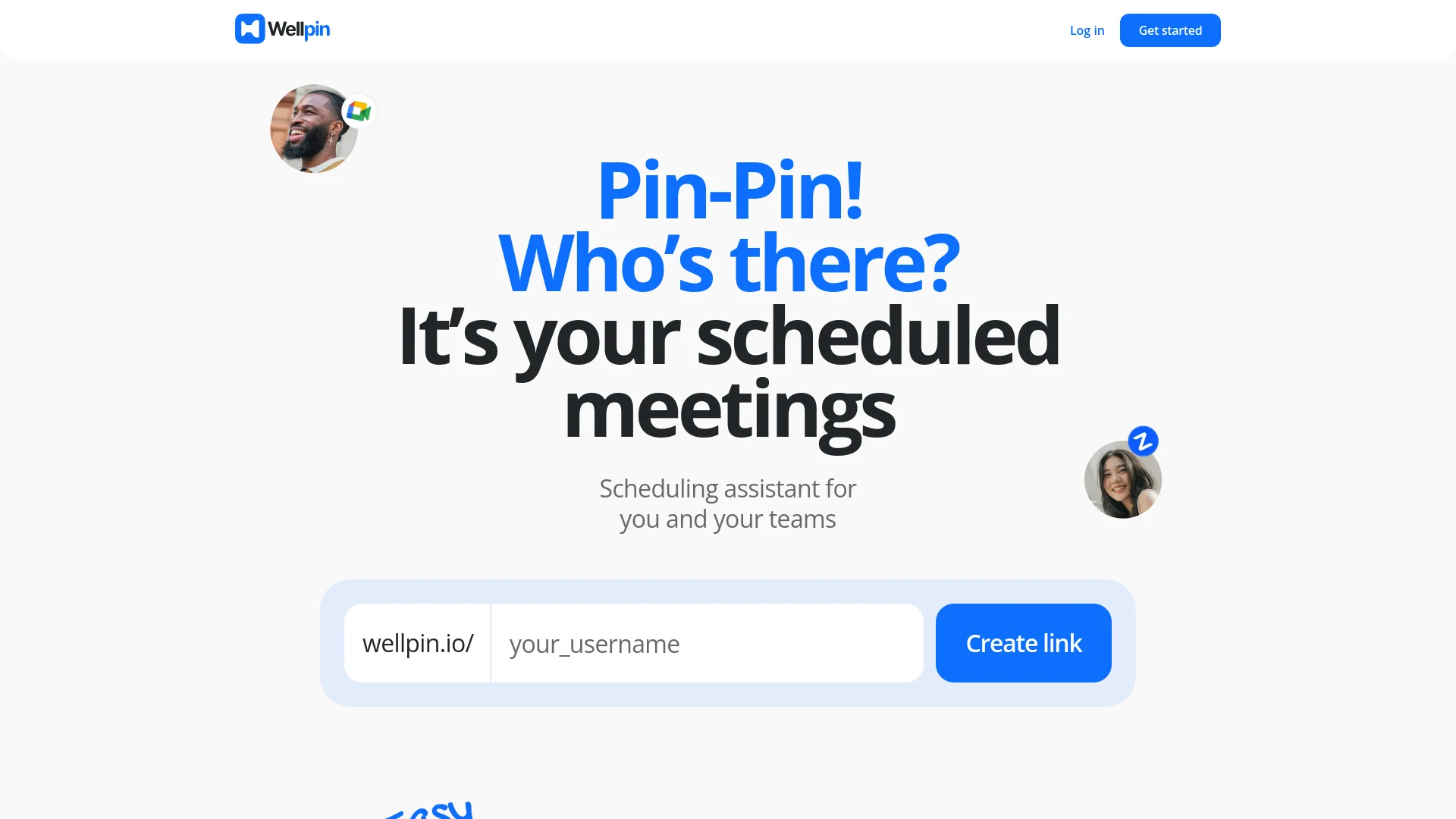
Streamlines scheduling with AI, calendar sync, and personalized links.
Key Takeaways
- What it is
- Streamlines scheduling with AI, calendar sync, and personalized links.
- Pricing
- Freemium
- Best for
- Advanced Scheduling Assistant
- Calendar Integration
- User-Friendly Interface
- Rating
- 4.6/5
What is Wellpin?
Wellpin revolutionizes scheduling, offering a cutting-edge solution for managing meetings and appointments. Designed for individuals and teams keen on maximizing productivity, Wellpin simplifies the process of scheduling meetings, coordinating with teams, and managing time efficiently. Whether you are a manager, IT specialist, educator, recruiter, or consultant, Wellpin provides a seamless experience in setting up and managing your schedule.
Wellpin stands out with its completely free access to all features, making it an invaluable tool for professionals and teams without any financial barriers. Its ability to integrate seamlessly with popular calendar and video conferencing tools sets it apart, ensuring smooth and efficient scheduling.
Wellpin excels in providing a user-friendly, efficient, and cost-effective scheduling solution, making it an essential tool for professionals and teams. Its free access to all features, coupled with seamless calendar and video app integrations, offers an unmatched advantage in managing time and enhancing productivity.
Who is Using Wellpin?
Managers
Simplifying planning and accomplishing more with efficient scheduling.
IT Specialists
Coordinating effectively with teams and managing project timelines.
Educators
Allowing students to book lessons seamlessly.
Recruiters
Scheduling interviews with candidates efficiently, enhancing the hiring process.
Consultants
Streamlining scheduling to focus on delivering expert solutions.
Uncommon Use Cases
Utilized by freelancers to manage client meetings; adopted by healthcare professionals for scheduling patient appointments.
Key Features
Rating Breakdown
Pricing Plans
Free Tier
Free
- Experience Wellpin with no cost
- As it is freely available to all users
Which Wellpin plan should you pick?
Start with Free for core scheduling, choose Pro for personal advanced features, Business for organizations, and Enterprise for SSO, SAML, and compliance requirements.
Free
Good for individuals who need unlimited bookings and core scheduling features.
Pro
Good for personal users who need unlimited calendars, paid events, group events, and AI meeting notetaking.
Business
Good for corporate teams needing organization seats, groups, branding, HubSpot, Mailchimp, and analytics.
Enterprise
Good for larger organizations needing expanded seats, SSO, SAML, domain control, audit logs, and security reviews.
Wellpin Use Cases
Schedule client meetings
Create a booking page and share one scheduling link with clients.
Outcome: Clients choose available times without back-and-forth messages.
Book demonstrations
Embed a Wellpin widget on a website so prospects can select available demo slots.
Outcome: Visitors can book demonstrations directly from the website.
Coordinate group meetings
Use group events and shared availability to find suitable times for multiple participants.
Outcome: Teams reduce scheduling conflicts.
Schedule lessons and interviews
Publish available time slots for lessons, interviews, consultations, or personal sessions.
Outcome: Invitees select a suitable appointment time.
Collect payment for appointments
Set rates and create paid events or paid time slots.
Outcome: Users can monetize their calendars.
Workflow Ideas with Wellpin
Create and share a booking page
- 1Connect a calendar
- 2Set working hours and availability
- 3Share the custom booking link
Embed scheduling on a website
- 1Create a Wellpin booking widget
- 2Copy the embed snippet
- 3Add it to a supported website builder
Schedule an integrated video meeting
- 1Connect a calendar and video platform
- 2Configure meeting duration and availability
- 3Let the invitee book a slot with a generated meeting link
How Wellpin fits into your stack
Google Calendar Integration
Sync Wellpin with Google Calendar for real-time availability updates.
Zoom Integration
Schedule and manage Zoom meetings directly through Wellpin.
Video Apps Compatibility
Connect with various video conferencing apps to streamline virtual meetings.
Multi-Calendar Support
Manage multiple calendars within Wellpin for comprehensive scheduling.
Pros
- +Time Efficiency: Significantly reduces the time spent on scheduling meetings, allowing users to focus on more critical tasks.
- +Cost-Effective: Completely free to use, with no hidden fees or locked features.
- +Enhanced Productivity: Facilitates better planning and coordination, leading to increased productivity for individuals and teams.
- +Versatile Use Cases: Suitable for a wide range of professionals, including managers, IT specialists, educators, recruiters, and consultants.
Cons
- −Limited Customization: While functional, some users may find the customization options limited compared to premium scheduling tools.
- −Initial Setup: Requires initial setup and integration with calendars, which may be cumbersome for some users.
Limitations & when to consider alternatives
Known limitations
- Advanced features require a paid plan. Unlimited calendars, paid events, group events, AI meeting notetaking, and additional widget types are listed as paid-plan features.
- Business seats are capped. The Business plan includes 20 organization seats, with additional seats charged separately.
- Enterprise features require sales contact. Enterprise pricing is listed at $12,000 per year and requires contacting sales.
- Enterprise SSO is not included in lower plans. SSO and SAML are listed under Enterprise rather than Free, Pro, or Business.
- Security documentation is not encryption-specific. The privacy policy describes general technical and organizational safeguards but does not specify encryption standards.
How to Use Wellpin
- 1
Explore the comprehensive tutorial series on YouTube, covering everything from basic setup to advanced features of Wellpin.
Who is Wellpin For?
Remote and hybrid teams
Wellpin helps distributed teams share availability, sync calendars, and coordinate meetings.
Freelancers
Freelancers can create public booking pages, showcase services, manage contacts, and share availability.
Sales teams
Sales teams can share meeting availability and use group scheduling to reduce booking conflicts.
Customer support teams
Support teams can provide booking links or website buttons and share calendars internally.
Educators
Teachers can schedule lessons, parent meetings, and video calls using calendar and meeting integrations.
Frequently Asked Questions
Is Wellpin free?
Yes. Wellpin offers a free plan with unlimited meetings and core features, with paid upgrades for advanced tools.
What can Wellpin be used for?
Users can schedule work meetings, client calls, lessons, interviews, personal sessions, and other appointments through one booking link.
Can Wellpin schedule Zoom or Google Meet calls?
Yes. Wellpin integrates with Zoom and Google Calendar to generate links, sync availability, and share scheduling links.
Can Wellpin schedule in-person appointments?
Yes. The site says Wellpin supports online and in-person meetings, including consultations and events.
Can users customize booking pages?
Users can add biographies, social profiles, websites, mobile numbers, custom fields, images, and custom backgrounds.
Community reviews
1 review from people who use Wellpin.
Sign in to leave a review for Wellpin.
lightning thunder
Wellpin Alternatives
Looking for alternatives to Wellpin? Here are similar tools in the same category:
Learn to Master Wellpin
With Skill Leap courses
Get in-depth training on Wellpin and 50+ other AI tools with our expert-led video courses.
Start 7-Day Free Trial