
WeWeb
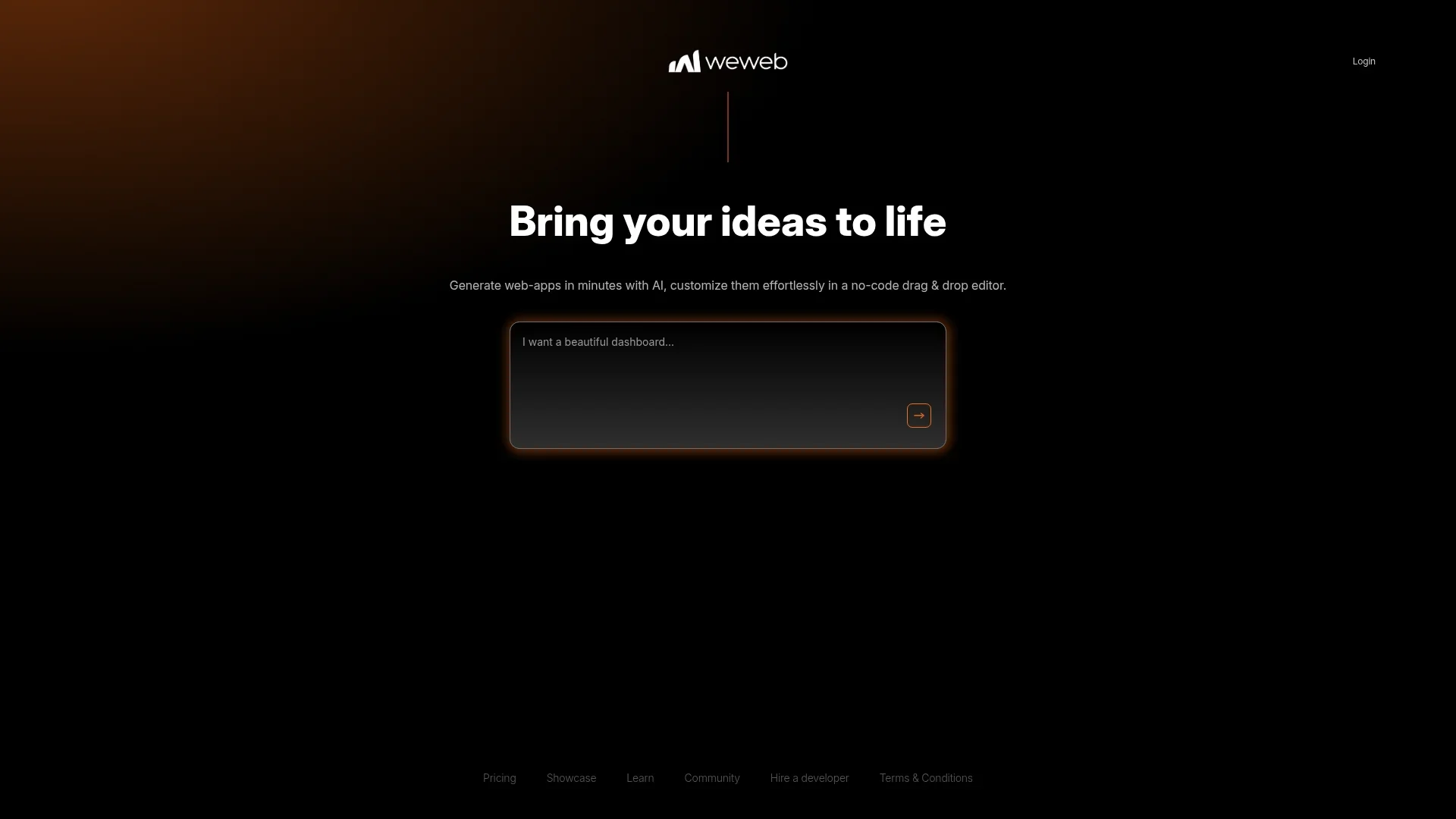
Create web apps quickly with AI and no-code.
Key Takeaways
- What it is
- Create web apps quickly with AI and no-code.
- Pricing
- Freemium · $20 per month · $50 per month · $80 per month
- Best for
- AI-Assisted Development
- No-Code Editor
- Workspace Selection
- Rating
- 4.4/5
What is WeWeb?
WeWeb is a cutting-edge platform aimed at transforming the way individuals and professionals create web applications. By combining the power of AI with a no-code approach, WeWeb allows users to generate web apps swiftly and customize them with ease using a drag-and-drop editor. Whether you're a tech-savvy developer or someone with little coding experience, WeWeb opens up a world of possibilities for bringing your ideas to life.
WeWeb stands out with its AI-powered development process that drastically reduces build times, making it a standout choice for rapid prototyping and deployment. Its combination of AI assistance and a no-code editor means users can focus on creativity and functionality without getting bogged down by technical details.
WeWeb offers a fresh approach to web app creation, blending AI and no-code technologies to empower users of all skill levels. Its speed, simplicity, and community support make it a compelling choice for anyone looking to develop web applications efficiently and creatively. Whether you're launching a startup or enhancing your digital presence, WeWeb provides the tools to do so with confidence and ease.
Who is Using WeWeb?
Startups
Quickly bring product ideas to market without extensive development costs.
Freelancers
Create custom web applications for clients efficiently.
Small Businesses
Develop internal tools and customer-facing apps without a large IT team.
Educators
Use the platform for teaching web development concepts in a no-code environment.
Uncommon Use Cases
Non-profits leveraging WeWeb for campaign management apps; Artists creating interactive portfolios.
Key Features
Rating Breakdown
Pricing Plans
Free
Free
- Includes 2 million AI tokens, visual drag-and-drop editor, API and data integration, import of coded components, responsive web app building, free hosting (up to 500 app sessions), and chat support
Essential
$20 per month
- Includes 10 million AI tokens and everything in Free, plus Launch or Scale hosting, code export and self-hosting, GitHub sync, and daily editor auto-backup
Pro
$50 per month
- Includes 25 million AI tokens and everything in Essential, plus seat collaboration, hourly editor auto-backups, and unlimited manual backups
Partner
$80 per month
- Includes 35 million AI tokens and everything in Pro, plus free hosting (up to 1,000 monthly sessions), staging on WeWeb subdomain, free workspace joining, project transfer to customers, partner directory listing, and 20% referral commission
Which WeWeb plan should you pick?
Start with Free for personal projects and evaluation, upgrade to Essential for code export and self-hosting, and choose Pro when you need additional seats and collaboration.
Free
Good for personal projects, initial prototypes, responsive web apps, API connections, and limited WeWeb Cloud deployment.
Essential
Good for solo developers who need code export, self-hosting, GitHub sync, and unlimited WeWeb Cloud sessions.
Pro
Good for growing teams that need additional developer seats, collaboration, more backups, and advanced controls.
WeWeb Use Cases
Internal tools
Build dashboards, approval workflows, vendor-management systems, inventory tools, and operations apps.
Outcome: Replace spreadsheets and fragmented manual coordination.
Customer portals
Create branded portals for documents, onboarding, requests, communication, and status tracking.
Outcome: Give customers one place to complete tasks and access information.
SaaS products
Build configurable software products with custom interfaces, data connections, permissions, and workflows.
Outcome: Launch production-ready SaaS applications without traditional frontend development.
CRM systems
Create custom fields, deal pipelines, activity logs, task management, and role-based access.
Outcome: Adapt CRM software to the organization’s actual sales process.
Employee portals
Build self-service HR dashboards, PTO requests, document access, and employee directories.
Outcome: Centralize employee information and automate HR requests.
Workflow Ideas with WeWeb
Automated approval workflow
- 1Collect an approval request through a form
- 2Route the request using workflow conditions
- 3Update status and notify the relevant users
AI document-processing workflow
- 1Upload a contract or report
- 2Send the file or extracted content to an AI action
- 3Save structured fields or summaries and route the result
Customer onboarding workflow
- 1Collect customer information and required documents
- 2Create tasks and update onboarding status
- 3Send reminders and display progress in a customer portal
How WeWeb fits into your stack
Browser
WeWeb is a browser-based visual development platform for building responsive full-stack web applications, with hosting or code export for deployment.
Automation and APIs
Teams build backend workflows, expose APIs, connect external services, and automate deployments through the WeWeb Public API.
Desktop / IDE
WeWeb projects can be connected to external AI and coding clients including Claude Code, Cursor, VS Code, and Codex through MCP.
Pros
- +Rapid Development: The AI-driven approach significantly reduces the time required to develop web applications.
- +User-Friendly Interface: The no-code editor is intuitive, making it accessible for users with varying levels of technical expertise.
- +Customization Flexibility: Users can effortlessly tweak and adjust their web apps to fit specific needs and preferences.
- +Community Resources: Access to a community of developers and users provides valuable insights and support.
Cons
- −Initial Setup: Users might experience minor hiccups during the initial setup process.
- −Limited Advanced Features: While great for quick builds, WeWeb might lack some advanced features required for complex applications.
- −Integration Restrictions: Some users may find limitations in integrating with third-party services.
Limitations & when to consider alternatives
Known limitations
- Free Cloud usage is capped. The Free Cloud environment includes 1,000 app sessions and 1 GB of bandwidth.
- Free file storage is limited. The Free Cloud environment includes 500 MB of file storage.
- Collaboration requires Pro. The pricing table places adding seats and collaboration in the Pro plan.
- Native mobile apps are not provided. WeWeb apps can be used as PWAs, but WeWeb does not provide dedicated native iOS or Android apps.
- Chrome extensions are not natively supported. WeWeb cannot export the manifest and format required for Chrome Web Store extensions.
Look elsewhere when
- You need a dedicated native iOS or Android app.
- You need a Chrome extension package with manifest.json.
- You need multilingual AI conversation or generation built into the tool.
How to Use WeWeb
- 1
Create a workspace
Start on the Free plan and create a project for your application idea.
- 2
Describe the application
Use WeWeb AI to generate interfaces, data structures, APIs, and frontend logic from natural-language instructions.
- 3
Connect data and integrations
Connect WeWeb’s built-in data features or services such as Supabase, Xano, Airtable, REST APIs, and automation tools.
- 4
Build workflows
Use visual workflows with conditions, loops, API calls, file actions, integrations, and AI actions.
- 5
Test and refine visually
Review the generated application, then adjust layouts, styles, components, formulas, and workflows in the editor.
- 6
Publish or export
Deploy on WeWeb Cloud or upgrade to Essential or above to export the Vue.js application and self-host it.
Who is WeWeb For?
Founders
WeWeb helps founders turn ideas into SaaS products, portals, and custom business applications.
Fortune 500 companies
The platform is positioned for enterprise teams needing scalable, customizable applications.
SMBs and early-stage startups
WeWeb supports internal tools, CRMs, SaaS products, and custom workflows without per-user application fees.
Healthcare professionals
WeWeb showcases healthcare tools and portals that connect operational data and workflows.
Internal-tools teams
Finance, operations, customer-experience, and revenue teams can build tools around their own processes.
Frequently Asked Questions
What is WeWeb?
WeWeb is an AI-powered visual development platform for building production-grade custom applications without requiring coding experience.
Do I need coding experience to use WeWeb?
No. Users can describe an application in plain language, then refine the result with AI or the visual editor.
What types of applications can I build with WeWeb?
WeWeb supports SaaS products, directories, forms, customer portals, business-process automation tools, prototypes, and MVPs.
What integrations does WeWeb support?
WeWeb supports native integrations, external APIs, email, SMS, and databases including Airtable, Xano, and Supabase.
How are WeWeb applications deployed?
Applications can be hosted on WeWeb’s CDN or exported as Vue.js single-page applications for self-hosting.
Do I own applications created with WeWeb?
WeWeb states that applications and content created through the platform belong entirely to the user.
Community reviews
Be the first to share your experience.
Sign in to leave a review for WeWeb.
WeWeb Alternatives
Looking for alternatives to WeWeb? Here are similar tools in the same category:
Learn to Master WeWeb
With Skill Leap courses
Get in-depth training on WeWeb and 50+ other AI tools with our expert-led video courses.
Start 7-Day Free Trial