
Whatmore Studio
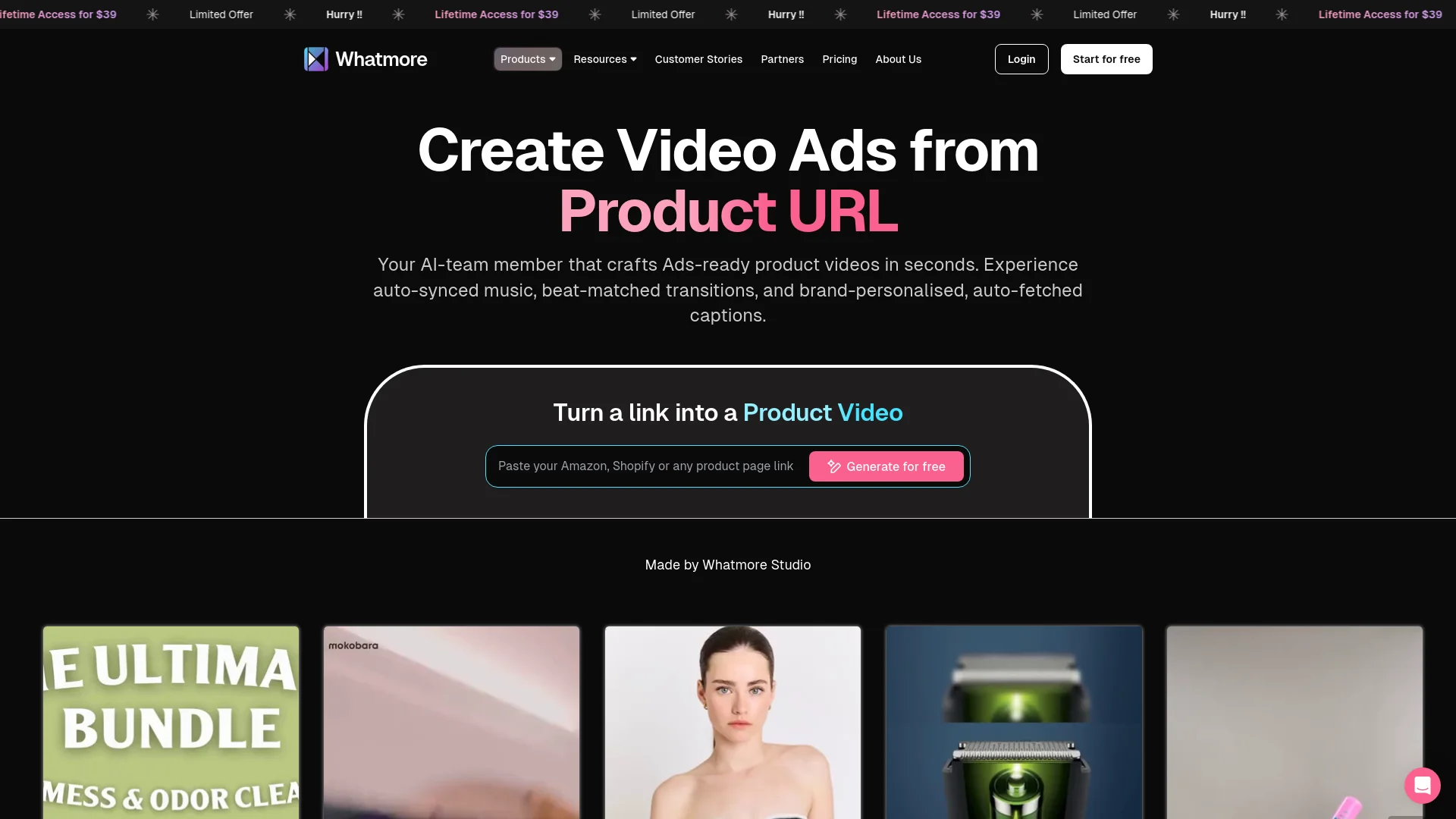
AI transforms product URLs into stunning, engaging videos instantly.
Watch Whatmore Studio in Action
Key Takeaways
- What it is
- AI transforms product URLs into stunning, engaging videos instantly.
- Pricing
- $39 · Freemium
- Best for
- AI-Driven Video Creation
- Beat-Matched Audio
- Multi-Language Support
- Rating
- 4.7/5
What is Whatmore Studio?
Whatmore Studio is an innovative AI-powered tool designed to revolutionize the creation of ads-ready product videos. By transforming product URLs into captivating videos, Whatmore Studio caters to e-commerce businesses, digital marketers, and content creators looking to enhance their online presence. With its ability to generate professional-quality videos in seconds, this tool is a game-changer for those seeking to simplify video production and boost engagement through visually appealing content.
Whatmore Studio stands out with its ability to transform a simple product URL into a professional-quality video, complete with auto-synced music and captions. This feature, combined with its affordability and ease of use, sets it apart from other video creation tools in the market.
Whatmore Studio excels in providing a seamless solution for creating ads-ready product videos, making it an essential tool for e-commerce businesses and digital marketers. Its unique ability to generate videos from product URLs with auto-synced music and captions offers an unmatched advantage in the realm of video marketing.
Who is Using Whatmore Studio?
E-commerce Businesses
Leveraging the tool to create engaging product videos that enhance online shopping experiences.
Digital Marketing Agencies
Utilizing Whatmore Studio for crafting visually appealing campaign content that drives conversions.
Social Media Managers
Creating eye-catching social media posts to boost brand visibility and engagement.
Content Creators
Streamlining video production for various platforms to maintain a consistent content output.
Uncommon Use Cases
Employed by educational institutions for teaching video marketing techniques; utilized by event organizers for promoting digital events.
Key Features
Rating Breakdown
Pricing Plans
Lifetime Access
$39
- Offering unlimited video creation and downloads
Starter Plan
- Includes all features with a 14-day free trial
Free Plan
Free
- Allows up to 5 video creations with access to essential features
Which Whatmore Studio plan should you pick?
Start with Free to test image generation, move to Pro for regular creation, and upgrade to Business or Enterprise for higher-volume workflows and custom requirements.
Free
Good for testing core image generation with 5 credits per month and watermarked outputs.
Pro
Good for individual brands that need full feature access and more monthly credits.
Business
Good for teams and growing catalogs that need higher-volume generation and broader workflow capabilities.
Enterprise
Good for large retailers needing custom Studio Core plans and tailored workflow support.
Whatmore Studio Use Cases
Create on-model catalog imagery
Upload a flat-lay or product image, choose a model, pose, background, and style, then generate product visuals.
Outcome: Campaign-ready product imagery without a photoshoot.
Generate product videos
Convert product images into short looping videos featuring the product on a model.
Outcome: Reusable video assets for product pages, ads, and social channels.
Produce campaign banners
Create composed marketing visuals with backgrounds and text layouts for campaigns and promotions.
Outcome: Ready-to-use banner and advertising creatives.
Scale a collection consistently
Link a Guideline to a Collection and generate the same visual treatment across multiple products.
Outcome: Consistent catalog imagery across an entire product range.
Refine generated visuals
Use Text Edit, Visual Edit, element editing, or Recreate to revise backgrounds, garments, poses, accessories, or selected regions.
Outcome: More accurate and polished final images.
Workflow Ideas with Whatmore Studio
Create a consistent catalog collection
- 1Create a Guideline with the preferred model, pose, background, and settings
- 2Create a Collection and link the Guideline
- 3Add product Styles, select them, and generate in bulk
Create and refine an on-model image
- 1Upload a JPG or PNG or paste a product URL
- 2Choose a model, shot type, pose, and styling options
- 3Use Text Edit or Visual Edit to refine the generated result
Turn a product image into campaign assets
- 1Add the product to My Styles or start from a product URL
- 2Choose the required output type and aspect ratio
- 3Generate images, videos, or banners and download the approved versions
How Whatmore Studio fits into your stack
Browser
Whatmore Studio is used as a browser-based workspace for generating, editing, reviewing, and downloading product imagery and video.
Knowledge and files
Teams provide product images, JPG/PNG uploads, product URLs, styling references, guidelines, and catalog assets as creative inputs.
Commerce storefronts
Generated assets support Shopify, WooCommerce, product pages, collection pages, social commerce, and catalog advertising workflows.
Email marketing
Whatmore connects tagged product videos to Klaviyo catalogs so videos can appear in browse-abandonment, cart-abandonment, post-purchase, and newsletter emails.
Pros
- +Time Efficiency: Whatmore Studio significantly reduces the time required to create promotional videos, offering rapid video generation.
- +Cost-Effective: The tool provides an affordable solution for video production, with a lifetime access plan at just $39.
- +User-Friendly: Its intuitive interface allows users of all skill levels to easily navigate and utilize its features.
- +Enhanced Engagement: By offering shoppable videos, the tool helps increase user interaction and conversion rates.
Cons
- −Initial Learning Curve: Some users may find the range of features overwhelming at first.
- −Limited Integration: Currently, automatic posting to Instagram and TikTok is still in development.
Limitations & when to consider alternatives
Known limitations
- Free usage is limited. The Free plan provides 5 credits per month, and free outputs include watermarking.
- Video creation is paywalled. The Free plan supports image generation with watermarking; video creation and additional capabilities unlock on paid plans.
- Product input quality affects results. The documentation recommends clean, well-lit JPG or PNG product images with the full product visible and at least 800×800 pixels.
- AI Studio is focused on fashion and apparel. The product is specifically designed for fashion and apparel brands, with workflows centered on garments, models, poses, and styling.
- Generated outputs require review. Whatmore describes review and correction as part of the workflow before final assets are approved or published.
Look elsewhere when
- You need a developer API or API-key-based automation.
- You need a native mobile or desktop application.
- You need SSO or SAML for enterprise login.
- You need code-generation capabilities.
How to Use Whatmore Studio
- 1
Add a product
Upload a JPG or PNG, paste a product URL, or select an existing product from My Styles so AI Studio has the source material.
- 2
Choose a creation flow
Use Create from Scratch for full control, or choose Create from a Guideline for faster generation with saved settings.
- 3
Select the look
Choose the model, shot type, pose, background, accessories, aspect ratio, AI model, and resolution.
- 4
Generate the asset
Create an image, video, banner, or other supported output, then review the result in All Creations.
- 5
Edit and compare versions
Use Text Edit, Visual Edit, element editing, or Recreate to improve the output while preserving version history.
- 6
Organize and scale
Save products in Collections, link Guidelines, and batch-generate consistent outputs across multiple Styles.
Who is Whatmore Studio For?
Fashion and apparel brands
AI Studio is designed for fashion and apparel brands that need on-model imagery and product videos without traditional photoshoots.
Independent labels and D2C startups
The tool helps smaller brands produce campaign-ready catalog and lifestyle visuals without studios, models, or photographers.
Multi-brand retailers
Retailers with high-volume catalogs can organize products into Collections and generate consistent visuals across many SKUs.
eCommerce teams
eCommerce teams can create consistent PDP visuals across hundreds of SKUs using reusable Guidelines and batch generation.
Social media managers
Social teams can generate on-brand product images, videos, banners, and campaign assets in multiple formats.
Frequently Asked Questions
What is Whatmore AI Studio?
AI Studio is an AI-powered image and video generation platform for fashion and apparel brands. It creates on-model photos, product videos, banners, and campaign assets from product images or URLs.
What can I create with AI Studio?
You can create on-model images, short product videos, banners and campaign creatives, ghost-mannequin images, and hanger-rack product shots.
How do I start creating an image?
Choose Create from Scratch or Create from a Guideline, add a product image or URL, select a model and style, then generate.
Can I edit generated images?
Yes. Text Edit changes elements through natural-language instructions, while Visual Edit lets you select a region and describe the change.
Does AI Studio support bulk generation?
Yes. Collections and Guidelines let you apply consistent generation settings across multiple products and create outputs in bulk.
What plans are available?
AI Studio has Free, Pro, Business, and Enterprise plans. The Free plan supports image generation with watermarking, while paid plans unlock additional capabilities.
Community reviews
Be the first to share your experience.
Sign in to leave a review for Whatmore Studio.
Whatmore Studio Alternatives
Looking for alternatives to Whatmore Studio? Here are similar tools in the same category:
Learn to Master Whatmore Studio
With Skill Leap courses
Get in-depth training on Whatmore Studio and 50+ other AI tools with our expert-led video courses.
Start 7-Day Free Trial