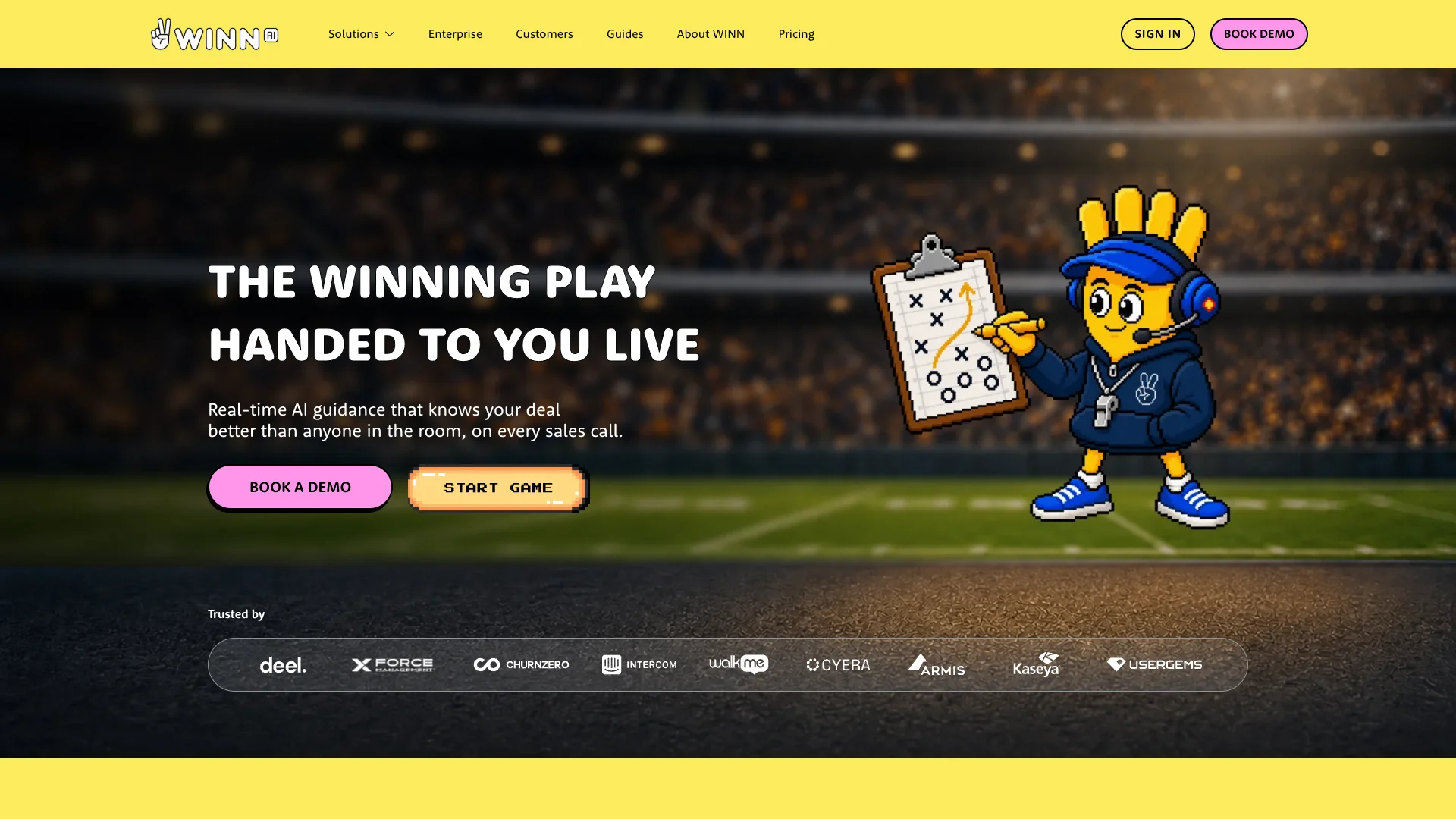
Winn
Live sales-call coaching keeps reps on their team's playbook.
Key Takeaways
- What it is
- Live sales-call coaching keeps reps on their team's playbook.
- Best for
- Real-Time Playbook Guidance
- Live Answers and Battle Cards
- Automated CRM Updates
- Rating
- 4.1/5
What is Winn?
WINN.AI brings a sales team's playbook and deal context into live customer calls, giving reps reminders, coaching, and answers while the conversation is happening. It also captures meeting details for CRM updates, summaries, and follow-up emails. Sales reps get help staying focused on the buyer, while managers and revenue operations teams can see where deals or sales processes need attention.
WINN.AI learns from a team's own calls and sales data to surface patterns associated with successful deals, then uses those patterns to tailor guidance to the rep and deal during the next call.
The strongest fit is a revenue team that sells through virtual meetings and wants playbook guidance alongside CRM automation. WINN is focused on sales conversations rather than general-purpose AI work, and its pricing page does not publish prices, so teams need to speak with sales to compare costs.
Who is Using Winn?
Account Executives
Live prompts and deal context help them handle objections and keep discovery on track.
Sales Managers
Call insights make it easier to find execution gaps and decide where to coach.
Revenue Operations Managers
Structured call data and CRM updates reduce manual entry and improve pipeline records.
Sales Enablement Leaders
Playbook tracking shows whether reps are putting sales methods into practice on calls.
Uncommon Use Cases
Spot recurring buyer objections across calls; prepare customer handoffs with deal context.
Key Features
Rating Breakdown
Pricing Plans
Pro
- Talk to sales for pricing.
- Automated CRM updates cover up to 25 fields.
Enterprise
- Talk to sales for pricing.
- Minimum 20 seats.
- Includes SAML SSO with Okta and API access.
Which Winn plan should you pick?
Talk with sales about Pro for core live guidance and CRM workflows, or consider Enterprise if you need custom playbooks, unlimited CRM fields, SSO, or API access.
Pro
For sales teams that need live playbook guidance, call summaries, follow-up emails, and CRM updates for up to 25 fields.
Enterprise
For teams needing custom playbooks, unlimited CRM fields, Slack Deal Rooms, SAML SSO, or API access; the listed minimum is 20 seats.
Winn Use Cases
Live Discovery and Qualification
A rep follows playbook prompts during discovery to avoid skipping key qualification questions.
Outcome: More consistent playbook execution during calls.
Handling Buyer Questions
Company knowledge and battle cards give reps relevant answers when buyers raise technical questions or objections.
Outcome: Reps can address questions during the call.
CRM Call Documentation
Conversation details become summaries and structured CRM updates after the meeting.
Outcome: Less manual call documentation.
Manager Coaching and Deal Review
Insights across calls help leaders identify deal risks and where reps may need coaching.
Outcome: Clearer visibility into execution gaps and deal signals.
Meeting Follow-Up
Call summaries and follow-up emails help reps carry next steps forward after a conversation.
Outcome: Follow-up drafts based on the meeting.
Workflow Ideas with Winn
Run a Playbook-Led Discovery Call
- 1Set up a playbook such as MEDDPICC, SPICED, or BANT.
- 2Review live prompts and talking points during the buyer conversation.
- 3Check the call summary and captured CRM details afterward.
Share Call Outcomes in Slack
- 1Have WINN prepare a meeting summary after the call.
- 2Send the summary to Slack for team visibility.
- 3Update CRM notes from Slack when a record needs follow-up.
Find Coaching Needs Across Calls
- 1Review call insights and playbook execution signals.
- 2Identify repeated gaps or deal risks.
- 3Adjust coaching or playbook guidance for upcoming calls.
How Winn fits into your stack
Virtual Meetings
WINN joins sales conversations to provide live playbook guidance and capture meeting details.
CRM
Salesforce and HubSpot are named on WINN's site for CRM updates and captured call data.
Slack
Meeting summaries and deal updates can reach teams through Slack; Enterprise also lists Slack Deal Rooms.
Company Knowledge
WINN uses a team's knowledge base to surface answers to customer questions during calls.
MCP and Enterprise API Access
WINN lists an MCP connector for making conversation data available to other AI tools. API access is listed with Enterprise.
Pros
- +In-call coaching: Reps receive playbook prompts while they can still act on them.
- +Deal context: Live guidance can draw on the buyer, deal history, and company knowledge.
- +Less CRM entry: Call details can be captured for summaries and CRM updates.
- +Named connections: The site identifies Salesforce, HubSpot, and Slack integrations.
Cons
- −Sales-focused scope: Its features center on revenue conversations rather than general AI tasks.
- −Sales-led buying: Teams must contact sales for plan details instead of checking a published price.
Limitations & when to consider alternatives
Known limitations
- Pro CRM Field Cap. The Pro plan lists automated CRM updates for up to 25 fields; Enterprise lists unlimited fields and custom objects.
- Enterprise Seat Minimum. The pricing page lists a minimum of 20 seats for Enterprise.
- No Published Plan Prices. The pricing page asks prospective customers to talk to sales for both Pro and Enterprise.
Look elsewhere when
- You need a self-serve product with published plan prices.
- Your team needs Enterprise features but cannot meet the 20-seat minimum.
How to Use Winn
- 1
Connect Your Sales Tools
Set up the relevant meeting and CRM connections so WINN can use call and deal context.
- 2
Set the Sales Playbook
Choose a supported method such as MEDDPICC, SPICED, or BANT, or configure guidance for your sales motion.
- 3
Add Company Knowledge
Connect the knowledge WINN should draw on when reps need answers during calls.
- 4
Review Guidance During Calls
Follow live talking points and coaching cues as the conversation develops.
- 5
Check the Call Outputs
Review summaries, follow-up drafts, CRM updates, and insights after the meeting.
Who is Winn For?
Sales Reps
Live reminders, answers, and call notes help reps stay focused on buyers instead of admin.
Sales Leaders
Call insights and execution signals help leaders spot coaching needs and deal risks.
RevOps Teams
CRM updates and structured conversation data support cleaner records and pipeline visibility.
GTM Teams
Shared playbook guidance helps teams carry a consistent sales motion across calls.
Frequently Asked Questions
Does WINN.AI have a free plan?
The pricing page lists Pro and Enterprise, but does not list a free plan.
How much does WINN.AI cost?
WINN.AI does not publish prices on its pricing page. It directs customers to talk to sales.
Which CRM tools does WINN.AI connect to?
WINN.AI names Salesforce and HubSpot for CRM data capture and updates.
Does WINN.AI work with Slack?
Yes. WINN.AI lists automated Slack updates, and Enterprise includes Slack Deal Rooms.
What is the Enterprise seat minimum?
The pricing page lists a minimum of 20 seats for Enterprise.
Community reviews
Be the first to share your experience.
Sign in to leave a review for Winn.
Winn Alternatives
Looking for alternatives to Winn? Here are similar tools in the same category: