Wochit
Branded video production for newsrooms and publishers using licensed media.
Key Takeaways
- What it is
- Branded video production for newsrooms and publishers using licensed media.
- Pricing
- $1,499 per month · $1,799 per month · $5,849 per month · $2,099 per month · $3,099 per month · $4,099 per month
- Best for
- Wochit AI
- Licensed Media Library
- Brand Control
- Rating
- 4.1/5
What is Wochit?
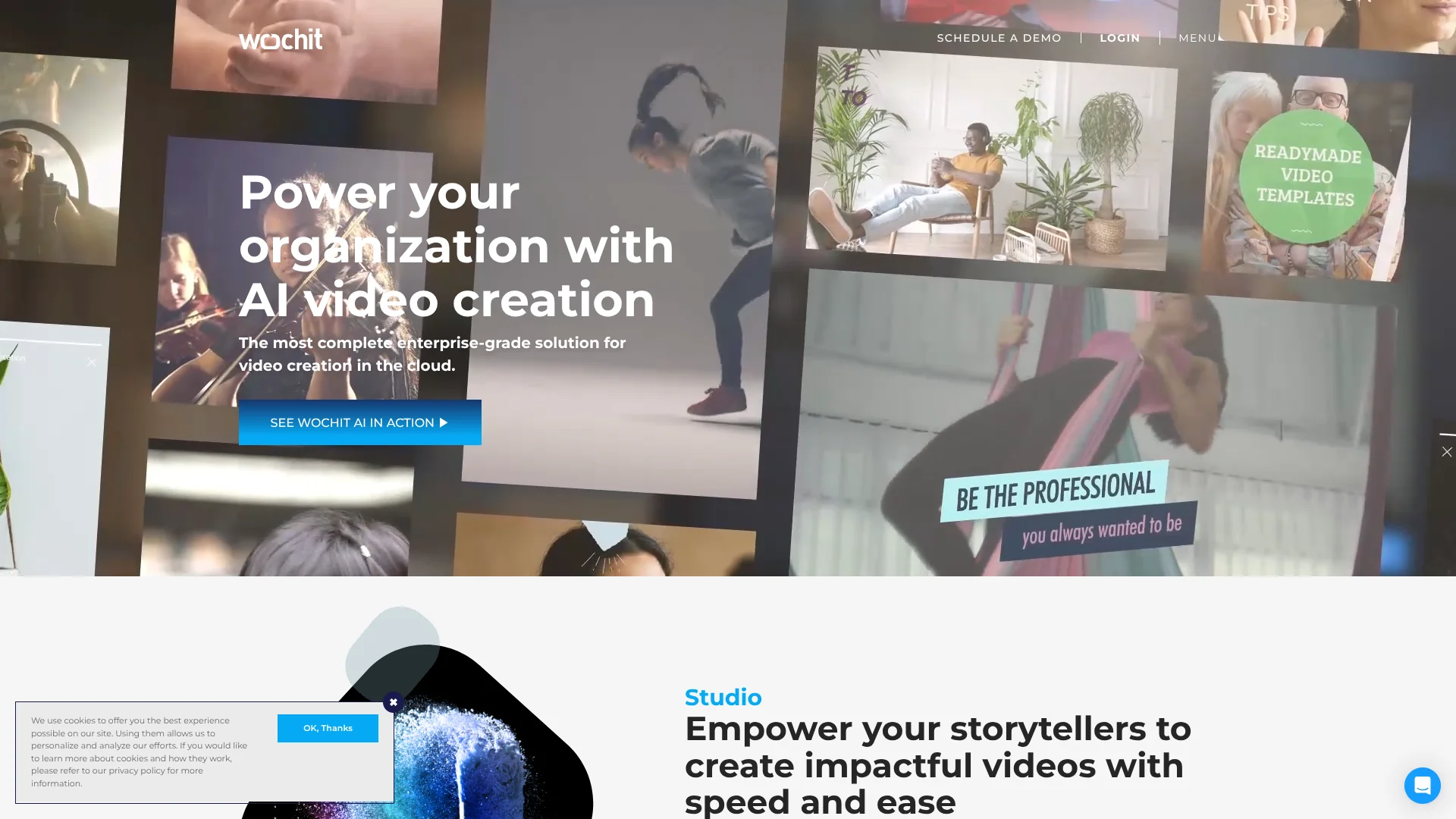
Wochit turns articles, scripts, URLs, recordings, audio, and raw footage into branded videos using AI-assisted editing and licensed media. Its product suite serves newsrooms, publishers, marketers, brands, and platforms that need more video without building every clip from scratch. Studio supports hands-on creation, while Frame and WAVE handle embedded and data-driven production.
Wochit AI can turn a URL, topic, or script into a scene-by-scene video using licensed visuals, on-screen text, optional voiceover, and brand styling, while preserving access to the finished edit in Wochit Studio.
Wochit fits organizations with recurring video production, strict brand rules, and a need for rights-cleared media. It is less suited to casual creators looking for a low-cost personal editor because its core plans start at enterprise-level pricing. The strongest reason to choose it is the combination of licensed content, AI video creation, and large-scale publishing workflows.
Who is Using Wochit?
Video Editors
Brand controls, licensed assets, templates, and AI-assisted editing shorten the path from raw material to finished video.
Journalists and Producers
Articles, interviews, screen recordings, and field footage can become captioned clips for fast-moving stories.
Social Media Managers
Vertical, square, and widescreen outputs help teams adapt one story for several social channels.
Content Marketing Managers
Reusable templates and brand graphics support consistent campaign videos without sending every request to a specialist editor.
Product and Platform Teams
Frame and Wochit APIs place video creation inside a website, mobile product, marketplace, or customer portal.
Uncommon Use Cases
Real estate and automotive listings can become personalized video variations; weather, sports, and statistical data can drive automated video updates.
Key Features
Rating Breakdown
Pricing Plans
Studio Basic
$1,499 per month
- Billed monthly
- $999 per month when billed annually at $11,988 per year
- 3 seats included
- $99 per month for each additional seat
- Unlimited videos, generative video AI, licensed content, brand controls, integrations, and single sign-on
- 7-day free trial
Studio Enterprise
- Customized branding and integrations
- Dedicated video strategist
- Multibrand support and custom brand graphics
- Dedicated customer success management
Frame Small
$1,799 per month
- Supports up to 1,350 monthly active users
- $1,199 per month when billed annually at $14,388 per year
- Plus $3.90 per active user per month
- 30-day free trial
- Unlimited videos, generative video AI, templates, brand controls, integrations, and single sign-on
Frame Standard
$5,849 per month
- Supports 1,350 to 7,750 monthly active users
- $3,899 per month when billed annually at $46,788 per year
- Plus $1.90 per active user per month
- 30-day free trial
- Unlimited videos, generative video AI, templates, brand controls, integrations, and single sign-on
Frame Enterprise
- For more than 7,750 monthly active users
- Usage-based pricing models available
- White-label editor, generative video AI, integrations, and dedicated support
WAVE Basic
$2,099 per month
- Supports up to 2,000 videos per month
- $1,399 per month when billed annually at $16,788 per year
- Plus $1 per video
- 30-day free trial
- API access, CSV mass creation, templates, licensed content, brand controls, and publishing integrations
WAVE Small
$3,099 per month
- Supports up to 4,000 videos per month
- $1,999 per month when billed annually at $23,988 per year
- Plus $0.50 per video
- 30-day free trial
- API access, CSV mass creation, templates, licensed content, brand controls, and publishing integrations
WAVE Standard
$4,099 per month
- Supports up to 9,000 videos per month
- $2,799 per month when billed annually at $33,588 per year
- Plus $0.25 per video
- 30-day free trial
- API access, CSV mass creation, templates, licensed content, brand controls, and publishing integrations
WAVE Enterprise
- For more than 9,000 videos per month
- Talk to Wochit about higher-scale usage-based pricing
- API access, mass creation, templates, licensed content, brand controls, and publishing integrations
Which Wochit plan should you pick?
Start with Studio Basic for internal video production, choose Frame when customers need an embedded editor, and choose WAVE when data must generate videos at volume.
Basic
Good for organizations that need branded Studio creation with three included seats and unlimited videos.
Small
Good for Frame deployments serving up to 1,350 monthly active users or WAVE workflows producing up to 4,000 videos per month.
Standard
Good for Frame deployments serving 1,350 to 7,750 monthly active users or WAVE workflows producing up to 9,000 videos per month.
Enterprise
Good for organizations that need higher volume, custom branding, bespoke integrations, or dedicated strategic support.
Wochit Use Cases
Article to Social Video
A written story becomes a branded clip with selected visuals, on-screen text, and optional voiceover.
Outcome: A publishable short-form video built from existing editorial content.
Podcast and Interview Clips
Audio or long recordings are scanned for standout moments and turned into clips with captions and supporting footage.
Outcome: Shareable highlights from interviews, podcasts, webinars, or events.
Automated Listing Videos
Structured product, property, destination, or inventory data fills a branded template at scale.
Outcome: Large batches of consistent videos with less manual editing.
Embedded Customer Video Creation
A platform adds Frame so its customers can create videos within the existing branded experience.
Outcome: A white-label video editor built into the platform.
Multilingual Video Repurposing
One master video can be adapted with subtitles, AI dubbing, shorter cuts, and alternate aspect ratios.
Outcome: Channel-ready versions for different languages, markets, and placements.
Workflow Ideas with Wochit
News Story to Social Clip
- 1Paste an article URL, topic, or script into Wochit AI.
- 2Review the selected visuals, captions, voiceover, and brand styling.
- 3Open the result in Studio, adjust scenes, and export the required format.
Data to Video Campaign
- 1Prepare product, listing, destination, or statistics data in a CSV or connected data source.
- 2Choose a WAVE template with approved graphics and brand rules.
- 3Render the video variations and publish them through the selected output workflow.
Embedded Video for Customers
- 1Configure Frame with the platform's branding, templates, and media libraries.
- 2Add the Wochit editor to the website or mobile product through the API.
- 3Let customers create and share videos without leaving the platform.
How Wochit fits into your stack
Editorial and Marketing Workflows
Studio sits between source content and final video production. Shared drafts, autosave, templates, and approvals support collaborative work.
Content and Asset Libraries
Wochit combines uploaded media, custom libraries, and rights-cleared stock content so creators can build videos without separate asset searches.
Publishing and Distribution
Videos can move toward CMS, OVP, MRSS, social, and other publishing destinations through integrations and workflow configuration.
Automation and APIs
WAVE supports CSV-based mass creation and API-triggered production, while Frame embeds video creation into another product.
Mobile Production
Wochit Go extends branded video creation to iPhone and Android for teams working away from the main production desk.
Pros
- +Rights-cleared media: Licensed images, video, and music reduce the work involved in finding publishable assets.
- +AI-assisted production: Articles, URLs, scripts, and recordings can become editable videos instead of starting with a blank timeline.
- +Enterprise distribution: Integrations support CMS, OVP, MRSS, cloud storage, and direct publishing workflows.
- +Large-scale automation: WAVE can create data-driven video variations from templates and CSV data.
- +Mobile creation: Wochit Go supports branded video creation, editing, and sharing on iPhone and Android.
Cons
- −Enterprise pricing: The lowest published monthly plan is $1,499, which is high for solo creators and small teams.
- −Product complexity: Studio, Frame, WAVE, and Wochit AI serve different production needs, so buyers need to choose the right product line.
- −Limited personal use: Wochit is built around organizational workflows rather than casual, individual video editing.
Limitations & when to consider alternatives
Known limitations
- Studio seat limit. The Studio Basic plan includes three seats, with additional seats billed separately.
- Frame usage bands. Frame pricing is tied to monthly active users, with published Small and Standard thresholds and separate Enterprise pricing.
- WAVE volume limits. Published WAVE plans cover up to 2,000, 4,000, or 9,000 videos per month before usage charges or Enterprise discussion.
- Trial periods. Studio Basic lists a 7-day free trial, while Frame and WAVE list 30-day trials rather than unlimited free plans.
Look elsewhere when
- You need a low-cost personal video editor with a monthly plan under $100.
- Your team needs a downloadable desktop editor instead of a cloud-based production service.
- Your workflow depends on AI-generated synthetic video visuals rather than licensed or uploaded media.
How to Use Wochit
- 1
Choose the Wochit product
Start with Studio for internal creation, Frame for an embedded editor, or WAVE for data-driven video production.
- 2
Set brand rules
Add approved fonts, colors, logos, graphics, templates, and media libraries before wider team use.
- 3
Bring in source material
Provide a URL, script, topic, recording, audio file, raw footage, images, or structured data for the selected workflow.
- 4
Review the AI draft
Check scenes, captions, music, visuals, voiceover, and pacing before publishing.
- 5
Adapt the output
Create vertical, square, wide, story, multilingual, or shorter versions for the intended channels.
- 6
Publish or integrate
Export the video, push it to a CMS or OVP, share it through supported integrations, or deliver it through an API workflow.
Who is Wochit For?
Newsrooms and Publishers
Breaking stories, articles, interviews, and field footage can become branded social videos quickly.
Brands and Marketing Teams
Recurring campaigns benefit from approved templates, licensed media, and channel-specific formats.
Media and Content Organizations
Studio supports shared production, brand governance, content libraries, and publishing workflows.
Platforms and Marketplaces
Frame adds a branded video editor so customers, sellers, or members can create videos inside an existing product.
Data-Driven Businesses
WAVE turns listings, products, destinations, weather data, or statistics into large batches of videos.
Frequently Asked Questions
Does Wochit have a free plan?
Wochit lists free trials for Studio, Frame, and WAVE, and Wochit Go is available as a free mobile app. Its published core product plans are paid.
What is the lowest published Wochit plan?
Studio Basic is listed at $1,499 per month when billed monthly and includes three seats.
Can Wochit create videos from articles or URLs?
Yes. Wochit AI can use a URL, topic, or script to create a scene-by-scene video with text, licensed visuals, and optional voiceover.
Does Wochit offer an API?
Yes. Wochit provides APIs for Frame and WAVE, including embedded editor workflows, programmatic video creation, and webhooks.
Can Wochit create videos in different languages?
Yes. Wochit supports video creation in multiple languages and offers multilingual subtitles or AI dubbing from a master video.
Does Wochit integrate with publishing tools?
Published integrations include Slack, Dropbox, OneDrive, Brightcove, JW Player, Kaltura, MRSS output, CMS publishing, and YouTube.
Community reviews
Be the first to share your experience.
Sign in to leave a review for Wochit.
Wochit Alternatives
Looking for alternatives to Wochit? Here are similar tools in the same category: