
Wonderchat
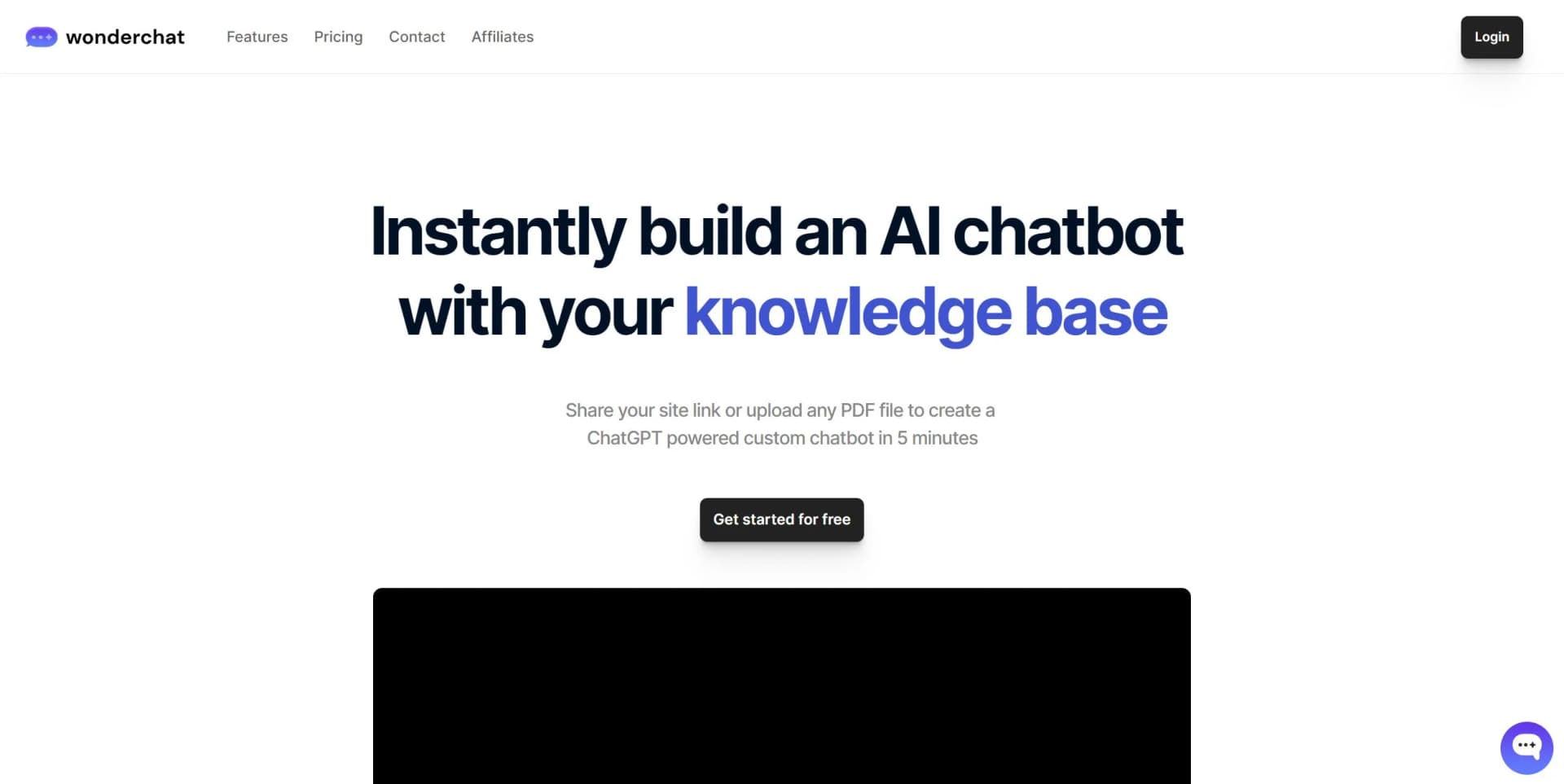
Instantly build AI chatbots from a link to your knowledge base or PDF files.
Key Takeaways
- What it is
- Instantly build AI chatbots from a link to your knowledge base or PDF files.
- Best for
- Rapid Chatbot Creation
- Customization Options
- Advanced Training Capabilities
- Rating
- 4.4/5
What is Wonderchat?
Wonderchat is a transformative tool designed to revolutionize customer support and engagement on websites. It allows businesses to instantly build custom AI-powered chatbots using their own data sources such as website links and PDF files. These chatbots are trained to provide accurate, human-like responses, effectively handling a significant portion of support queries. Wonderchat is crafted to be GDPR compliant and can be embedded directly onto a site, offering instant 24/7 support and reducing support workload by up to 70%.
Wonderchat differentiates itself with its quick setup process and the ability to create a customized GPT model by simply uploading PDFs or website links. This unique approach to building AI chatbots simplifies the integration of complex AI into a user-friendly format suitable for any business aiming to enhance its digital customer experience.
Wonderchat excels at providing a streamlined and efficient way to implement AI chatbots, making it an indispensable tool for businesses seeking to enhance customer support and engagement. Its ability to quickly train on existing content and provide human-like interactions offers an unmatched advantage in improving customer experience. With its easy integration and customization, Wonderchat empowers businesses to maximize their support capacity without the need for additional hiring, positioning it as a smart investment for businesses focused on innovation and customer satisfaction.
Who is Using Wonderchat?
E-commerce Stores
Enhancing customer service with instant support and product information.
Tech Startups
Providing quick answers to common tech-related queries and troubleshooting.
Educational Platforms
Assisting students and educators with immediate access to informational content.
Healthcare Providers
Offering guidance and responses to frequently asked health and service questions.
Uncommon Use Cases
Real estate agencies using it to instantly answer property-related queries; Non-profit organizations utilizing it to engage with supporters and provide information.
Key Features
Rating Breakdown
Pricing Plans
Free Trial
- Start with 10 free messages to test the chatbot with your chosen website link or PDF
Paid Plans
- Offers various tiers with additional features
- Suitable for businesses of different sizes
Which Wonderchat plan should you pick?
Start with Free to test a small chatbot; upgrade to Basic for small support teams, Scale for growing operations, or Enterprise for custom capacity and enterprise controls.
Free
Good for testing Wonderchat with limited resolutions, one AI agent, 50 webpages, and basic integrations.
Basic
Good for small support teams that need more credits, additional agents, team seats, and chat workflows.
Scale
Good for growing support operations that need higher capacity, advanced analytics, voice capabilities, and helpdesk integrations.
Enterprise
Good for large or regulated teams that need custom capacity, custom integrations, SSO, SOC 2, HIPAA options, and priority support.
Wonderchat Use Cases
Automated customer support
Train an agent on company content and deploy it on a website or messaging channel to answer customer questions.
Outcome: Fewer repetitive support requests and human handoffs for complex cases.
Lead qualification
Use conditional conversation paths to ask qualification questions and collect company size, budget, timeline, and use case.
Outcome: More qualified leads for sales teams.
Demo request automation
Answer product questions, qualify prospects, collect details, and support demo scheduling from a chatbot.
Outcome: A more efficient demo-request process.
Internal knowledge assistant
Train shared agents on company documents, SharePoint, Google Drive, PDFs, websites, and other knowledge sources.
Outcome: Employees receive source-cited answers from organizational knowledge.
Helpdesk ticket deflection
Connect Wonderchat to Zendesk or Freshdesk so routine questions are answered and unresolved issues are escalated.
Outcome: Reduced repetitive ticket volume and better escalation context.
Workflow Ideas with Wonderchat
Lead qualification and CRM handoff
- 1Ask visitors conditional qualification questions
- 2Collect contact and qualification details
- 3Send qualified leads to HubSpot, Salesforce, ActiveCampaign, or another CRM
Support escalation workflow
- 1Answer questions from the connected knowledge base
- 2Detect when the chatbot cannot confidently answer
- 3Hand the conversation to a human or create a helpdesk ticket
API-powered chatbot workflow
- 1Translate the user's request into an API-friendly format
- 2Choose and execute the configured API call
- 3Present the returned result in plain language
How Wonderchat fits into your stack
Website Platform Support
Compatible with Wordpress, Framer, Wix, Shopify, Squarespace, Webflow, Notion, and Bubble.
Language Versatility
Offers multi-language support to cater to a global audience.
Team Management
Allows for multiple team members to collaborate and manage chatbots.
Custom Integration
Custom solutions available for enterprise plans.
Pros
- +Seamless Integration: Easily embed the chatbot into various website platforms with a simple script.
- +24/7 Customer Support: Provides around-the-clock assistance without the need for additional staffing.
- +User Experience Enhancement: Offers accurate, fast, and human-like responses to improve customer satisfaction.
- +Multi-Language Support: Capable of understanding and responding in the language of the user's query.
- +Team Collaboration: Allows multiple team members to manage and maintain chatbots within an organization.
Cons
- −Limited Free Trial: Offers only 10 free messages, which may not be enough to fully test the chatbot's capabilities.
- −Potential for Over-Reliance: Businesses may become too dependent on AI, potentially overlooking the value of human interaction.
- −Learning Curve: Some users may need time to fully understand and utilize all the features and customization options.
Limitations & when to consider alternatives
Known limitations
- Free-plan usage limits. The Free plan includes 20 credits, approximately 10 resolutions per month, 50 stored webpages, and one AI agent.
- Team functionality requires a qualifying plan. The team-management documentation states that creating a team requires the Turbo plan.
- API rate limits apply. The API documentation says requests are subject to rate limits and advises contacting support for higher limits.
- Private-site crawling needs authentication details. Adding pages behind authentication may require a valid session cookie.
- Supported source formats are defined. The documented file and media sources include specific document, audio, and video formats rather than unrestricted file processing.
Look elsewhere when
- You need a native mobile app.
- You need a browser extension.
- You need an image-analysis tool.
- You need a coding assistant.
How to Use Wonderchat
- 1
The Wonderchat platform is designed to be intuitive and user-friendly. However, for those seeking tutorials, Wonderchat may offer guidance through their support channels or documentation to help users get started quickly and effectively.
Who is Wonderchat For?
Support teams
They can deflect repetitive questions, automate FAQs, and hand uncertain conversations to human agents.
Sales and marketing teams
They can qualify website visitors, capture leads, book demos, and synchronize prospects with CRM systems.
Financial firms
They can deploy source-attributed assistants trained on financial policies, products, and procedures.
Enterprise and regulated organizations
They can use role-based access, SSO, SAML, compliance controls, and EU-hosted data options.
Developers
They can use the REST API, JavaScript SDK, webhooks, custom tools, and programmatic content ingestion.
Frequently Asked Questions
What is Wonderchat?
Wonderchat is a no-code AI chatbot builder that creates chatbots from websites, files, videos, and connected knowledge sources.
How quickly can I create a chatbot?
The documentation says users can set up their first chatbot in about five minutes.
What languages does Wonderchat support?
Wonderchat supports more than 100 languages and can automatically detect and respond in the user's language.
Can Wonderchat connect to external applications?
Yes. It provides native integrations, Zapier connectivity, custom chatbot tools, webhooks, and a REST API.
Can Wonderchat be used for lead qualification?
Yes. Custom workflows can ask conditional qualification questions, collect lead details, and support demo scheduling.
Can teams collaborate in Wonderchat?
Yes. Teams can share chatbots, invite members, manage integrations, and assign role-based permissions.
Community reviews
3 reviews from people who use Wonderchat.
Sign in to leave a review for Wonderchat.
Stephen
Arlene Lord
Jet Trubelood
Wonderchat Alternatives
Looking for alternatives to Wonderchat? Here are similar tools in the same category:
Learn to Master Wonderchat
With Skill Leap courses
Get in-depth training on Wonderchat and 50+ other AI tools with our expert-led video courses.
Start 7-Day Free Trial