
Wondershare Filmora
Easy-to-use video editing software for creators of all levels.
Key Takeaways
- What it is
- Easy-to-use video editing software for creators of all levels.
- Pricing
- Freemium
- Best for
- AI Music Generator
- AI Copilot Editing
- AI Text-to-Video Conversion
- Rating
- 4.4/5
What is Wondershare Filmora?
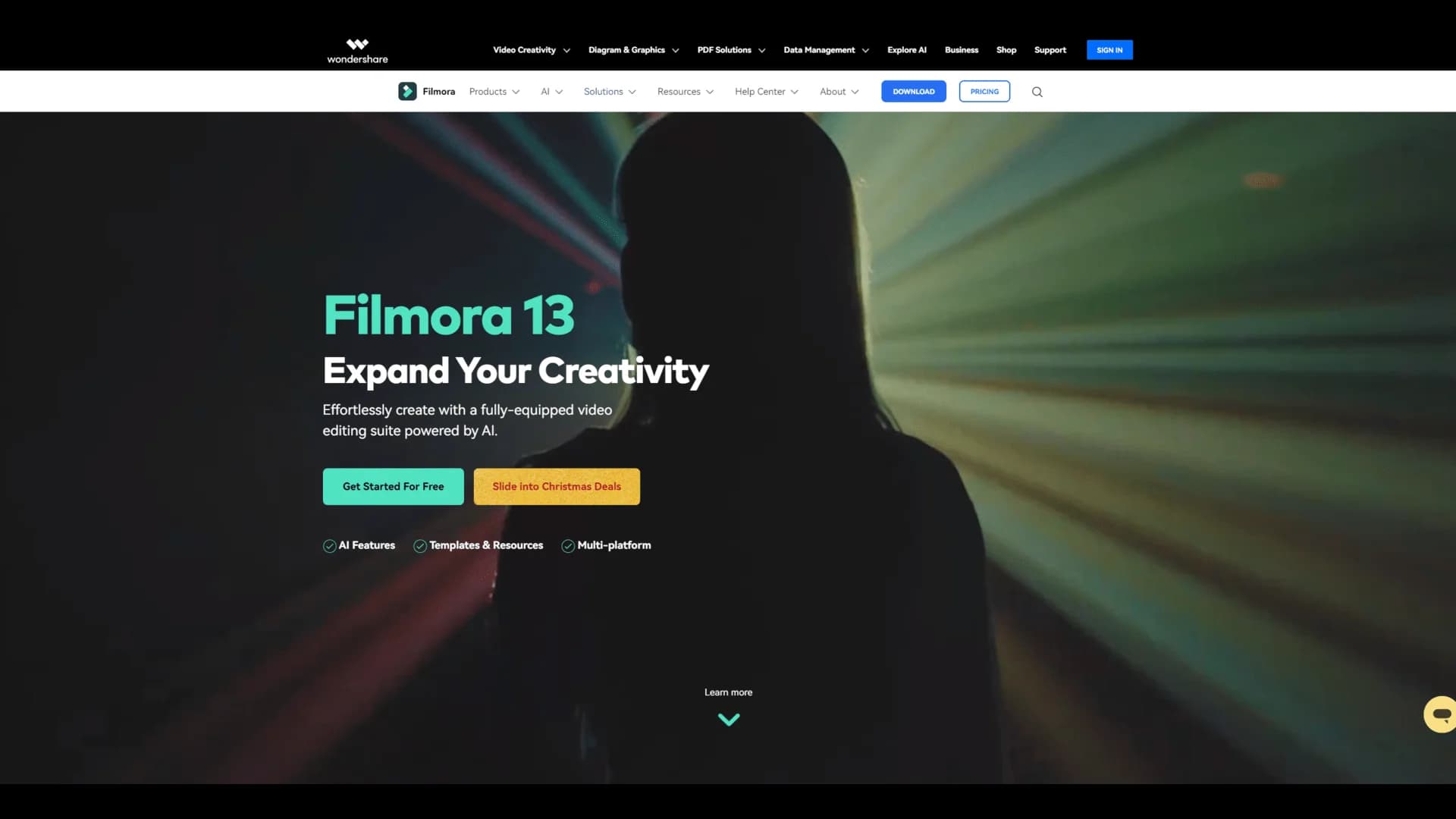
Filmora makes video editing easy and fun. It enables you to add tons of effects and transitions to give your videos an impressive look. In addition, you can change the speed of playback and adjust the volume setting while editing your videos with this AI-powered software. Whether you want to convert text into a video or looking forward to performing a text-based video editing, Wondershare Filmora will be your efficient and trusted partner. It runs perfectly on Windows and Mac operating systems. This tool offers a free version for newbies. The premium plans for professional creators are also cost-effective.
What sets Filmora apart is its balance of simplicity and functionality. It's not just a basic video editor but a gateway for beginners to step into more advanced editing while offering enough depth for seasoned creators.
Filmora is a fantastic tool for anyone looking to dive into video editing without feeling overwhelmed. Its user-friendly interface, combined with a robust set of features, makes it an excellent choice for various users. Whether you're creating content for social media, business, or personal projects, Filmora offers a perfect blend of simplicity and functionality at an affordable price.
Who is Using Wondershare Filmora?
Content creators
Looking for an easy-to-use editing tool.
Small business owners
Creating marketing videos.
Educators and students
For academic presentations.
Amateur filmmakers
For short film projects.
Podcasters
Needing video editing for visual podcasts.
Uncommon Use Cases
Event organizers focused on creating promotional videos; Video marketers wanting to enhance product demos; Family historians interested in preserving and sharing family memories.
Key Features
Rating Breakdown
Pricing Plans
Free
Free
- Basic editing features
- Export videos with watermark
- 15 free AI Mate uses per day
Basic
- 2.9M+ Filmora Creative Assets
- 1 GB Cloud Storage
- Continuous Version Upgrades
- Export in Multiple Formats
- Export Without Watermark
- 4K HD Export
- 100+ Advanced Video Editing Features
- 500 Free AI Mate Conversations
Advanced
- 1,000 Filmora AI Credits/mo
- Used for 20+ AI features
- Everything included in Basic
- 2.9M+ Filmora Creative Assets
- 10 GB Cloud Storage
- Continuous Version Upgrades
- Export in Multiple Formats
- Export Without Watermark
- 4K HD Export
- 100+ Advanced Video Editing Features
Perpetual
- 1,000 Filmora AI credits
- 2.9M+ Filmora Creative Assets
- 1 GB Cloud Storage
- Updates Within Filmora 15
- Export Without Watermark
- Export in Multiple Formats
- 4K HD Export
- 100+ Advanced Video Editing Features
- 500 Free AI Mate Conversations
Which Wondershare Filmora plan should you pick?
Start with Free to test editing, choose Basic for regular watermark-free editing, and upgrade to Advanced when you need recurring AI credits.
Free
Good for users who want to test Filmora's core editing experience before paying.
Basic
Good for individual creators who need watermark-free exports, 4K output, cloud storage, and core editing features.
Advanced
Good for creators who regularly use Filmora's AI tools and need monthly AI credits.
Perpetual
Good for users who prefer a one-time purchase and only need updates within one major Filmora version.
Wondershare Filmora Use Cases
Training videos
Record a screen, remove silences, add voiceover or text-to-speech, and generate captions.
Outcome: A polished training video exported in high resolution.
Multilingual video localization
Upload a video, select source and target languages, translate speech and captions, then review the result.
Outcome: A localized video with translated audio, subtitles, and optional lip-sync.
AI image-to-video creation
Upload a reference image, generate motion from a prompt, edit the result, and export it.
Outcome: An animated video created from a still image.
Collaborative video review
Upload a project to Filmora Workspace, share a link, and invite others to comment or review.
Outcome: Time-based feedback and shared video review across collaborators.
Social-media content creation
Create short videos with templates, captions, music, effects, and vertical aspect ratios.
Outcome: Export-ready content for social platforms.
Workflow Ideas with Wondershare Filmora
Create a training video
- 1Record the screen with Filmora's Screen Recorder
- 2Trim unnecessary sections and remove silences
- 3Add voiceover, captions, and export the finished video
Translate a video
- 1Import the video or audio file
- 2Choose the source language, target language, and translation mode
- 3Preview, edit, and export the translated video
Create an image-to-video clip
- 1Upload an image in Filmora's Image-to-Video workflow
- 2Generate a prompt or describe the desired motion
- 3Edit the generated clip and export it
How Wondershare Filmora fits into your stack
Desktop
Filmora is primarily a downloadable Windows and Mac video-editing application with timeline editing, effects, AI tools, and export workflows.
Mobile
Native iOS and Android apps support mobile video editing, templates, captions, AI creation, and social-media-oriented exports.
Knowledge and files
Filmora Workspace and Wondershare Drive provide cloud storage, cross-platform project access, sharing, frame-by-frame review, comments, and project-file uploads.
Cloud storage and media sources
The desktop editor can import media from Google Drive, OneDrive, and Dropbox for further editing.
Pros
- +User-friendly interface: Perfect for beginners.
- +Extensive range of editing tools and effects: Unlock your creativity.
- +Supports a wide variety of file formats: Flexibility for diverse projects.
- +Regular updates with new features and improvements: Staying current.
- +Affordable pricing with different plans to suit various needs: Budget-friendly options.
Cons
- −Advanced users may find the features somewhat limited: Not for highly advanced editing.
- −Occasional lags and crashes reported by some users: Minor performance issues.
Limitations & when to consider alternatives
Known limitations
- Free-plan export restrictions. The Free plan does not provide the same watermark-free export benefits as paid plans.
- Perpetual-license upgrade limits. Perpetual plans cover updates within the purchased major version but do not include future major-version upgrades.
- AI credit consumption. AI functions use Filmora AI credits, with monthly allocations varying by plan.
- Lip-sync duration limit. The Filmora guide states that lip-sync is limited to videos of five minutes or less.
- Project media references. Filmora project files reference source media locations; moving, renaming, or deleting source files can break links.
Look elsewhere when
- You need a documented Filmora developer API.
- You need SSO or SAML authentication.
- You need programming-code generation.
- You need fine-tuning or training of a custom AI model.
How to Use Wondershare Filmora
- 1
Wondershare Filmora - Complete Filmora Video Editor Tutorial!
Who is Wondershare Filmora For?
Designers and creatives
Filmora provides visual editing tools, effects, templates, AI generation, and cloud workflows for creative production.
Marketers and communicators
Teams can create branded videos, promotional content, captions, translations, and social-media-ready exports.
Sales, HR, and management
Filmora's business offering supports training, internal communications, presentations, and organizational video production.
Content creators
Filmora is positioned for creators making YouTube, TikTok, Instagram, and other social video content.
Students
Filmora's cloud workflow supports students who back up projects at school and continue editing from home.
Frequently Asked Questions
Does Filmora have a free plan?
Filmora's pricing comparison includes a Free plan. Paid plans add watermark-free exports, expanded AI credits, cloud storage, and other features.
What is the difference between Basic and Advanced?
Advanced includes everything in Basic plus monthly Filmora AI credits and additional AI tools such as AI Copywriting, AI Music, and AI Text-to-Video.
What is the Perpetual plan?
The Perpetual plan is a one-time purchase for a specific Filmora version and includes updates within that major version, not future major upgrades.
Can Filmora be used on mobile devices?
Filmora provides dedicated iOS and Android applications through its official mobile user guide.
Does Filmora support collaboration?
Filmora Workspace lets users share videos, invite others to comment, and collaborate across desktop and mobile workflows.
How many languages does Filmora support for translation?
Filmora's AI Video Translation supports up to 23 languages, with voice, subtitle, and lip-sync translation options.
Community reviews
Be the first to share your experience.
Sign in to leave a review for Wondershare Filmora.
Wondershare Filmora Alternatives
Looking for alternatives to Wondershare Filmora? Here are similar tools in the same category:
Learn to Master Wondershare Filmora
With Skill Leap courses
Get in-depth training on Wondershare Filmora and 50+ other AI tools with our expert-led video courses.
Start 7-Day Free Trial