
WonderShare ToMoviee AI
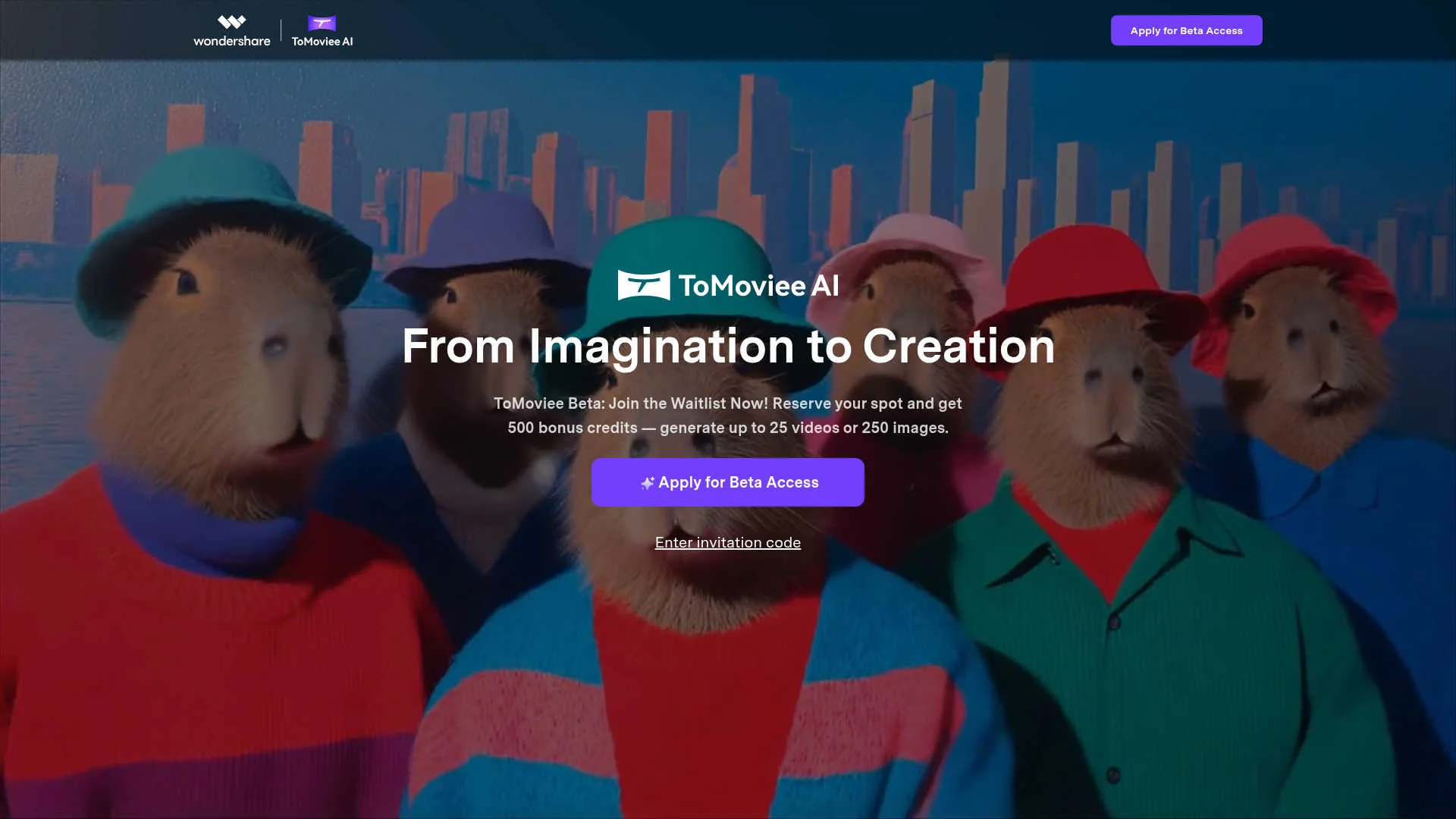
Create movies, images, and audio from text.
Watch WonderShare ToMoviee AI in Action
Key Takeaways
- What it is
- Create movies, images, and audio from text.
- Best for
- Text to Video
- Image to Video
- AI Image Generation
- Rating
- 4.5/5
What is WonderShare ToMoviee AI?
WonderShare ToMoviee AI, available at tomoviee.ai, is a cutting-edge AI creative studio that transforms how creators bring their visions to life. This tool is designed to empower individuals and professionals by facilitating the creation of videos, images, and audio with AI-driven precision. Whether you're crafting compelling stories or producing high-quality multimedia content, ToMoviee AI provides the tools to do so efficiently and creatively.
WonderShare ToMoviee AI distinguishes itself with its all-in-one creative suite that combines text-to-image, image-to-video, and text-to-music capabilities into a single platform. Its ability to simulate real-world movement and lighting, coupled with fine-tuned control over content creation, makes it a standout tool for storytellers and multimedia creators.
WonderShare ToMoviee AI offers a robust platform for creators looking to push the boundaries of digital storytelling. With its comprehensive suite of AI-powered tools, users can produce high-quality multimedia content efficiently. Whether you're a solo creator or part of a larger team, ToMoviee AI provides the capabilities needed to bring your creative visions to life with precision and speed.
Who is Using WonderShare ToMoviee AI?
Content Creators
Leveraging the tool to amplify content output and maintain quality across social media platforms.
Design Teams
Utilizing the suite for rapid generation of visual and audio content, enhancing client presentations and campaigns.
Brand & Marketing Teams
Transforming written copy into engaging multimedia campaigns, boosting consistency and output.
Filmmakers & Video Editors
Employing AI to understand cinematic language, optimizing camera movements, and rendering high-quality footage.
Uncommon Use Cases
Embraced by educators for teaching multimedia content creation; adopted by independent musicians for composing original soundtracks.
Key Features
Rating Breakdown
Pricing Plans
Currently in Beta
- Access is limited as the tool is still in beta. Features and performance may change as improvements roll out
Which WonderShare ToMoviee AI plan should you pick?
Start with the Basic Membership if you are testing core generation; upgrade to Standard Membership or Pro Membership when you need substantially more monthly credits.
Basic Membership
Good for individual creators who need introductory monthly credits for video, image, audio, and speech generation.
Standard Membership
Good for creators with recurring production needs who require a larger monthly credit allowance.
Pro Membership
Good for high-volume creators and production workflows that need the largest documented monthly credit allocation.
WonderShare ToMoviee AI Use Cases
Text-to-video creation
Enter a prompt describing the subject, motion, scene, lighting, and camera language.
Outcome: A generated short video with selectable aspect ratio and quality mode.
Image animation
Upload a start frame or start-and-end frames and describe the desired motion.
Outcome: A dynamic five-second video generated from still imagery.
Reference-based image generation
Upload a reference image and preserve character, object, or pose details while changing the scene.
Outcome: A controlled variation of the supplied image.
Partial image repainting
Upload an image, brush over an area, and describe the replacement content.
Outcome: The selected object, person, background, or text is regenerated.
AI audio production
Describe music, sound effects, background music, or narration using text prompts.
Outcome: Generated audio assets for videos, games, and other creative projects.
Workflow Ideas with WonderShare ToMoviee AI
Script to multimedia scene
- 1Write a text prompt describing the subject, motion, and scene
- 2Generate an image or video
- 3Add generated music, sound effects, or voice narration
Reference image to extended video
- 1Upload a reference image or source video
- 2Generate an image-to-video sequence
- 3Extend the generated video in four-second continuation cycles
Photo retouch to animated asset
- 1Upload a photo and brush the area to modify
- 2Describe the replacement and generate the edited image
- 3Use the edited image as a video-generation start frame
How WonderShare ToMoviee AI fits into your stack
Browser
ToMoviee operates as a browser-based creative studio for generating and editing video, images, audio, and speech. Users access creation tools through ToMoviee Studio and the web interface.
Automation and APIs
The developer platform exposes multimodal APIs for text-to-video, image-to-video, video continuation, image processing, music, sound, speech, and video soundtrack generation. API keys, application secrets, Swagger/Postman testing, and call-log monitoring are documented.
Knowledge and files
Users upload images and videos or reuse materials from My Assets to drive image-to-video, video extension, reference-image, and other creative workflows.
Pros
- +Time Efficiency: Accelerates content creation with 8x faster rendering speeds, allowing ideas to materialize quickly.
- +Creative Control: Offers fine-tuned precision over elements like camera movements and scene composition, ensuring your creative vision is accurately realized.
- +Versatile Media Creation: Supports a wide range of media types, from video and images to music and voice, in one integrated platform.
- +High-Quality Output: Produces content that is indistinguishable from reality, solving the "uncanny valley" issue with AI-generated visuals.
Cons
- −Initial Learning Curve: New users may need time to familiarize themselves with the extensive features and capabilities.
- −Limited Integration: Currently, there might be constraints in integrating with other third-party platforms, which could affect workflow for some users.
- −Beta Access Requirement: Full access to features might require a waitlist or an invitation code, potentially delaying immediate use.
Limitations & when to consider alternatives
Known limitations
- Text-to-video duration. The standard text-to-video workflow generates fixed five-second videos.
- Prompt language coverage. The guide currently documents nine supported languages for text-to-video prompts.
- Reference image requirements. Reference images must be JPG or PNG, no larger than 10 MB, at least 300 pixels, and preferably contain one character.
- Video extension input limit. Video Extend accepts uploaded videos up to 200 MB and extends them by four seconds per continuation cycle.
- Credit restrictions. Purchased credits expire according to the applicable rules and cannot be transferred, withdrawn, refunded, or exchanged for cash.
Look elsewhere when
- You need a desktop installer for Windows, macOS, or Linux.
- Your team needs roles, shared workspaces, or collaborative editing.
- You need third-party integrations such as Slack, Zapier, or Notion.
- You need SSO, SAML, or enterprise identity-provider support.
How to Use WonderShare ToMoviee AI
- 1
Open ToMoviee Studio
Go to the online Creation Square and choose Video Generation, Image Generation, Video Extend, Partial Repaint, Audio Generation, or Text-to-Speech.
- 2
Choose a creation mode
Select text-to-video, image-to-video, reference-to-image, partial repaint, audio generation, or another documented module.
- 3
Add prompts or source media
Enter a prompt and, where applicable, upload a JPG/PNG image or supported video source.
- 4
Configure generation settings
Set options such as camera movement, aspect ratio, resolution, duration, generation quantity, or audio parameters.
- 5
Review credit consumption
Check the displayed credit cost before selecting Generate.
- 6
Download or reuse the result
Preview the generated asset, download it, or use it as a source for another ToMoviee workflow such as video extension or audio integration.
Who is WonderShare ToMoviee AI For?
Video Creators
Generate short videos, vlogs, cinematic scenes, image animations, and extended video sequences.
Graphic Designers
Create concept art, scene compositions, character sketches, reference-based images, and partial image redraws.
Audio Professionals
Produce background music, ambient audio, sound effects, automatic background music, and voiceovers.
Virtual Character Creators
Use voice synthesis, custom voice cloning, image generation, and visual customization for virtual characters.
Content Marketers
Generate creative assets and campaign materials across video, imagery, audio, and speech.
Frequently Asked Questions
What creation capabilities does ToMoviee offer?
ToMoviee provides text-to-video, image-to-video, video continuation, text-to-image, image-to-image, partial repainting, text-to-music, text-to-sound effects, video scoring, and text-to-speech.
Is AI-generated content copyright-free?
Copyright treatment varies by jurisdiction. Wondershare says ownership may depend on prompts, uploaded assets, and local regulations, and recommends legal advice for commercial use.
How is my data used?
The site says personal information is collected, processed, and stored as required by law and is not sold, traded, or rented for marketing.
What languages are supported for text-to-video prompts?
Text-to-video prompts currently support English, Chinese, German, Japanese, Spanish, French, Italian, Korean, and Portuguese.
How do users earn credits?
Users can receive credits through account creation, paid subscriptions, top-up packages, referrals, events, or competitions.
Can purchased credits be refunded?
Purchased credits cannot be transferred, withdrawn, refunded, or redeemed for membership services or cash.
Community reviews
Be the first to share your experience.
Sign in to leave a review for WonderShare ToMoviee AI.
WonderShare ToMoviee AI Alternatives
Looking for alternatives to WonderShare ToMoviee AI? Here are similar tools in the same category:
Learn to Master WonderShare ToMoviee AI
With Skill Leap courses
Get in-depth training on WonderShare ToMoviee AI and 50+ other AI tools with our expert-led video courses.
Start 7-Day Free Trial