
Wondershare Virbo
AI-driven video creation with realistic avatars and customization.
Key Takeaways
- What it is
- AI-driven video creation with realistic avatars and customization.
- Pricing
- Freemium · $9.9 per month
- Best for
- AI Video Generator
- AI Montage Maker
- Text to Video Conversion
- Rating
- 4.4/5
What is Wondershare Virbo?
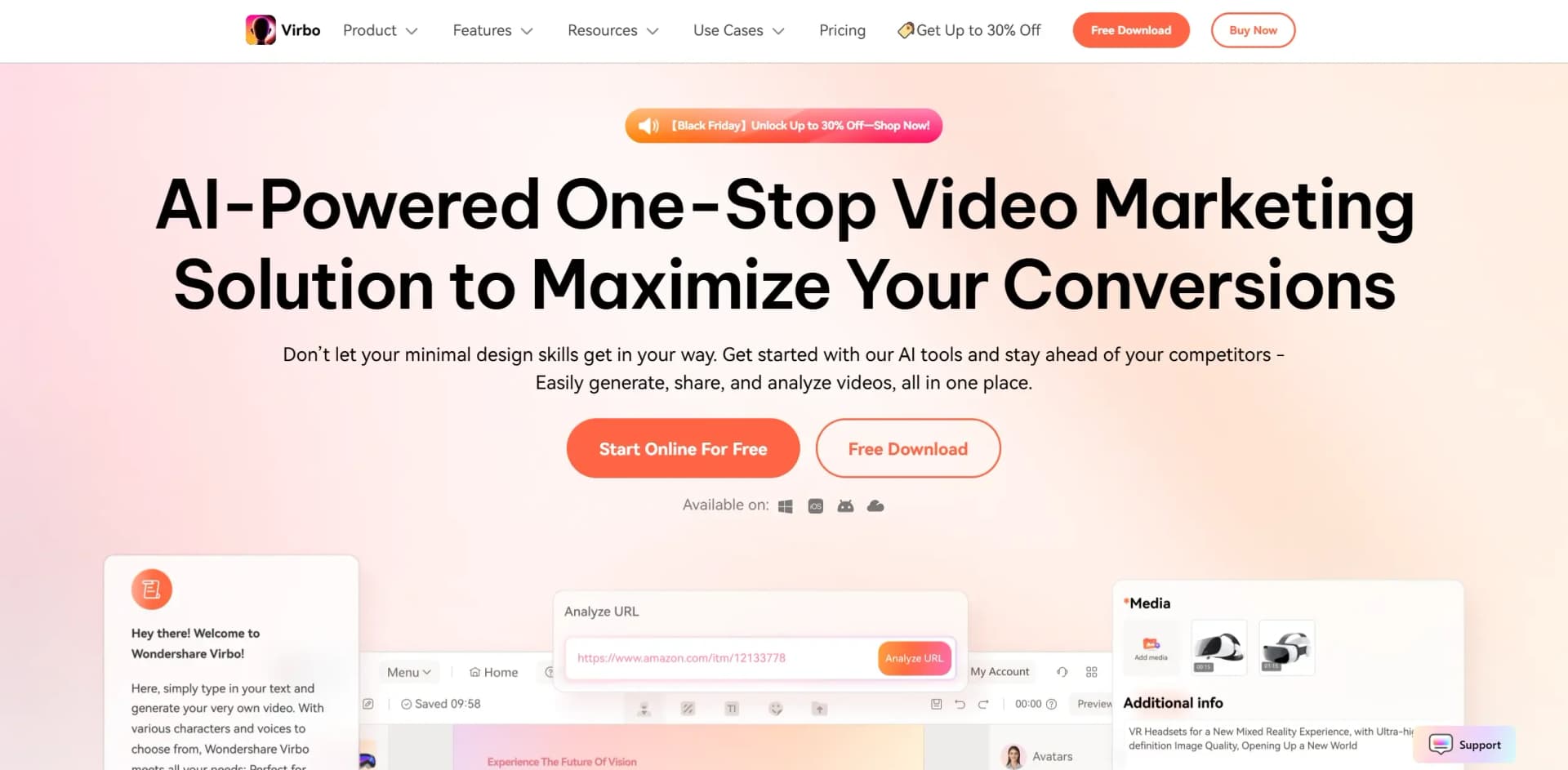
WonderShare Virbo is an AI-powered video marketing solution designed to streamline the creation of engaging video content. As a one-stop platform, Virbo offers a suite of tools that enable users to generate AI-driven videos with realistic avatars, making it an ideal choice for businesses, marketers, educators, and content creators looking to enhance their video marketing strategies. With its comprehensive features, Virbo simplifies the process of video creation, allowing users to produce high-quality content efficiently and effectively.
WonderShare Virbo stands out with its AI-driven video generation capabilities, allowing users to create realistic avatars and dynamic content with minimal effort. Its ability to seamlessly transform text into engaging video presentations makes it a valuable tool for marketers and educators alike, setting it apart in the competitive field of video marketing solutions.
WonderShare Virbo excels in providing a comprehensive video marketing solution that combines AI technology with user-friendly tools. Its ability to create realistic avatars and convert text into video content makes it an essential tool for marketers, educators, and content creators seeking to enhance their video production capabilities. With its innovative features and accessible pricing, Virbo offers an unmatched advantage in the realm of AI-powered video creation.
Who is Using Wondershare Virbo?
E-commerce Businesses
Utilizing the tool to create product demonstration videos that boost online sales.
Digital Marketing Agencies
Employing Virbo for crafting visually appealing marketing campaigns.
Educators
Leveraging the platform to produce engaging educational videos and tutorials.
Content Creators
Using Virbo to enhance video content production with AI-generated elements.
Uncommon Use Cases
Adopted by real estate agents to create virtual property tours; utilized by non-profit organizations for awareness campaigns.
Key Features
Rating Breakdown
Pricing Plans
Free Tier
Free
- Offers a trial period for users to experience Virbo's capabilities
Pro Tier
$9.9 per month
- Providing access to advanced features and tools
Which Wondershare Virbo plan should you pick?
Start with the free tier for basic testing, choose Yearly Plan - Essential for occasional production, and upgrade to Yearly Plan - Pro when you need substantially more annual video minutes.
Yearly Plan - Essential
Good for individuals who need 45 video minutes per year, 1080P exports, cloud storage, and watermark-free output.
Yearly Plan - Pro
Good for heavier users who need 300 video minutes per year while retaining 1080P exports and cloud storage.
Wondershare Virbo Use Cases
Product promotion
Create product videos from text, voice input, product photos, or product links.
Outcome: Ready-to-share promotional videos for marketing and social channels.
Talking-photo videos
Upload a portrait, add a script or audio, select a voice, and animate the image.
Outcome: A talking avatar video generated from a still image.
Training videos
Combine AI avatars, multilingual narration, templates, backgrounds, and captions.
Outcome: Instructional videos without recording a presenter.
Social-media content
Use templates, avatars, subtitles, music, and AI-generated scripts to create short-form videos.
Outcome: Content suitable for social-media publishing.
AI live streaming
Configure a live room with uploaded backgrounds, stickers, scripts, audio, and AI interactions.
Outcome: An AI-avatar live-streaming setup.
Workflow Ideas with Wondershare Virbo
Product video to YouTube automation
- 1Create and export a product video in Virbo
- 2Save the exported video to Google Drive
- 3Use Zapier to upload the new Drive video to YouTube
Talking photo creation
- 1Upload a portrait photo or select one from the media library
- 2Enter text or upload an audio script
- 3Choose a voice and generate the talking-photo video
AI live-room setup
- 1Upload backgrounds, stickers, videos, and audio
- 2Add scripts and configure AI interactions
- 3Launch the live room and trigger responses during the broadcast
How Wondershare Virbo fits into your stack
Browser
Virbo operates as an online AI video workspace for creating avatar videos, talking photos, translated videos, scripts, and live-streaming rooms.
Desktop / IDE
A dedicated Windows application supports local media import, talking-photo creation, voiceovers, subtitles, editing, and video export.
Knowledge and files
Users bring their own images, videos, audio, portraits, backgrounds, stickers, and product media into projects.
Pros
- +Time Efficiency: Significantly reduces the time required to create professional-quality videos.
- +User-Friendly Interface: Simplifies video creation with an intuitive design that requires no advanced technical skills.
- +Cost-Effective: Offers a range of pricing options to suit different budgets, making it accessible for businesses of all sizes.
- +Versatile Applications: Supports a wide range of use cases, from marketing campaigns to educational content.
Cons
- −Initial Learning Curve: Users may need time to become familiar with the full range of features and capabilities.
- −Occasional Stiffness in Avatars: While realistic, avatars may sometimes exhibit stiffness that can detract from the overall visual experience.
- −Limited Integration: Currently, integration with other third-party platforms is limited, which may affect workflow for some users.
Limitations & when to consider alternatives
Known limitations
- Per-video duration limits. The standard yearly plans limit individual videos to a maximum of five minutes.
- Credit-based video production. Paid plans allocate a fixed number of video minutes or credits per billing period.
- Live-room upload limits. Live-room uploads must use supported formats, stay within 1080P, and cannot exceed 1GB or 30 minutes.
- Restricted intelligent interaction. The live guide says intelligent interaction currently supports Alibaba International only.
- Service discontinuation notice. Virbo's official notice says operations were discontinued on June 30, 2025, although previously purchased users may continue using the service.
Look elsewhere when
- You need an API-first integration platform.
- Your organization requires SSO or SAML.
- You need fine-tuning on your own training data.
How to Use Wondershare Virbo
- 1
Choose a creation mode
Open Virbo online or in the app and choose AI video, Talking Photo, image-to-video, URL-to-video, or a template.
- 2
Add your source material
Upload an image, video, audio file, product link, or script depending on the selected workflow.
- 3
Generate or improve the script
Use Virbo's AI Script tool or enter your own text, then translate it when multilingual output is needed.
- 4
Select the avatar and voice
Choose an avatar, language, accent, voice style, background, and other presentation settings.
- 5
Preview and edit
Review the generated video and adjust captions, music, backgrounds, effects, stickers, or timing.
- 6
Export the video
Export the completed video in the available resolution and format, then download or share it.
Who is Wondershare Virbo For?
Creators
The mobile app is designed for creators who want to make product and promotional videos quickly.
Small business owners
Virbo helps small businesses create product videos and promotional content without professional editing skills.
Online sellers
Online sellers can turn product text, photos, voice input, or links into shareable product videos.
Marketers
Virbo provides avatars, multilingual voices, templates, and promotional-video creation for marketing campaigns.
Professors and educators
Virbo's templates and avatar videos can support instructional and training-video creation.
Frequently Asked Questions
What is Virbo's Talking Photo feature?
Talking Photo turns a preset, generated, or uploaded image into a talking video with voice and animation.
How do I create a talking photo?
Upload or select a portrait, enter or upload a script, choose a voice, and generate the video.
Can I use my own photo?
Yes. Virbo lets users upload photos from their devices for talking-photo and image-to-video creation.
What languages does Virbo support?
Virbo supports many human languages and accents, including English, Chinese, Spanish, French, Japanese, and more.
Can I create custom AI avatars?
Yes. Custom avatar plans include a private avatar and voice cloning, with delivery typically taking one to five business days.
Can Virbo be used on mobile devices?
Yes. Wondershare provides Virbo for iOS and Android, as well as Windows and web access.
Community reviews
1 review from people who use Wondershare Virbo.
Sign in to leave a review for Wondershare Virbo.
David Thompson
Wondershare Virbo Alternatives
Looking for alternatives to Wondershare Virbo? Here are similar tools in the same category:
Learn to Master Wondershare Virbo
With Skill Leap courses
Get in-depth training on Wondershare Virbo and 50+ other AI tools with our expert-led video courses.
Start 7-Day Free Trial