
Wordtune
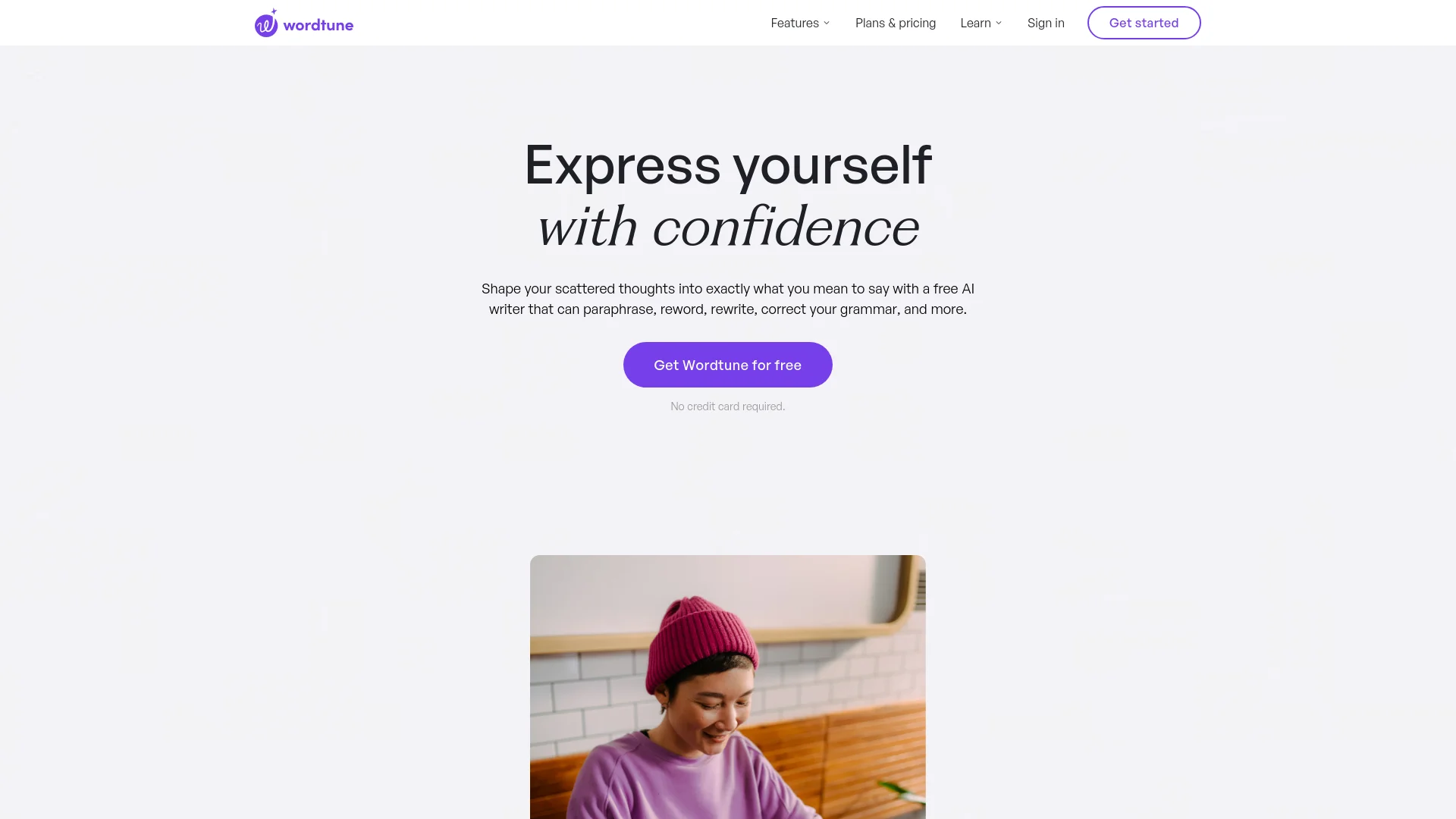
AI-powered tool enhancing writing with paraphrasing, grammar checking, and content creation.
Watch Wordtune in Action
Key Takeaways
- What it is
- AI-powered tool enhancing writing with paraphrasing, grammar checking, and content creation.
- Pricing
- Freemium · $13.99 per month
- Best for
- Rewrite
- Read and Summarize
- AI Writing
- Rating
- 4.6/5
What is Wordtune?
Wordtune revolutionizes the way we write, offering a comprehensive suite of AI-powered tools designed to enhance your writing. Whether you're a student, professional, or content creator, Wordtune simplifies the writing process by providing features like instant paraphrasing, grammar checking, and AI-driven content creation. It’s a one-stop solution for anyone looking to improve their writing efficiency and quality.
Wordtune stands out with its ability to rewrite text at different levels of formality and tone, making it a versatile tool for various writing contexts. Its advanced AI algorithms ensure that the rewritten content maintains the original meaning while improving clarity and engagement.
Wordtune excels in providing a comprehensive writing assistant, making it an essential tool for professionals and individuals alike. Its unique rewriting capabilities, combined with a user-friendly interface and versatile applications, offer an unmatched advantage in improving writing efficiency and quality.
Who is Using Wordtune?
E-commerce Businesses
Utilizing Wordtune to enhance product descriptions and customer communications.
Digital Marketing Agencies
Employing Wordtune for creating compelling campaign content.
Social Media Managers
Leveraging Wordtune to craft engaging posts and messages.
Academic Researchers
Using Wordtune to refine research papers and summaries.
Uncommon Use Cases
Utilized by legal professionals for drafting clear and concise legal documents; Adopted by customer support teams to improve communication clarity.
Key Features
Rating Breakdown
Pricing Plans
Free Tier
Free
- Experience Wordtune with a limited feature set at no cost
Pro Tier
$13.99 per month
- Offering full access to all features
Which Wordtune plan should you pick?
Start with Basic to evaluate Wordtune at no cost; upgrade to Advanced for higher usage and advanced tools, or Unlimited for unrestricted use and SAML SSO.
Basic
Good for occasional writers who need limited rewriting, AI suggestions, summaries, spelling, and grammar checks.
Advanced
Good for consistent writers who need more rewrites and summaries plus paraphrasing, AI generations, fluency suggestions, and grammar refinements.
Unlimited
Good for daily writers who need unlimited features, premium support, Business support, SAML SSO, and centralized billing.
Wordtune Use Cases
Rewrite and refine writing
Users rewrite words, sentences, or paragraphs and adjust tone, length, clarity, grammar, and spelling.
Outcome: Clearer, more polished writing.
Summarize research material
Users upload PDFs or provide links and articles for summarization.
Outcome: Key information is extracted into shorter summaries.
Draft emails and messages
Users generate or improve emails, Slack messages, social posts, and other online writing.
Outcome: Faster drafting with more appropriate phrasing and tone.
Translate into English
Users write in supported languages and use Rewrite to translate the text into English.
Outcome: More fluent English communication.
Create marketing content
Users generate blog copy, headlines, captions, product descriptions, and newsletter messaging from prompts or templates.
Outcome: Original content suited to the intended audience.
Workflow Ideas with Wordtune
Research and summarize a PDF
- 1Open the Wordtune Editor
- 2Create a New Summary and upload a PDF
- 3Review the generated summary and save it in the Summaries library
Draft and polish an email
- 1Open Wordtune in Gmail or another supported writing platform
- 2Generate or rewrite the email text
- 3Adjust the tone and correct grammar before sending
Translate and refine a message
- 1Enter text in one of Wordtune's supported source languages
- 2Use Rewrite to translate it into English
- 3Choose a tone or length that fits the intended audience
How Wordtune fits into your stack
Google Docs
Seamlessly integrates with Google Docs for streamlined writing and editing.
Microsoft Word
Compatible with Microsoft Word, enhancing your document creation process.
Chrome Extension
Available as a Chrome extension for easy access while browsing.
Slack Integration
Supports integration with Slack for improved team communication.
Pros
- +Time Efficiency: Reduces writing and editing time significantly, allowing users to focus on other tasks.
- +User-Friendly Interface: The intuitive design makes it accessible for users of all skill levels.
- +Versatile Applications: Suitable for a wide range of writing tasks, from emails to social media posts.
- +High-Quality Output: Produces polished and professional content with minimal effort.
Cons
- −Initial Learning Curve: Requires some time to familiarize with all features and functionalities.
- −Limited Free Tier: The free version offers limited access to features, encouraging users to upgrade to a paid plan.
Limitations & when to consider alternatives
Known limitations
- Limited free-plan usage. The Basic plan limits rewrites and AI suggestions daily and summaries monthly.
- English output for translation. Supported-language input is translated and rewritten into English; the documented translation feature does not provide general multilingual output.
- No Android app. The official help center says the mobile app is currently available on iPhone only and Android is not supported.
- No standalone Mac desktop app. Wordtune is delivered through its web app and browser extensions; the former Mac desktop beta has been discontinued.
- Summarizer file scope. Wordtune Read documents support for PDFs and online articles, rather than arbitrary image or spreadsheet analysis.
Look elsewhere when
- You need an Android mobile app.
- You need a standalone desktop installer.
- You need shared document collaboration.
How to Use Wordtune
- 1
Explore the comprehensive tutorial series on YouTube, covering from basic setup to advanced features of Wordtune. Additionally, the Wordtune website offers an extensive help center and blog with tips and tricks.
Who is Wordtune For?
Content marketers
The official guide positions Wordtune for creating blog content, product descriptions, reports, and marketing copy.
Business professionals
Wordtune helps business users draft and improve emails, reports, documents, and professional communications.
Social media managers
The tool supports social captions, posts, and messaging with rewriting, tone adjustment, and AI generation.
Students and educators
Wordtune supports essays, reports, academic writing, student feedback, and education workflows.
Non-native English speakers
Wordtune translates and rewrites text from multiple languages into English.
Frequently Asked Questions
Is Wordtune free?
Yes. Wordtune offers a free Basic plan with limited daily rewrites and AI suggestions, three monthly summaries, and unlimited spelling and grammar checks.
Does Wordtune have an API?
Yes. Wordtune says it offers an API for integrating its generative writing and reading capabilities into applications, platforms, and products.
Where can Wordtune be used?
Wordtune is available as a web app, Chrome extension, Edge add-on, Firefox add-on, Arc extension, and iPhone app.
What languages does Wordtune support?
Wordtune translates and rewrites text from Chinese Mandarin, Arabic, Hebrew, Korean, Hindi, Russian, Spanish, German, French, and Portuguese into English.
Can Wordtune summarize files?
Yes. The Editor can summarize links, PDFs, articles, and uploaded content.
Does Wordtune offer a Business plan?
Yes. Wordtune Business supports teams with three or more professionals and lets administrators invite or remove team members.
Community reviews
Be the first to share your experience.
Sign in to leave a review for Wordtune.
Wordtune Alternatives
Looking for alternatives to Wordtune? Here are similar tools in the same category:
Learn to Master Wordtune
With Skill Leap courses
Get in-depth training on Wordtune and 50+ other AI tools with our expert-led video courses.
Start 7-Day Free Trial